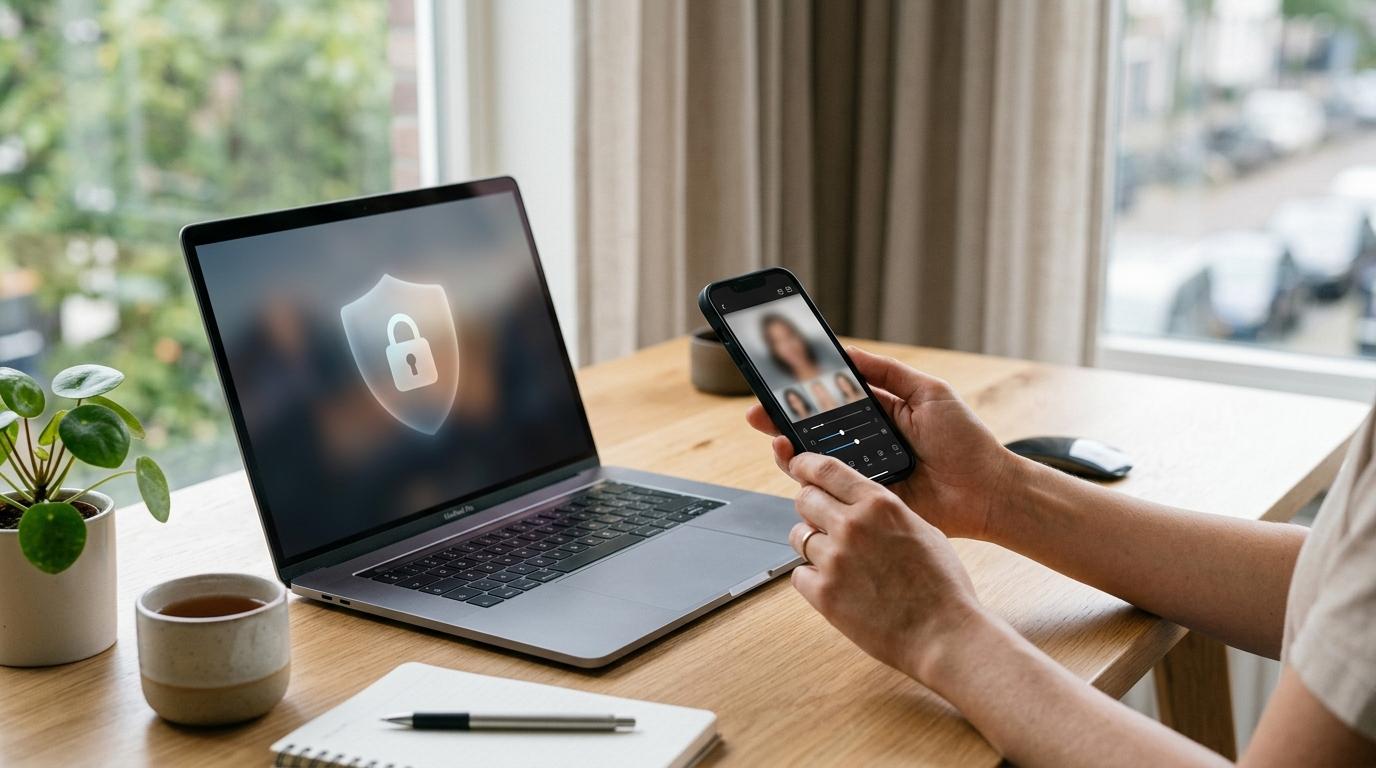
Is it safe to upload your face to an AI photo app?
Sometimes, yes. But it depends on the app — and more importantly, on what the app does with your photos after you upload them.
Before you hand over selfies for an AI headshot, avatar, portrait, beauty filter, or stylized image, take two minutes to check the basics. You want to know whether the app deletes your original photos, whether it uses your selfies to train AI models, whether you can remove your data, and whether the subscription terms are clear before you pay.
This AI photo app privacy checklist will help you spot safer apps, avoid risky ones, and make a more informed choice before uploading your face.
Quick Summary
#Before uploading, check these six things first:
- Photo deletion: Look for a clear timeline for how long uploads are kept.
- AI training: Prefer apps that clearly say your selfies are not used to train broader AI models.
- Data control: Make sure you can delete your photos, generated images, and account data.
- App permissions: Use selected photo access instead of giving full camera roll access.
- Pricing: Check trial, renewal, cancellation, and credit terms before paying.
- Red flags: Avoid vague policies, hidden developer info, full gallery access, and aggressive free trials.
The risky part is not only the final avatar, headshot, or dreamy illustrated portrait. The bigger issue is what happens when you upload face photos and accept terms you may not have fully read.
Who This Is For
#This guide is for anyone thinking about using an AI photo app for:
- AI portraits or avatars
- AI headshots for LinkedIn, resumes, or job applications
- Beauty filters or face edits
- Cartoon, anime, or Ghibli-style images
- Social media profile photos
- “Free” AI selfie apps that ask for multiple face photos
- Paid photo apps, credit packs, or free trials
If you are exploring visual trends, you may also like our guide to Ghibli-style visual elements. But if the tool asks for your actual face, it is worth slowing down first.
Faces are sensitive personal data. Agencies such as the FTC have raised concerns about biometric privacy and misleading data practices. This article is practical guidance, not legal advice.
Why AI Photo App Privacy Matters
#AI photo apps can feel harmless because the results are fun.
You upload a few selfies and get back a polished headshot, fantasy avatar, soft illustrated portrait, or cinematic profile photo. It feels quick, creative, and low-risk.
But the input is often much more personal than the output.
Many AI portrait and headshot apps ask for several photos from different angles. Those images can reveal your face, hairstyle, age range, expressions, home, workplace, location clues, other people, documents, screens, or private spaces in the background.
Some apps may use your photos only to create the result you requested. Others may keep your uploads longer, analyze them, use them to improve services, or include broad language in their terms that gives them more flexibility than you might expect.
That difference matters.
The goal is not to panic or avoid every AI photo tool. The goal is to avoid uploading your face into an app that is vague, careless, pushy, or hard to hold accountable.
What to Check Before Buying or Uploading
#Use this checklist before you start a free trial, buy credits, or upload selfies.
1. Read the Photo Retention Policy
#Start with one simple question:
How long does the app keep my original photos?
A trustworthy app should answer this clearly. Look for specific wording about uploaded images, generated images, temporary processing, account data, and deletion timelines.
Good signs include:
- “Uploaded photos are deleted after processing”
- “Source images are removed within 24 hours,” or another specific timeframe
- “You can delete your uploads from your account”
- “Generated images are stored only while your account is active”
- Clear details about what happens if you delete your account
Red flags include:
- “We retain data as long as necessary” with no useful explanation
- “We may use content to improve our services” without limits
- No separate mention of uploaded photos or face images
- No clear deletion process
- A privacy policy that feels generic and not specific to the app
A short retention period is usually better than indefinite storage. But do not rely only on App Store descriptions or marketing banners. Check the privacy policy and terms before uploading.
2. Check Whether Your Selfies Are Used for AI Training
#This is one of the biggest AI selfie app privacy questions.
There is a major difference between:
- Using your photos temporarily to create the images you requested
- Using your photos to train, improve, or develop broader AI systems
The second one deserves extra caution.
Look for clear language such as:
- “We do not use user uploads to train our general AI models”
- “Your photos are used only to provide the requested service”
- “Uploaded images are not used for model training without consent”
- “We do not sell or share biometric data”
Be careful with vague phrases like:
- “Improve our products”
- “Enhance our models”
- “Develop new features”
- “Analyze user content”
- “Use content to improve the service”
Those phrases are not always bad. Many companies use broad wording in policies. But if the app does not clearly explain whether your face can be used beyond your order, pause before uploading.
If you cannot figure out whether your selfies may be used for AI training, choose another app.
3. Check Deletion Controls
#A privacy-friendly app should make deletion easy.
Before paying or uploading, check whether you can:
- Delete uploaded photos
- Delete generated images
- Delete your account
- Request data removal
- Cancel the service without needing to contact support for basic actions
The best case is a clear “Delete my data” or “Delete account” option in settings.
A less ideal but still workable option is a clear email request process with a stated response time.
A bad sign is when deletion is buried, confusing, incomplete, or missing entirely.
If an app makes it effortless to upload your face but difficult to remove it, that should make you uncomfortable.
4. Limit Photo Access on Your Phone
#Many AI photo apps ask for camera roll access. You usually do not need to give an app your entire gallery just to upload a few selfies.
When your phone allows it, choose selected photo access instead of full library access.
Before granting permission, ask:
- Does this app really need my full photo library?
- Can I upload only the images I choose?
- Does it need camera access, or can I upload manually?
- Why would a photo app need my location?
- Why would a headshot app need my contacts or microphone?
For a deeper phone privacy check, use our app permissions audit for Android and iPhone.
5. Review the Free Trial and Subscription Terms
#Privacy risk and money risk often show up together.
Many AI photo apps use free trials, weekly subscriptions, coin packs, credit bundles, or limited-time offers. Some are fair and transparent. Others are designed to get you to subscribe quickly before you notice the renewal price.
Before you tap subscribe, check:
- Trial length
- Renewal price
- Billing frequency
- Cancellation steps
- Whether unused credits expire
- Whether credits are refundable
- Whether deleting the app cancels the subscription
Deleting an app from your phone usually does not cancel an App Store or Google Play subscription. You need to cancel through your subscription settings if you do not want to be charged again.
This matters because some apps look cheap upfront but become expensive through weekly billing.
6. Check the Developer Behind the App
#Before uploading your face, do a quick trust check.
Look for:
- Developer name
- Company website
- Contact email
- Privacy policy
- Terms of service
- App Store or Google Play reviews
- Recent updates
- Clear support process
Be careful if the app has:
- No real website
- No clear company identity
- Copied-looking reviews
- A generic privacy policy
- No support contact
- No obvious way to report issues or request deletion
You do not need to investigate like a lawyer. Just make sure there is a real, reachable operator behind the app.
7. Think About What Is in the Background
#AI photo privacy is not only about your face.
Before uploading, check each image for:
- Children
- Friends, coworkers, or strangers
- Home interiors
- Office screens
- Documents
- School uniforms
- Name badges
- Location clues
- Car plates
- Private messages
- Screenshots with personal information
If you only need a headshot, crop tightly. Upload the minimum needed for the result.
This is especially important for AI portrait apps, because they often ask for multiple casual photos. People tend to upload whatever looks good without checking what else is visible.
Comparison: Safer AI Photo Apps vs Riskier Ones
#When comparing AI portrait, avatar, headshot, or filter apps, use this quick read:
- Privacy policy: Safer apps are clear, specific, and easy to find. Riskier apps use vague, generic, missing, or hard-to-understand policies.
- Retention: Safer apps say exactly how long uploads are kept. Riskier apps say data may be kept “as needed” without useful limits.
- AI training: Safer apps say uploads are not used for broader model training. Riskier apps rely on broad “improve models” language.
- Deletion: Safer apps offer self-serve deletion or a clear request process. Riskier apps give no clear way to delete photos or account data.
- Permissions: Safer apps let you choose selected photos. Riskier apps demand full gallery access.
- Pricing: Safer apps show final price, renewal terms, and cancellation details. Riskier apps push rushed trials or unclear subscriptions.
- Developer: Safer apps show a clear company name and support info. Riskier apps hide ownership.
- Output quality: Safer apps show realistic samples and limitations. Riskier apps promise perfect results instantly.
If you are comparing tools for quality as well as privacy, read our guide to which AI image generators create the best results.
Best For: Apps With These Green Flags
#A better AI photo app usually has most of these qualities:
- It clearly explains what happens to uploaded selfies
- It says how long original photos are stored
- It says whether photos are used for AI training
- It allows you to delete uploads, generated images, or account data
- It asks only for selected photo access
- It has clear pricing before checkout
- It explains how cancellation works
- It has a real privacy policy and contact details
- It does not pressure you with confusing pop-ups
- It does not hide important terms until after you upload
A paid app is not automatically safer than a free app. But a transparent paid app with clear terms is usually easier to evaluate than a free app that gives you almost no privacy detail.
Avoid If: You See These Red Flags
#Skip the app if:
- The privacy policy is missing or unreadable
- It does not explain what happens to face uploads
- It claims broad rights to user content without clear limits
- It requires full camera roll access for no obvious reason
- It asks for microphone, contacts, or location when they are not needed
- It hides subscription pricing until the last step
- It uses a short free trial with expensive renewal terms
- It has no clear developer identity
- It gives no practical deletion option
- It pushes you to upload many selfies before showing terms
- It makes cancellation confusing
One red flag does not always prove an app is unsafe. Several together are enough reason to walk away.
What About Ghibli-Style AI Photos and Backgrounds?
#Ghibli-style and soft anime-inspired AI images are popular because they feel warm, nostalgic, and easy to share.
The privacy question depends on how the tool works.
If the app only asks for a text prompt to create a background, the personal risk is usually lower. You are not uploading your face.
If the app asks you to upload selfies so it can turn you into a stylized character, treat it like any other AI selfie app.
Before uploading, ask:
- Does it actually need my face?
- Can I create the image with text instead?
- Can I use a non-identifying photo?
- Does the app explain deletion and retention?
- Does it say whether uploads are used for AI training?
- Am I comfortable with the generated image being stored in my account?
For style ideas without uploading personal photos, see Ghibli-style visual elements.
Common Mistakes to Avoid
#Mistake 1: Uploading Too Many Photos
#Some apps ask for 10, 20, or even more images.
Only upload what the app truly needs. More photos can mean more personal detail, more background information, and more exposure if the app handles data poorly.
Mistake 2: Uploading Photos of Other People
#Avoid uploading friends, family members, children, coworkers, or strangers unless you have a clear reason and their permission.
A funny group photo may seem harmless, but AI tools may process every visible face.
Mistake 3: Ignoring the Trial Renewal
#Do not assume you will remember to cancel later.
If you start a trial, check your Apple App Store or Google Play subscription settings right away. Note the renewal date, renewal price, and cancellation deadline.
Mistake 4: Giving Full Gallery Access
#Selected photo access is usually enough.
If an app refuses to work unless it can access your entire camera roll, ask whether the result is really worth that tradeoff.
Mistake 5: Trusting “AI Magic” More Than the Terms
#Beautiful examples do not prove good privacy practices.
Before paying, check the boring pages: privacy policy, terms of service, subscription terms, deletion settings, and app permissions.
That is where the real answer usually is.
A Simple 2-Minute AI Photo App Privacy Checklist
#Before uploading your face, answer these questions:
- Does the app say how long it keeps my original photos?
- Does it say whether my selfies are used to train AI models?
- Can I delete my uploaded photos or account data?
- Can I upload selected photos only?
- Does the app avoid unnecessary permissions?
- Is the developer clearly identified?
- Are trial and renewal prices obvious?
- Can I cancel easily?
- Am I comfortable with every person and object visible in the photos?
- Would I still upload if the app kept the images longer than expected?
If you cannot answer the first three questions, do not upload yet.
Final Buying Advice
#For most people, the safest AI photo app is not the one with the flashiest samples. It is the one that explains its data practices clearly before asking for your face or your card.
Choose apps that are specific about retention, AI training, deletion, permissions, and pricing. Be wary of apps that rush you into a free trial while staying vague about what happens to your selfies.
Your face is not just another upload. Treat it like sensitive personal data, and make the app earn your trust before you pay.