Getting your first interview call feels amazing.
For a few minutes, at least.
Then the questions start running in your head.
What will they ask? How do I explain my final-year project properly? What if I forget the technical basics? What if they ask about a tool I have only used once? What if everyone else sounds more confident than me?
If you are a fresher, this is completely normal.
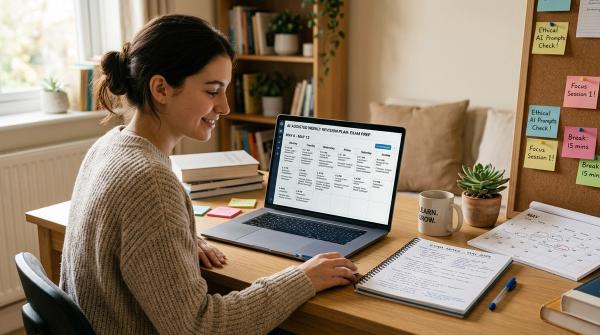
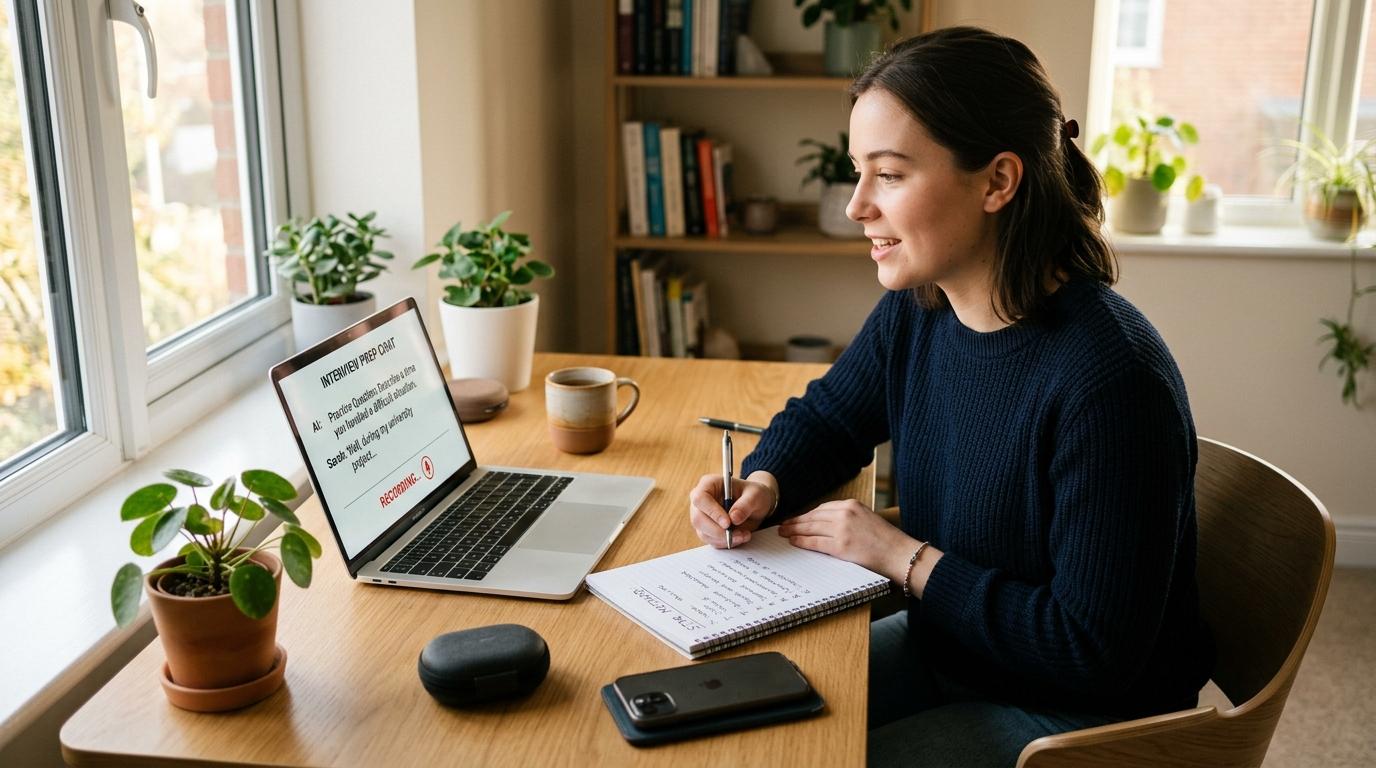
The good news is that AI tools like ChatGPT, Gemini, and NotebookLM can make interview preparation a lot less confusing. They can help you understand job descriptions, practise common questions, improve your answers, and prepare for mock interviews.
But there is one important thing to remember.
AI should help you explain your real story better. It should not create a fake version of you.
Good AI interview practice for freshers is not about copying perfect answers from ChatGPT and memorising them. It is about taking your actual projects, internships, college work, part-time experience, or self-learning and turning them into clear answers you can say confidently.
This guide is written for Indian freshers, college students, internship seekers, and early-career candidates who want to use AI for interview preparation without sounding robotic or sharing private information unnecessarily.
Quick Answer: How should freshers use AI for interview practice?
#Use AI like a practice partner, not like someone who writes your entire personality.
Start with privacy. Do not upload passwords, ID numbers, confidential documents, private college records, salary documents, HR emails, or anything you would not want stored or reviewed somewhere.
Then give AI a safe version of your resume summary and the job description. Ask it to help you find likely interview questions, create STAR interview answers, and run an AI mock interview one question at a time.
The best use of AI is simple:
- It helps you organise your real experience.
- It helps you practise out loud.
- It points out vague or weak answers.
- It helps you sound clearer.
It should not invent skills, marks, certificates, internships, projects, or achievements.
If you cannot explain something honestly in your own words, do not say it in an interview.
Where AI actually helps in fresher interview preparation
#Many freshers feel they have “nothing to say” because they do not have full-time work experience yet.
But that does not mean you have no experience.
You may have worked on:
- A college project
- An internship
- A presentation
- A club event
- A college fest
- A volunteering activity
- A family business task
- A part-time job
- A self-learning project
- An online course assignment
- A competition or hackathon
These things can absolutely be useful in interviews.
The problem is that most freshers explain them in scattered points. AI can help you bring structure to those points.
AI can help you with:
#- Understanding confusing job descriptions
- Finding likely HR, technical, and role-specific questions
- Creating questions based on your actual profile
- Turning real experiences into STAR answers
- Practising answers out loud
- Making your tone simpler and more natural
- Drafting a short interview follow-up email
- Finding answers that sound vague, fake, or too memorised
AI can hurt when:
#- You ask it to create fake experience
- You copy answers word for word
- You upload private or confidential documents
- You trust company facts without checking them
- You use words you would never normally say
- You secretly use AI during a live interview
A simple rule: if the interviewer asks a follow-up question, will you be able to answer honestly?
If yes, use it.
If no, remove it.
A quick note on AI tools and privacy
#Google’s job-search and learning resources show that tools like Gemini and NotebookLM can support job-search and interview preparation tasks. They can help with role research, application review, notes, and practice workflows.
OpenAI provides privacy controls for ChatGPT, including options like Temporary Chat and Memory settings. Google Gemini also has privacy and activity controls, including Gemini Apps Activity settings.
But settings change over time.
So before you paste anything personal into any AI tool, check the current privacy options inside that tool.
Helpful does not always mean private by default.
Step 0: Do privacy checks before using AI
#Before you paste your resume into ChatGPT, Gemini, or any other AI tool, pause for a minute.
Interview preparation can involve personal details like your phone number, email, address, college ID, marks, project files, internship letters, HR emails, and company documents.
Most of this information is not needed for interview practice.
What not to upload or paste
#Avoid sharing:
- Aadhaar, PAN, passport, bank, or payment details
- Passwords or login credentials
- Full home address
- Private family details
- Confidential company documents
- Client data
- Unpublished research or project files
- Offer letters or salary slips
- HR emails
- Documents marked confidential
- Full resume with unnecessary personal information
A safer way to share your background
#Instead of uploading your full resume, create a short edited version.
I am a final-year B.Com student from India applying for an entry-level analyst role.
My experience:
1. College project on customer satisfaction survey using Excel and Google Forms.
2. Two-month internship at a local retail store, where I helped with billing and inventory records.
3. Comfortable with Excel basics, communication, and teamwork.
Do not assume any skills beyond this.
This gives AI enough context without exposing too much personal information.
ChatGPT privacy checks
#Before using ChatGPT for interview practice, check:
- Whether you want to use Temporary Chat
- Whether Memory is on or off
- Whether your chats may be used to improve models
- Whether you are sharing more personal information than needed
OpenAI gives privacy controls, but you still need to use them carefully.
Google Gemini privacy checks
#For Gemini interview practice, check:
- Gemini Apps Activity settings
- Whether your conversations are saved
- What Google says about human review and product improvement
- Whether the file or text you are sharing is safe to upload
If you use NotebookLM, upload only documents you are allowed to use. Do not upload confidential college, company, client, or research material.
Privacy-safe preparation is not about being scared of AI. It is about being sensible.
The 7-step AI interview practice workflow for freshers
#You can use this workflow for campus placements, internship interviews, first job interviews, online interviews, or HR screening rounds.
You do not need to do everything in one day. Even 30 to 45 minutes a day for a few days can make a big difference.
Step 1: Decode the job description
#Freshers often read a job description and immediately feel underqualified.
Sometimes the issue is not your profile. The issue is that the job description is written in complicated corporate language.
AI can translate it into simple English.
Prompt template
#I am a fresher applying for the role of [Role Title] at [Company Name].
Here is the job description:
[Paste JD]
Explain this job description in simple language.
Tell me:
1. The top 3 skills this role needs
2. The daily work I may be expected to do
3. Which parts are must-have and which are good-to-have
4. What a fresher should prepare before the interview
Do not exaggerate.
Do not assume I have experience I did not mention.
Why this helps
#You stop preparing randomly.
Instead of searching “top interview questions for freshers” and reading 50 generic answers, you prepare for the actual role.
For example, a business development associate role may need communication, confidence, basic Excel, and customer-handling skills.
A junior developer role may need coding basics, project explanation, debugging logic, and problem-solving.
Both are fresher roles, but the preparation is different.
Step 2: Match your real experience to the role
#A lot of freshers say, “I have no experience.”
Usually, what they mean is, “I have no full-time job experience.”
That is not the same thing.
You may still have experience from:
- College projects
- Internships
- Part-time work
- Freelance work
- Volunteering
- Class presentations
- Club responsibilities
- Competitions
- Self-learning projects
- Family business work
AI can help you connect these experiences to the role you are applying for.
Prompt template
#I am applying for [Role Title].
Here is my safe resume summary:
[Paste edited summary, not private details]
Match my real experience to this role.
Create a table with:
1. Job requirement
2. My matching experience
3. A simple way to explain it in an interview
4. Any gap I should honestly admit
Important instruction to add
#Do not invent internships, tools, achievements, numbers, or responsibilities.
If something is missing, say it is missing.
This matters because AI sometimes tries to make your profile sound “better” by adding things you never said.
That may look nice on screen, but it can become a problem in the interview.
Step 3: Generate likely interview questions
#Generic question lists are useful, but only up to a point.
For better fresher interview preparation, ask AI to create questions based on the job description and your background.
These are useful AI job search prompts because they connect the role with your actual profile.
Prompt template
#Act as a tough but fair interviewer for an entry-level [Role Title] role.
Based on this job description and my resume summary, ask me:
1. 5 HR questions
2. 5 role-specific questions
3. 5 questions about my projects or internship
4. 3 questions about my weaknesses or gaps
Ask questions suitable for a fresher.
Do not include questions that require senior-level work experience.
Follow-up prompt
#Now rank these questions from most likely to least likely.
Tell me which 5 I should practise first if I have only one hour.
This gives you a smaller, more useful list.
And when you are already nervous, a focused list is much better than 100 random interview questions.
Step 4: Build STAR interview answers from real stories
#The STAR method is a simple way to answer behavioural questions.
STAR means:
- Situation: What was happening?
- Task: What were you responsible for?
- Action: What did you do?
- Result: What happened in the end?
Freshers can use STAR for college projects, internships, team assignments, events, presentations, volunteering, part-time work, and problem-solving examples.
Prompt template for STAR interview answers
#Help me answer this interview question using the STAR method:
"Tell me about a time you solved a difficult problem."
Use only this real experience:
[Describe your real project or situation]
Create a concise answer in simple, conversational English.
Make it sound like a fresher speaking naturally.
Do not add fake achievements or numbers.
Do not use corporate buzzwords.
STAR story table: from rough answer to stronger answer
#Here is how AI can improve your answer without changing the facts.
The answer became clearer.
But it did not become fake.
That is the main point.
Sample mock answer for a fresher
#Question
#“Tell me about yourself.”
Weak answer
#My name is Rahul. I am from Pune. I completed B.Tech in Computer Science.
I am hardworking and passionate. I want to join your company because it is a good company.
This is common, but it is too generic. It does not tell the interviewer much.
Better AI-assisted answer
#My name is Rahul, and I recently completed my B.Tech in Computer Science.
During college, I worked on a final-year project where my team built a basic attendance tracking system. I mainly handled the database part, and I learned how important testing and clear communication are when working in a team.
I am now looking for an entry-level software role where I can improve my coding skills, learn from experienced developers, and contribute to real projects.
This answer is still simple. It does not sound like a senior professional. But it gives the interviewer something real to ask about.
Prompt to create your own version
#Help me answer "Tell me about yourself" for a fresher interview.
My background:
[Add your degree, project, internship if any, key skills, and target role]
Write a 45-second answer in natural spoken English.
Keep it honest and simple.
Do not add fake experience.
Avoid phrases like "I am passionate about excellence" or "I want to leverage my skills."
Step 5: Run an AI mock interview out loud
#Typing answers is useful, but it is not enough.
In a real interview, you have to speak. You have to listen to the question, think quickly, and answer without reading from notes.
That is why an AI mock interview can help.
You can use ChatGPT voice features, Gemini, Gemini Live where available, or any other tool that allows voice practice. The tool is less important than the habit of answering out loud.
ChatGPT interview prompts for mock practice
#I want to practise for a fresher interview for [Role Title].
Ask me one question at a time.
Rules:
1. Wait for my answer before asking the next question.
2. After each answer, give me one strength and one improvement point.
3. Do not give long praise.
4. If my answer sounds fake, vague, or memorised, tell me.
5. Keep the interview realistic for an entry-level candidate.
Gemini interview practice prompt
#I am preparing for an entry-level [Role Title] interview.
Conduct a mock interview with me.
Ask one question at a time.
Include HR, project-based, and role-specific questions.
After each response, give short feedback on clarity, structure, and honesty.
Do not create answers for me unless I ask for help improving one.
Prompt for stricter practice
#Be a slightly tough interviewer.
Ask follow-up questions if my answer is vague.
If I claim a skill, test me with a basic question on that skill.
Do not let me move ahead with unclear answers.
This kind of practice may feel uncomfortable at first.
But that is exactly why it helps.
Real interviewers ask follow-up questions. If you say, “I know Python,” they may ask what you built with it. If you say, “I worked in a team,” they may ask what problem happened in the team and how you handled it.
Practise that discomfort before the actual interview.
Step 6: Verify company facts before using them
#AI can be wrong.
And sometimes it can be wrong very confidently.
So if AI tells you:
- The company launched a new product
- The company acquired another company
- The CEO said something recently
- The company opened a new office
- The role belongs to a specific team
- The company has a certain number of employees
Check it before saying it in the interview.
Use the company website, official blog, careers page, LinkedIn page, annual report if relevant, or reliable news sources.
Do not repeat a fact just because AI made it sound polished.
Safe prompt for company research
#Help me prepare for an interview with [Company Name].
Give me a checklist of company facts I should verify before the interview.
Do not present uncertain information as fact.
Tell me what to check on the official website or careers page.
This helps you sound prepared without accidentally saying something incorrect.
Step 7: Write a short interview follow-up email
#Many freshers skip follow-up emails.
Some send messages that sound too desperate.
A good follow-up email should be short, polite, and specific.
Prompt for interview follow-up email
#I completed an interview for [Role Title] with [Interviewer's Name].
We discussed [one real topic from the interview].
Write a short, polite interview follow-up email.
Keep it to 4 sentences.
Thank them for their time.
Mention that I remain interested in the role.
Do not sound pushy or overly emotional.
Sample follow-up email
#Subject: Thank you for the interview
Dear [Interviewer's Name],
Thank you for taking the time to speak with me today about the [Role Title] position.
I enjoyed learning more about the role, especially our discussion about [specific topic].
The conversation made me more interested in the opportunity to contribute and learn with your team.
Thank you again for your time and consideration.
Best regards,
[Your Name]
Keep it simple.
Do not ask for an immediate result unless the interviewer told you to follow up on a specific date.
Prompt templates you can copy for AI interview practice
#Use these prompts as starting points. Replace the brackets with your real details.
1. Resume-to-interview prompt
#I am a fresher applying for [Role Title].
Here is my safe resume summary:
[Paste summary]
Identify the interview questions I am most likely to face.
Separate them into HR, technical, project-based, and role-specific questions.
Keep the questions suitable for a fresher.
2. Weakness answer prompt
#Help me answer "What is your weakness?" honestly.
My real weakness is [your weakness].
I am working on it by [what you are doing].
Create a short interview answer that sounds mature but not fake.
Do not turn the weakness into a fake strength.
3. Gap in skill prompt
#The job description mentions [skill/tool], but I only know the basics.
Help me answer if the interviewer asks about it.
Be honest.
Say that I am at a beginner level.
Mention how I am learning.
Do not claim professional experience.
4. Project explanation prompt
#Help me explain my college project in an interview.
Project name:
Problem it solved:
My role:
Tools used:
Challenge faced:
Final result:
Create a 60-second spoken answer.
Use simple English.
Do not add anything I did not mention.
5. HR round practice prompt
#Act as an HR interviewer for a fresher role.
Ask me one question at a time.
Cover:
1. Tell me about yourself
2. Why this role?
3. Why this company?
4. Strengths and weaknesses
5. Teamwork
6. Handling pressure
7. Salary or location preference if relevant
Give brief feedback after each answer.
6. Technical basics prompt
#I am applying for [Role Title].
My current skills are [skills].
Ask me beginner-level technical questions related to this role.
After I answer, explain what a good fresher-level answer should include.
Do not ask senior-level questions.
7. Human voice editing prompt
#Rewrite this answer so it sounds natural when spoken by a fresher.
Use simple English.
Remove corporate buzzwords.
Keep the meaning the same.
Do not make it too polished.
Answer:
[Paste your answer]
How to keep your answers human
#AI answers can sound neat.
Sometimes too neat.
Most interviewers do not expect freshers to speak like company brochures. They expect you to be clear, honest, and reasonably confident.
Avoid lines like:
- “I leveraged my communication skills”
- “I spearheaded a strategic initiative”
- “I am a highly dynamic individual”
- “I thrive in challenging ecosystems”
- “My passion for excellence drives me”
Use simpler lines instead:
- “I handled the communication with my team”
- “I took responsibility for that part of the project”
- “I learned how to manage pressure”
- “I made mistakes at first, but I improved after feedback”
- “I am still learning, but I have practised the basics”
A good answer should sound prepared, not manufactured.
Before finalising any AI-assisted answer, read it out loud. If it feels strange to say, rewrite it.
Your answer should sound like you on your best, calmest day.
Common mistakes freshers should avoid
#1. Memorising AI-written paragraphs
#Do not memorise full scripts.
If you forget one sentence, you may freeze.
Instead, remember bullet points:
- Project name
- Problem
- Your role
- One challenge
- What you did
- Result
- What you learned
This is easier to remember under pressure.
2. Inventing skills
#If you say “advanced Excel” or “Python expert,” be ready to prove it.
It is better to say:
I know the basics of Excel, including formulas, sorting, filtering, and simple charts. I am currently practising pivot tables.
That sounds more honest and safer than pretending to be advanced.
3. Copying the same answer as everyone else
#Many students use similar AI prompts. So many students may end up with similar answers.
Add your own details.
Mention your actual project, tool, challenge, mistake, learning, or result.
Specific is better than perfect.
4. Uploading confidential files
#Do not upload documents just because the AI tool asks for “more context.”
You decide what to share.
Use summaries instead of full files wherever possible.
5. Trusting AI facts without checking
#Company facts must be verified.
AI can help create a research checklist, but final confirmation should come from official or reliable sources.
6. Ignoring basic interview preparation
#AI will not fix poor basics.
Still prepare:
- Your internet connection for online interviews
- Webcam and microphone
- A quiet space
- Clean background
- A copy of your resume
- A short self-introduction
- Questions to ask the interviewer
- Dress code based on the company or interview format
These small things matter more than people think.
7. Sounding over-polished
#A fresher is allowed to sound like a fresher.
Be clear, respectful, and honest. You do not need to sound like a manager with ten years of experience.
In fact, if you do, it may sound unnatural.
Privacy-safe checklist before every AI interview session
#Use this quick checklist before you start.
- Have I removed my phone number, address, ID numbers, and personal documents?
- Am I sharing only the information needed for practice?
- Have I checked ChatGPT Temporary Chat, Memory, and data settings if using ChatGPT?
- Have I checked Gemini Apps Activity and privacy settings if using Gemini?
- Am I avoiding confidential college, company, client, or research files?
- Did I tell AI not to invent experience?
- Did I verify company facts outside AI?
- Did I rewrite the answer in my own voice?
- Can I explain every skill I mention?
- Have I practised speaking out loud?
If most answers are yes, your preparation is already in a much safer place.
Final takeaway
#AI can make fresher interview preparation less stressful.
It can help you understand the role, practise likely questions, build STAR answers, run mock interviews, and write a polite follow-up email.
But it cannot replace honesty.
Use AI to sharpen your real story. Use it to practise. Use it to notice weak answers. Use it to become clearer.
Do not use it to become someone else.
That is the safest and most useful way to approach AI interview practice for freshers.