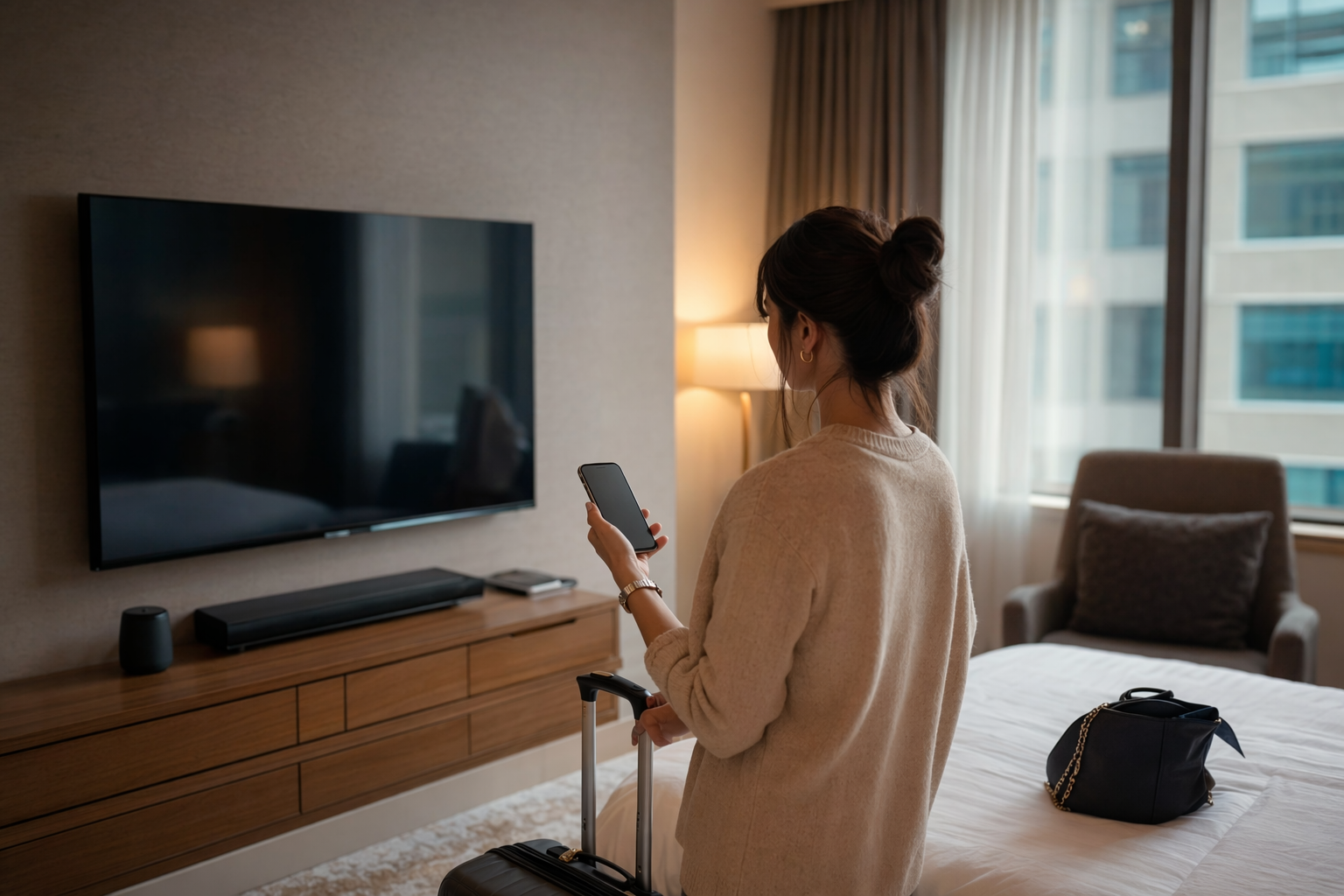
The hotel TV is not “just a TV” anymore, and yeah, that kinda bothers me
#I love hotel rooms. Weird thing to admit on a tech blog, but I do. The tiny coffee machine, the mystery light switches, the desk that’s never quite at the right height, and then there’s the TV sitting there like, “hey, log into everything you own.” And for a while I totally did. Netflix, YouTube, sometimes Spotify if I was feeling fancy. I’d connect my phone, cast a video, maybe plug in a travel HDMI cable. No big deal, right? Well... kinda big deal actually.
Hotel smart TVs have turned into little shared computers with giant screens. They run apps, remember Wi‑Fi networks, store account sessions, support casting, listen for remotes, show personalized recommendations, and sometimes sit on the same guest network as a hundred other devices. I’m not saying every hotel TV is a privacy nightmare. That would be dramatic and honestly unfair. A lot of hospitality systems are designed to wipe sessions when you check out. But “designed to” and “actually did” are not the same thing, as anyone who has ever used hotel Wi‑Fi at midnight knows.
So this is my traveler’s checklist. Not paranoid bunker stuff. Just practical things I’ve learned after years of dragging laptops, streaming sticks, USB-C dongles, and way too many chargers through hotels, Airbnbs, conference centers, and one extremely questionable roadside motel where the TV remote had, uh, texture. If you travel with tech, this is worth caring about.
My dumb little wake-up call with a hotel smart TV
#A couple years back, I stayed in a business hotel after a long conference day. I was tired, hungry, and I wanted exactly one thing: to watch something stupid while eating fries in bed. The TV had the usual smart apps, so I logged into a streaming service. I remember thinking, “I’ll sign out tomorrow.” Famous last words. Checkout morning came, I was late, my rideshare was already downstairs, and I left without even turning the TV off properly.
Two days later I got a “new device signed in” email, or maybe it was a “continue watching” weirdness, I don’t remember the exact wording now. Nothing catastrophic happened. Nobody bought movies on my account or changed my password. But it gave me that cold little tech-person stomach drop. Like, oh right, I put my personal account on a public device in a room used by strangers. Smart move, genius.
Since then I’ve become that annoying friend who checks the TV menu before unpacking. Not because I’m scared of TVs. I’m not. I’m excited by this stuff, actually. Hotel casting systems are genuinely cool when they work. But shared devices need shared-device habits. Same as library computers, airport kiosks, rental cars with Bluetooth pairing, conference room screens, all of it.
The quick privacy checklist I run before touching anything
#- Look for a welcome screen that shows your name or room number, because that usually means the TV is connected to the hotel’s property system and may have checkout-reset features.
- Before logging into any app, check whether there’s a “Guest Mode,” “Clear Data,” “Reset,” “Sign out all apps,” or “Check out” option in the TV menu.
- Avoid typing streaming passwords with the hotel remote if you can. Those on-screen keyboards are slow, annoying, and you’re more likely to rush and forget what you did.
- Use casting only when the TV gives you a room-specific code or pairing page. If it just shows a random cast target on a shared network, I get suspicious real fast.
- Don’t plug in USB drives with personal files. A TV USB port is not your laptop. It may index files, thumbnails, names, or just act weird.
- When you’re done, sign out inside every app, not just by turning off the TV. Power buttons are not privacy buttons, sadly.
- Take a photo of the logout/reset screen if you’re dealing with sensitive work travel. Sounds extra, but I’ve done it.
Why streaming logins are the biggest boring risk
#The boring risks are usually the ones that get you. Nobody needs to “hack the mainframe” if you just leave Disney+, Netflix, Prime Video, YouTube, or a sports app logged in for the next guest. At best they mess up your recommendations with cartoon dinosaurs and fishing videos. At worst they can view your email address, profile names, watch history, maybe account settings, and in some apps they can make purchases if you didn’t lock that down.
My rule now is simple: if the TV asks me to type a real password, I try not to. I prefer QR-code login flows where the TV shows a code and I authenticate on my phone, because I can control the session from my own device. Even then, I still go into the app settings and sign out when I leave. I know, it’s tedious. So is changing a password from an airport gate because you got that weird feeling.
And please, use unique passwords for streaming accounts. I know people treat entertainment accounts like they don’t matter, but they often share emails, payment methods, family profile names, and sometimes the same password people use elsewhere, which is... not great. If you’re still debating whether your browser’s built-in password manager is enough or if you should use a dedicated one, I wrote down my thoughts in Browser Password Manager vs Dedicated Password Manager: Which One Should You Use?. Short version: the best password manager is the one you’ll actually use, but unique passwords matter a lot when you’re logging into random screens while half-asleep.
Casting feels safer, but it has its own weirdness
#Casting is my favorite hotel TV feature when it’s implemented properly. I love walking into a room, scanning a QR code, and having my phone send YouTube or Netflix to the big screen without entering a password on the TV. It feels futuristic in a very normal way. Like the kind of future we were promised, except the ice machine is still broken.
But casting depends on how the hotel network is set up. A good hotel casting system isolates rooms so your phone only sees your TV. Usually there’s a code on the screen, a captive portal, or a room-specific pairing process. A sketchier setup might expose TVs or guest devices across the same network, which means you can see other cast targets or, worse, other people can see yours. I’ve been in hotels where my phone showed five TVs with names like “Room 312” and “Samsung TV” and I just backed away slowly. Nope. Not doing that.
If you cast, disconnect when finished. Not “close the app and assume it’s fine.” Open the casting menu and tap disconnect. If you paired via Bluetooth for audio or screen mirroring, unpair that too. Rental cars taught us this lesson years ago, and hotel TVs are basically catching up with the same problem: shared devices love remembering people.
A tiny casting test I do now
#- I open the cast menu on my phone before pairing and see what devices appear.
- If I see only the room TV after entering a code, great.
- If I see random TVs, speakers, printers, or “living room display” in a hotel, I don’t cast personal stuff.
- After watching, I disconnect and then check whether the TV still shows my device name anywhere.
The “bring your own streaming stick” debate
#I have friends who never log into hotel TVs at all. They bring a Roku stick, Fire TV Stick, Chromecast, or a little Android TV dongle and just plug into HDMI. Honestly, it’s a pretty solid strategy. Your apps stay on your hardware, your passwords stay with you, and when you leave, you yank the device out and go. Simple. Except, of course, it’s never totally simple, because hotel TVs love hiding HDMI ports behind wall mounts like they’re state secrets.
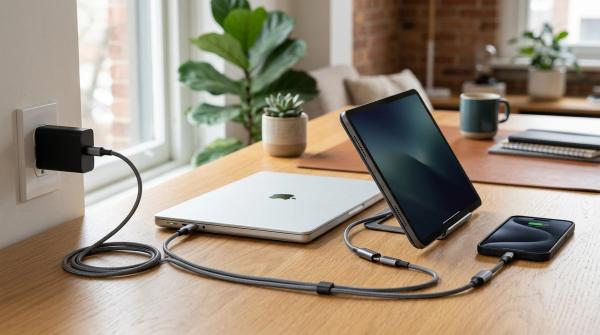
If you bring your own streaming stick, pack a short HDMI extender and a small USB power adapter. Don’t rely on the TV’s USB port for power if you can avoid it, because some ports are underpowered, some turn off when the TV sleeps, and some are just unpredictable. Also, use your phone hotspot if you don’t trust the hotel Wi‑Fi or if the captive portal refuses to play nice. I’ve spent 25 minutes trying to get a streaming stick through a hotel login page before. At that point, I should’ve just read a book like a normal adult.
There is one privacy catch though: your streaming stick still joins the hotel network unless you hotspot it. Keep it updated, don’t enable weird developer options, and don’t leave it plugged in when you’re out of the room. Is someone likely to do something to it? Probably not. But I’m the sort of person who unplugs hotel alarm clocks after one bad 4:30 AM incident, so yeah, I unplug the streaming stick too.
What I check in the TV settings before I log in
#Hotel TVs vary wildly. Some are locked down with hospitality firmware and a clean, boring menu. Others are basically consumer smart TVs with a hotel welcome screen slapped on top. If the settings menu is accessible, I poke around for privacy and account controls. Not aggressively. I’m not trying to break hotel equipment or get banned from a Marriott breakfast buffet. I’m just checking what the TV remembers.
| Setting or area | What I look for | Why it matters |
|---|---|---|
| Accounts / Apps | Existing signed-in accounts, profile names, stored emails | If the last guest is still logged in, the reset process is not reliable |
| Casting / Screen share | Paired devices, room code, open mirroring | Open pairing can expose your phone name or let others send content |
| Network | Hotel Wi‑Fi name, wired connection, guest portal | Shared networks can be messy, especially in older properties |
| Voice / Assistant | Microphone settings, voice remote permissions | Some remotes have microphones, and I’d rather know than guess |
| Privacy / Advertising | Ad tracking, viewing data, personalization | Consumer smart TVs often include data features, even if hotels disable some |
| Factory reset / Clear data | Reset option or guest checkout cleanup | This is the big one before you leave |
One thing I want to be clear about: don’t go into engineering menus or service modes unless the hotel specifically tells you to. You can mess up the TV, and also it’s just rude. I’ve seen people online recommend secret remote codes and service-menu tricks. Nah. If normal settings don’t let you sign out or clear data, call the front desk and ask. Make it their problem, politely.
Voice remotes, cameras, and the “is this TV watching me?” panic
#This is where the internet gets a bit silly, but also not totally wrong. Most hotel smart TVs are not staring at you through a hidden camera. Many TVs don’t have cameras at all. Some video-conferencing displays, smart monitors, or luxury room systems might have cameras, but it’s not the default thing I’d assume. Microphones are more common because voice remotes exist, and some TVs support voice assistants. Usually that means the mic is in the remote and activates when you press a button, but implementations differ.
My approach is boring: I look. If there’s a camera lens, I cover it or turn it away if that’s possible. If there’s a voice remote, I don’t use voice features. If there’s a privacy menu, I turn off personalization and voice interaction. I don’t unplug everything in the room like I’m in a spy movie, but I do trust my eyes and settings more than hotel marketing copy.
Also, remember your own devices. If you’re casting from a laptop or using HDMI from a tablet, your laptop privacy still matters. Before a trip I check camera permissions, screen sharing permissions, and whether random apps can record my screen. If you’re the kind of person who tapes over a webcam, or if you think software controls are enough, the privacy tradeoffs are pretty similar to the stuff I covered in Webcam Cover vs Camera Privacy Settings: What Should You Use for Laptop Privacy?. Hotel TVs are part of the room, but your devices are still the main event.
Airbnbs and vacation rentals are a different beast
#Hotels at least usually have some standardized system, even when it’s clunky. Vacation rentals are chaos. Lovely chaos sometimes, but chaos. You might get a normal consumer TV logged into the host’s accounts, or a Roku with guest mode, or a Chromecast named “Dad’s TV,” or some ancient smart TV that hasn’t seen a firmware update since dinosaurs had cable packages.
In rentals, I’m more conservative. I don’t log into host-owned apps unless there is a clear guest mode. I use my own streaming stick or laptop HDMI. If the host left their own account signed in, I don’t use it for anything private, and I definitely don’t open account settings. That’s their privacy too. I once stayed in a rental where the YouTube app showed a kid’s full watch history and searches. Nothing dramatic, just cartoons and toy reviews, but it felt invasive. Shared screens make everyone sloppy.
If you’re staying somewhere with smart displays, indoor cameras, or connected speakers, check the listing and house rules. Many platforms have policies about cameras and disclosure, but policies don’t magically make devices obvious. Walk the space, look for devices, and ask the host if something seems off. I know that sounds awkward, but “hey, is this camera active?” is a totally reasonable travel question.
My checkout ritual, because checkout mornings are where privacy goes to die
#Checkout morning is when all good intentions collapse. You’re packing socks that somehow multiplied, hunting for a charger behind the nightstand, wondering if the mini-fridge water costs nine dollars, and then suddenly the TV is the last thing on your mind. That’s why I do the TV cleanup the night before if possible. Future me is useless before coffee.
- Open every app you used and sign out inside the app menu. Don’t assume the hotel checkout system will handle it.
- Go to TV settings and look for “clear data,” “reset,” “guest checkout,” or “remove paired devices.” Use the least destructive official option available.
- Disconnect casting from your phone, tablet, or laptop. Then check Bluetooth settings and forget the TV if you paired it.
- Remove your streaming stick, HDMI cable, USB-C hub, and power brick. I have left an HDMI adapter behind and I’m still mad about it.
- If you can’t sign out, change that account password from your phone and choose “sign out of all devices” if the service offers it.
- Turn off the TV and glance at the welcome screen after turning it back on. If it still shows your name, profile, or app session, call the front desk.
That last step sounds annoying, but it takes maybe 30 seconds. And yes, sometimes the TV reset really does happen automatically after checkout. Great. I still don’t want to bet my accounts on a backend job I can’t see.
Hotel Wi‑Fi, VPNs, and the stuff people argue about
#No hotel smart TV privacy post is complete without someone yelling “use a VPN!” in the comments. And sure, VPNs can help protect traffic from local network snooping, especially on open Wi‑Fi. I use one on my laptop sometimes. But a VPN does not magically protect you from leaving your streaming account logged into a TV. It doesn’t stop a TV app from storing a token. It doesn’t fix bad casting isolation. It’s a tool, not a force field.
For phones and laptops, I like using cellular data for sensitive stuff when practical. Banking, work admin panels, password manager vault changes, that kind of thing. For watching a movie, hotel Wi‑Fi is usually fine if the app uses HTTPS, which modern streaming apps do. The bigger concern is device discovery and convenience features. AirPlay, Chromecast, Bluetooth, local network permissions, file sharing, all those “helpful” features can leak names or make pairing easier than you intended.
Before I travel, I turn off file sharing on my laptop, review local network permissions on my phone, and rename devices if they include my full name. “Alex’s MacBook Pro” is normal at home, but in a hotel conference Wi‑Fi list it feels a bit too personal. I use boring names now. “Laptop.” “Phone.” Creative? No. Effective? Yep.
A realistic threat model, because not every trip needs spy-movie energy
#I don’t want this to sound like every hotel TV is a villain. Most risks here are ordinary privacy failures: forgotten logins, exposed profiles, leftover cast pairings, messy network isolation, or your name displayed where it doesn’t need to be. The likely “attacker” is not a hoodie-wearing genius in the lobby. It’s the next guest opening YouTube and seeing your account, or a bored kid casting memes to the wrong room, or a hotel system that didn’t clear properly.
But boring doesn’t mean harmless. Your streaming accounts can reveal routines, family names, email addresses, purchases, political content, religious content, health videos, kids’ profiles, and all sorts of personal stuff. Watch history is more intimate than people think. I don’t need the next person in room 614 knowing I watched three hours of back-pain stretches and a documentary about plane crashes at 1 AM. That’s between me and the algorithm.
If you’re a journalist, executive, government worker, activist, or anyone carrying sensitive work, raise the bar. Don’t use hotel smart TV apps for personal accounts. Don’t cast work screens. Don’t plug in unknown HDMI capture-looking devices. Use your own hotspot and hardware. For the rest of us, a simple checklist gets you 90% of the way there without making travel miserable.
The checklist I’d give a friend who is leaving tomorrow
#- Pack an HDMI cable, a small streaming stick if you use one, and a power adapter. The adapter matters more than you think.
- Use QR-code login or activation codes instead of typing passwords on the TV whenever possible.
- Never save payment PINs or enable purchases on a hotel TV app. If the app asks, say no.
- Prefer room-specific casting codes. Avoid open casting targets on shared hotel networks.
- Disconnect AirPlay, Chromecast, Miracast, Bluetooth, or whatever mirroring system you used before leaving.
- Sign out manually from streaming apps, then check for clear-data or guest-reset options.
- Rename your phone and laptop to something boring before joining hotel networks if you care about not broadcasting your name.
- Don’t use TV USB ports for personal drives full of photos, work docs, tax files, or anything you wouldn’t want indexed by a random device.
- If a TV still shows someone else’s account, tell the front desk. That means the cleanup process isn’t working, and it could be you next.
- Do your room safety basics too. Digital privacy is great, but I also like checking door locks and the peephole. If you’re comparing travel gadgets for that side of things, Portable Door Lock vs Doorstop Alarm for Hotels is a useful rabbit hole.
What I wish hotels would do better
#Here’s my little rant. Hotels should make privacy cleanup obvious. Big button, plain words: “Check out and erase my TV data.” Put it on the home screen. Show what gets removed. Confirm app sign-outs, casting pairings, device names, and watch sessions. Don’t hide it three menus deep behind “system management” or whatever. Travelers are tired, distracted, and probably eating a muffin while standing up. Design for that person.
I’d also love to see more hotels use true guest-mode casting that doesn’t require personal app logins on the TV at all. Show a rotating pairing code, isolate the room network, auto-expire sessions, and make it clear that the pairing ends at checkout. Some properties already do versions of this and it’s great when it works. It feels premium, but not in a gold-faucet way. More like “someone thought about my life for five minutes” premium.
And please, hotel chains, stop making HDMI access impossible. I know wall-mounted TVs look clean. I get it. But if I have to become a furniture engineer just to plug in my own device, something has gone wrong. Give us an accessible side port. Label it. Let nerds be nerds.
Final thoughts from someone who still really likes hotel tech
#I don’t want to scare anyone away from using hotel smart TVs. I use them all the time. I still get a tiny bit delighted when casting works smoothly, when the welcome screen has my name spelled right, when the TV checkout reset actually clears everything. Travel tech can be genuinely nice. It can make a strange room feel cozy for a night. That’s not nothing.
But the mental shift is important: treat the hotel TV like a shared computer with a remote control. Don’t give it more trust than it deserves. Use guest modes, avoid typing passwords when you can, disconnect casting, sign out, and clean up before checkout morning turns into chaos. None of this is hard, it’s just easy to forget. And honestly, privacy is mostly a habit. A slightly annoying habit, sure, but still.
Next time you walk into a hotel room, enjoy the big screen. Watch the movie. Eat the overpriced snacks if you must. Just spend two minutes checking the TV before and after, because future-you will be grateful. And if you like practical tech rambles like this, I keep finding myself browsing AllBlogs.in for more ideas and rabbit holes, usually when I should be packing instead.