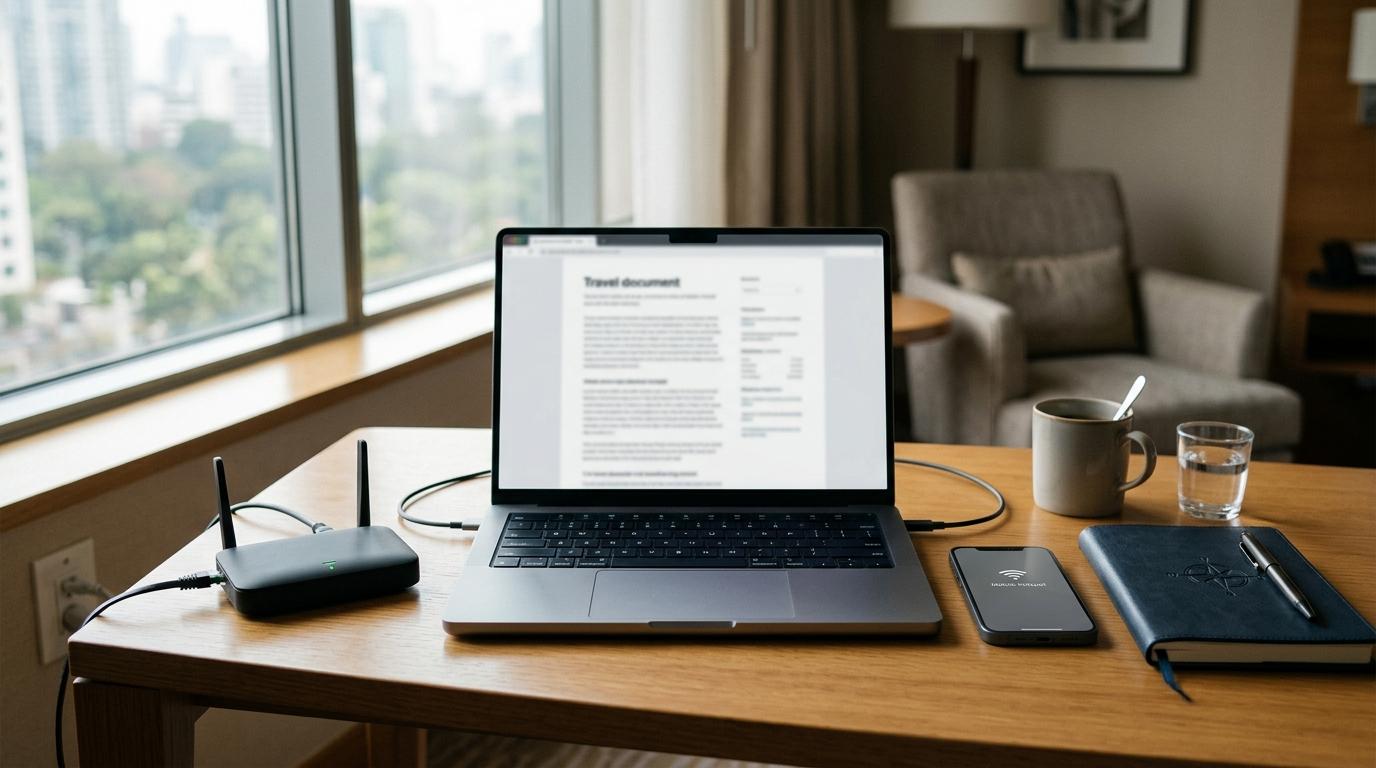
If hotel Wi‑Fi is usable but annoying, buy a travel router. If hotel Wi‑Fi is slow, unavailable, or not worth trusting, use a mobile hotspot. A travel router improves how your devices connect to an existing network; a mobile hotspot creates a separate internet connection through cellular data.
Quick Summary
#- Buy a travel router if you often connect several devices in hotels, rentals, or coworking stays.
- Use a mobile hotspot if your bigger problem is unreliable Wi‑Fi or you need backup internet.
- Use public Wi‑Fi directly only for low-risk tasks, with a VPN, verified network name, and auto-connect turned off.
- Best all-round setup for frequent travelers: travel router for decent hotel Wi‑Fi, phone hotspot as backup.
Who This Is For
#This guide is for travelers, remote workers, students, families, and creators who need safer, more reliable internet in hotels, cafés, airports, hostels, and short-term rentals.
It is especially useful if you:
- Work from hotels or serviced apartments.
- Carry a laptop, phone, tablet, or streaming device.
- Get tired of hotel login pages.
- Need a safer setup than joining every public network directly.
- Want to avoid buying travel tech you will not actually use.
For related safety basics, see AllBlogs guides on airport public Wi‑Fi vs mobile hotspot, USB data blockers vs charge-only cables, and VPN vs Private Relay vs Secure DNS.
Travel Router vs Mobile Hotspot: The Main Difference
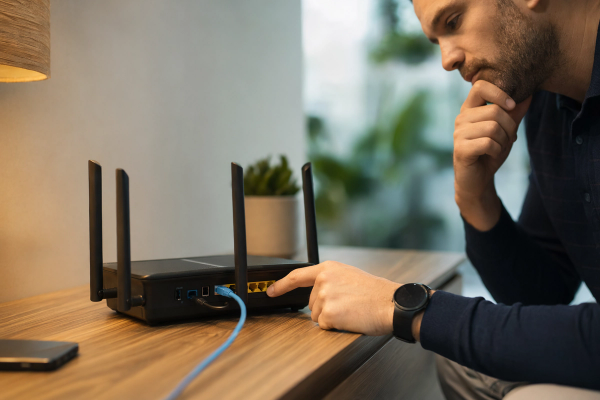
#A travel router connects to an existing internet source, such as hotel Wi‑Fi, rental Wi‑Fi, airport Wi‑Fi, or sometimes wired Ethernet. It then creates your own private Wi‑Fi network for your devices.
A mobile hotspot uses cellular data. That may be your phone’s hotspot feature or a separate hotspot device with a SIM or eSIM. It does not need hotel Wi‑Fi at all.
That difference matters because the two products solve different problems.
- A travel router helps with annoying but usable Wi‑Fi.
- A mobile hotspot helps with bad, missing, or untrusted Wi‑Fi.
- Public Wi‑Fi directly is fine for quick, low-risk browsing.
Clean Comparison
#Travel router
#Best for:
- Hotel Wi‑Fi that works but has annoying login pages.
- Families or remote workers with multiple devices.
- Creating one familiar private network while traveling.
- Using VPN settings across several devices, if the router supports it.
Main downside:
- It still depends on the hotel’s internet quality. If the source Wi‑Fi is terrible, the router cannot magically fix it.
Mobile hotspot
#Best for:
- Backup internet when hotel Wi‑Fi is slow or down.
- Working from cafés, airports, taxis, trains, or temporary spaces.
- Avoiding unknown public networks.
- Simple one-phone-one-laptop setups.
Main downside:
- Battery, cellular signal, roaming costs, and data limits can become the problem.
Public Wi‑Fi directly
#Best for:
- Reading articles.
- Checking maps.
- Looking up restaurants.
- Sending quick messages.
- Simple browsing where no sensitive login is involved.
Main downside:
- It is a shared network you do not control, so you need better safety habits.
Travel Router for Hotel Wi‑Fi
#A travel router for hotel Wi‑Fi is a small portable router you bring with you. It connects once to the hotel network, then your phone, laptop, tablet, and other devices connect to your own travel network.
This is useful when hotel Wi‑Fi has a login page, room-number check, device limit, or repeated sign-in prompts. It can also make a temporary stay feel more like your home setup.
Best for
#- Remote workers who use the same laptop and phone everywhere.
- Families carrying several devices.
- Travelers who use a streaming stick in hotel rooms.
- People who want fewer repeated login screens.
- Users who want router-level VPN support, where available.
Avoid if
#- You only travel with one phone.
- The hotel Wi‑Fi is consistently slow.
- You hate configuring small tech devices.
- You need internet where there is no Wi‑Fi source.
A travel router is not a magic speed booster. Think of it as a cleaner way to organize a connection that already exists.
Mobile Hotspot or Phone Hotspot
#A mobile hotspot creates Wi‑Fi using cellular data. Your phone can usually do this already, while a dedicated hotspot device may be useful for frequent travelers who want to save phone battery or use a separate data plan.
When comparing mobile hotspot vs public Wi‑Fi, the biggest advantage is control. You are not relying on a hotel, café, airport, or rental apartment network.
Best for
#- Backup internet for work calls.
- Places where Wi‑Fi is overloaded.
- Short stays where setting up a router feels unnecessary.
- Users who prefer cellular data for sensitive tasks.
- Travelers who move between many locations in one day.
Avoid if
#- Cellular reception is weak.
- Your data plan is limited or expensive.
- You need heavy streaming or large uploads.
- Your phone battery drains quickly in hotspot mode.
A phone hotspot is often enough for casual travelers. A dedicated hotspot may make sense if you travel often, work on the road, or need a separate battery-powered backup.
Public Wi‑Fi Safety Checklist
#Public Wi‑Fi is not automatically unsafe every time you use it, but it should not be treated like your home network.
Use this checklist:
- Verify the exact network name with hotel, café, or airport staff.
- Turn off auto-connect so your device does not join random open networks.
- Use a reputable VPN, especially for work accounts or sensitive browsing.
- Look for HTTPS before entering passwords or personal details.
- Avoid banking or private work files if the login page looks suspicious.
- Keep software updated so your browser and operating system have current security fixes.
- Use your own wall charger instead of unknown public USB charging ports when possible.
What to Check Before Buying Anything
#Before spending money, decide which problem you actually have.
If your problem is annoying Wi‑Fi
#Examples:
- The login page keeps appearing.
- You have too many devices.
- Your streaming stick will not connect easily.
- You want one private network for your devices.
A travel router may help.
If your problem is bad Wi‑Fi
#Examples:
- Calls keep dropping.
- Uploads fail.
- The hotel network is overloaded.
- The Wi‑Fi is down or unavailable.
A mobile hotspot is the better backup.
If your problem is occasional browsing
#Examples:
- You only need maps, messages, and light research.
- You do not work while traveling.
- You mostly use mobile data anyway.
You may not need to buy anything.
Buying Checklist for a Travel Router
#Before buying a portable Wi‑Fi router, check:
- Captive portal support: hotel login pages should be manageable.
- VPN client support: useful if you want VPN protection at router level.
- Power type: USB‑C is convenient, but check what the router actually needs.
- Setup difficulty: some routers are powerful but not beginner-friendly.
- Device limit: count your real devices before buying.
- Ethernet support: useful in hotels or rentals that still offer wired internet.
The best travel router is not the most complicated one. It is the one you will actually set up when you are tired after check-in.
Buying Checklist for a Mobile Hotspot
#Before buying a dedicated mobile hotspot, check:
- Network compatibility in the regions where you travel.
- SIM or eSIM support, depending on how you buy travel data.
- Battery life, because marketing estimates can be optimistic.
- Device limit, especially for families or small teams.
- Data cost, since the plan can matter more than the device.
- Charging port, so you do not need another cable just for one gadget.
Avoid exact price assumptions unless you have checked your local plan, roaming terms, and device availability. Data costs and product specs can change.
Best Setup by Traveler Type
#Remote workers
#Use a travel router when hotel Wi‑Fi is decent, and keep a phone hotspot as backup. If missing a meeting would be a serious problem, one connection is not enough.
Students
#A phone hotspot may be enough for one laptop and one phone. Use public Wi‑Fi for light research, but avoid sensitive accounts on unknown networks.
Families
#A travel router can reduce repeated login headaches when everyone has a device. Keep a hotspot backup if kids need tablets or calls during long waits.
Creators
#A router helps organize hotel Wi‑Fi, but a hotspot can save you when uploads fail. Watch data caps carefully because video uploads can burn through a plan quickly.
Casual travelers
#Start with better habits before buying extra gear: verify networks, disable auto-connect, use mobile data for sensitive tasks, and consider a VPN.
Mistakes to Avoid
#- Buying a travel router expecting it to fix slow hotel internet.
- Buying a hotspot without checking data costs and coverage.
- Connecting to public Wi‑Fi without checking the network name.
- Leaving auto-connect on for open networks.
- Assuming VPNs solve every travel internet risk.
- Forgetting that device setup matters more when you are tired, late, or in a hurry.
Final Takeaway
#If you travel often with multiple devices, a travel router can make hotel Wi‑Fi easier and more controlled. If your main worry is unreliable Wi‑Fi, a mobile hotspot is the stronger backup. If you only browse casually, public Wi‑Fi plus safer habits may be enough.
The smartest choice is not always more gear. It is matching the tool to the actual problem: annoying Wi‑Fi, bad Wi‑Fi, or simple low-risk browsing.