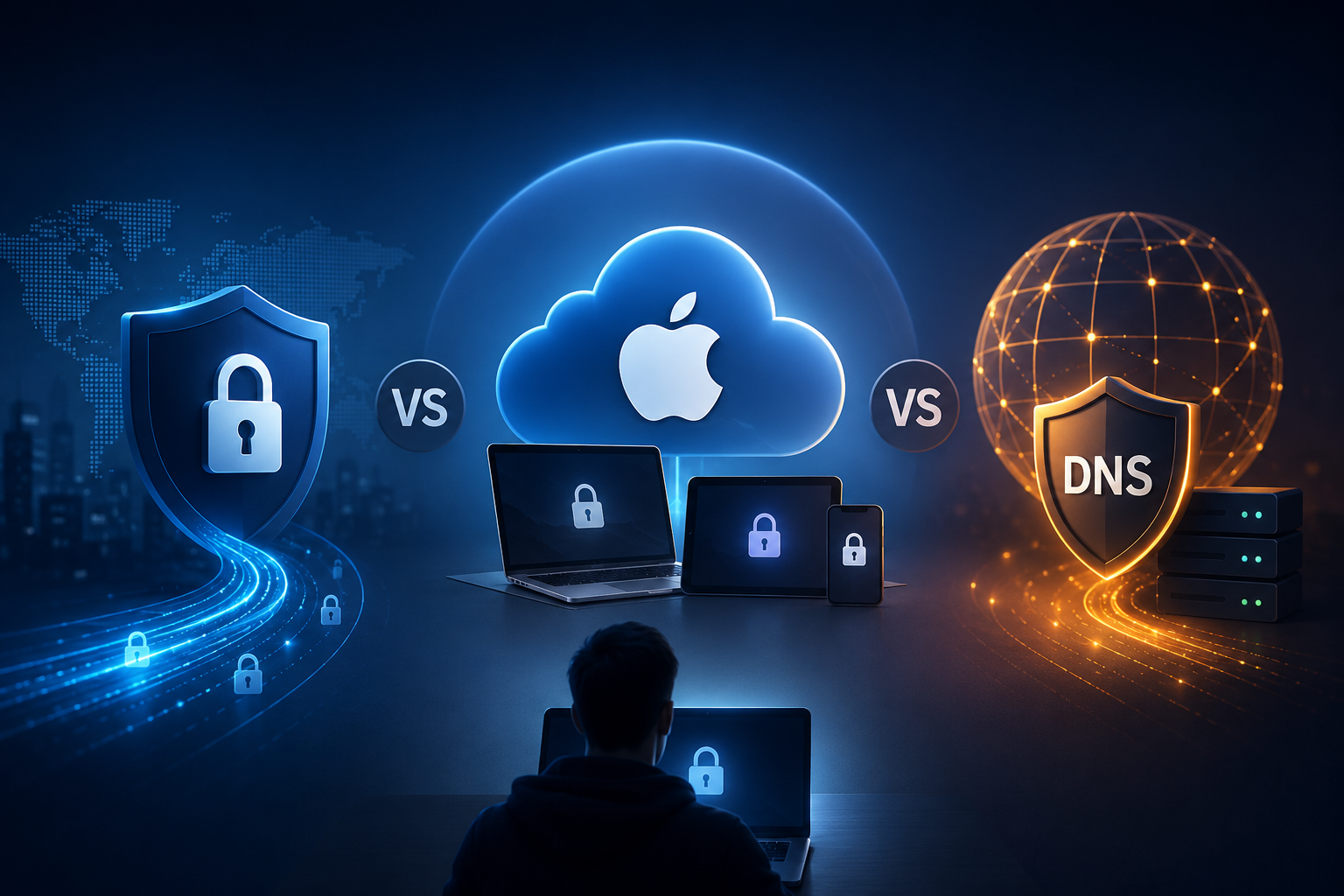
Here’s the simple version:
Use a paid VPN if you want privacy across your whole device, especially on public Wi-Fi, while traveling, or when working remotely.
Use iCloud Private Relay if you mostly browse in Safari on Apple devices and you already pay for iCloud+.
Use Secure DNS if you want a small, easy privacy upgrade that encrypts DNS lookups without paying for a full VPN.
And if you mostly browse from home on trusted Wi-Fi? You may not need to pay for anything at all.
None of these tools makes you invisible. They just protect different parts of your internet activity.
Quick Comparison
#VPN is best for public Wi-Fi, travel, remote work and whole-device privacy. It helps encrypt traffic between your device and the VPN server, and websites usually see the VPN server’s IP address instead of your real IP. The main limitation is trust: you are choosing to trust the VPN company.
iCloud Private Relay is best for Safari browsing on Apple devices. It helps hide your IP from websites and your browsing destination from your network provider in supported Safari use. The main limitation is that it is not a full-device VPN.
Secure DNS is best for basic DNS privacy. It encrypts DNS lookups so they are harder for your ISP or local network to read directly. The main limitation is that it does not hide your IP address or protect all app traffic.
No extra tool may be enough for low-risk browsing on trusted home networks. HTTPS already protects a lot of modern web traffic, but your network may still see some connection metadata.
The best choice is not always the most powerful one. It is the one that fits how you actually use the internet.
Who This Guide Is For
#This guide is for regular internet users who want better privacy without getting lost in technical jargon.
It is especially useful if you are trying to decide between:
- A paid VPN
- Apple iCloud Private Relay
- Secure DNS or encrypted DNS
- Using no extra privacy tool at all
It is also for anyone tired of scary privacy ads.
A VPN can be useful. But it does not make you anonymous.
iCloud Private Relay is clever. But it is not the same as a VPN.
Secure DNS is helpful. But it does not hide everything you do online.
The goal here is simple: understand what each tool actually does, where it helps, and where it does not.
The Main Difference Between VPN, Private Relay, and Secure DNS
#These tools are often talked about as if they do the same thing. They do not.
A simple way to think about it:
- Secure DNS protects the “what website am I looking up?” step.
- iCloud Private Relay adds privacy mainly for Safari browsing on Apple devices.
- A VPN routes most or all of your device’s internet traffic through a VPN server.
That difference matters.
If you choose the wrong tool, you might pay for more than you need. Or worse, you might think you are protected when you are not.
1. VPN: Best for Public Wi-Fi, Travel, and Whole-Device Protection
#A VPN creates an encrypted tunnel between your device and a VPN server.
When you connect through a VPN, your traffic goes to the VPN provider first, then out to websites, apps, and online services.
To websites, your connection usually appears to come from the VPN server’s IP address instead of your real IP address.
To a coffee shop, airport, hotel, or office Wi-Fi network, your traffic is harder to inspect because it is wrapped inside the VPN connection.
A VPN is best if you:
#- Often use airport, hotel, cafe, coworking, or public Wi-Fi
- Travel and connect to networks you do not control
- Want privacy across apps, not just your browser
- Work remotely and use sensitive accounts
- Want websites and apps to see a VPN IP instead of your real IP
This is where VPNs are still genuinely useful.
Public Wi-Fi privacy is not just about the website you have open. Your phone or laptop may also have email, cloud storage, messaging apps, banking apps, work tools, and background services running at the same time.
A VPN can help protect more of that traffic, depending on the VPN app and settings.
A VPN may not be necessary if you:
#- Mostly browse from trusted home Wi-Fi
- Only want encrypted DNS lookups
- Do not want to shift trust from your ISP to a VPN company
- Expect total anonymity
That last one is important.
A VPN can hide your IP address from websites, but it does not hide who you are if you log into your accounts.
If you sign into Google, Instagram, Amazon, your bank, or your workplace, those services can still know it is you.
A VPN protects the connection. It does not erase your identity.
2. iCloud Private Relay: Best for Safari Users on Apple Devices
#iCloud Private Relay is Apple’s privacy feature included with iCloud+.
It works on supported iPhone, iPad, and Mac devices. People often compare it to a VPN, but it works differently.
Private Relay uses a two-part system. In plain English, one part knows who you are, and another part knows where you are going. The idea is that no single party gets to see both pieces together.
When you browse in Safari, Private Relay helps separate your IP address from the website you are visiting. This makes it harder for your network provider and websites to build a clear picture of your browsing activity.
iCloud Private Relay is best if you:
#- Use Safari as your main browser
- Use an iPhone, iPad, or Mac
- Already pay for iCloud+
- Want a simple privacy boost
- Do not want to choose and manage a separate VPN provider
For many Apple users, Private Relay is the easiest privacy upgrade.
There is no separate VPN app to install. No server list to pick from. No new company to sign up with.
You just turn it on and let it work in the background.
iCloud Private Relay is not ideal if you:
#- Use Android
- Mainly browse in Chrome, Firefox, Edge, or another non-Safari browser
- Need protection across every app on your device
- Want stronger whole-device protection on risky public Wi-Fi
- Want VPN-style control over server locations
This is the main thing to understand in the VPN vs iCloud Private Relay debate:
Private Relay is useful for supported Safari browsing on Apple devices, but it is not a full VPN replacement.
If you open a separate app, that app’s traffic may not be protected the same way Safari browsing is.
3. Secure DNS: Best for Simple DNS Privacy
#DNS is like the internet’s address book.
When you type a website name, such as allblogs.in, DNS helps your device find the correct server.
Traditionally, DNS lookups could be visible to your internet provider or the network you are using. Secure DNS, often using DNS over HTTPS or DNS over TLS, encrypts those lookups.
That means your ISP or local Wi-Fi network has a harder time reading your DNS requests directly.
Secure DNS is best if you:
#- Want a free or lightweight privacy improvement
- Mostly browse from trusted networks
- Want encrypted DNS without using a full VPN
- Do not need to hide your IP address
- Want a simple setting you can enable in your browser or device
This is why Secure DNS vs VPN is not really a direct comparison.
Secure DNS is smaller and simpler. A VPN is broader and more powerful.
Secure DNS can be enough if your main concern is DNS lookup privacy, not full protection on public Wi-Fi.
Secure DNS is not enough if you:
#- Want to hide your IP address from websites
- Need all app traffic protected
- Often use open public Wi-Fi
- Expect it to stop tracking across the web
Secure DNS encrypts DNS lookups. That is useful, but narrow.
It does not make your whole connection private. Websites can still see your IP address unless another tool changes that. Your network may also still see other connection details.
VPN vs Private Relay vs Secure DNS: Practical Comparison
#Here is the everyday comparison that matters most:
- IP privacy: VPNs usually make websites see the VPN IP. Private Relay helps hide your IP in supported Safari browsing. Secure DNS does not hide your IP.
- DNS privacy: VPNs usually handle DNS through the VPN provider. Private Relay helps protect browsing-related DNS privacy in supported Apple use. Secure DNS directly encrypts DNS lookups.
- App coverage: VPNs usually protect more apps, depending on setup. Private Relay is not full-device VPN coverage. Secure DNS does not protect all traffic.
- Device support: VPNs can work across many devices if the provider supports them. Private Relay is Apple-only. Secure DNS depends on your browser or device settings.
- Public Wi-Fi fit: VPNs are the strongest option. Private Relay is useful for Safari. Secure DNS is limited.
- Trust tradeoff: VPNs require trusting the VPN provider. Private Relay requires trusting Apple and relay infrastructure. Secure DNS requires trusting your DNS provider.
So, What Should You Use?
#Use a VPN if you want the broadest protection
#Choose a VPN if you often connect to networks you do not control.
That includes:
- Airports
- Hotels
- Cafes
- Hostels
- Coworking spaces
- Shared offices
- Public Wi-Fi in general
A VPN is also the better choice if you want app-wide protection.
Safari, Chrome, email, chat apps, cloud backup, work tools, and background app traffic can all be covered by a VPN, depending on the VPN provider and settings.
For travelers and remote workers, this is usually the paid option that makes the most sense.
Use iCloud Private Relay if you are an Apple Safari user
#If you use Safari on iPhone, iPad, or Mac and already pay for iCloud+, turn on Private Relay before buying anything else.
For normal everyday browsing, it gives you a useful privacy boost with almost no effort.
It is not perfect for every situation. But if you mostly live in Safari, it may cover your main privacy concern.
Use Secure DNS if you want a small, easy privacy upgrade
#If you are not ready to pay for a VPN, Secure DNS is a sensible first step.
It is usually available in modern browsers, and sometimes in device settings too.
Just remember what it is: a DNS privacy tool.
It is not a VPN replacement. It protects one important part of browsing, not everything.
Use no extra paid tool if your risk is low
#This is not what privacy ads usually tell you, but it is true.
If you mostly browse from home, use HTTPS websites, keep your devices updated, and do not handle sensitive work on public networks, you may not need to pay for a VPN.
You might still want Secure DNS or Private Relay if they are already available to you.
But you do not have to buy something just because an ad says you are unsafe.
What to Check Before Paying for a Privacy Tool
#Before paying for a VPN or upgrading anything, ask yourself a few simple questions.
1. Do you already have something built in?
#If you already pay for iCloud+, you may already have iCloud Private Relay. You might only need to turn it on.
If you use a modern browser, Secure DNS may already be available in the privacy or security settings.
Check what you already have before paying for another tool.
2. What are you actually trying to protect?
#Be specific.
Are you trying to:
- Hide your IP address from websites?
- Stop direct DNS lookup visibility?
- Protect all apps on public Wi-Fi?
- Improve Safari privacy on Apple devices?
- Reduce advertiser tracking?
Different goals need different tools.
A VPN helps with some of these. Private Relay helps with others. Secure DNS handles one smaller slice.
3. Do you trust the provider?
#With a VPN, your traffic passes through the VPN company’s servers. That means trust matters.
Look for:
- A clear privacy policy
- A strong no-logs position
- Independent audits, where available
- Clear explanations instead of vague marketing claims
Be careful with lines like “military-grade privacy” if there is no useful detail behind them.
Secure DNS also requires trust. You are choosing a DNS provider, so you are not removing trust completely. You are moving it somewhere else.
4. Does it work on your devices?
#Before paying, check whether the tool supports:
- Windows
- macOS
- iPhone and iPad
- Android
- Browser extensions
- Routers, if you need router-level setup
iCloud Private Relay is Apple-only.
Secure DNS depends on your browser or operating system.
VPN coverage depends on the provider’s apps.
5. Could it cause work, school, banking, or streaming issues?
#Some services behave differently when privacy tools are active.
VPNs can sometimes interfere with:
- Work logins
- School networks
- Banking sites
- Streaming services
- Office security tools
If you rely on remote work systems, test carefully before committing.
Nobody wants to discover their VPN breaks work login at 9am on Monday.
Best For and Avoid If
#VPN
#Best for:
- Remote workers
- Frequent travelers
- Public Wi-Fi users
- People who want whole-device network protection
- Users who want websites to see a VPN IP instead of their real IP
Avoid if:
- You only want encrypted DNS
- You mostly browse from home and do not need full-device coverage
- You are not comfortable trusting a VPN provider
- You expect it to make you anonymous everywhere
iCloud Private Relay
#Best for:
- iPhone, iPad, and Mac users
- Safari-first browsing
- People who already pay for iCloud+
- Low-effort everyday privacy
Avoid if:
- You use Android
- You mainly use Chrome, Firefox, or Edge
- You need protection for every app
- You want a traditional VPN
Secure DNS
#Best for:
- Simple encrypted DNS
- People who want a free or built-in privacy setting
- Home browsing
- Users who do not need IP hiding
Avoid if:
- You need public Wi-Fi protection across apps
- You want to hide your IP address
- You expect protection from tracking cookies or browser fingerprinting
- You want VPN-level privacy
Common Mistakes to Avoid
#1. Thinking a VPN makes you invisible
#A VPN does not make you anonymous if you log into personal accounts.
Google, Apple, Meta, Amazon, your bank, and your workplace can still know it is you when you sign in.
A VPN changes what your network and websites see about your connection. It does not erase your account activity.
2. Treating iCloud Private Relay like a full VPN
#Private Relay is useful, but it is not the same as a VPN.
It is strongest for supported Safari browsing on Apple devices.
If your concern is all-app traffic on airport Wi-Fi, a VPN is still the more complete option.
3. Expecting Secure DNS to hide everything
#Secure DNS protects DNS lookups.
That is helpful, but limited.
It does not hide your IP address from websites. It does not stop account-based tracking. It does not secure every part of your connection.
4. Running too many privacy tools at once
#Using a VPN, Private Relay, and custom DNS settings together can cause conflicts or slow things down.
More tools does not always mean more privacy.
Often, the smarter move is to use the tool that fits your situation instead of stacking everything at once.
5. Paying before checking built-in settings
#Many people pay for privacy tools before checking what their phone, laptop, browser, or iCloud plan already includes.
Start with built-in options.
Then pay only if you have a clear reason.
Related AllBlogs Guides
#If you are building a practical privacy setup, also read:
- Airport Public Wi‑Fi Safety vs Mobile Hotspot
- App Permissions Audit: What to Allow or Deny
- Browser Password Manager vs Dedicated Password Manager
- USB Data Blocker vs Charge-Only Cable
Quick Recommendations
#If you want the simplest possible decision:
- Use a VPN if you travel, work remotely, or often use public Wi-Fi.
- Use iCloud Private Relay if you use Safari on Apple devices and already have iCloud+.
- Use Secure DNS if you want a free, lightweight DNS privacy improvement.
- Use no paid tool if you mostly browse on trusted networks and do not need stronger protection.
Everyday privacy is not about buying the most expensive tool.
It is about choosing the tool that matches your real life.