If you’re choosing between a USB data blocker vs charge-only cable, I’d recommend a USB data blocker for most people.
It’s cheap, tiny, easy to toss in a bag, and you can keep using the charging cable you already like. A charge-only cable is still a solid option, especially if you want something simple, but it’s not quite as flexible.
That said, the safest move is also the least exciting one: use your own wall charger or power bank whenever you can. If you avoid public USB ports altogether, you avoid the whole data-risk issue too.
Short Answer
#Best overall pick: USB data blockerA small adapter that sits between a public USB port and your charging cable. It allows power through but blocks data.
Best simple option: Charge-only USB cableA cable that only charges and doesn’t transfer data. Good if you don’t want to keep track of a tiny adapter.
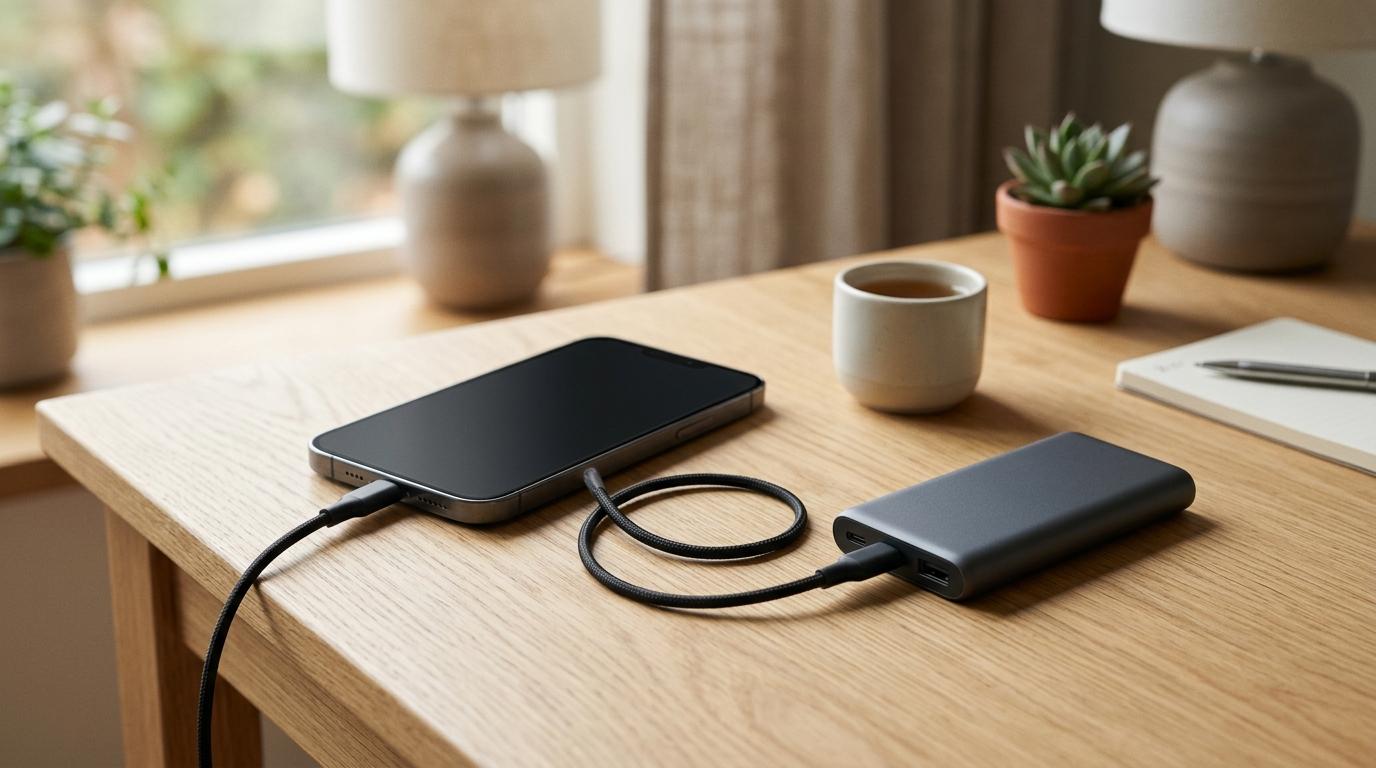
Safest option: Wall charger or power bankUse your own charger, wall outlet, or portable battery. This keeps you away from public USB data connections completely.
Try to avoid: Plugging directly into public USB portsEspecially if you don’t know the port, the cable, or the place you’re charging.
Why Public USB Charging Can Be a Little Risky
#A dying phone battery can ruin your day fast.
Maybe you’re at an airport, hotel lobby, coffee shop, train station, classroom, conference center, or coworking space. You spot a USB charging port and think, perfect, I’ll just plug in for a bit.
Most of the time, that’s probably fine.
The issue is that USB isn’t only for power. USB can carry both power and data. The same port that charges your phone can also be used for file transfers, device communication, and access prompts.
That’s where juice jacking comes in.
Juice jacking is the idea that a compromised USB charging port could try to steal data, access your device, or install malware while your phone is plugged in.
Now, let’s keep this realistic. For everyday users, confirmed real-world juice jacking cases appear to be pretty rare. Modern iPhones and Android phones are also much better protected than older devices. They usually ask before trusting a computer or allowing data access.
So no, you don’t need to panic every time you see a USB port.
But if you travel often, use public charging stations, or just like having one less thing to think about, a small hardware blocker is a smart little tool. It blocks the data connection before your phone even has to make a decision.
What Is a USB Data Blocker?
#A USB data blocker is a small adapter that plugs into a USB port. Then you plug your regular charging cable into the adapter.
Its job is simple:
Let power through. Block data.
You may also hear people call it a “USB condom,” which is memorable, but USB data blocker is the clearer name.
You can find USB-A and USB-C versions, including USB-C data blocker options for newer phones, tablets, and laptops.
The best part is that you don’t need a special cable. You can keep using your normal USB-C or Lightning cable and only add the blocker when you’re plugging into a public or unknown USB port.
Small accessory. Useful peace of mind.
What Is a Charge-Only USB Cable?
#A charge-only USB cable is exactly what it sounds like: a cable that charges your device but does not transfer data.
It looks like a regular USB cable, but it doesn’t support file transfers or syncing. That makes it useful for public charging because even if the USB port can carry data, your cable won’t pass that data connection to your phone.
The downside shows up later.
Because it can’t transfer data, it won’t work for things like:
- Phone backups
- File transfers
- Android Auto
- Apple CarPlay
- Syncing with a computer
- Connecting accessories that need data
If you buy one, label it. Seriously.
Otherwise, a few weeks from now, you’ll grab it for CarPlay or a file transfer, nothing will work, and you’ll spend 20 minutes blaming your phone, laptop, or car before realizing it was the cable.
USB Data Blocker vs Charge-Only Cable: Quick Comparison
#- Main purpose: A USB data blocker blocks USB data while allowing charging. A charge-only cable charges only and does not support data transfer.
- Best for: A USB data blocker suits travelers, commuters, students and public charging users who want flexibility. A charge-only cable suits people who want one dedicated charging cable.
- Existing cable support: A USB data blocker works with your existing cable. A charge-only cable replaces your normal cable.
- Ease of use: A USB data blocker is tiny and easy to carry, but also easy to lose. A charge-only cable is harder to lose, but easier to confuse with a regular cable unless you label it.
- Future file transfer: With a USB data blocker, you can remove the adapter and use the cable normally. With a charge-only cable, file transfer will not work.
- Public charging safety: Both can help reduce data exposure from unknown USB ports.
- Most flexible option: USB data blocker.
- Best backup option: Your own wall charger or power bank.
Which One Should You Buy?
#Buy a USB Data Blocker If You Want the Most Flexible Option
#For most people, a USB data blocker is the better everyday buy.
It’s small, affordable, and works with cables you already own. If you already have a good USB-C cable or Lightning cable, you don’t need to replace it with a special charge-only cable. Just keep the blocker in your tech pouch, purse, backpack, laptop bag, or travel organizer.
A USB data blocker is especially useful if you:
- Travel through airports, hotels, train stations, or shared workspaces
- Use public USB ports once in a while
- Already own good charging cables
- Want a simple tool that works in different situations
- Still need your cable to support data when the blocker is removed
- Want better public charging safety without changing your whole setup
The main downside is that it’s easy to lose. It’s tiny, and tiny tech accessories have a special talent for disappearing into bag pockets forever.
Buy a Charge-Only Cable If You Prefer Simplicity
#A charge-only USB cable makes sense if you want one cable that only does one thing: charging.
It’s a good fit if you:
- Charge regularly on buses, trains, campuses, libraries, cafes, or shared desks
- Want a cable that always behaves as power-only
- Don’t want to remember a separate adapter
- Are fine carrying a dedicated charging cable
- Don’t need that cable for syncing, CarPlay, Android Auto, or file transfers
The biggest problem is confusion.
A charge-only cable usually looks almost exactly like a normal cable. If you grab it later for file transfer or CarPlay, it won’t work. That’s not a defect. That’s the whole point. But it can still be annoying.
Easy fix: mark both ends with tape, a label, a bright cable tie, or anything else you’ll notice.
Use a Wall Charger or Power Bank If You Want the Safest Setup
#If you want the safest and most practical setup, skip public USB ports when you can.
Use:
- Your own wall charger with a normal electrical outlet
- Your own portable power bank
- Your own trusted charging cable
A regular wall outlet doesn’t create a USB data connection when you use your own charger. A power bank also keeps your phone away from unknown USB ports.
Honestly, this is probably the best setup for travelers, students, remote workers, and anyone who depends on their phone all day.
Who Should Buy and Who Should Avoid
#Who Should Buy a USB Data Blocker?
#Buy a USB data blocker if you want a cheap, flexible layer of protection for public USB charging.
It’s a smart pick for:
- Frequent travelers
- Commuters
- Students
- Remote workers
- People who use airport, hotel, cafe, train, or bus charging ports
- Anyone who already carries good USB-C or Lightning cables
- People who want better public charging safety without overthinking it
A USB data blocker can also be useful if you share chargers with other people or often plug into ports where you don’t really know what’s behind the panel.
Who Should Buy a Charge-Only Cable?
#Buy a charge-only cable if you want a cable with one job: charging.
It’s a good choice for:
- Daily commuters
- People who charge from public transit USB ports
- Students charging around campus
- Users who don’t need that cable for file transfer
- Anyone who prefers fewer tiny accessories
Again, just label it. A charge-only cable is helpful when you know what it is and frustrating when you forget.
Who Should Avoid Both?
#You may not need either one if you already carry:
- A reliable power bank
- Your own wall charger
- Your own cable
- Enough battery capacity to avoid public USB ports most days
If you rarely charge in public, a USB data blocker or charge-only cable may be unnecessary. You might be better off buying a good power bank or compact wall charger instead.
Public Charging Safety Checklist
#When your battery is low in public, use this order of preference.
1. Use Your Own Power Bank First
#This is usually the easiest safe option. You’re charging from a device you own and trust, not a random public USB port.
2. Use a Wall Outlet With Your Own Charger
#If there’s a normal electrical outlet nearby, use your own wall charger and cable. This avoids the public USB data issue entirely.
3. Use a USB Data Blocker With Public USB Ports
#If the only option is a public USB port, put a USB data blocker between the port and your cable.
A USB-C data blocker or USB-A data blocker can both be useful, depending on what kind of port is available.
4. Use a Charge-Only Cable
#If you don’t have a data blocker, a charge-only USB cable is a good alternative. It blocks data by design.
5. Watch Your Phone Screen
#If you plug in directly with a normal cable, pay attention to your screen.
If your phone asks whether to “Trust This Computer,” “Allow Access,” or “Share Data,” don’t approve it unless you fully trust the device.
If anything looks strange, unplug.
Mistakes to Avoid
#Mistake 1: Using Random Cables Left in Public Places
#Don’t use a cable you found at an airport, hotel desk, classroom, charging station, cafe, or conference table.
The cable can matter as much as the port.
Use your own cable.
Mistake 2: Assuming USB-C Is Automatically Safer
#USB-C is newer and more convenient, but it still supports both power and data. Unknown USB-C ports deserve the same caution as unknown USB-A ports.
If you use USB-C in public, consider a USB-C data blocker or use your own power bank.
Mistake 3: Forgetting That Charge-Only Cables Cannot Transfer Data
#A charge-only cable will not work for backups, syncing, Android Auto, Apple CarPlay, or file transfers.
That’s the point of the cable, but yes, it can be irritating when you forget.
Mistake 4: Overpaying for Scary Marketing
#You don’t need to panic-buy expensive “military-grade” charging accessories.
The goal is simple: block data, allow power.
A basic USB data blocker or clearly labeled charge-only cable is enough for most everyday users.
Mistake 5: Relying Only on Phone Prompts
#Modern phones are much safer than older ones, and permission prompts help a lot.
But if your goal is stronger juice jacking protection, hardware blocking is cleaner. It removes the data connection before your phone has to decide whether to trust anything.
Practical Buying Advice
#If you’re buying one item, buy a USB data blocker.
It gives you the most flexibility because your regular cable still works normally when the blocker isn’t attached. You can use the blocker for public charging, then remove it later when you need data transfer.
Choose a charge-only cable if you want a dedicated cable that never supports data. This can be handy for commuting, school, public transit, or shared charging areas.
Choose a power bank if you want the best everyday solution. It improves public charging safety and solves the bigger problem: running out of battery when there’s no outlet nearby.
Choose a wall charger if you often find normal electrical outlets. A compact charger and trusted cable are simple, safe, and useful almost everywhere.
Final Takeaway
#For most everyday users comparing a USB data blocker vs charge-only cable, the USB data blocker is the better buy.
It’s small, affordable, flexible, and lets you keep using your normal cable while blocking data during public charging.
A charge-only cable is also a good option if you want something simple and dedicated.
But the safest habit is simpler than both: use your own power bank or wall charger whenever possible.
Public USB charging isn’t something you need to fear every day, but it is worth treating with a little caution.