The tiny connectivity decision that can make or break your Japan trip
#I know, I know. Comparing a Japan eSIM and pocket Wi‑Fi sounds like one of those boring pre-trip chores you do at 11:43pm while half-packing socks. But honestly? This is the thing I get weirdly passionate about, because having good internet in Japan changes the entire texture of the trip. Like, it’s the difference between gliding through Shinjuku Station with Google Maps whispering sweet platform numbers into your ear, and standing there sweating under fluorescent lights while your partner says “maybe it’s this way?” and it is absolutely not that way.
My short answer, if you just want the verdict: for most solo travelers and couples with newer phones, I’d pick a Japan eSIM. It’s cleaner, faster to start using, and you don’t have another gadget to charge or return. But pocket Wi‑Fi still wins for families, groups, people with locked phones, heavy laptop users, or anyone who wants one shared connection without thinking too hard. The annoying truth is there isn’t one perfect answer. There’s the best answer for how you travel, how many devices you carry, and how much you panic when battery hits 12 percent. Me? I panic. Quietly, but still.
What we’re actually comparing here, without the brochure fluff
#An eSIM is basically a digital SIM card built into your phone. You buy a Japan data plan online, scan a QR code or install it through an app, and your phone connects to a local network once you land. No plastic SIM. No tiny tray pin that vanishes into the carpet. No “did I just lose my home SIM in a ramen shop?” moment. But your phone has to support eSIM, and it usually needs to be carrier-unlocked. That last bit matters. A lot. I’ve watched people buy a cheap eSIM in advance and then find out their phone from home carrier won’t accept it. Brutal.
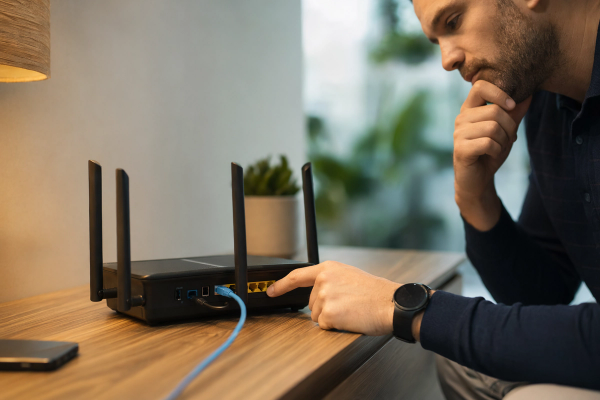
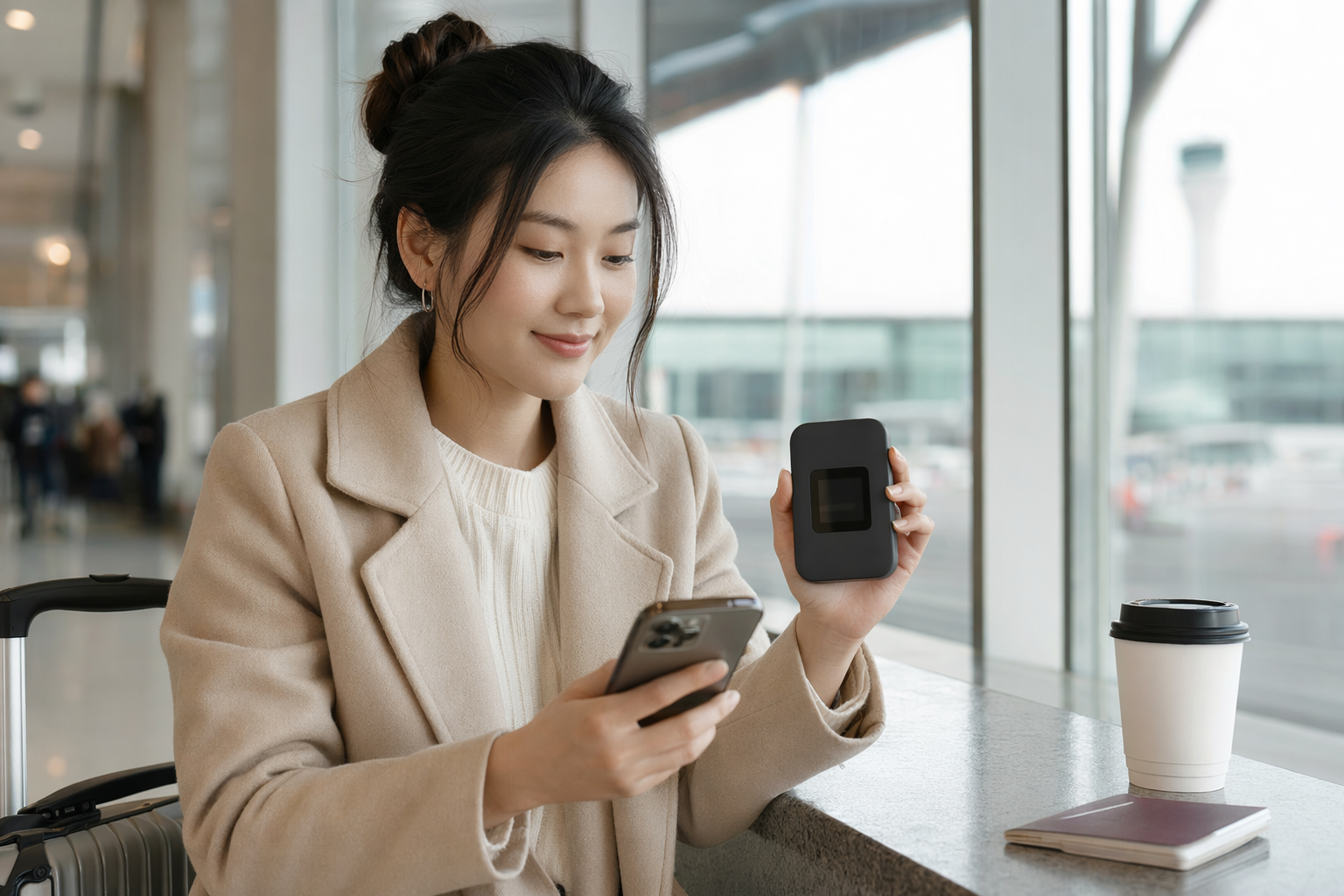
Pocket Wi‑Fi is a small portable router. You rent it, usually before the trip, pick it up at the airport or get it delivered, then connect your phone, tablet, laptop, partner’s phone, kid’s Nintendo Switch, whatever, over Wi‑Fi. At the end, you return it. It’s a little old-school now, but not bad old-school. More like “reliable camcorder dad energy.” It does one job and usually does it well. The catch is obvious: it’s another device. Another battery. Another thing in your bag. Another thing to forget on the train, which, yes, I have nearly done. Twice.
My first Japan connection mistake, because of course I made one
#The first time I went to Japan, I was convinced free Wi‑Fi would be fine. I’d read that convenience stores have Wi‑Fi, cafés have Wi‑Fi, hotels have Wi‑Fi, stations sometimes have Wi‑Fi, and I thought, okay, I’m a tech person, I can survive. This was dumb. Not catastrophic dumb, but dumb enough. Free Wi‑Fi in Japan exists, sure, but it’s patchy, often needs sign-ups, sometimes logs you out every few minutes, and it always disappears right when you need to translate a menu that has exactly zero pictures. Also underground stations are not where you want to be negotiating captive portals.
That trip taught me that travel internet isn’t just “can I browse Instagram?” It’s navigation, translation, digital tickets, restaurant bookings, train delays, messaging people when you split up, and looking up whether the thing you just ordered is chicken cartilage. And even if you’re doing everything right, please don’t rely entirely on mobile data. Download offline maps before you land. I’m serious. I have a whole little ritual now: flights, hotel PDF, map areas, translation packs, then chargers. If you’re still deciding your map setup, this comparison of Offline Maps for Travel: Google vs Apple vs Maps.me is exactly the kind of boring-but-trip-saving prep I wish I’d done earlier.
The eSIM experience: fast, nerdy, and kinda magical when it works
#The best thing about an eSIM is how invisible it becomes. You buy it before your flight, install it at home over Wi‑Fi, leave it disabled or inactive depending on the provider’s instructions, then switch it on when you arrive. Some plans start counting from installation, some from first network connection, and some providers word this stuff in a way that makes you re-read it like tax paperwork. So, yeah, check that part carefully. But when it works, it feels futuristic in a nice quiet way. Plane lands, you toggle a line, maybe enable data roaming for that eSIM, and boom, you’ve got maps before the baggage carousel even starts moving.
The tech bit I like: most travel eSIMs are data-only. Your normal phone number can usually stay active for calls or SMS if your home plan allows roaming, while the eSIM handles data. On iPhone and many Android phones you can label lines, choose the data line, and avoid accidentally burning your home roaming package. But please test the menus before you’re standing in arrivals with one hand dragging a suitcase and the other hand trying to remember where “Cellular Data Switching” lives. I say that from experience, not wisdom.
- Best for people who travel light and hate carrying extra gadgets.
- Great if you need internet immediately after landing and don’t want airport counter queues.
- Usually data-only, so voice calls may need WhatsApp, FaceTime Audio, LINE, Skype, or your normal roaming number.
- Requires an unlocked phone with eSIM support. Don’t assume. Check before buying, seriously.
The pocket Wi‑Fi experience: less elegant, but surprisingly comforting
#Pocket Wi‑Fi feels less sexy than eSIM, no question. You pick up a little router, charge it, turn it on, connect using the password on the sticker, and that’s it. But there’s something comforting about having a dedicated hotspot. Your phone isn’t doing all the work. Your laptop connects normally. Your travel buddy doesn’t need to buy their own plan. If you’re traveling with kids or parents, pocket Wi‑Fi can make you feel like the group IT manager, which is both useful and deeply annoying.
The downside is the human stuff, not the network stuff. You have to keep it charged. You have to remember it when you leave the hotel. You have to return it, often at the airport or by mail in a prepaid envelope. And if the person carrying it wanders into a Don Quijote aisle vortex while everyone else goes to find snacks, suddenly half the group has no internet. This is not theoretical. I’ve seen a group chat go from “meet at exit B2” to “WHERE ARE YOU” very fast.
Battery is the big pocket Wi‑Fi tax. Many units last a solid chunk of the day, but “all day” depends on signal, number of connected devices, age of the unit, and whether your friend is uploading 200 shrine photos to the cloud at full resolution. You’ll probably carry a power bank anyway, but now you’re charging phone plus router plus maybe camera batteries. If you’re updating your travel charging kit, I’d pair this decision with a quick read of GaN Charger Buying Guide: 30W vs 65W vs 100W, because one compact charger can save a surprising amount of bag chaos.
A messy but useful side-by-side comparison
#| Factor | Japan eSIM | Pocket Wi‑Fi |
|---|---|---|
| Setup | Buy online, install on phone, activate when needed | Reserve online, pick up or receive device, connect by Wi‑Fi |
| Best for | Solo travelers, couples, light packers, newer phones | Families, groups, locked phones, laptop-heavy trips |
| Devices | Usually one phone per plan, tethering depends on provider and phone | Multiple devices can connect to one router |
| Battery | Uses your phone battery only | Router needs charging, plus your phone still does too |
| Risk | Phone compatibility or activation issues | Forgetting, losing, or returning the device late |
| Convenience | No pickup or return, very clean | One shared password, simple for mixed devices |
| Privacy | Cellular connection directly on your phone | Shared hotspot, still better than random public Wi‑Fi |
| Flexibility | Easy to buy extra plans if phone supports it | Rental terms and returns can be more rigid |
Tables make everything look cleaner than real life, though. In practice, your decision is going to come down to a handful of questions. Is your phone unlocked? Are you traveling alone? Do you need laptop internet on trains? Are you the kind of person who loses small black gadgets? Do you have someone in the group who refuses to understand mobile settings? That last one is huge. A pocket Wi‑Fi router can be easier for less techy companions because it’s just Wi‑Fi, same as hotel Wi‑Fi. Meanwhile eSIM setup is easy until it isn’t, and then everyone stares at you because you’re “the tech person.” Great fun.
Coverage and speed in Japan: the part everyone overthinks, including me
#Japan’s mobile networks are generally excellent in cities, and that’s where most first-time travelers spend a lot of their time: Tokyo, Kyoto, Osaka, Hiroshima, Fukuoka, Sapporo, all the usual greatest hits. Both eSIM plans and pocket Wi‑Fi rentals usually ride on major Japanese carrier networks through local or roaming arrangements. The provider matters, but not always in the simple “brand A is fastest” way people want. Your speed can vary by neighborhood, building, train line, congestion, and plan rules. Some travel plans may have high-speed data caps, fair-use thresholds, or reduced speeds after a certain amount. Read the boring plan details. Sorry.
I’ve had eSIM data fly in central Tokyo and then get weirdly lazy inside a concrete basement izakaya. I’ve also had pocket Wi‑Fi work beautifully on a shinkansen and then struggle in a mountain town. Neither option is magic. If you’re going deep rural, hiking, island hopping, or doing a road trip through less touristy areas, I’d pay more attention to the underlying network and provider reputation than the format itself. eSIM vs pocket Wi‑Fi is one layer. The actual network behind it is the other layer.
Data usage: where travelers accidentally burn money or patience
#For normal travel stuff, you probably don’t need as much data as you think. Maps, translation, messaging, train apps, light browsing, restaurant searches, and ticket QR codes are not huge. The monsters are video, cloud photo backup, app updates, laptop syncing, and social media uploads if you’re posting every parfait like it’s breaking news. No judgement, I’ve been that person. But mobile data disappears fast when your phone decides this is the perfect moment to sync every photo from yesterday’s Nara deer incident.
This is where eSIM and pocket Wi‑Fi planning gets practical. If you buy a small eSIM plan, turn off background app refresh, disable automatic cloud backup on mobile data, download playlists before the trip, and use hotel Wi‑Fi for big uploads. If you rent pocket Wi‑Fi with “unlimited” in the name, still read the fair-use policy, because unlimited doesn’t always mean unlimited at full speed forever. For travel photos especially, I’ve become a bit old-man-yelling-at-cloud about backups: use hotel Wi‑Fi when it’s decent, maybe carry local storage, and don’t let your phone secretly upload 40GB while you’re trying to find curry. This Cloud Storage vs External SSD for Travel Photos breakdown fits right into that whole data-saving rabbit hole.
Security and privacy: public Wi‑Fi is convenient until it gets sketchy
#I’m not saying every free Wi‑Fi network is a villain in a trench coat. Airports, hotels, cafés, stations, they’re part of modern travel. But I don’t like depending on them for everything. Public Wi‑Fi can be slow, crowded, login-gated, and sometimes just vague enough that you’re not totally sure it’s legit. A cellular connection, whether through an eSIM or pocket Wi‑Fi, gives you a cleaner baseline. You still need normal common sense: use HTTPS sites, keep your phone updated, avoid doing sensitive account recovery on random networks, and use a VPN if that’s part of your security setup.
Between eSIM and pocket Wi‑Fi, I slightly prefer eSIM for privacy because it’s direct on my phone and there’s no shared router password floating around the group. But pocket Wi‑Fi is not inherently scary. It’s basically your own little hotspot. Just don’t leave the default password sitting in a photo you post online, which sounds absurd until you remember people post boarding passes and hotel key cards all the time. Humans are funny. Me included.
When I’d choose a Japan eSIM without thinking too much
#If I’m going to Japan alone for a week, I’m choosing eSIM almost every time. Same for a couple trip where both phones support eSIM and neither person needs heavy laptop internet. I like landing with connectivity ready, not stopping at a counter, not signing rental paperwork, not worrying about return envelopes. I also like having fewer objects. Travel already turns my pockets into a tiny museum: IC card, passport, lip balm, receipts, earbud case, random coin I can’t identify quickly enough at the register. I don’t need a router in there too.
- Your phone is unlocked and supports eSIM.
- You mostly need phone data for maps, translation, messaging, and tickets.
- You’re solo or each traveler is happy buying their own plan.
- You hate queues, pickups, returns, and extra hardware.
- You’re comfortable poking around mobile settings if activation gets slightly weird.
The other nice eSIM thing is redundancy. You can keep your physical SIM in place, or your main eSIM line if your phone supports multiple eSIM profiles, and use the Japan travel eSIM only for data. If something goes wrong, you haven’t physically swapped anything. That said, don’t delete your eSIM profile mid-trip unless the provider specifically tells you to. Some eSIMs can’t be reinstalled after deletion. This is one of those small print nightmares that sounds rare until it happens to you at 1am.
When pocket Wi‑Fi is still the smarter move
#Pocket Wi‑Fi wins when the group situation gets messy. Families with multiple phones and tablets? Pocket Wi‑Fi. A friend with an old phone or carrier-locked device? Pocket Wi‑Fi. Digital nomad-ish trip where you’ll use a laptop in cafés and hotels? Maybe pocket Wi‑Fi, or at least a generous eSIM with tethering confirmed. People who don’t want to touch SIM settings at all? Pocket Wi‑Fi. There’s value in simplicity, even if it’s not the newest tech.
Also, pocket Wi‑Fi can be cheaper per person for groups, depending on rental length and plan. I’m not giving a fake universal price here because providers change pricing, promos, pickup fees, insurance, and “unlimited” wording constantly. But if four people can share one router, the math can look good fast. Just add the invisible cost: someone has to carry it, charge it, and be responsible for it. If that someone is you, congratulations, you are now the group’s internet parent.
My rule: eSIM is better when each traveler is independent. Pocket Wi‑Fi is better when the group wants one shared bubble of internet and doesn’t mind babysitting a gadget.
The airport pickup vs install-at-home thing is underrated
#Arriving in Japan can be a lot. Not bad a lot, just… sensory. Immigration, luggage, train tickets, maybe an IC card setup, figuring out if you’re taking Narita Express or Skyliner or limousine bus, and your brain is still somewhere over the Pacific. This is why I love installing an eSIM before departure. Even if activation waits until Japan, the annoying QR code bit is done while I’m calm, caffeinated, and near my home Wi‑Fi. Airport brain is not my best brain.
Pocket Wi‑Fi pickup is usually straightforward, especially at major airports, but it still adds a step. If your flight is delayed, if the counter has a line, if you arrive late, if you booked pickup at the wrong terminal, it becomes friction. Delivery to hotel can be nice, but then you need internet to get to the hotel. See the problem? Some people solve that with offline maps and airport Wi‑Fi, which works, but I prefer removing variables. I am trying to become a calmer traveler. It’s going medium well.
A practical setup checklist I’d use before flying
#This is my not-perfect but battle-tested routine. First, check your phone model and eSIM support. Don’t just assume because it’s “new.” Some regional variants differ, and some carrier deals lock phones for a period. Then check your phone is unlocked. Then buy from a provider that clearly explains data amount, validity period, activation timing, hotspot/tethering support, and what happens after you use the high-speed allowance. Screenshot the instructions. Save the QR code somewhere accessible but private. Print it if you’re a paper person. No shame.
- Install the eSIM at home while you still have stable Wi‑Fi and patience.
- Do not make it your main voice line unless you know exactly why you’re doing that.
- Turn off mobile data for cloud backups, OS updates, and app auto-updates.
- Download offline maps, translation languages, hotel addresses, and ticket PDFs.
- Pack a power bank, because Japan travel days are long and your phone becomes your whole command center.
For pocket Wi‑Fi, the checklist is different but just as important. Reserve early if you’re traveling during busy seasons. Confirm pickup and return locations. Check whether insurance is worth it for you. Take a photo of the return instructions. Test the router before leaving the airport if possible. And label it somehow, because a small black rectangle looks like every other small black rectangle when you’re tired.
My slightly opinionated recommendations by traveler type
#Solo first-timer in Tokyo, Kyoto, and Osaka? eSIM. You’ll move faster and carry less. Couple with two modern unlocked phones? Two eSIMs, or one eSIM with hotspot if the second person barely uses data, though I don’t love making one person the battery hostage. Family of four with kids? Pocket Wi‑Fi starts making sense, especially if you’ll have tablets, games, and one parent who wants to manage everything centrally. Business traveler with a laptop and video calls? Honestly, I’d consider both: eSIM for phone independence, pocket Wi‑Fi or hotel wired/Wi‑Fi for work, because video calls chew through data and patience.
Backpacker hopping hostels and changing cities constantly? eSIM, unless your phone isn’t compatible. Photography nerd uploading RAW files? Neither mobile option should be your main backup pipeline. Use hotel Wi‑Fi when stable, local storage, and maybe cloud backup selectively. Rural explorer or ski trip person? Research the provider network more carefully than the format. Cruise traveler? Whole different beast, because ship connectivity and roaming can get weird fast. I’d seperate that plan completely.
Common little traps that make people hate whichever option they picked
#The first trap is buying too little data because the cheapest plan looks cute. Then you spend the trip policing every megabyte and getting mad when someone sends a video. The second trap is buying “unlimited” without understanding throttling or fair use. The third is assuming hotspot works on every eSIM. Some providers allow tethering, some don’t, and sometimes the phone/provider combo is fussy. The fourth is forgetting that pocket Wi‑Fi only helps when it is physically near you and turned on. Groundbreaking, I know, but travel makes people silly.
Another trap: not testing before leaving the airport. If you’re using eSIM, confirm your phone sees the network and data loads. If you’re using pocket Wi‑Fi, connect at least one phone and open a real webpage, not just the Wi‑Fi settings screen. And save your hotel address in Japanese and English. This isn’t strictly an internet tip, but future-you may want to hug past-you when a taxi driver or station staff member needs the address.
So, which is the best choice for Japan travelers?
#If I had to make the cleanest recommendation: choose a Japan eSIM if your phone supports it, your phone is unlocked, and you’re traveling solo or as a light-data couple. It’s the modern default now, at least in my bag. Choose pocket Wi‑Fi if you’re sharing across several people or devices, your phone can’t use eSIM, or you want a simple Wi‑Fi network everyone can join without messing around with SIM settings. Neither is automatically “better.” eSIM feels elegant. Pocket Wi‑Fi feels dependable. Sometimes dependable beats elegant, especially when you’re tired and hungry and the train platform changed.
My personal setup for my next Japan trip? eSIM on my phone, offline maps downloaded, power bank charged, cloud backups limited to hotel Wi‑Fi, and maybe a tiny emergency roaming allowance on my home line just in case everything goes sideways. That sounds paranoid, but travel tech is basically the art of building small backup plans so you can relax later. And then once I’m there, I don’t want to think about networks. I want to think about ramen ticket machines, late-night konbini desserts, camera settings, and whether I can justify buying another gadget in Akihabara. Spoiler: probably yes.
Anyway, that’s my nerdy but honest take. Japan eSIM vs pocket Wi‑Fi isn’t just a product comparison, it’s really about how you like to travel. If you love clean tech and independence, go eSIM. If you love shared simplicity and don’t mind charging one more thing, pocket Wi‑Fi still has a place. And if you’re still in planning mode, poke around AllBlogs.in sometime, because I keep finding useful travel-tech rabbit holes there and, uh, my tabs are already out of control.