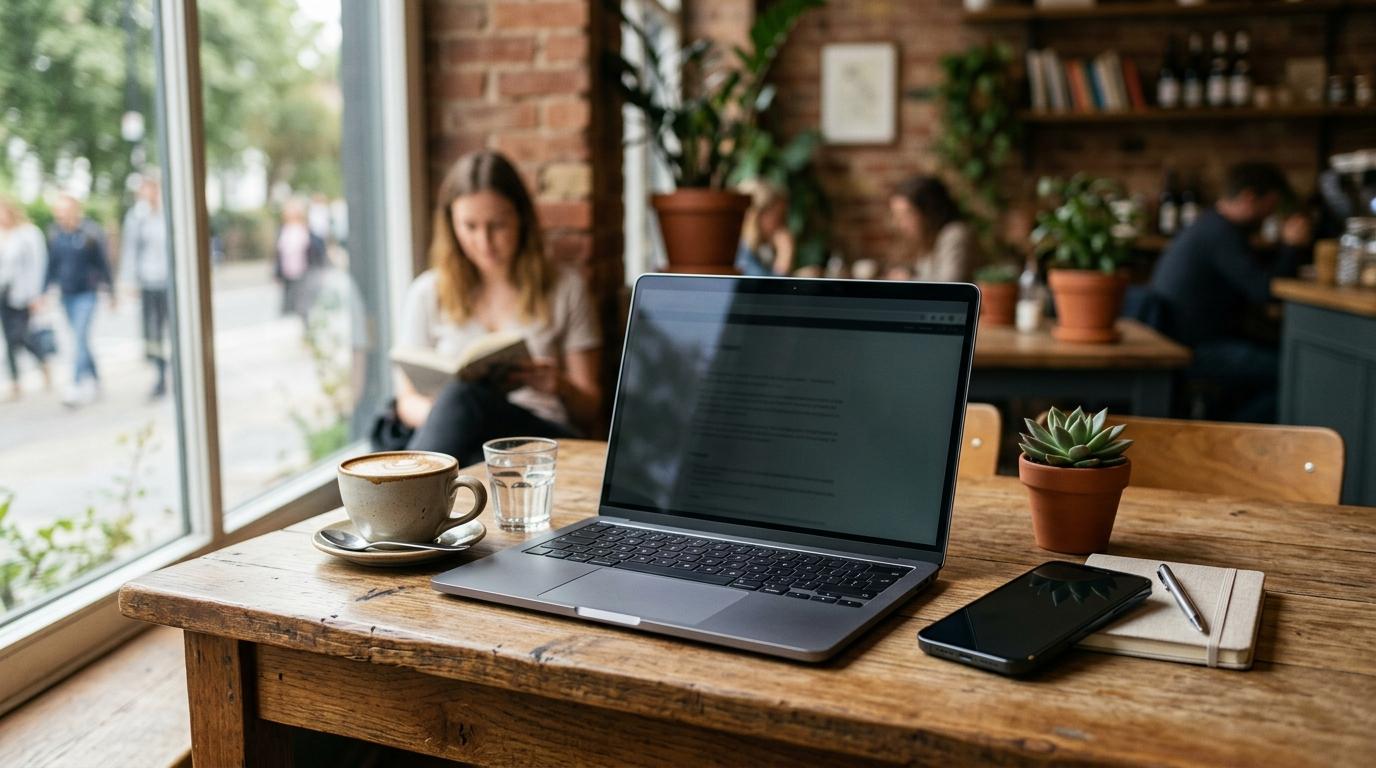
If you use your phone or laptop in public, you’ve probably had that uncomfortable moment where someone nearby could easily see what you’re doing. Maybe you’re checking your bank account on the train, replying to a work email in a cafe, or opening a private message in class.
That’s exactly where a privacy screen protector can help.
But not everyone needs one. If you mostly use your devices at home, or you only occasionally open sensitive information in public, a few simple habits may be enough. Lowering your brightness, using dark mode, sitting with your back to a wall, or waiting until later to open private files can sometimes do the job without buying anything.
This guide will help you decide whether you need phone privacy glass, a laptop privacy filter, or just smarter screen habits.
Quick Summary
#- What does a privacy screen do? It makes your screen harder to read from the side, so people next to you see a darker or unclear display.
- Best option for phones: Privacy glass, usually a tempered glass-style screen protector with side-view blocking.
- Best option for laptops: A laptop privacy screen or filter, often removable with magnets, tabs, or adhesive strips.
- Main downside: Your screen can look dimmer, colors may look slightly different, and you may need higher brightness.
- Can settings replace one? Sometimes. Lower brightness, dark mode, and better seating can help if you only need light privacy.
- Most important thing before buying: Check your exact device model, screen size, aspect ratio, camera cutouts, sensors, and fit. Do not guess.
What a Privacy Screen Protector Actually Does
#A privacy screen protector is designed to reduce shoulder surfing. That’s when someone nearby looks at your screen without permission, usually in places like trains, cafes, offices, classrooms, airports, or waiting rooms.
Most privacy screens use a special filtering layer, often called micro-louver technology. The easiest way to picture it is like tiny vertical blinds built into the protector. When you look straight at the screen, you can see it clearly. When someone looks from the side, the screen appears much darker.
That can be useful in places like:
- Buses and trains
- Airports and planes
- Cafes
- Coworking spaces
- Classrooms and libraries
- Shared offices
- Hotel lobbies
- Waiting rooms
But it’s important to be realistic. A privacy screen is not a magic invisibility shield.
It does not encrypt your data. It does not protect you on public Wi-Fi. It does not stop malware. It also will not hide your screen from someone standing directly behind you.
Its main job is simple: make it harder for people beside you to read your screen.
That’s it — and for many people, that’s enough.
Phone Privacy Glass vs Laptop Privacy Screen vs Settings
#Before buying anything, think about the actual problem you’re trying to solve.
Are people seeing your phone screen on the train? Are you working on private documents on your laptop in cafes? Or do you just want your screen to be a little less visible when you’re out?
The right choice depends on how often you need privacy and what device you use most in public.
Phone Privacy Glass
#Phone privacy glass is usually a screen protector with a privacy filter built in. It looks similar to a regular tempered glass protector, but it darkens the screen when viewed from the side.
Good for:
#- Commuters checking messages, banking apps, or email
- Travelers using phones in airports or on flights
- Students using phones in crowded classrooms or libraries
- Anyone who opens private chats in public
- People who want screen protection and privacy in one product
Pros:
#- Always on once installed
- Helps block side viewing in crowded places
- Can protect the screen from scratches, depending on the product
- No extra accessory to carry
- Easy to use after installation
Cons:
#- You usually cannot turn the privacy effect off
- Your screen may look darker, even when you’re alone
- Some protectors can affect touch sensitivity
- In-display fingerprint scanners may not work as well
- Colors and brightness may look less clean than bare glass
- Fit can be tricky with curved screens, cases, cameras, and sensors
Phone privacy glass makes the most sense if you use your phone in public every day. If you only worry about people seeing your screen once in a while, it may feel like a permanent compromise for an occasional problem.
Laptop Privacy Screen or Privacy Filter
#A laptop privacy screen is usually a thin filter that sits over your display. Some attach with magnets, some use adhesive strips, and others slide into small tabs around the screen.
Good for:
#- Remote workers handling private emails or documents
- People working on flights, trains, or in cafes
- Students reviewing personal accounts, notes, or school information in public
- Business travelers using laptops in lounges or hotels
- Anyone who works close to strangers
Pros:
#- Many options are removable
- Better suited to larger screens than phone-style privacy glass
- Useful for longer work or study sessions in public
- Can be taken off when you need better brightness or color
- Good for people who only need privacy at certain times
Cons:
#- Can make the screen look dimmer
- Text may look slightly less sharp on cheaper filters
- Fit can be confusing because laptop screens vary a lot
- Some attachment styles look a little messy
- Not ideal for photo, video, or design work where color accuracy matters
A laptop privacy screen is usually the better choice if you work or study in public for longer periods. For example, writing reports in a cafe, reviewing client files on a plane, or working with private documents in a coworking space.
Software Settings and Better Habits
#Sometimes you don’t need to buy anything at all.
If you only use your device in public occasionally, a few small changes can make your screen less visible without adding a physical filter.
Try these first:
- Lower your screen brightness when possible
- Use dark mode if it feels comfortable
- Sit with your back to a wall
- Avoid opening sensitive files in crowded places
- Increase text size instead of cranking up brightness
- Lock your screen whenever you step away
- Angle your screen away from people beside you
- Save private tasks for later if they can wait
These habits won’t replace a real privacy filter in every situation. But for casual use, they may be enough.
They also avoid the biggest annoyance of privacy protectors: living with a dimmer screen all the time.
Phone vs Laptop Comparison
#- Best use case: Phone privacy glass works best for quick private use in public. Laptop privacy screens work best for work, study, and document viewing in public.
- Typical form: Phone options are usually tempered glass-style protectors. Laptop options are usually thin plastic or film privacy filters.
- Removable: Phone privacy glass is usually not meant to be removed often after installation. Laptop filters are often removable, depending on the attachment style.
- Main benefit: Phone privacy glass gives always-on phone privacy. Laptop filters give flexible privacy for work sessions.
- Main drawback: Phone privacy glass can mean permanent dimming and possible touch issues. Laptop filters can vary by fit, clarity, and attachment style.
- Fit risk: Phones need the exact model, case, sensors, and edge shape checked. Laptops need screen size, aspect ratio, and bezel type checked.
- Best for: Phone privacy glass suits commuters, travelers, and daily phone users. Laptop filters suit remote workers, students, and frequent flyers.
- Avoid if: Skip phone privacy glass if you need maximum brightness or often share your screen. Skip laptop filters if you do color-sensitive work or want a perfect display.
If you’re buying for a phone, exact model compatibility matters most.
If you’re buying for a laptop, screen size and aspect ratio matter most.
Do not just buy the first product that says “fits most laptops.” That phrase often causes problems.
Who Should Buy a Privacy Screen Protector?
#You should consider one if you regularly use your device around other people and your screen shows personal, financial, school, or work information.
Buy one if you:
#- Work remotely from cafes, airports, trains, or coworking spaces
- Handle confidential work documents or emails
- Check banking, payment, or account details in public
- Travel often and use devices in close seating
- Study or work in libraries, classrooms, or shared spaces
- Feel uncomfortable when people beside you can see your screen
- Use your laptop on flights or trains where seats are close together
A privacy screen protector is most useful when the privacy risk happens often.
If it only bothers you once every few months, better habits may be enough.
Who Should Avoid One?
#A privacy screen can be helpful, but it is not for everyone.
You may want to skip one if you:
#- Edit photos, videos, or graphics and need accurate colors
- Already struggle to read your screen at normal brightness
- Often show your screen to friends, classmates, coworkers, or clients
- Use your phone outside a lot, where brightness already matters
- Rely on an in-display fingerprint scanner and compatibility is unclear
- Hate any loss of sharpness, brightness, or screen comfort
- Mostly use your device at home or in private spaces
Privacy filters add a little friction. For some people, that friction is more annoying than the privacy problem itself.
What to Check Before Buying
#This is where people often waste money. Privacy screens look simple, but fit and comfort can vary a lot.
Use this checklist before you order one.
1. Exact Device Compatibility
#For phones, check:
- Phone model name
- Screen size
- Camera cutout
- Face unlock sensors
- Curved or flat screen edges
- Case compatibility
- Fingerprint scanner compatibility, if your phone uses an under-display scanner
For laptops, check:
- Screen size
- Aspect ratio, such as 16:9, 16:10, or 3:2
- Viewable screen width and height
- Bezel shape
- Whether your laptop has a raised frame or edge-to-edge glass
- Camera and sensor placement
A 15-inch laptop filter does not fit every 15-inch laptop. A 15.6-inch 16:9 screen and a 15-inch 3:2 screen are completely different shapes.
Always compare the product’s sizing guide with your actual device. Guessing is how you end up with a filter that almost fits, which usually means it does not fit well at all.
2. Viewing Angle
#Many privacy filters list a viewing angle, often around 28 or 30 degrees. A smaller angle usually means stronger side-view blocking.
But there is a trade-off.
The stronger the privacy effect, the more likely your own screen may feel darker or less comfortable, especially if you do not sit directly in front of it.
If you move around a lot while working, or your laptop is often slightly off to one side, keep this in mind.
3. 2-Way vs 4-Way Privacy
#Most privacy screens are 2-way. That means they mainly block views from the left and right sides.
Some are 4-way, meaning they also reduce visibility from above and below.
For most people, 2-way privacy is enough. The usual problem is someone sitting beside you, not someone looking from above or below.
4-way privacy can be useful in very tight spaces, but it may also make the screen darker and less comfortable to use. Don’t choose it just because it sounds more secure. Choose it because you actually need it.
4. Brightness and Color Trade-Off
#Every privacy screen changes how your display looks at least a little. Some do it better than others, but you should expect some compromise.
Possible changes include:
- Lower brightness
- Slight color shift
- Less comfortable viewing when you are off-center
- More glare, depending on the finish
- Text that looks less crisp on cheaper filters
If screen quality matters more than privacy, avoid permanent protectors. A removable laptop privacy filter is usually easier to live with because you can take it off when you need the best display quality.
5. Laptop Attachment Style
#Laptop privacy screens attach in different ways.
Common options include:
- Magnetic attachment
- Adhesive strips
- Slide-in tabs
- Frame-based placement
Each style has pros and cons.
Magnetic filters are convenient if your laptop supports them well. Adhesive strips can feel more secure, but they may look less clean. Slide-in tabs are practical, but some people dislike how they look around the screen.
Before buying, decide whether you want something permanent, semi-permanent, or easy to remove.
6. Touch and Fingerprint Compatibility for Phones
#Phone privacy glass adds another layer between your finger and the screen.
Before buying, check whether the product mentions:
- Touch sensitivity
- In-display fingerprint readers
- Face unlock sensors
- Front camera cutouts
- Phone case compatibility
Even when a product says it works, results can vary. Read reviews, check the product page carefully, and do not assume every privacy glass protector works perfectly with every phone feature.
This matters especially if your phone uses an under-display fingerprint scanner.
Mistakes to Avoid
#Mistake 1: Expecting Total Privacy
#A privacy screen helps reduce side viewing. It does not make your screen invisible from every angle.
Someone standing directly behind you may still see it. Someone very close may still catch details. A bright screen in a dark room can still attract attention.
Think of a privacy screen as one layer of privacy, not your entire privacy plan.
Mistake 2: Buying by Screen Size Only
#This is especially common with laptops.
People see “14-inch” or “15.6-inch” and assume that is enough. It usually isn’t. Aspect ratio and actual viewable dimensions matter too.
Before buying a laptop privacy screen, confirm:
- Width
- Height
- Diagonal size
- Aspect ratio
- Whether the product is made for your screen style
Laptop screens vary more than people expect. Measure twice, order once.
Mistake 3: Ignoring Brightness Loss
#Privacy filters block light from side angles by design. That can make your screen feel dimmer.
Many people raise their brightness to compensate, which can affect battery life. This matters more during long phone or laptop sessions.
That does not mean privacy screens are bad. It just means you should know the trade-off before buying one.
Mistake 4: Choosing Privacy When You Often Share Your Screen
#If you often show your screen to coworkers, classmates, clients, friends, or family, a privacy screen can become annoying quickly.
People beside you may not be able to see clearly, which makes collaboration harder.
For shared work, a removable laptop filter is usually better than something permanent.
Mistake 5: Confusing Screen Privacy With Device Security
#A privacy screen helps against shoulder surfing. It does not secure your device or accounts by itself.
You still need basic security habits like:
- Locking your device
- Using strong passwords or passcodes
- Being careful on public Wi-Fi
- Avoiding sensitive activity in risky places
- Keeping your device updated
The privacy screen hides the view. It does not secure the connection.
So, Which Option Should You Choose?
#Choose phone privacy glass if:
#- You use your phone in public every day
- You often open private chats, banking apps, or work messages
- You want privacy without carrying anything extra
- You are okay with a slightly darker screen
- You do not often show your phone screen to other people
Choose a laptop privacy screen if:
#- You work or study in public spaces
- You use a laptop on flights, trains, or in cafes
- You handle documents that strangers should not see
- You want the option to remove the filter sometimes
- You can verify the exact screen size and aspect ratio before buying
Choose settings and habit changes if:
#- You only rarely use sensitive information in public
- You do not want any brightness or color compromise
- You mostly use your device at home
- You often share your screen with others
- You want to try a free solution first
A simple rule: if shoulder surfing is a regular problem, buy a physical privacy screen. If it is only an occasional worry, improve your habits first.
Final Takeaway
#A privacy screen protector is worth buying if you often use your phone or laptop in public and want to reduce shoulder surfing.
For phones, privacy glass is best if you want always-on protection. For laptops, a removable privacy screen is usually more flexible.
Just be honest about the trade-offs. A privacy filter can dim your display, affect colors, and make the screen less comfortable from certain angles. It also does not replace basic security habits.
Before buying, check your exact device model, screen size, aspect ratio, cutouts, sensors, and attachment style. If the fit is wrong, even a good privacy screen will feel like a bad purchase.