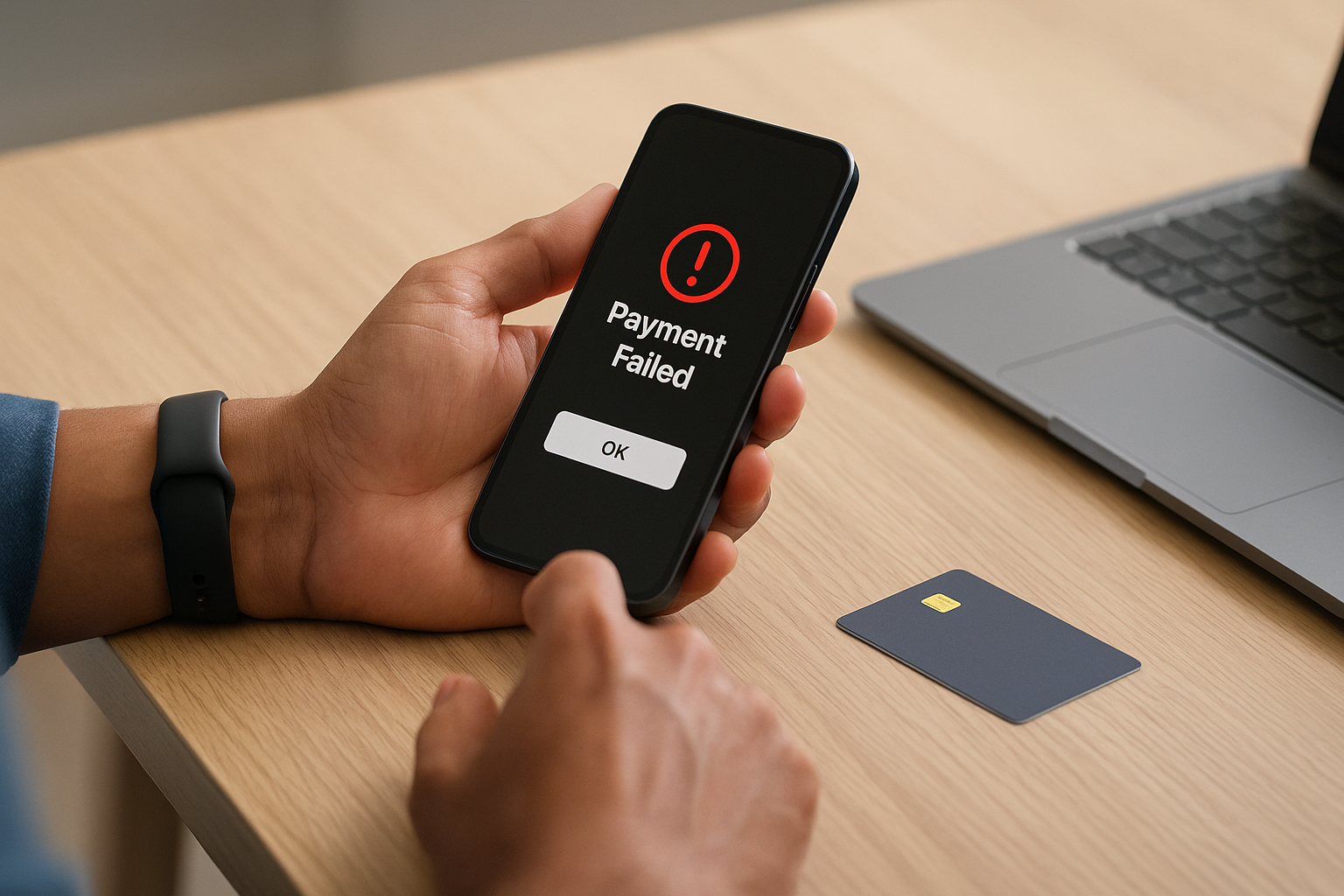
I swear this has happened to almost everybody now. You scan a QR code, type your UPI PIN, the app spins for a sec, and then boom... payment failed. But the money? Yeah, that got debited just fine. Amazing. I had this happen last month while paying a cafe bill and for like 20 very annoying minutes I was standing there trying to explain to the cashier that no, I'm not making stuff up, my bank account really did get hit. This whole failed-but-debited UPI thing feels tiny till it happens to you, and then suddenly you're screenshotting everything like an investigator in some low-budget cyber thriller.
UPI is honestly one of the coolest pieces of consumer fintech infra ever built in India. Fast, cheap, mostly invisible, kinda magical when it works. And it works a lot. By 2026, UPI is processing insane volumes month after month, with transaction counts and values so huge they've become normal headline material. NPCI keeps expanding the ecosystem too, with UPI Lite, credit on UPI, RuPay integrations, AutoPay, and more merchant use cases. Which is great. But when scale gets this massive, even a tiny failure percentage means a LOT of people end up googling the exact same panicky phrase: "UPI payment failed but money debited what to do".
First thing: don't panic... mostly because these reversals usually happen automatically
#The biggest thing I wish someone had told me earlier is this: if a UPI payment shows failed or pending but the amount got debited, a lot of these cases are temporary settlement or communication issues between the PSP app, your bank, the beneficiary bank, and the NPCI switch. In plain English, one system said "done," another said "wait," and your money got stuck in the middle for a bit. Sounds scary, but many such transactions are automatically reversed without you doing much at all.
In most standard UPI dispute scenarios, the expected auto-reversal timeline is generally within T+1 day, meaning by the end of the next working day after the transaction date. A lot of people still think it'll take a week by default. Not always. Often it's faster. I've personally had one reverse in under 30 minutes, another took overnight, and once—ugh—that one dragged almost till the next day evening. So yeah, both things are true: usually auto-refund is normal, and also waiting for it feels eternal.
If the payment failed and the recipient did not recieve the money, chances are the amount will be auto-reversed. The annoying part isn't usually the refund. It's the uncertainty.
Why this happens in the first place, in kinda non-boring language
#There are a bunch of reasons. Bank server timeout is a big one. NPCI switch congestion during peak time can do it too. Sometimes your app says failed because it didn't get final confirmation quickly enough, even though the debit request already went through. Sometimes beneficiary bank is slow. Sometimes your own bank is the problem, which, if we're being honest, is very on-brand for certain banks. And yeah, weak mobile internet can make everything look more dramatic than it is.
- Bank server downtime or timeout during authorization
- Connectivity issue between UPI app and bank systems
- Recipient bank delay in sending confirmation
- High-load hours, festival spikes, salary days, end-of-month rush
- Technical glitches in PSP apps like PhonePe, Google Pay, Paytm, BHIM, or bank apps
In 2025 and going into 2026, banks and apps have improved reliability a lot, but they also introduced more layers: prepaid wallets linked to UPI, Lite balance handling, delegated payments in some flows, credit line style use-cases, recurring mandates. Great for convenience, sure. But more rails means more edge cases. That's just how systems are.
The refund timeline that actually matters
#Okay, practical stuff. If money is debited but payment failed, use this rough rule of thumb. If the receiver did NOT get the money, many transactions reverse automatically within a few minutes to a few hours, and officially you should usually allow till T+1 day. If the transaction remains unresolved after that, raise a complaint right away in the app and with your bank. Don't just keep waiting forever because your uncle said "system will settle ho jayega." Maybe. Maybe not.
| Situation | What usually happens | Typical timeline |
|---|---|---|
| Payment failed, recipient not credited | Auto-reversal to source account | Within minutes to T+1 day |
| Payment pending | Final success/failure update may arrive later | Often within hours, sometimes till T+1 day |
| Recipient got money but merchant says not recieved | Need transaction verification / merchant settlement check | Can take 1 to 3 working days |
| No reversal even after expected period | Raise dispute in app and bank | Escalate immediately after T+1 |
| Chargeback or complaint escalation | Bank/NPCI complaint handling | Can take several working days depending on case |
What I do now, step by step, the minute a UPI payment goes weird
#I've gotten embarrassingly methodical about this. Maybe too methodical. But it works.
- First, I check whether the recipient actually got the money. Not the app status alone. I ask them to check SMS/app statement on their side.
- Then I open transaction details and take screenshots: UTR, transaction ID, time, amount, status, recipient VPA, everything.
- I check my bank balance or statement, because sometimes the app UI lags and shows debit weirdly.
- If recipient didn't get it, I wait a reasonable bit. Usually 30 minutes to a few hours unless it's urgent.
- If still unresolved, I raise a complaint inside the UPI app itself under Help, Support, Raise issue, or Check payment status.
- If there is no reversal by T+1 day, I contact my bank directly too. App support alone isn't always enough, sad but true.
And yes, save the UTR number. Seriously. That's your lifeline. Without it, every support conversation becomes this horrible circular mess where they ask for details you vaguely remember but not exactly, and then you start doubting your own memory.
How to raise the complaint in the app without losing your mind
#Most major UPI apps in 2026 have gotten better at surfacing dispute options. Usually you open the specific transaction, tap something like Help, Report issue, or Raise dispute, and then choose the right reason: money debited but receiver not credited, payment failed but amount deducted, incorrect status, merchant issue, that sort of thing. PhonePe, Google Pay, Paytm, and BHIM all have transaction-level support flows now that are wayyy better than before, though still not always intuitive. Some bank apps are decent too, some are... let's call them character-building.
When filing the complaint, include the exact issue. Don't just write "money gone pls help." I mean, relatable, but not ideal. Mention that amount was debited, payment status failed/pending, receiver did not recieve funds, and that no reversal has happened yet. If merchant says they didn't get it, mention that too. Clear inputs usually gets cleaner resolution.
If the app support is useless, go to the bank. If the bank is useless, escalate further
#This is the part people skip because it's boring till you need it. Your UPI app might be just the PSP layer. The actual account debit happened at the bank. So if auto-refund doesn't happen in the expected time, contact the remitter bank first, and if needed also log the issue through the bank's grievance portal, customer care, or branch. Keep complaint numbers. Every single one.
If you're still stuck, you can escalate through the formal UPI dispute and grievance channels available in the ecosystem. There are complaint options inside BHIM and member bank systems, and banks typically have nodal grievance officers. Beyond that, unresolved digital payment complaints can be escalated under the banking ombudsman framework through the RBI's complaint mechanisms. I know, sounds heavy. But honestly, just knowing there's an escalation path makes this less helpless-feeling.
Tiny rant: a lot of payment anxiety comes from poor status messaging. "Processing" means nothing to normal humans when their account balance is lower by ₹2,850.
One thing people mess up a lot: retrying the payment too fast
#I've done this. Bad idea. You see failed, you panic, you pay again, and then 15 minutes later the first one turns out to have actually gone through or gets confirmed to the merchant. Congrats, now you've paid twice. This happens more than people admit. If the transaction status is unclear, verify first. Especially with merchants, tuition payments, rent, ticket bookings, and utility bills. Wait, check, then retry. Not the other way around.
Actually, with online merchants the situation gets extra messy because merchant order status and bank transaction status may not sync at the same speed. The merchant can say failed while the bank debit succeeded and later settles, or the reverse. E-commerce, travel bookings, food delivery, all that. So you need both sides: UPI transaction status and merchant order/payment page status.
2026-ish UPI trends that kinda matter here
#A few ecosystem changes are worth knowing because they affect how payment issues show up. UPI Lite has reduced some small-value bank-side friction for low-ticket transactions, which I personally love for chai-and-metro kind of spending. Credit on UPI has grown too, especially via RuPay credit cards and linked credit products, which means dispute handling can now involve card statement cycles or credit line interpretation in some edge cases. More international acceptance and cross-border style experiments have also expanded the surface area. Basically UPI is no longer one simple "bank to bank only" story. It's become a whole stack.
And as adoption has deepened in transit, offline merchants, subscription mandates, and feature-phone assisted flows, support systems have had to catch up. They mostly have, kinda. But consumers still need to know the basics because no matter how advanced the rails get, when your money is stuck, you're not thinking about fintech innovation. You're thinking "bhai mera paisa wapas kab aayega".
What documents or proof you should keep, even if it feels overkill
#- Transaction ID or UTR number
- Date and exact time
- Amount and recipient VPA / merchant name
- Screenshot of app status
- Bank SMS or account statement screenshot
- Any chat or confirmation from merchant saying payment not recieved
This sounds obvious but in the moment people forget. Me included. Once I had all the details except the merchant's exact UPI ID, and support kept bouncing me between categories because the QR belonged to an aggregator. That was a fun little nightmare... not.
So when should you actually worry?
#Not immediately. That's the short answer. If it's been a few minutes, chill. If it's been a couple hours, monitor it. If by T+1 day there is no reversal and no final update, act. If the recipient has actually got the money and you're arguing over service delivery, that's not a reversal case really, that's a merchant dispute or service issue. Different headache. If the amount was sent to the wrong person because you entered the wrong VPA, that's also a separate problem and not the same as a failed debit case.
Also, if this keeps happening repeatedly with one particular bank account or one app, switch for a bit. I'm serious. I now keep at least two UPI apps and more than one linked bank account. Not because I'm paranoid. Well, maybe a little. But redundancy is just smart. Tech people do this with servers, why not with payments?
My honest take after years of using UPI way too much
#UPI is still brilliant. Like genuinely brilliant. I complain about it because I use it constantly and because I expect a lot from it. That's different from saying it's broken. It isn't. At India's scale, the thing is kind of a miracle honestly. But consumers need clearer refund messaging, better real-time bank status visibility, and less blame-passing between app, bank, and merchant. That's the bit that still feels stuck in 2021 sometimes, even though the product itself is racing ahead in 2026.
Anyway, if your UPI payment failed but money got debited, the short version is: check if recipient was credited, save the UTR, wait for auto-reversal till T+1 day, raise a complaint in the app, then with the bank if needed, and escalate if it still doesn't move. Most cases do get resolved. It just feels chaotic while it's happening. Been there, hated it, learned the routine.
If you like practical tech explainers like this—more real-world than buzzwordy—have a look at AllBlogs.in too. I've found some pretty useful reads there when I'm in my "why is this payment system doing this to me" mood.