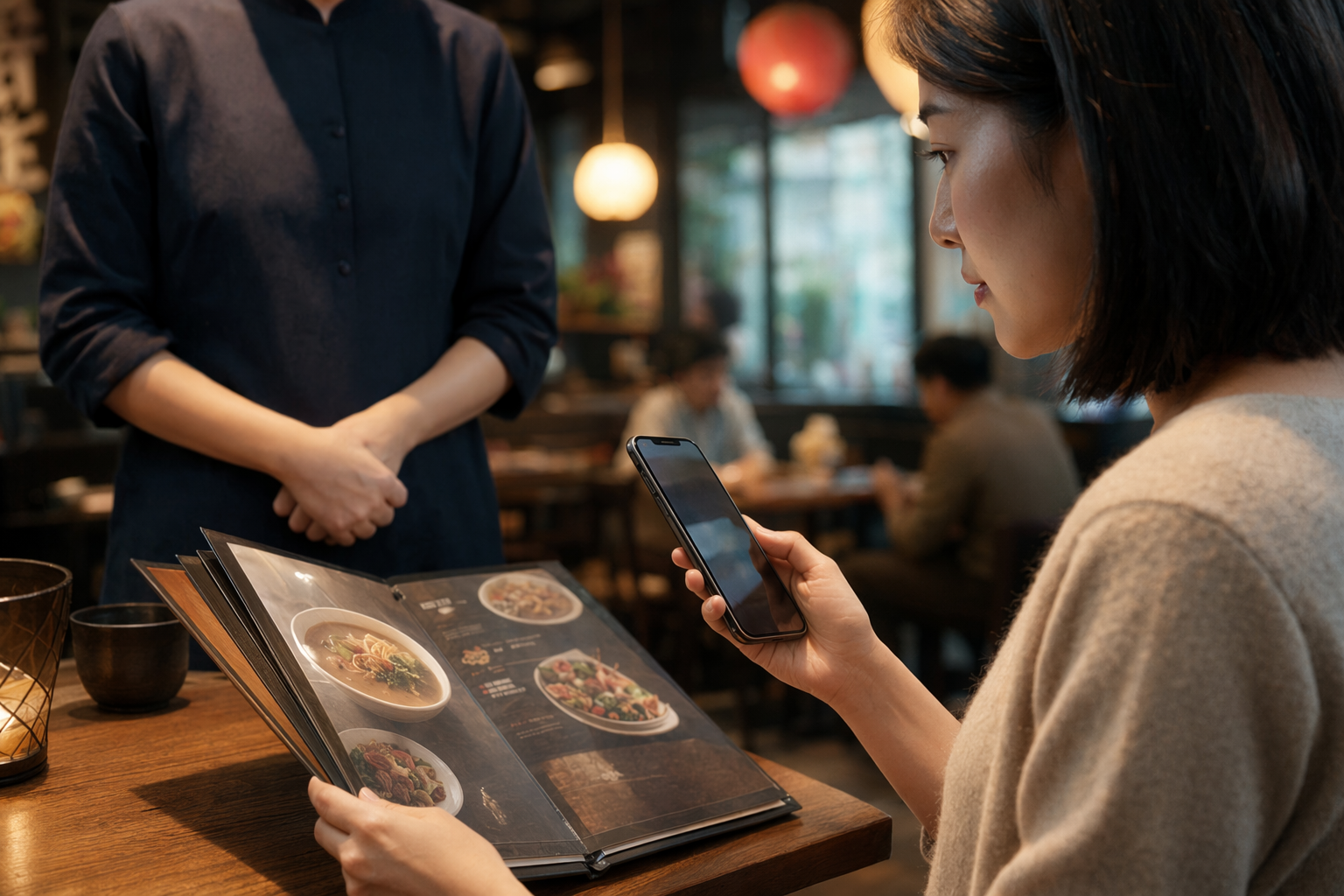
The night a menu app saved me from ordering… probably squid guts?
#I got obsessed with restaurant menu translation apps in the most boring, hungry-traveler way possible. I was in a tiny place with plastic stools, the kind where the menu is laminated and slightly sticky, and I was doing that tourist thing where you smile too much and point at random items like you totally know what’s going on. I did not know what was going on. My phone did, kinda. I opened a translation app, pointed the camera at the menu, and the dish name came back as “fried intestines with fragrant disaster.” Which, honestly, might have been a translation bug, or might have been the restaurant being very direct. Either way, I changed my order.
Since then I’ve become weirdly passionate about this tiny travel-tech niche: menu translation apps that work offline, don’t leak half your life to random servers, and don’t confidently tell you that “fish broth” means “vegetarian happiness.” Because this stuff matters. It’s not just convenience. If you’ve got allergies, dietary restrictions, religious food rules, or you’re simply not in the mood to accidentally eat blood sausage at 11pm, translation accuracy becomes very real, very fast.
Also, I’m a privacy nerd. Not a perfect privacy nerd, because I still install apps at airports when I’m tired like an idiot, but I try. And menu translation apps are sneaky because they feel harmless. It’s just a menu, right? But the workflow often includes camera access, photo uploads, location hints, saved translation history, cloud OCR, and sometimes account syncing. That’s a lot for a bowl of noodles.
What these apps are actually doing when you point your camera at ramen
#A menu translation app is usually doing three jobs at once. First, it uses OCR, which means optical character recognition, to figure out what text is in the image. Then it translates that text. Then it overlays the translated words back on the camera view, or gives you a list, or sometimes makes a complete mess and places “duck” on top of “ice cream” because the lighting is bad and your hand is shaking.
The magic part is that some of this can happen offline now, at least partially. Google Translate, Apple Translate, and Microsoft Translator all support downloadable language packs in different ways, and the big idea is simple: download the language before you travel, then translate text without needing mobile data. Apple also has an on-device translation mode for supported languages. Google Translate lets you download languages for offline text translation, and Microsoft Translator has offline packs too. But, and this is the part people miss, camera translation and OCR features may behave differently offline depending on the app, language pair, and version. Don’t assume the shiny live-camera mode will be just as good on airplane mode.
I learned that one in a basement restaurant where my “offline prepared” setup worked fine for typed words but got very grumpy with a vertical Japanese menu in dim yellow lighting. I ended up manually typing characters using the handwriting input, which made me look like I was doing a tiny exam at the dinner table. Not smooth. But it worked enough.
My current menu translation stack, because yes I have one
#I don’t think there is one perfect restaurant menu translation app. People love “best app” lists, but real life is messier. Your app choice depends on country, language, whether the menu uses handwriting or stylized fonts, whether you have data, and how much you care about privacy. Me, I usually keep two apps ready, sometimes three if I’m going somewhere with a language I know is tricky for OCR.
- Google Translate is still the practical workhorse for a lot of travel. Offline language downloads are easy, camera mode is familiar, and it handles lots of languages. It’s not always elegant, but it gets you fed.
- Apple Translate is nice if you’re deep in the iPhone world and want more on-device behavior. The interface feels calm, almost too calm, like it’s judging my panic-ordering.
- Microsoft Translator is underrated. I’ve had it rescue phrases that another app mangled, and offline packs are handy. It also feels less flashy, which I weirdly like.
- DeepL is amazing for natural-sounding text in supported languages, but I don’t treat it as my first offline camera-menu tool. I use it more when I can copy/paste text or type something in.
- Papago can be really useful in Korea and parts of East Asia, but check the exact offline features before you go. App capabilities change, and travelers on forums sometimes talk like every feature works offline when it… does not always.
My boring-but-effective strategy is this: install the apps at home, download the languages on Wi‑Fi, test airplane mode with a random menu screenshot, and only then trust it. If it fails in your kitchen, it will absolutely fail in a loud restaurant when you’re starving and your travel buddy is already eating your appetizer.
Offline mode is not just for saving data, it’s a privacy move
#A lot of people think offline translation is only about avoiding roaming charges. That’s part of it, sure. But the bigger reason I care is privacy. When translation happens locally on your phone, your menu photo or typed text is less likely to be sent to a cloud service for OCR and translation. I’m saying “less likely” because app behavior varies and you should check settings, but offline mode gives you a fighting chance.
Menus can reveal more than you think. Not in a dramatic spy-movie way, but still. A camera translation session might include the restaurant name, location clues, faces in the background, your table number, payment QR codes, or your kid in the corner making a face at soup. If the app stores translation history or uploads images for processing, that random dinner moment becomes data. Maybe boring data, but boring data is still data.
This is why I like doing a quick privacy sweep before traveling. Permissions, account sync, photo access, location access, history retention. Same basic mindset I use for travel apps that handle more sensitive stuff, like passport scans and bookings. If you want a broader checklist, this one on Travel Booking App Privacy Checklist: What to Check Before You Upload Passports, Cards, or Trip Documents fits the same travel-brain moment: check what you’re giving away before you’re tired, hungry, and clicking “allow” on everything.
My little pre-trip offline checklist
#- Download language packs for every likely language pair. Not just “Japanese to English,” but maybe “Korean to English” if you have a layover, or “French to English” if menus switch languages near borders.
- Turn on any on-device or offline translation setting the app offers. In some apps this is buried in settings, because apparently hiding the useful things is a design tradition.
- Test with airplane mode. Don’t just trust the download badge. Open a menu photo, try camera mode, try typed text, try voice if you need it.
- Remove broad photo library access if you don’t need it. Camera-only is usually enough for live menu translation.
- Clear translation history after the trip, or turn off saving if the app lets you. Future you does not need a searchable archive of “spicy pork lung maybe.”
Camera permissions: the tiny button that gives away a lot
#Camera access is where people get casual. You install a translation app, it asks for camera permission, you tap yes, done. But on both iOS and Android you’ve got more control than you might think. You can usually allow camera access only while using the app. For photos, newer phone systems often let you share selected images instead of the entire photo library. Use that. Seriously, use that.
I treat menu translation like document scanning, just with more garlic. The app needs to see text, convert it, and maybe process the image. That’s basically a scanner workflow. The same privacy tradeoffs show up: what gets stored, what gets uploaded, whether OCR happens locally, and whether the app keeps copies. I wrote down a similar mental model after reading about Document Scanner vs Scanner App: What Should You Use for Receipts, IDs, and Paperwork?, because receipts and menus both seem harmless until you realize your camera roll is basically a diary with metadata.
One trick I use: if I don’t need live camera translation, I take a photo with my regular camera, crop out faces and table clutter, then translate that cropped image. It adds maybe 20 seconds. Not a big deal. It also helps accuracy because the app sees a cleaner image. Less background chaos, less weird OCR. If you’re with friends, yes, they may mock you. Let them. They’ll ask you what the dumplings are in two minutes.
Accuracy is where things get spicy, and not always in a good way
#Menu language is hard. Like, genuinely hard. Food words are cultural, regional, abbreviated, punny, handwritten, seasonal, and sometimes intentionally cute. Translation apps are very good compared with where they were years ago, but they still do not “understand dinner” the way a local person does. They may translate ingredients literally, miss hidden broths, or turn a dish name into poetry.
The biggest issue I see is hidden animal products. A dish might look vegetarian on the translated menu, but the sauce includes fish sauce, dashi, chicken stock, lard, bonito flakes, shrimp paste, or gelatin. The app may translate the main noun and skip the tiny note. Or the menu might not list it at all because locals just know. This is where I get a bit preachy: if it matters for your health or beliefs, do not rely only on the app. Ask staff, use a prepared allergy card, and learn a few key words.
This comes up even with ingredients that sound safe. Mushroom soup or mushroom stock, for example, may be vegetarian, or it may be built on chicken broth or fish-based seasoning. That’s why label and menu context matters, and this explainer on Is Mushroom Stock Vegetarian? Broth, Bouillon and Label Checks is weirdly relevant when you’re traveling: translation can tell you the word “mushroom,” but it may not tell you the base.
Words I always translate twice
#- Broth, stock, consommé, bouillon, dashi. These are tiny words with huge consequences.
- “House sauce” or “special sauce.” That phrase is basically a mystery box wearing a chef hat.
- Fermented, cured, smoked, dried. Sometimes the app gets the protein wrong when it’s processed.
- Seasoning paste. In many cuisines, the flavor base includes seafood or meat even when the visible dish doesn’t.
- Allergen notes in small print. OCR loves to ignore small print. It’s rude like that.
I also recommend translating the same menu line in two apps if the dish seems risky. If Google says “vegetable noodles,” Apple says “green noodle with pork oil,” and Microsoft says “oil noodles,” you have learned something important: ask a human. Or pick rice. I have picked rice many times. Rice has never betrayed me, except that one time with shrimp powder, but anyway.
Offline testing: the thing nobody does until it’s too late
#Here’s my slightly embarrassing ritual before a trip. I search for restaurant menus from the country I’m visiting, save a couple screenshots, put my phone in airplane mode, and test translation. I test the camera on my laptop screen too, because live OCR behaves differently than image import. This sounds over the top, but it takes 10 minutes and it tells you exactly where your setup breaks.
You’ll notice patterns. Some apps handle printed menus but choke on handwriting. Some handle Latin alphabet menus great but struggle with vertical text. Some translate simplified dish descriptions fine but get poetic restaurant names hilariously wrong. Also, offline packs can be large, so download them before the airport Wi‑Fi starts acting like it’s powered by a hamster.
Another thing: keep your apps updated before you travel, not during. Updates can improve language models and OCR, but they can also change interfaces. I once updated an app on hotel Wi‑Fi and the offline pack disappeared or needed refreshing, I don’t know exactly what happened, but I stood outside a noodle shop redownloading data like a sad little tech goblin. Never again. Update at home, open the app, confirm downloads, then leave it alone unless there’s a real reason.
Privacy settings I actually change, not just pretend to care about
#I’m not going to tell you to read every privacy policy word-for-word while on vacation. Nobody does that. Well, somebody does, but they probably also alphabetize their charging cables. What I do is more practical: I check the settings that change real behavior.
- Camera permission: allow only while using the app. No permanent background weirdness.
- Photo permission: selected photos only, if the operating system supports it. Don’t hand over the whole camera roll for one menu.
- Location permission: usually off. A translation app does not need to know where I’m eating unless there’s a specific feature I want.
- Microphone permission: off unless I’m using conversation mode. Menu translation doesn’t need it.
- Translation history: clear it, disable it, or avoid signing in if you don’t need sync.
- Analytics and personalization: I turn off whatever opt-outs exist. Sometimes the toggles are vague, but I still switch them off.
On Android, I also like the permission manager because it shows which apps accessed camera, microphone, and location recently. On iPhone, the privacy indicators and per-app settings are easy enough to review. I’m not saying this makes you invisible. It doesn’t. But it reduces casual oversharing, and casual oversharing is most of the problem for normal travelers.
A few low-tech backups, because phones love drama
#I love tech, but I don’t trust it completely. Batteries die. Offline packs vanish. Restaurants have terrible lighting. Your phone overheats because you used maps for six hours. So I keep some low-tech backup options, and honestly they’ve saved me more than once.
- Save a small phrase list in Notes: “I am allergic to peanuts,” “no pork,” “no shellfish,” “is there fish sauce,” “vegetarian, no meat broth.” Translate these before the trip and screenshot them.
- Carry allergy cards if allergies are serious. Printed cards are boring and brilliant. They don’t depend on battery, signal, or my pronunciation.
- Learn food radicals or key characters if you’re visiting somewhere with non-Latin scripts. In Chinese and Japanese menus, recognizing characters for meat, fish, chicken, egg, milk, and alcohol can help even when the app is confused.
- Ask for recommendations with pictures. Pointing at someone else’s dish is not elegant, but it is an ancient and reliable protocol.
And take screenshots. I know that sounds caveman-simple, but screenshots of translated phrases and saved menus are so useful. If your app suddenly wants internet, you still have the basics. If your travel partner takes your phone to navigate, you can still show a waiter the allergy phrase from your watch or printed card. Redundancy is not paranoia. It’s lunch insurance.
The awkward truth: free apps are not really free
#Most travelers use free translation apps, and I do too. But free tools still cost something. Sometimes it’s data. Sometimes it’s attention. Sometimes it’s being nudged into an account or cloud features. Big tech translation apps generally have more mature security teams than random one-purpose apps, but they also sit inside huge ecosystems of analytics, personalization, and account services. Smaller apps may feel simpler, but you have to trust that they handle images and text responsibly. There’s no perfect answer.
My rule is: if an app asks for permissions that don’t match the job, I delete it. A menu translator asking for camera access makes sense. Asking for contacts? Nope. Always-on location? Nah. Full photo library when selected photo access exists? Suspicious, or lazy design. Either way, not my dinner problem.
I’m also cautious with apps that advertise “AI menu assistant” features where you upload a menu and get recommendations. Some are genuinely cool. I love the idea of asking, “Which dishes are vegetarian and not spicy?” and getting a neat answer. But those features often require cloud processing, and they may be wrong in confident ways. AI confidence plus allergy risk is not a fun combo. Use it for curiosity, not safety-critical decisions.
Where I think menu translation tech is going
#This is the part that makes me excited. On-device AI is getting better. Phones can run smaller language and vision models locally now, and while they’re not magic, they’re good enough that the next generation of menu translation could be faster, more private, and less dependent on cloud servers. Imagine pointing your phone at a menu and getting not just translation, but context: “this is usually made with fish broth,” “this dish is commonly very spicy,” “this word means offal,” “this item is seasonal.” That would be incredible.
But I also worry a bit. The more helpful these apps become, the more data they may want: location, preferences, dietary profile, past orders, restaurant history. That could be useful. It could also get creepy. I don’t need an app building a permanent profile that says I panic around organ meats and over-order dumplings. Actually that profile would be accurate, but still.
The best future, in my opinion, is hybrid. Local OCR and translation by default, optional cloud help when you choose it, clear labels showing what is processed on-device, and a big obvious delete-history button. Also better allergen handling. Not medical advice, not guarantees, just clearer warnings when a dish category commonly contains hidden ingredients. A little humility built into the UI would go a long way.
My practical “don’t be weird, but be smart” setup
#If you only remember one chunk from this whole ramble, make it this. Before a trip, install two reputable translation apps. Download offline packs. Test airplane mode. Limit permissions. Use camera mode for convenience, but crop images when privacy matters. Translate risky dishes twice. Ask humans for allergy or dietary issues. Clear history after. That’s it. Not glamorous. Works.
I still make mistakes. I still forget to download a language until I’m boarding. I still point my camera at menus at a terrible angle and wonder why the app thinks “beef noodles” means “cow rope.” But I eat better now, and I feel a little less like my phone is spraying my travel life across the internet for no reason. That’s a win.
Restaurant menu translation apps are one of those everyday technologies that feel small until you’re in the moment. Then they’re huge. They bridge language, culture, hunger, anxiety, curiosity, all of it. And when they work offline and respect privacy, they feel like the best version of travel tech: helpful, quiet, and not trying to become your whole personality.
Anyway, that’s my current nerdy menu-translation routine. If you’re into this kind of practical tech stuff, travel privacy, apps that actually help in real life, and the occasional food rabbit hole, I’d poke around AllBlogs.in too. I keep finding useful reads there when I’m supposed to be doing something else, which is basically my whole internet life.