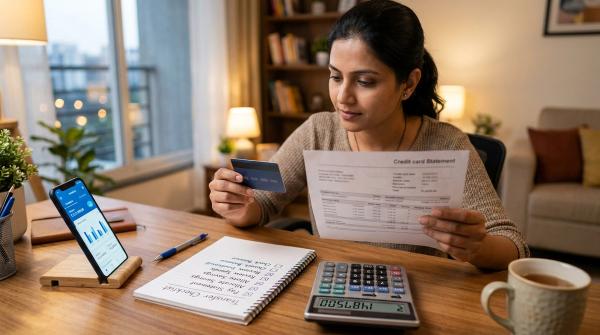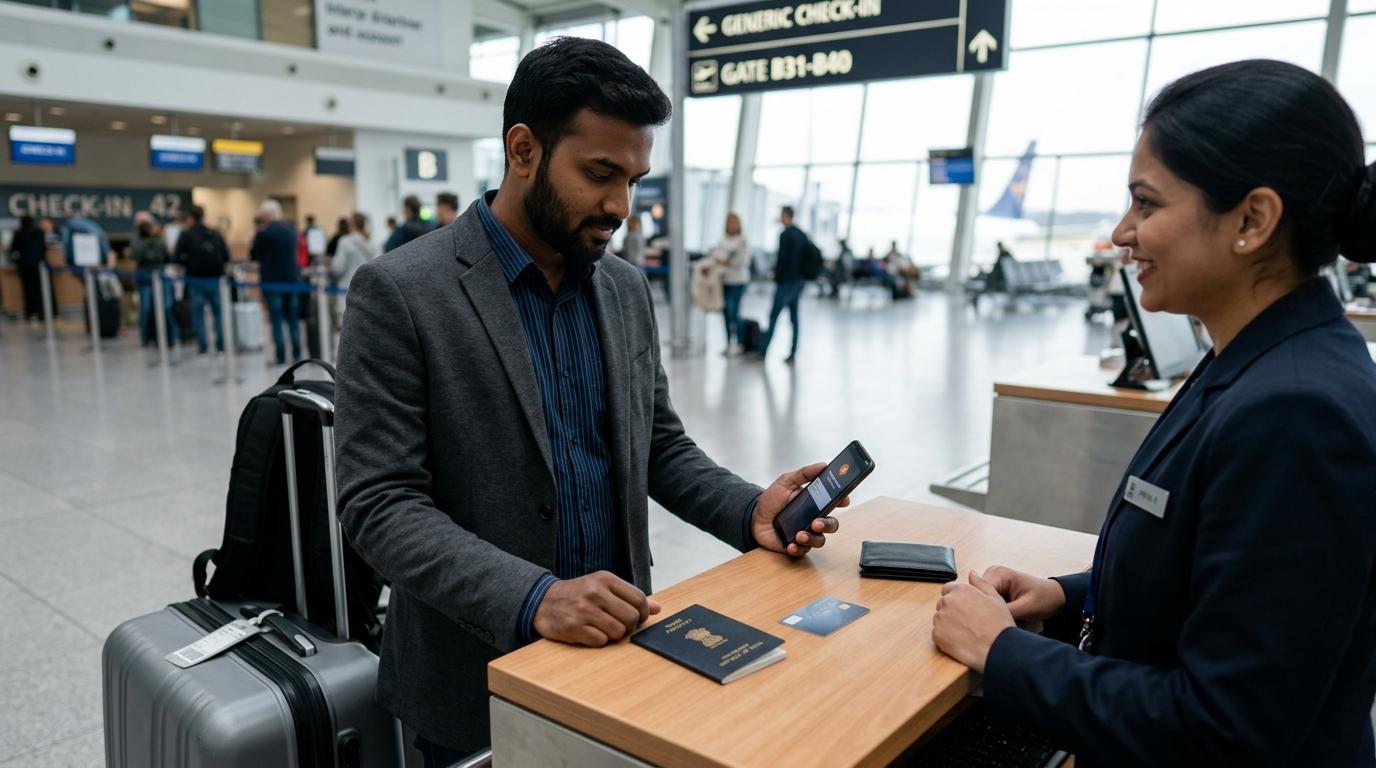
Your card declined abroad. You are at a hotel desk, an airport counter, a restaurant, an ATM, or halfway through an online booking. It is embarrassing, inconvenient, and a little stressful.
But don’t panic — and don’t keep trying the same payment again and again.
Most international card declines happen for simple reasons: overseas usage is off, the right payment channel is disabled, your card transaction limits are too low, or your bank has blocked the transaction as a safety measure.
Before you retry, take two minutes to check your bank’s official app. Look for:
- International usage
- The exact payment channel: online, POS, ATM, or contactless
- Your per-transaction and daily limits
- Any fraud or approval alert from your bank
If you see a fraud alert, respond only through your bank’s official app, official SMS process, official website, or the phone number printed on your card.
If the card still does not work after one careful retry, stop using it for that payment and switch to a travel money backup.
Why Indian cards get declined abroad
#An international card transaction declined message does not always mean something is wrong with your card. It simply means one part of the payment chain did not approve the transaction.
Here are the most common reasons.
1. International usage is switched off
#Many Indian debit and credit cards have separate settings for domestic and international use.
So your card may work perfectly in India but fail overseas if international usage has not been enabled.
2. The correct payment channel is disabled
#This catches many travellers by surprise.
Your card may be enabled for international POS payments at shops and hotels, but not for:
- International online payments
- ATM withdrawals
- Contactless or tap-and-pay transactions
Banks often treat these as separate controls.
3. Your card limit is too low
#Your card transaction limits may be lower than the INR value of the foreign transaction after conversion.
This is common with hotel deposits, shopping, flight bookings, car rentals, and expensive restaurant bills. Even if the local currency amount looks fine, your bank may approve it based on the converted INR amount.
4. Your bank blocked it for safety
#A sudden overseas payment may look suspicious to your issuer, especially if you usually use the card only in India.
In that case, the bank may decline the transaction to protect you.
5. Your available balance or credit is not enough
#For debit cards, check your account balance and daily caps.
For credit cards, check available credit — not just your total credit limit. Hotel deposits, rental car holds, and pending authorisations can reduce the amount available for new transactions.
6. The merchant or network has an issue
#Sometimes the problem is not your card at all.
The payment terminal, website, local bank, ATM, or payment gateway may be having a temporary issue.
7. Dynamic currency conversion confused the payment
#Some terminals or ATMs ask whether you want to pay in INR instead of the local currency.
This is called dynamic currency conversion. It may look convenient, but it can cost more because the exchange rate is usually set by the merchant or payment processor.
8. The merchant does not accept your card type
#Some merchants accept only certain card networks. Some foreign websites also reject foreign-issued cards, prepaid cards, or debit cards for bookings, subscriptions, or deposits.
The 5-minute checklist before you retry
#If your debit card declined abroad or your credit card declined abroad, pause for a moment.
Do not keep tapping, swiping, inserting, or entering the same card repeatedly. Multiple failed attempts can trigger a fraud block or create pending authorisations.
Step 1: Check SMS, email, and app alerts
#First, look for messages from your bank.
You may see:
- A decline alert
- A fraud confirmation request
- A debit message
- An OTP or authentication prompt
- A “transaction not permitted” message
If your bank asks you to confirm the transaction, respond only through official channels:
- Your bank’s official app
- The official SMS reply process
- The official website
- The phone number printed on your card
Do not call customer care numbers you find through random Google results, social media comments, WhatsApp forwards, or online forums. Fake customer care scams are common.
If you received a debit SMS but the merchant says the payment failed, ask for a failed transaction slip or declined receipt and keep it safely.
Step 2: Open your bank’s official app or net banking
#Go to the card settings section. Depending on your bank, it may be called:
- Card Controls
- Manage Card
- Card Settings
- Usage Controls
- International Usage
- Limit Management
Use only your bank’s official app or website. When you are stressed, it is easy to click the wrong link.
Step 3: Check international usage
#Make sure international usage is switched on for the exact card you are using.
Do not assume all cards from the same bank have the same settings. Your debit card, credit card, add-on card, forex card, and supplementary card may each have different controls.
Step 4: Check the exact transaction channel
#This is often the real reason a card fails abroad.
Indian card issuers generally provide separate controls for different transaction types. In your app, you may see separate switches or limits for:
- Domestic usage
- International usage
- Online transactions
- POS transactions, meaning card machine payments
- ATM withdrawals
- Contactless or tap-and-pay transactions
Use this simple guide:
- Paying at a hotel, shop, or restaurant? Check international POS.
- Paying on a foreign website? Check international online.
- Withdrawing cash? Check international ATM.
- Tapping at a metro gate, café, or store? Check international contactless.
Step 5: Review your card transaction limits
#Even if international usage is enabled, the payment can fail if the limit is too low.
Check:
- Per-transaction limit
- Daily international limit
- POS limit
- Online limit
- ATM withdrawal limit
- Contactless limit, if shown separately
Leave some buffer. Your Indian bank may approve the payment after converting it into INR, and the final amount can vary slightly because of exchange rates, fees, or merchant holds.
Step 6: Check balance or available credit
#For a debit card, check:
- Account balance
- Daily withdrawal or spending limits
- Any amount already on hold
For a credit card, check available credit.
Your total credit limit may look comfortable, but a hotel or car rental company may have placed a temporary hold that reduces what you can actually use.
Step 7: Wait briefly, then retry once
#If you changed any setting, wait a minute or two. Some banks update instantly, while others take a little time.
Then retry once.
If it fails again with the same issue, stop. Use another card, cash, or another payment method. Repeated attempts can look suspicious and may create pending holds.
Retry or stop? Quick decision table
#India context: RBI card controls matter
#For Indian card users, one important thing to remember is this: card usage is not one single switch.
RBI card control rules require issuers to let cardholders switch transaction channels on or off and set limits. These controls usually cover domestic and international usage, along with channels like online, POS, ATM, and contactless transactions.
That means your card can work in one situation and fail in another.
For example:
- It may work at an Indian supermarket but fail on a foreign website.
- It may work at an overseas hotel terminal but fail at an overseas ATM.
- It may work when inserted into a card machine but fail for tap-and-pay.
- It may work for domestic online payments but fail for international online payments.
Before travelling, check every card you plan to carry. This includes debit cards, credit cards, add-on cards, forex cards, and cards linked to joint or salary accounts.
Pre-trip checklist for Indian travellers
#If a foreign website declines your Indian card
#A decline on a foreign website can be different from a decline at a shop or hotel.
If an airline, hotel, subscription site, app, or shopping website shows an international card transaction declined message, check these points.
1. International online usage
#Make sure international online transactions are enabled.
Do not confuse this with international POS usage. A card can work at a store abroad and still fail on a foreign website.
2. Billing details
#Use the billing name, address, and phone number linked to your Indian card.
Some merchants reject payments if the billing details do not match their checks.
3. Authentication prompts
#Some international payments may require extra authentication.
If your Indian SIM is not receiving SMS abroad, your roaming is off, or your banking app notifications are disabled, the payment may fail.
4. Merchant acceptance
#Some overseas merchants do not accept cards issued in certain countries. Others may restrict debit cards, prepaid cards, or foreign cards for bookings and subscriptions.
5. Too many failed attempts
#If a website declines your card twice, do not keep trying with the same details.
Check issuer alerts, review your settings, and use another card or payment method if needed.
Forex markup and dynamic currency conversion
#Even when your card works, the final cost may be higher than expected. Two things matter here: forex markup and dynamic currency conversion.
Forex markup
#Forex markup is the fee your card issuer charges for converting a foreign currency transaction into INR.
The markup, taxes, and related charges vary by issuer and card type. Do not guess the number. Check your card’s Most Important Terms and Conditions, fee schedule, or official issuer page before travelling.
Fees can differ across:
- Debit cards
- Credit cards
- Premium cards
- Basic cards
- Forex cards
Dynamic currency conversion
#Dynamic currency conversion is when a foreign merchant, ATM, or payment terminal offers to bill you in INR instead of the local currency.
It feels convenient because you can see the INR amount immediately. But the exchange rate is usually set by the merchant or payment processor, not your Indian card issuer. That can make the transaction more expensive.
A simple rule: when asked whether to pay in INR or the local currency, usually choose the local currency. Then check your card issuer’s forex charges separately.
What to do if money is debited after a failed transaction
#This is one of the most stressful situations while travelling.
The merchant says the payment failed, but your phone shows a debit or card authorisation.
Here’s what to do:
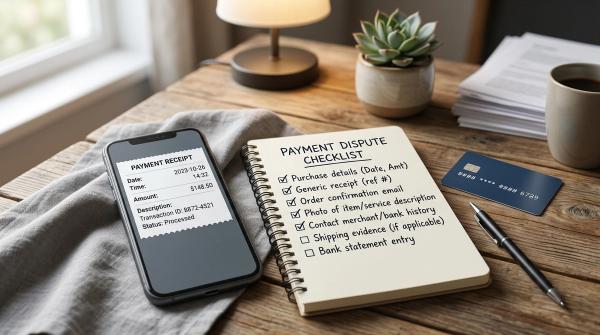
- Ask the merchant for the failed or declined transaction slip.
- Save the bill, receipt, booking page, or order screenshot.
- Take a screenshot of the bank alert, but do not share sensitive details publicly.
- Check whether the amount is posted or only pending.
- Contact your issuer through the official app, website, or number on the card.
- Avoid making repeated payments unless the merchant clearly confirms the earlier attempt did not go through.
For credit cards, some failed transactions appear as temporary authorisations and drop off later.
For debit cards, reversals may take time depending on the bank, merchant, ATM, and payment network. Your issuer can confirm the actual status.
When you should stop using the card
#Stop retrying and contact your issuer if:
- You receive a fraud alert for a transaction you did not make.
- The card keeps failing even after settings and limits look correct.
- You see a debit or authorisation but the merchant says payment failed.
- An ATM does not dispense cash but your account is debited.
- Your card is lost, stolen, swallowed by an ATM, or used without permission.
- Someone claiming to be bank support asks for OTP, PIN, CVV, card photos, passwords, or app access.
Never share OTPs, PINs, CVV, passwords, card photos, or remote access to your phone.
A genuine bank support process should not ask for these.
Build a travel money backup before you leave
#A travel money backup is not overplanning. It is basic travel safety.
Try to carry:
- One primary credit card for hotels, flights, and deposits
- One alternate card, preferably on a different payment network if possible
- One debit card for ATM access
- A small amount of local currency or widely accepted cash
- A saved list of official issuer contact routes
Keep cards in different places. If your wallet is lost, you should still have another way to pay.
Also, do not rely only on mobile wallets or tap-to-pay. Phone battery, roaming, mobile data, app issues, and merchant acceptance can fail at the worst possible time.
A calm retry sequence you can follow
#When your card fails abroad, follow this order:
- Pause. Do not keep retrying.
- Check SMS, email, and app alerts.
- Open your bank’s official app.
- Confirm international usage is on.
- Confirm the correct channel is on: POS, online, ATM, or contactless.
- Check international limits.
- Check available balance or available credit.
- If you changed settings, wait briefly.
- Retry once.
- If it fails again, stop and use another payment method.
- Save receipts and contact the issuer through official channels if money was debited or blocked.