Can You Use a Virtual Card in a Store? Here’s What to Check First
#Can you use a virtual card in a store? Yes, you often can — but there’s a catch.
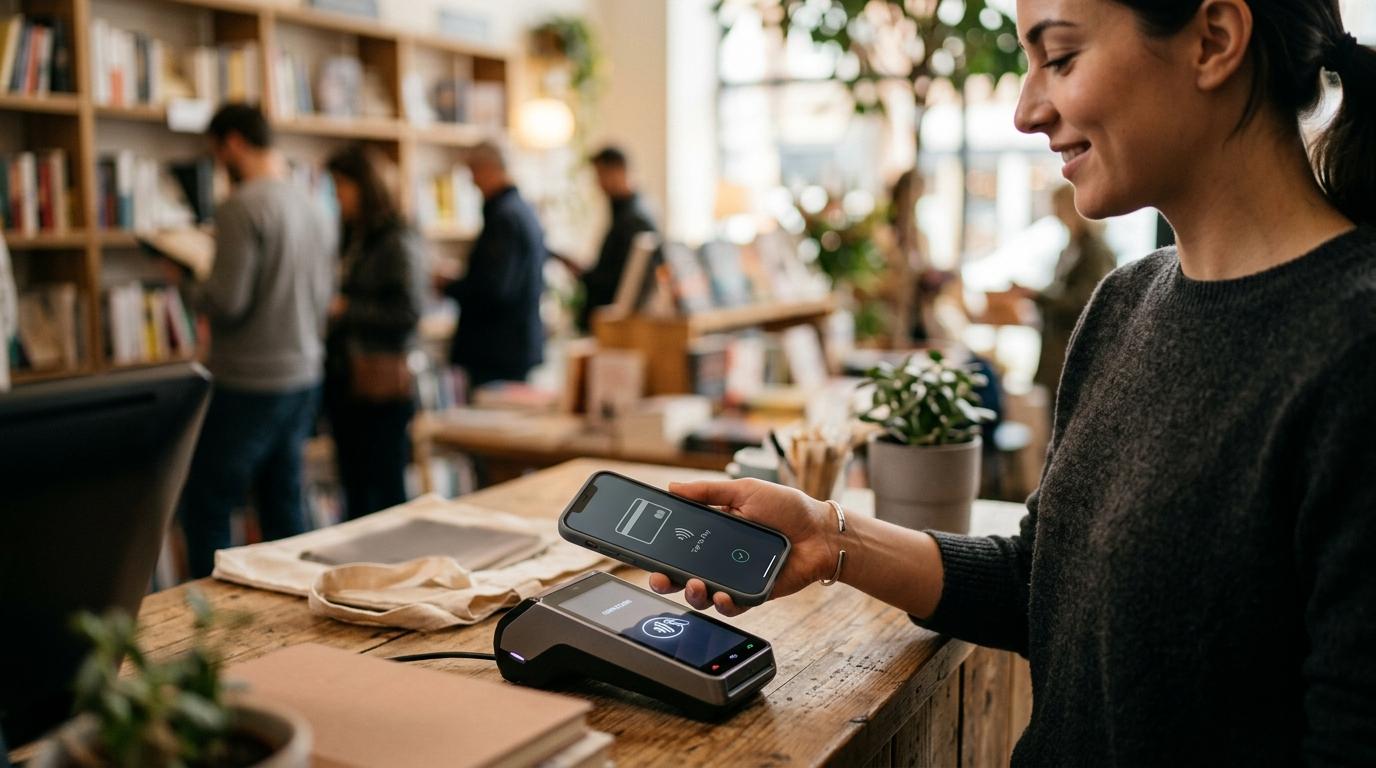
In most cases, the virtual card needs to be added to a digital wallet like Apple Pay, Google Wallet, or Samsung Wallet. The store also needs to accept contactless payments, meaning you can tap your phone or watch at the checkout terminal.
A virtual card number by itself is usually meant for online shopping. At a physical store, you normally need your phone, NFC turned on, the card verified in your wallet, enough battery, and ideally, a backup way to pay.
So the short answer is: yes, but only if everything is set up properly.
A lot of people use “virtual card” and “digital wallet” like they’re the same thing. They’re not. In this guide from allblogs, we’ll break down when a virtual card works in a store, when it doesn’t, and what you should check before leaving your physical card at home.
This article is for general educational information only. It is not investment, loan, tax, or legal advice. Card issuer rules, wallet support, and store payment policies can vary, so check with your bank, card provider, or retailer if you’re unsure.
Virtual Card vs Digital Wallet: What’s the Difference?
#A virtual card is a digital version of a card number. It may be linked to your credit card, debit card, bank account, or another payment account. People often use virtual cards online because they can help keep the main card number more private.
A digital wallet is the app or system that lets you pay using your phone, smartwatch, or another supported device. Apple Pay, Google Wallet, and Samsung Wallet are common examples.
Here’s the simple version:
- Virtual card: the card number or payment details.
- Digital wallet: the app that stores eligible cards and lets your device pay at a terminal.
This difference matters because seeing a virtual card number in your banking app does not automatically mean you can use it in a physical store.
For in-store payments, the virtual card usually has to be added to a digital wallet first. Then your phone or watch uses tap-to-pay technology to communicate with the card reader.
In other words, a virtual card for online checkout is not always the same thing as a card that’s ready for contactless payments in a shop.
To use a virtual card in store, it usually needs to be:
- Eligible for Apple Pay, Google Wallet, Samsung Wallet, or another supported wallet.
- Successfully added to that wallet.
- Verified by your card issuer.
- Used at a store that accepts contactless tap-to-pay.
How Tap-to-Pay With a Virtual Card Usually Works
#Using a virtual card in a store usually looks something like this:
- You receive or create a virtual debit card or virtual credit card.
- You add it to Apple Pay, Google Wallet, Samsung Wallet, or another supported wallet.
- Your bank or card provider verifies the card.
- At checkout, you unlock your phone or watch.
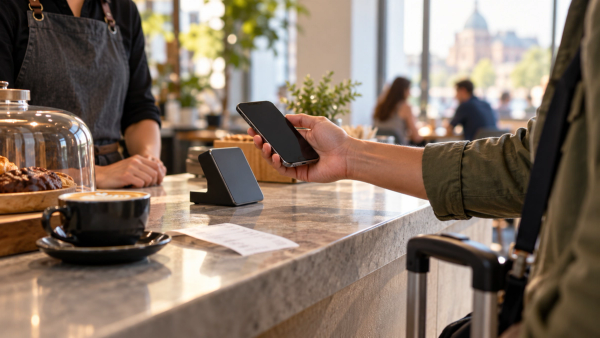
- You hold the device near the contactless payment reader.
- The payment goes through using your digital wallet.
The important thing to understand is that you’re usually not showing the cashier your virtual card number.
Your phone or watch becomes the payment device.
So if you’re standing at the register with only a virtual card number on your screen, that may not help. Most store terminals need a contactless tap-to-pay signal, not just numbers for someone to look at.
Tap-to-Pay Virtual Card Checklist for Stores
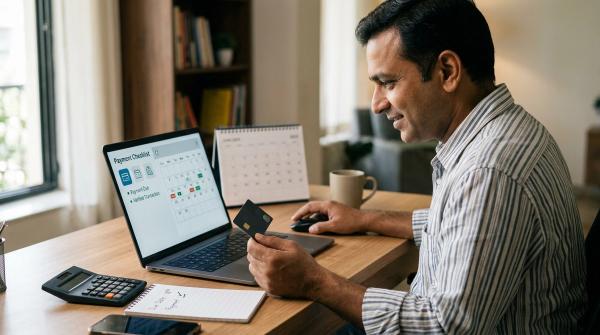
#Before you rely on your virtual card at checkout, it’s worth running through this quick checklist.
1. Is the Card Added to Your Digital Wallet?
#Open Apple Pay, Google Wallet, Samsung Wallet, or whichever wallet app you use.
Make sure the virtual card is actually there as a payment card.
Don’t assume it works in person just because you can see the card number in your banking app. If the issuer allows in-store wallet payments, the card needs to be added to your digital wallet first.
2. Has the Card Been Verified?
#Many wallets won’t let you use a card until the issuer verifies it.
This might involve:
- A text message code.
- An email confirmation.
- Approval through your banking app.
- A phone call.
- Another security step from your card provider.
If the card says something like “verification required,” finish that before you get to the register.
Trying to sort it out while people are waiting behind you is not the moment.
3. Is NFC Turned On?
#Tap-to-pay uses NFC, which stands for Near Field Communication.
If NFC is turned off, your phone may not connect to the store’s payment terminal.
On many Android phones, you can check this in your settings. Google Wallet tap-to-pay generally requires an NFC-capable device with NFC switched on.
It’s a small setting, but if it’s off, the whole payment can fail.
4. Is the Right Default Payment App Selected?
#This is especially important on Android.
If you have more than one payment app installed, make sure the wallet you want to use is set as the default contactless payment app.
Otherwise, your phone might try to use the wrong app, or the payment may not work the way you expect.
Apple Pay is more tightly built into iPhones, so iPhone users usually don’t have to worry about this as much. But if you use Android, it’s worth checking.
5. Does the Store Accept Contactless Payments?
#Look for the contactless symbol on the card reader. It usually looks like a sideways Wi-Fi icon.
If the store doesn’t accept tap-to-pay, your virtual card in a wallet probably won’t help.
And yes, sometimes a terminal has the contactless symbol, but tap-to-pay still isn’t working or isn’t enabled. Annoying, but it happens.
6. Does Your Phone Have Enough Battery?
#If your phone dies, your digital wallet may be unavailable.
That sounds obvious, but it’s one of the easiest ways to get stuck at checkout.
If you’re planning to shop without a physical card, make sure your phone has enough battery before you leave.
7. Do You Have a Backup Payment Method?
#If possible, carry a backup.
A physical card or a little cash can save you from an awkward moment at the register.
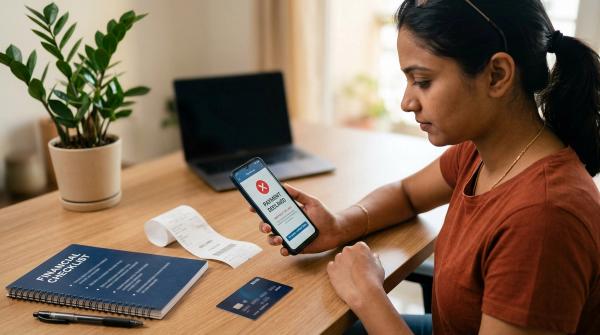
Even if your virtual card and wallet are set up perfectly, things can still go wrong. The terminal might be down, the contactless reader might fail, your issuer might decline the transaction, or your wallet app might glitch at exactly the wrong time.
When a Virtual Card Will Not Work in Store
#A virtual card can be convenient, but it won’t work everywhere. Here are the most common reasons a virtual card may not work in store.
1. The Card Can’t Be Added to a Digital Wallet
#Not every virtual card works with Apple Pay, Google Wallet, Samsung Wallet, or other digital wallets.
This depends on several things, including:
- The card issuer.
- The card network.
- Your country or region.
- The account type.
- The rules for that specific virtual card.
If the wallet app rejects the card when you try to add it, you probably won’t be able to use that virtual card for tap-to-pay in a store.
2. The Store Doesn’t Accept Tap-to-Pay
#If the store terminal doesn’t accept contactless payments, your phone wallet won’t be much help.
A virtual card does not work like a plastic card with a chip or magnetic stripe. If there’s no tap-to-pay option, you may need a physical card or cash.
3. The Cashier May Not Be Allowed to Type in the Number
#You might wonder, “Can’t the cashier just enter my virtual card number manually?”
Sometimes manual entry is technically possible, but you should not count on it.
Many stores do not allow cashiers to manually enter card numbers when no physical card is present. This can be because of fraud concerns, store policy, card network rules, or issuer restrictions.
For everyday shopping, assume manual entry will not be available.
4. The Virtual Card Is for Online Use Only
#Some virtual cards are mainly designed for online purchases.
If your card issuer says the virtual card is for online use only, it may decline at a physical checkout, even if you have the card details.
Some banks and card providers clearly state that certain virtual card numbers are intended for online transactions rather than in-person payments.
5. The Card Is Single-Use or Merchant-Limited
#Some virtual cards are created for a specific purpose.
They may be:
- Single-use.
- Locked to one merchant.
- Limited to a certain spending amount.
- Restricted to online transactions.
- Valid only for a short period.
If you try to use that kind of card at a different store, or more than once, it may not work.
Before relying on a virtual card in person, check whether it is reusable and whether in-store wallet payments are allowed.
6. Your Wallet Setup Isn’t Complete
#Sometimes the issue isn’t the card itself. It’s the setup.
A tap-to-pay virtual card can fail because:
- NFC is turned off.
- The card has not been verified.
- The wrong payment app is set as default.
- Your phone is locked or not ready for payment.
- The terminal can’t read your device.
- The issuer declines the transaction.
- The store’s payment reader is having problems.
So if your virtual card doesn’t work the first time, it doesn’t always mean the card is useless. It may just mean one part of the tap-to-pay setup needs fixing.
Is It Safe to Use a Digital Wallet in Store?
#Digital wallet safety is one reason many people like using tap-to-pay.
When you pay with a digital wallet, your actual card number is generally not shared with the store in the same way it might be during a regular card transaction.
Apple says Apple Pay does not store your original credit, debit, or prepaid card numbers on your device or on Apple servers. Payment networks such as Visa and Mastercard describe tokenization as replacing the card’s Primary Account Number, also called the PAN, with a token.
In plain English:
- Your real card number is replaced with a payment token.
- That token is used for the transaction.
- The store does not usually receive your original card number in readable form.
- Your phone or watch may require Face ID, Touch ID, fingerprint, passcode, or another unlock method.
That doesn’t mean there is zero risk.
You still need to protect your phone, passcode, banking app, wallet app, email account, and any recovery methods connected to your financial accounts.
But tokenization can help reduce exposure of your actual card number when you pay with a digital wallet.
Can You Use a Virtual Debit Card in a Store?
#Yes, you may be able to use a virtual debit card in a store.
But, again, it usually needs to work through a digital wallet.
The basic requirements are:
- The virtual debit card must be compatible with your wallet.
- Your issuer must allow in-person wallet payments.
- Your phone must support NFC.
- NFC must be turned on.
- The store must accept contactless tap-to-pay.
- You should have a backup payment method.
If the virtual debit card is online-only, or if it cannot be added to Apple Pay, Google Wallet, or another supported wallet, it may not work at a physical checkout.
Can You Use a Virtual Credit Card in a Store?
#Yes, you can use some virtual credit cards in stores, but usually only through a digital wallet.
A virtual credit card number by itself is normally not enough for in-store payment.
If your card issuer lets you add the virtual credit card to Apple Pay, Google Wallet, Samsung Wallet, or another wallet, and the store accepts contactless payments, you may be able to tap your phone or watch to pay.
If the card is not wallet-compatible, or the store does not accept tap-to-pay, you’ll likely need another payment method.
Quick “Before You Leave Home” Checklist
#If you plan to shop with a virtual card and no physical card, check these first:
- The virtual card is added to Apple Pay, Google Wallet, Samsung Wallet, or another supported wallet.
- The card has been fully verified.
- NFC is turned on.
- The right wallet is set as your default payment app, especially on Android.
- Your phone has enough battery.
- You know your phone passcode.
- The store is likely to accept contactless payments.
- You have a backup card or cash, just in case.
If you’re unsure about any of these, bring a backup.
Seriously, it’s worth it.
Bottom Line
#So, can you use a virtual card in a store? Yes — but usually not by itself.
A virtual card normally works at a physical store only when it is added to a compatible digital wallet and used at a contactless payment terminal.
Think of the virtual card as the funding source, and the digital wallet as the thing that lets your phone or watch talk to the store’s card reader.
Before relying on it, check that the card is supported, verified, and added to your wallet. Also make sure NFC is on, your phone has battery, the store accepts contactless payments, and you have a backup way to pay.
It takes a minute to check, and it can save you from standing at the register wondering why your payment won’t go through.