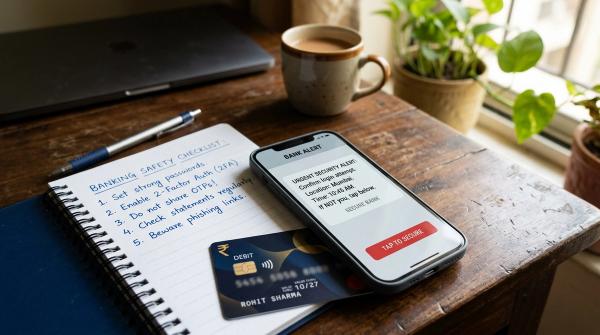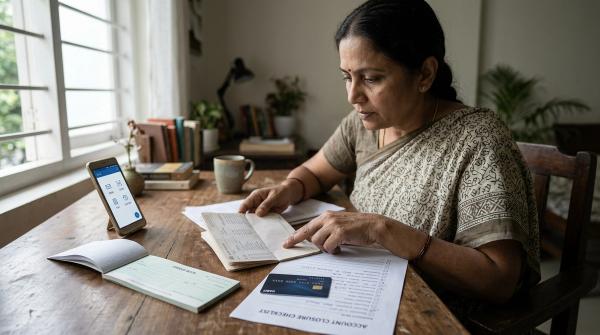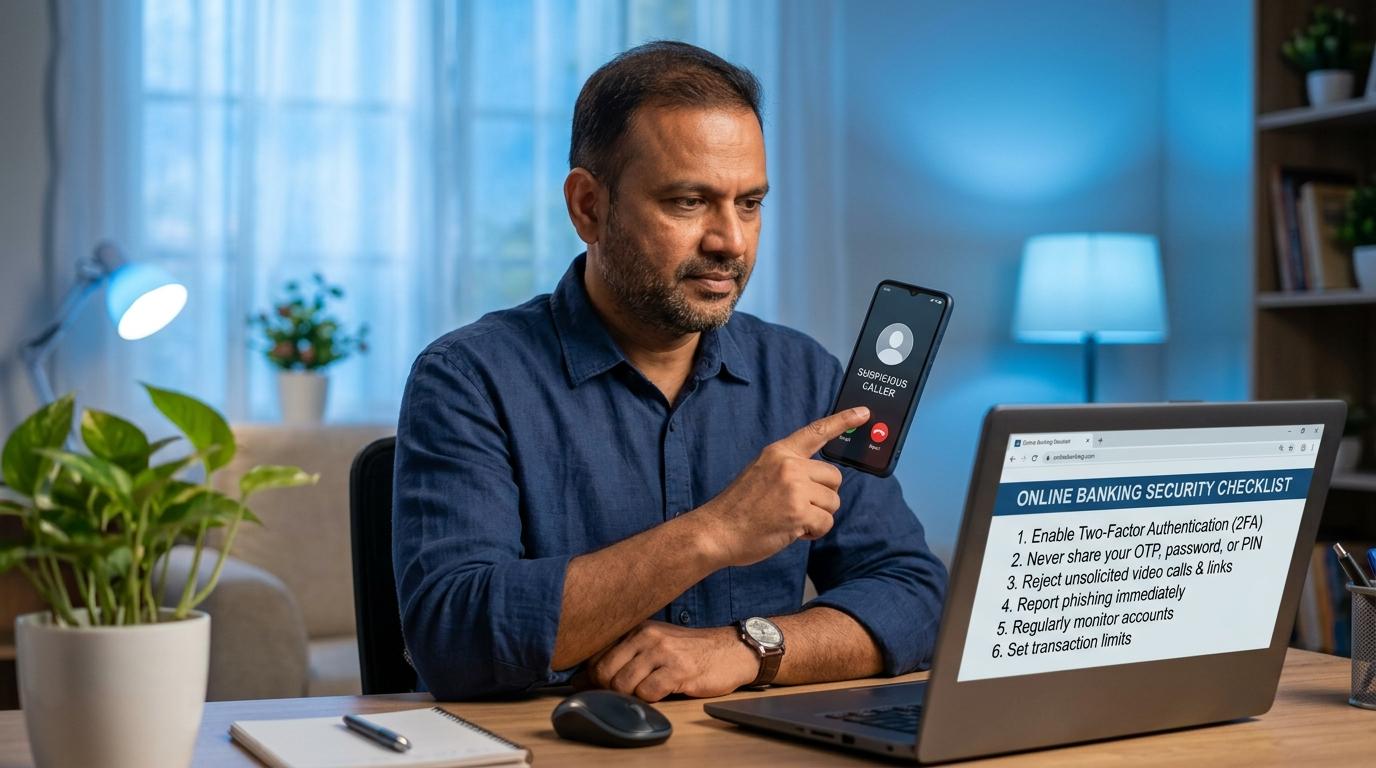
If someone says you are under “digital arrest,” do not pay, share OTPs, or stay on video call. Disconnect, contact your bank through official channels if money or details are at risk, call 1930, and report at cybercrime.gov.in. There is no such thing as digital arrest.
General awareness note: This guide is for general education only. It is not legal, financial, banking recovery, or cyber-forensics advice. If fraud is suspected, use your bank’s official support channel and official cybercrime reporting routes promptly.
What Is a Digital Arrest Scam?
#A digital arrest scam is a cyber fraud where criminals pretend to be police officers, RBI officials, CBI officers, Customs officers, bank staff, courier company employees, or other government authorities.
They contact you through a normal phone call, WhatsApp call, or video call. Then they create fear.
They may say:
- Your Aadhaar has been used in a crime.
- A parcel in your name contains illegal items.
- Your bank account is linked to money laundering.
- Your SIM card will be blocked.
- Your PAN or Aadhaar is under investigation.
- A criminal case has been registered against you.
- You are now under “digital arrest”.
- You must transfer money for verification.
The words may change, but the plan is usually the same: they want you scared enough to follow instructions.
Their real aim is to steal your money, OTP, UPI PIN, card details, passwords, or access to your phone. This can turn into an OTP scam, UPI fraud, card fraud, net banking fraud, or direct bank transfer fraud.
The Most Important Thing to Remember
#Nobody gets arrested over a video call.
If someone says you are under digital arrest, treat it as a scam warning.
Real officials do not keep you trapped on a video call. They do not ask you to keep your camera on for hours. They do not tell you to avoid your family. They do not ask you to move your savings into a “safe account”.
Scammers use official-sounding language because they want you to stop thinking clearly. If a caller uses fear, secrecy, and money pressure together, disconnect.
RBI Says There Is No Digital Arrest
#The Reserve Bank of India has warned people about fraudsters who misuse the names of banks, government bodies, police departments, and official agencies. For this scam, the message is clear: there is no digital arrest.
Also remember:
- RBI does not ask you to transfer money to a “safe account”.
- RBI does not ask for OTP, PIN, CVV, passwords, or card details.
- RBI does not investigate people through WhatsApp, Skype, Zoom, or video calls.
- RBI does not ask citizens to prove innocence by making a payment.
- Real officials do not ask you to share banking secrets.
If someone claims to be from RBI, police, CBI, Customs, or any government authority and then asks for money or bank details, treat it as a serious scam alert.
How the Fake Police Video Call Scam Usually Starts
#1. You receive a frightening call
#The first call may sound like a normal customer care or automated call.
You may hear something like:
- “Your SIM will be blocked in two hours.”
- “A parcel in your name has been seized.”
- “Your Aadhaar has been linked to illegal activity.”
- “Your bank account is under investigation.”
- “Press 1 to speak to an officer.”
Once you respond, the call may be “transferred” to another person who acts like a senior officer.
2. The fake officer sounds very confident
#The next person may claim to be from police, CBI, RBI, Customs, a cybercrime department, a telecom department, a courier company, or a bank fraud department.
They may already know your name, city, phone number, or part of your address. That does not prove they are genuine. Scammers often collect small personal details from leaked data, online forms, social media, delivery records, or other sources. Then they use those details to sound believable.
3. They move you to a video call
#The scammer may ask you to join a video call on WhatsApp, Skype, Zoom, or another app.
On the call, you may see a person in uniform, a fake police station background, fake ID cards, fake documents, official-looking logos, stamps, or signatures. This is all part of the performance.
The video call is meant to make the scam feel real.
4. They isolate you from everyone else
#Then they may say things like:
- “Do not disconnect.”
- “Do not tell your family.”
- “Do not call your bank.”
- “Do not speak to anyone.”
- “Your family may also get into trouble.”
- “If you cooperate, we will close the matter quietly.”
- “If you disconnect, police will come to your house.”
This is a major red flag. Scammers know that if you speak to even one calm person, the scam may fail. That is why they try to keep you alone, scared, and constantly on the call.
5. Finally, they ask for money or banking details
#After building enough fear, they ask you to do something financial.
They may ask for:
- UPI transfer
- Bank transfer
- Card payment
- OTP
- UPI PIN
- ATM PIN
- CVV
- Net banking password
- Mobile banking access
- Screen sharing access
- Remote control app installation
They may call the payment a verification amount, security deposit, safe account transfer, clearance payment, refundable amount, temporary hold, RBI verification, or legal processing fee.
Whatever name they use, do not pay.
Red Flags: How to Spot a Digital Arrest Scam Quickly
#What to Do Before You Pay or Share Bank Details
#If you are on such a call right now, follow these steps.
1. Disconnect the call
#Do not argue with them. Do not try to prove that you are innocent. Do not explain your situation. Do not answer more questions.
Just disconnect.
Scammers are trained to keep people emotionally trapped. The longer you stay on the call, the more pressure they can put on you.
Disconnecting is not rude. It is safe.
2. Do not pay anything
#Do not transfer money through UPI, IMPS, NEFT, RTGS, wallets, gift cards, card payment links, or QR codes.
If they say the money will be refunded after verification, do not believe it. That is a common trick.
3. Do not share OTP, PIN, CVV, or passwords
#Never share:
- OTP
- UPI PIN
- ATM PIN
- Card PIN
- CVV
- Net banking password
- Mobile banking password
- Debit card number
- Credit card number
- Card expiry date
- Account login details
A real bank, police officer, government official, or RBI representative will not ask for these details.
4. Do not install apps they suggest
#If they ask you to install an app for “verification”, “case checking”, “screen sharing”, “police verification”, or “device scanning”, refuse.
Do not allow screen sharing, remote access, accessibility permission, SMS permission, screen recording, or notification access.
Also, do not read out SMS messages from your phone. Some apps can allow scammers to see your screen, capture OTPs, or control your device.
5. Call someone you trust
#After disconnecting, call a family member, friend, neighbour, colleague, or someone you trust.
Say it clearly:
“I got a call saying I am under digital arrest. I disconnected. Please stay with me while I verify.”
This one step can break the fear. Scammers want you alone. Do not stay alone with the panic.
If You Shared Details or Paid Money: Act Fast
#If you already shared something or transferred money, do not feel ashamed. These scams are designed to scare people. Many educated and careful people have fallen for them because the pressure feels very real in the moment.
What matters now is speed.
Step 1: Contact your bank or payment app through official channels
#Use only official contact options:
- Customer care number printed on your debit or credit card
- Official bank website
- Official mobile banking app
- Official support section inside your UPI or wallet app
Ask them to:
- Block affected debit or credit cards
- Freeze or restrict the affected account if needed
- Block net banking or mobile banking access if required
- Disable or reset UPI if your UPI PIN may be exposed
- Mark the transaction as disputed or fraudulent
- Register your complaint
- Give you a complaint number or service request number
Do not search random helpline numbers online. Fraudsters create fake customer care numbers too.
Step 2: Call 1930, the cyber fraud helpline
#Call 1930, the official National Cyber Crime Helpline.
This is especially important if money was recently transferred. Quick reporting may help authorities and banks act faster on the transaction trail.
Recovery is not guaranteed, but delay can reduce the chances of stopping the money movement.
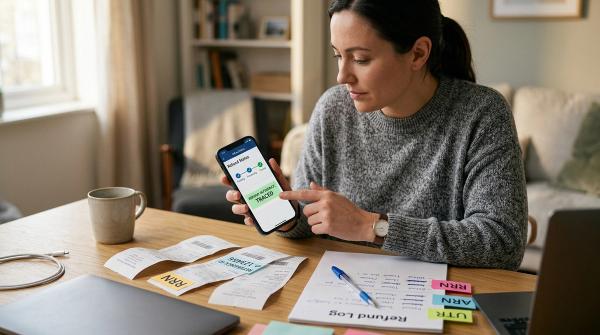
Keep these details ready:
- Your name and mobile number
- Bank or payment app used
- Amount lost
- Date and time of transaction
- Transaction ID, UTR, or reference number
- Phone number or account details shared by the scammer
Step 3: File a complaint at cybercrime.gov.in
#Go to the official National Cyber Crime Reporting Portal: cybercrime.gov.in.
File a cybercrime complaint with all available details. After submitting the complaint, save the acknowledgement number.
Do not use unofficial complaint websites, random social media accounts, or private “recovery agents” who claim they can get your money back.
Bank and App Blocking Checklist
#Secure your bank access
#- Call your bank through its official number or app.
- Block affected debit or credit cards.
- Ask the bank if the affected account should be frozen or restricted.
- Change net banking and mobile banking passwords.
- Disable or reset UPI access if your UPI PIN may be exposed.
- Log out from all devices if your bank or payment app allows it.
- Check recent transactions carefully.
- Ask for a complaint or service request number.
Secure your phone and apps
#- Uninstall any app the scammer asked you to install.
- Remove screen sharing or remote access permissions.
- Check app permissions for SMS, screen recording, accessibility, and notifications.
- Change passwords for email, banking, and payment apps.
- Enable app locks where available.
- Update your phone software and banking apps.
- If you suspect remote access, get your device checked by a trusted service professional.
If your cards or UPI were used
#- Note the transaction amount.
- Save the transaction ID or UTR.
- Take screenshots of payment confirmation.
- Report it to the bank or payment app.
- Call 1930.
- File a complaint on cybercrime.gov.in.
Proof Checklist for Your Cybercrime Complaint
#Do not delete evidence in panic. Save whatever you have.
Keep these details ready:
- Phone numbers used by the scammer
- WhatsApp, Skype, Zoom, or video call screenshots, if available
- Chat screenshots
- Fake notice, ID card, warrant, letter, or document sent to you
- Date and time of calls
- Duration of calls
- Names or designations claimed by the caller
- Bank account, UPI ID, QR code, or payment link shared by the scammer
- Transaction ID, UTR, or reference number
- Bank statement showing the debit, if money was lost
- Complaint number from your bank or payment app
- Acknowledgement number from cybercrime.gov.in
This information can help your bank and the official cybercrime reporting process.
How to Verify Safely
#Scammers want you to verify everything through them. Do not do that. Always use independent routes.
If they claim to be from your bank
#Do not call back the number they gave you.
Use the number printed on your card, the official bank website, the official mobile banking app, or the official support section inside your banking app.
If they claim to be from RBI
#Do not share any bank details. RBI does not ask ordinary citizens for OTP, PIN, CVV, passwords, or money transfers to clear cases.
If they claim to be police or another agency
#Do not stay on the call because they are threatening you.
Disconnect and seek help through official, known channels. If you feel confused or scared, speak to a trusted family member and report the incident through 1930 and cybercrime.gov.in.
If they send documents
#Do not assume a document is real just because it has logos, stamps, QR codes, signatures, your name, case numbers, or official-looking language.
Scammers can create very convincing fake documents. A scary-looking PDF does not make the call genuine.
Common Lines Scammers Use
#You may hear lines like:
- “Your Aadhaar has been used in a criminal case.”
- “A parcel in your name contains illegal items.”
- “Your bank account is under surveillance.”
- “You are under digital arrest.”
- “Keep your camera on at all times.”
- “Do not speak to anyone.”
- “Transfer all money to this safe account.”
- “This is RBI verification.”
- “Share OTP to cancel the case.”
- “Install this app for police verification.”
- “If you disconnect, officers will come to your house.”
- “This matter is confidential.”
- “You are not allowed to contact your bank.”
Treat these as warning signs, not instructions.
Why Smart People Fall for This Scam
#People often ask, “How can someone believe this?”
The answer is simple: fear changes how we think.
Scammers create a situation where you feel trapped. They use official names, serious voices, legal words, fake documents, uniforms, and threats. They keep you on the phone so you do not get time to think, search properly, or ask someone else.
This scam is not about intelligence. It is about pressure.
A person who is calm may easily spot the scam. But a person who is scared, isolated, and being shouted at by someone pretending to be an officer may make a quick mistake.
That is why the best rule is:
If a caller uses fear plus secrecy plus money demand, disconnect.
Avoid Fake Recovery Traps After the Scam
#There is another danger after a digital arrest scam: fake recovery offers.
After you search online or post about your loss, you may see messages, comments, ads, or websites saying:
- “We recover cyber fraud money.”
- “Ethical hacker available.”
- “Guaranteed refund.”
- “Pay small fee to recover full amount.”
- “Contact this private number for quick recovery.”
- “We have contacts inside the bank.”
- “We can reverse UPI fraud instantly.”
Be careful. Many of these are also scams.
Do not pay private “recovery agents”. Do not share your bank details with anyone promising guaranteed recovery.
Use official routes only:
- Your bank or payment app through official channels
- 1930, the official cyber fraud helpline
- cybercrime.gov.in, the official National Cyber Crime Reporting Portal
Recovery cannot be guaranteed. Fast official reporting gives you a better chance than waiting, but nobody should promise a sure refund.
Quick Safety Rules to Remember
#- There is no digital arrest.
- Nobody gets arrested over a video call.
- Do not pay money to clear a case over a call.
- Do not transfer money to any “safe account”.
- Do not share OTP, UPI PIN, card PIN, CVV, or passwords.
- Do not install apps on instructions from unknown callers.
- Do not stay on a threatening video call. Disconnect.
- Call your bank through official channels if details were shared.
- Call 1930 quickly if money was lost or fraud is suspected.
- File a complaint at cybercrime.gov.in.
- Do not trust recovery agents promising guaranteed refunds.
- Talk to someone you trust before taking any financial action under pressure.
Final Word
#A digital arrest scam works because it feels urgent, serious, and official.
The caller wants you scared. They want you silent. They want you alone. They want you to act quickly.
Your safest response is the opposite.
Pause. Disconnect. Do not pay. Do not share OTP, PIN, CVV, passwords, or bank details. Contact your bank through official channels. Call 1930. File your complaint at cybercrime.gov.in.
One calm warning can save someone from a serious loss.