Quick answer: If you have paid your credit card bill but it still shows as due, first check whether the money has actually left your bank account. If it has, save the payment proof — reference number, debit screenshot, date, amount, bank name and payment status. Depending on how you paid, the payment may take a few hours to 3 working days to show in your credit card account.
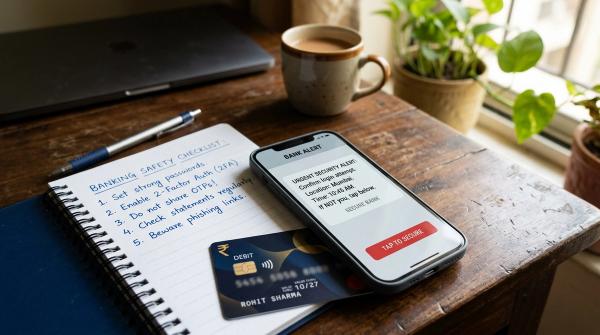
Most importantly, do not call random “customer care” numbers you find online. Use only your card issuer’s official app, website, net banking, statement, or the phone number printed on the back of your card.
Why Your Credit Card Payment May Not Show Immediately
#When you pay a credit card bill, two separate things happen: money leaves your bank account, and the credit card issuer receives and posts that money to your card account.
These two steps do not always happen at the same time. Your bank may show the transaction as successful while your credit card app still shows the amount as unpaid for a while.
Common reasons include payment-mode delay, cut-off timing, bank holidays, third-party app settlement delay, issuer-side update delay, or a failed transaction that later reverses.
So the first question should not be, “Why is my card still showing due?” The better question is: Has the money actually been debited from my bank account?
Payment Mode vs Typical Reflection Time
#Timelines vary by bank, card issuer, payment partner, holiday and cut-off time. Use this as a practical guide, not a guaranteed timeline.
Simple rule: If the due date is close, avoid slow payment routes. Use the issuer’s official payment route or another faster option shown in your card issuer’s app or website.
Save This Proof Before Raising a Complaint
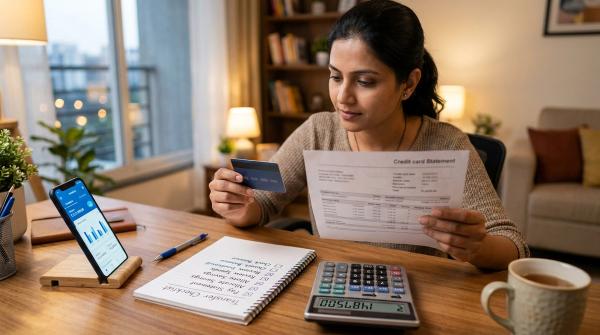
#Before making another payment or worrying about late fees, save your payment proof. If something goes wrong, this helps the issuer trace the transaction.
Keep these details ready:
- Bank debit entry or statement screenshot
- UTR, UPI reference, IMPS reference, NEFT reference or payment gateway ID
- Date and approximate time of payment
- Amount paid
- Bank account used for payment
- Card issuer name
- Screenshot of payment-success page
- Screenshot of the credit card app still showing outstanding
- Third-party app status, if used
Do not edit screenshots in a way that hides the date, amount or reference number.
What to Do Before the Due Date
#1. Check whether your bank account was debited
#If the money was not debited, your payment may not have gone through. You may need to pay again using a reliable method before the due date.
If the money was debited, save proof and move to the next checks.
2. Check the payment status where you paid
#Open the payment app, bank app or biller platform you used. Look for words such as successful, processing, pending, failed, refunded or reversed.
A “successful” status in the payment app does not always mean the credit card issuer has already posted the amount.
3. Make sure you paid the correct card
#Check whether you selected the correct card, biller, bank name, last four digits and saved beneficiary. This matters if you have multiple cards, old saved billers or supplementary cards.
4. Check the normal reflection time
#If you used NEFT, cheque, a third-party app, or paid during a weekend or holiday, a delay may be normal. Refreshing the app repeatedly will not make the payment post faster.
5. Do not make a duplicate payment unless you really need to
#If your bank account is already debited and you have a valid reference number, making another payment may create a duplicate credit. That extra money may show as excess balance or need a separate refund/adjustment.
Pay again only if the first transaction failed, reversed, was not debited, or your issuer’s official support advises it.
RBI 3-Day Past-Due Context: Do Not Misuse It
#RBI credit card directions provide important context on when penal charges and past-due reporting may apply. In general, issuers should not levy late-payment charges or report an account as past due merely because it remains unpaid for less than the specified window after the due date.
But do not treat this as permission to pay late. The safer approach is still to pay on or before the due date, keep proof, and raise a review request if the payment was made on time but posted late.
What If 3 Working Days Have Passed and It Still Shows Due?
#Step 1: Check whether the money came back
#Search your bank statement for the same amount. Sometimes a failed transaction reverses after a delay. If the money returned, your credit card bill may still be unpaid.
Step 2: Contact the card issuer through official channels only
#Use the official credit card app, bank app, net banking website, issuer website, statement contact details or the phone number printed on the back of the card.
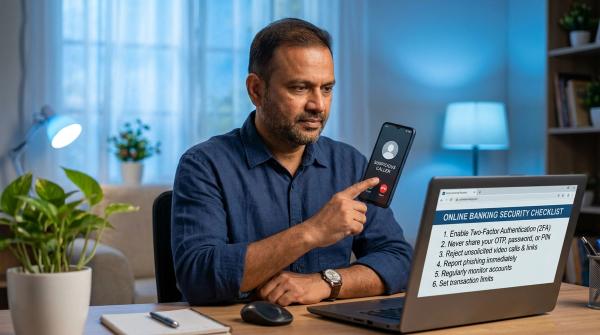
Avoid random helpline numbers from search results, social media comments or WhatsApp forwards. A real bank will not ask for OTPs, card PIN, UPI PIN or screen-sharing access.
Step 3: Ask for a payment trace
#Share the payment amount, date, mode, bank used, reference number and proof. Ask whether the money was received but not posted, still pending, failed, credited incorrectly or not received.
Write down the complaint or ticket number.
Step 4: Contact the paying bank or app if needed
#If the issuer says it has not received the money, ask your paying bank or app for the final transaction status, UTR or reference number, and whether the amount was settled, reversed or failed.
Step 5: Follow up on late-fee reversal, if any
#If a late fee appears despite timely payment, ask the issuer to review the actual payment date and reference number. Do not assume reversal will happen automatically.
Manual Payment Plus Autopay: Watch for Double Debit
#If autopay is active and you manually pay very close to the due date, both payments may still happen. The manual payment may not update in time to stop the autopay instruction.
If this happens, check both bank debits, check whether your card shows excess balance, and contact the issuer through official channels to understand adjustment or refund options.
To avoid this, either rely on autopay with enough bank balance or make manual payment well before the due date.
Final Word
#A credit card payment not reflecting is stressful, but it is often a timing or posting issue. Stay calm, check whether your bank account was debited, save proof, wait according to the payment mode, and contact the issuer through official channels if the normal window has passed.
The safest habit is simple: pay a few working days before the due date, use trusted payment channels, and keep the receipt until your credit card app clearly shows the payment.
Disclaimer: This article is for general education only and is not legal, financial, or credit advice. Issuer processes, app screens and payment timelines can change. Always verify the latest information through your card issuer’s official app, website, statement or official customer support channel.