Before you close an unused bank account in India, cancel AutoPay mandates, standing instructions, UPI links and incoming credits connected to it. Then submit the closure request with your documents, return banking items if required, collect the balance and take a stamped acknowledgement from the bank. That last part matters: do not leave without proof.
Many people have old bank accounts lying around. Maybe it was a salary account from a previous job. Maybe it was opened for a loan, college admission, cashback offer, investment, or a one-time purpose. Over time, we stop using it and forget about it.
But an unused account can still create problems. Minimum balance charges may pile up. Old UPI IDs may remain active. AutoPay mandates may fail. Refunds may go to the wrong place. If the account becomes dormant, the bank may ask for KYC updates before closing it.
This guide walks you through the practical steps to close an unused bank account safely. It is general information only, not financial, legal, tax, or banking advice. Always check the latest process and charges with your own bank.
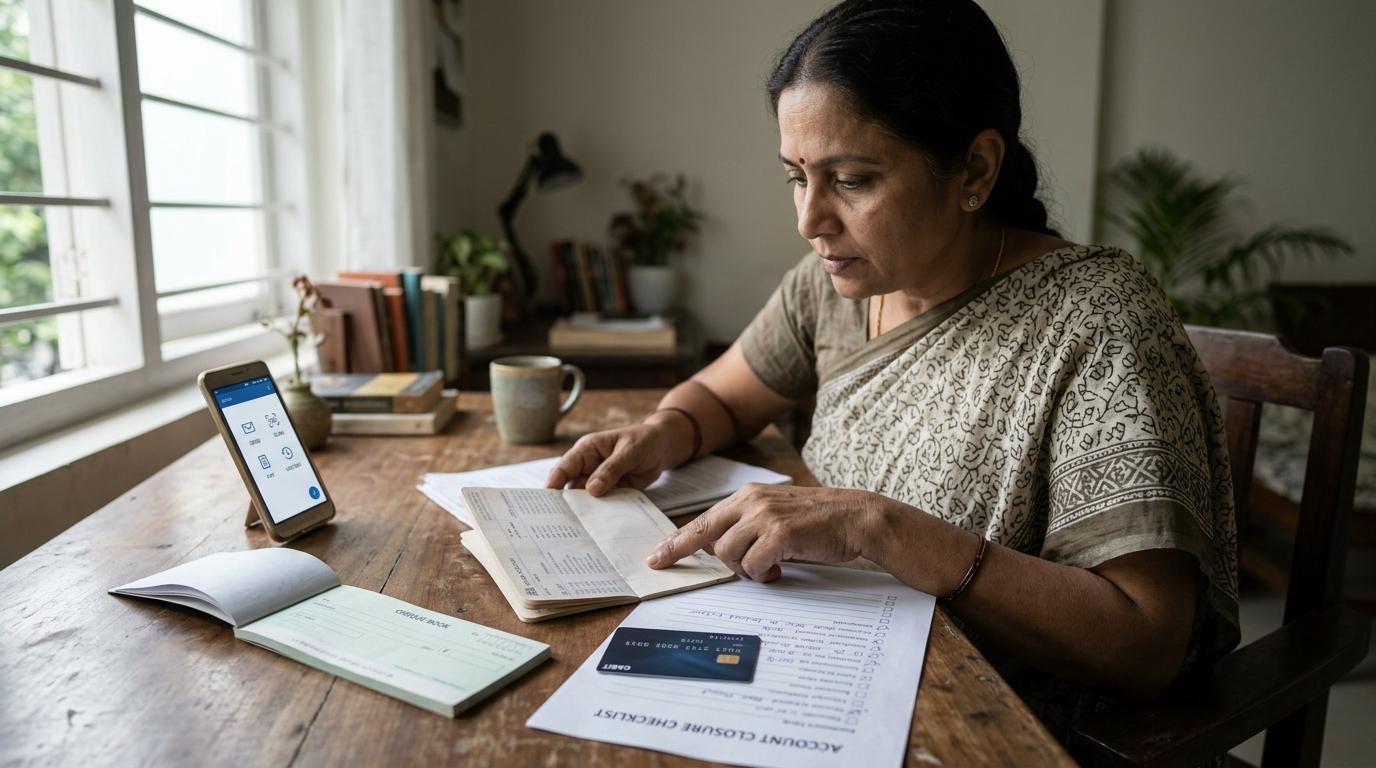
Quick Checklist Before You Close the Account
#Before you visit the branch or submit a closure request, go through this list.
Step 1: Move or Cancel All Payments First
#Do not begin with the closure form. Begin with payment links.
Even if you have not used the account for months, it may still be connected to loan EMIs, SIPs, recurring deposits, credit-card auto-debit, insurance premiums, rent payments, utility bills, OTT subscriptions, app subscriptions, school fees, wallet top-ups or UPI AutoPay mandates.
If you close the account without moving these, payments can fail. That may lead to late fees, failed subscriptions, service interruptions or unnecessary follow-ups with banks and merchants.
Where to Check Standing Instructions
#Log in to net banking or mobile banking and look for sections such as Standing Instructions, Scheduled Payments, BillPay, ECS or NACH Mandates, Auto Debit, Recurring Transfers or Mandates.
Cancel what you do not need. For important payments, first set them up on your active bank account. Once the new mandate is working, cancel the old one.
Step 2: Cancel UPI AutoPay Mandates
#This is one of the easiest things to miss.
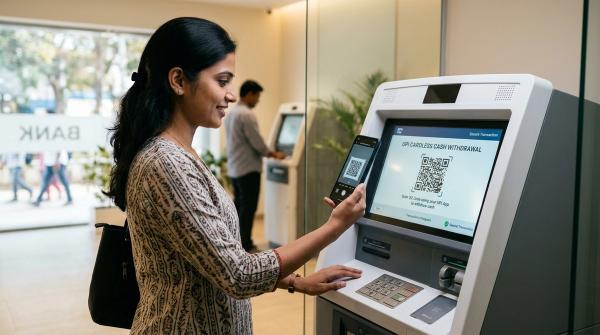
If you use Google Pay, PhonePe, Paytm, BHIM or any other UPI app, your old bank account may still be linked. You may also have UPI AutoPay mandates running in the background.
Deleting the app is not enough. Removing an app from your phone does not automatically cancel all active mandates.
How to Cancel UPI AutoPay
#Open every UPI app you use and check for sections like AutoPay, Mandates, Subscriptions, Recurring payments, UPI Lite or wallet links.
Then do this:
- Open the UPI app where the mandate was created.
- Go to Profile, Settings, Payments, AutoPay, Mandates or Subscriptions.
- Check active or live mandates.
- Cancel or revoke the mandate.
- Enter your UPI PIN if the app asks for confirmation.
- Save a screenshot or confirmation message.
Also check the merchant app directly. Some subscriptions are controlled from the merchant side, not only from the UPI app.
Step 3: Remove the Old Bank Account From UPI and Payment Apps
#Once AutoPay is cancelled, remove the old bank account from payment apps.
Check Google Pay, PhonePe, Paytm, BHIM, your bank’s UPI app, merchant apps where UPI is saved and any second phone where the same UPI ID may be active.
Go to Bank Accounts or Payment Methods and remove the old account. If the app created a UPI ID or VPA for that account, delete or disable it if possible.
This avoids failed payments later. It also reduces confusion if someone tries to send money to an old UPI ID.
Step 4: Update Places Where Money May Come In
#Before closing the account, think about who may still send money to it.
Update your new bank details in employer payroll, the income tax portal, mutual fund folios, insurance policies, pension records, provident fund records, dividend records, brokerage or demat accounts, freelance or business-client records, e-commerce refunds, travel refunds and utility refunds.
If money is sent to a closed account, it may bounce back. Sometimes this is fixed quickly. Sometimes it turns into a long chain of calls and emails. It is easier to update details before closing the account.
Step 5: Check Whether the Account Is Dormant or Inoperative
#As per RBI guidance, a savings or current account is generally treated as inoperative or dormant if there are no customer-induced transactions for more than two years. Banks do this to reduce fraud and misuse risk.
If your account is dormant, closure may not happen immediately. The bank may first ask you to complete KYC. This can include ID proof, address proof, PAN, Aadhaar where applicable, a recent photograph, a signed request or other documents required by the bank.
Keep these points in mind:
- Check the account status before visiting the branch.
- Carry original KYC documents and photocopies.
- Ask whether reactivation is needed before closure.
- RBI guidance says banks should not charge for activation of inoperative accounts.
- Banks should not apply penal charges only for non-maintenance of minimum balance in inoperative accounts, as per RBI guidance.
If the bank asks you to pay charges, request the official fee schedule or a written breakup. Do not rely only on verbal information.
Step 6: Check Account Closure Charges
#Savings account closure charges are not the same across banks. They depend on the bank, account type and how long the account has been open.
Also check for pending debit-card annual fees, SMS alert charges, locker-linked dues, overdraft or sweep-facility dues, minimum-balance charges if applicable and GST on bank service charges.
Use only the bank’s official website, branch, official app or verified customer-care number. Avoid random helpline numbers from search ads, social media posts or forwarded messages.
Step 7: Submit the Closure Request
#Many banks still ask for a signed account closure form and physical verification. Some may allow closure requests through net banking, mobile banking, email or post, but the process varies.
For most people, visiting the branch is still the cleanest option. If possible, visit the home branch. Some banks allow closure at any branch, but the home branch usually has easier access to records.
Documents and Items to Carry
#Carry these with you:
- Filled and signed account closure form
- Original ID proof
- PAN, if required
- Address proof, if KYC update is needed
- Recent photograph, if asked
- Passbook
- Chequebook with unused cheque leaves
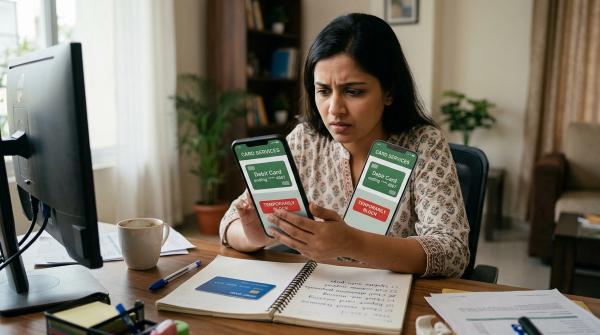
- Debit card
- Details of the account where the balance should be transferred
- Cancelled cheque or passbook copy of the receiving account, if required
- Proof of mandate cancellation, if available
If it is a joint account, all account holders may need to sign. If one person cannot visit, ask the bank for its official process.
If you cannot visit personally, do not use random agents or middlemen. Ask the bank whether it allows closure by post, authorised representative or digital request. Follow only the official process.
Step 8: Return or Destroy Banking Items Safely
#Banks may ask you to return unused cheque leaves, debit card and passbook at the time of closure.
For safety:
- Do not keep unused cheques lying around.
- Cross or cancel unused cheque leaves if the bank asks.
- Cut the debit card across the chip and magnetic strip if instructed.
- Return the passbook if required.
- Keep a photo or scan of the final passbook page for your records, if useful.
If you have lost the chequebook or debit card, tell the bank clearly. They may ask for a written declaration. It is better to say this upfront instead of delaying the process.
Step 9: Collect the Balance and Keep Proof
#Once the bank accepts your closure request, the remaining balance may be given through transfer to another bank account, demand draft, banker’s cheque, cash where allowed, or adjustment against valid dues.
If any amount is deducted, ask for a clear breakup.
Proof You Should Save
#Do not leave the branch without acknowledgement.
Keep these records:
- Stamped and dated acknowledgement of the closure request
- Copy or photo of the submitted closure form
- Final account statement
- Proof of balance transfer or demand draft
- Debit card or chequebook surrender acknowledgement, if given
- SMS or email confirming closure
- Complaint reference number, if you raised one
- Screenshots of cancelled UPI AutoPay mandates
- Screenshots showing the old bank account removed from UPI apps
A stamped acknowledgement proves when you submitted the closure request. If any charge appears later, this document can save you a lot of trouble.
What if the Bank Delays or Refuses Closure?
#Stay calm and keep the conversation in writing.
First, ask the branch for the reason. There may be a genuine issue, such as pending dues, missing signatures, dormant account KYC, lien marking, unresolved mandate, cheque-related issues or debit-card-related issues.
If the explanation is not clear, use the bank’s official grievance channel. You can usually complain through the bank’s official website, official mobile banking app, branch complaint register, customer-care number listed on the official website or official email ID published by the bank.
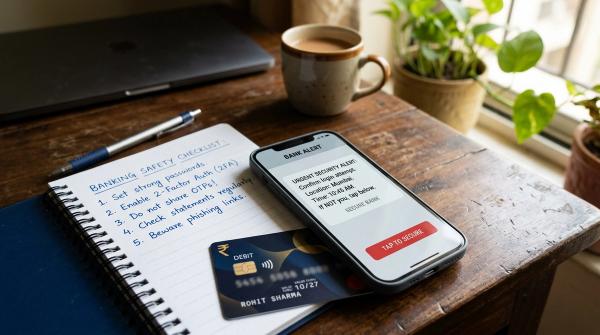
Avoid unofficial helplines, social media fixers, WhatsApp numbers and anyone asking for OTP, card details, UPI PIN, net banking password or remote screen access.
If the bank does not resolve your complaint within the required timeline, or you are not satisfied with the response, you can escalate through the RBI Integrated Ombudsman Scheme using the official RBI Complaint Management System portal. Before approaching the RBI Ombudsman, you generally need to complain to the bank first and wait for the bank’s response or the required waiting period. Keep your acknowledgement, complaint number and all communication ready.
Special Note: Closing an Old Salary Account
#Old salary accounts are very common. People change jobs, stop using the account and then forget about it.
A salary account may be zero-balance while salary is being credited. But once salary credits stop, the bank may convert it into a regular savings account after some time. After that, minimum balance rules and charges may apply.
Before closing an old salary account, check that final salary has been credited, reimbursements are not pending, full and final settlement is complete, EPF, gratuity, bonus or arrears are not linked, your new employer has updated bank details and no corporate card or loan is linked to the account.
If no more credits are expected, closing the old salary account can reduce clutter and avoid future confusion.
Common Mistakes to Avoid
#These mistakes usually cause problems:
- Closing the account before cancelling AutoPay
- Forgetting UPI IDs linked to the old account
- Not updating salary, refund or investment bank details
- Ignoring dormant account KYC requirements
- Not checking a negative balance properly
- Assuming closure charges are the same for all banks
- Leaving the branch without stamped acknowledgement
- Calling unofficial numbers found through ads or social media
- Sharing OTP, UPI PIN, card PIN or net banking password
- Not saving the final statement
Closing a bank account is not difficult. It just needs a clean finish.
Quick Recap
#Before closing an unused bank account in India:
- Download statements and interest certificates.
- Check the balance and clear genuine dues.
- Cancel standing instructions.
- Cancel UPI AutoPay mandates.
- Remove the old bank account from UPI and payment apps.
- Update salary, refund, tax and investment bank details.
- Check if the account is dormant or inoperative.
- Carry documents, passbook, debit card and chequebook to the branch.
- Collect a stamped acknowledgement.
- Save all proof until you are sure the account is fully closed.
The closure form is only one part of the job. The real work is making sure nothing is still linked to the account before you close it, and keeping proof after you submit the request.