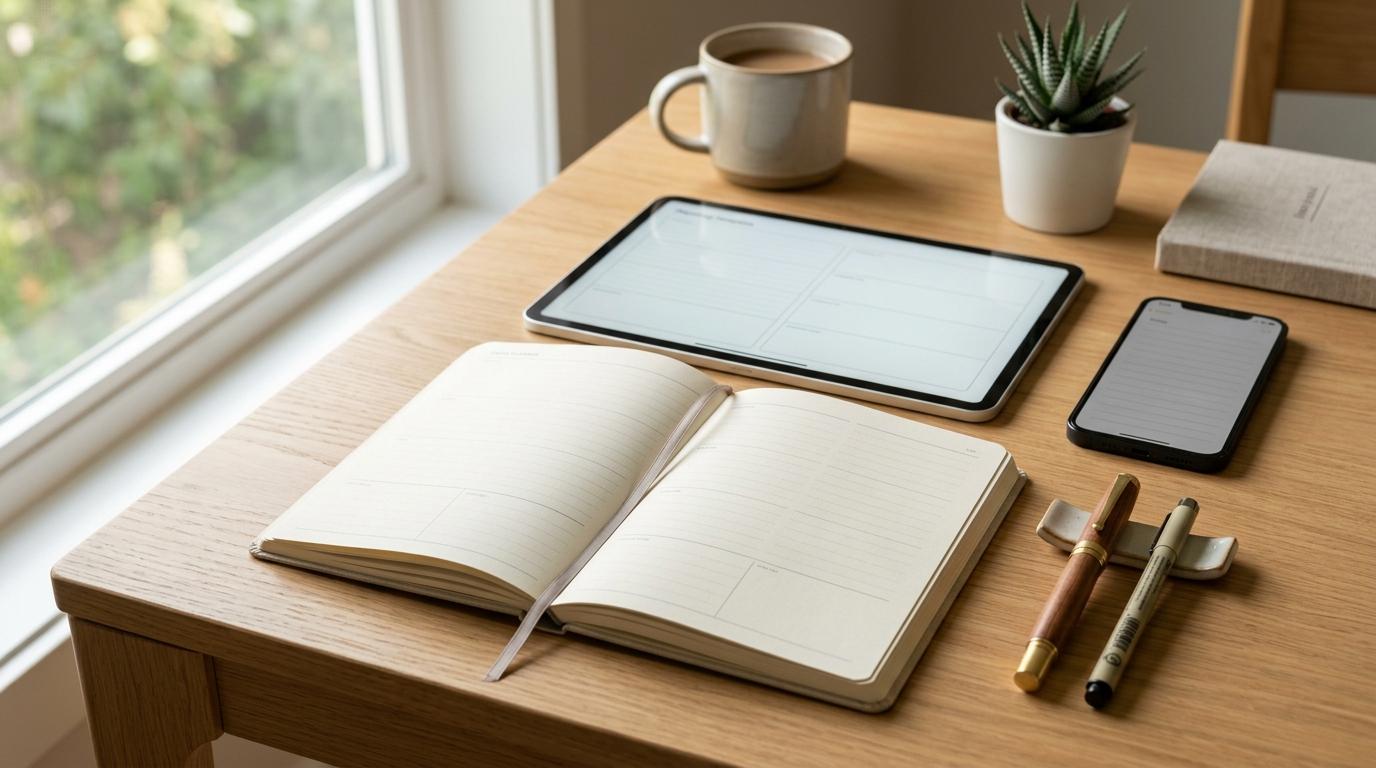
If you’re trying to choose between a digital planner, paper planner, or notes app, here’s the honest answer: don’t start with the tool. Start with your day.
If your schedule changes all the time, you need reminders, or you bounce between your phone, laptop, tablet, and work apps, a digital planner will probably help most. If you’re craving focus, less screen time, and a calmer way to think through your day, a paper planner may be the better fit. If you mostly need a place to dump ideas, meeting notes, lists, links, and random thoughts before they disappear, a notes app is perfect for that.
And for many people, the best answer is not choosing just one. It’s using a simple hybrid planning system where each tool has a clear job.
Quick Summary: The Bottom Line
#- Digital planner: Best for calendars, reminders, recurring tasks, changing schedules, and search. Main weakness: it can add more screen time and notification noise.
- Paper planner: Best for daily focus, prioritizing, reflection, and low-distraction planning. Main weakness: no search, no automatic reminders, and harder updates on the go.
- Notes app: Best for brain dumps, meeting notes, ideas, project notes, and reference material. Main weakness: often too unstructured for actually getting things done.
- Hybrid planning system: Best when you use digital tools for storage and reminders, paper for daily focus, and notes for capture. Main weakness: it needs clear boundaries so you don’t duplicate everything.
The best planner for productivity is usually not the fanciest app or the prettiest notebook. It’s the one you still use when the week gets messy.
Who This Is For
#This guide is for you if you keep trying to find the “perfect” planning setup and somehow end up more scattered than before.
Maybe you’ve bought a beautiful planner and abandoned it after three days. Maybe your tasks are split between a calendar app, a notes app, sticky notes, and your memory. Maybe you downloaded yet another productivity app thinking this one would finally fix everything.
If that sounds familiar, you’re not the problem. You probably just need a simpler system with clearer roles.
This guide will help if you:
- Build detailed planning systems, then stop using them
- Keep switching between notebooks, calendars, and apps
- Miss tasks because they’re scattered everywhere
- Feel tired of digital tools and constant notifications
- Need one setup for work, study, home admin, and personal goals
- Are comparing a notes app vs planner and wondering if you need both
- Want something practical, not a productivity fantasy
The goal is not to crown one universal winner. The goal is to help you choose the right tool for the right job.
The Short Answer: Match the Tool to the Job
#Daily planning usually involves five different things:
- Capture: getting tasks, ideas, and reminders out of your head
- Organize: sorting those things by date, project, or priority
- Schedule: deciding when something will happen
- Execute: focusing on what matters today
- Review: checking what worked and adjusting the plan
Most planning systems fall apart because we expect one tool to do all five jobs perfectly.
A paper planner can be great for focus, but terrible at reminders. A digital planner can be great for scheduling, but distracting when you’re trying to do deep work. A notes app can be amazing for capturing ideas, but too loose for deciding what actually needs to get done today.
So instead of thinking, “Should I use a paper planner or an app?” it’s often better to ask: What job do I need this tool to do?
What to Check Before Choosing a Planning Tool
#Before you buy another planner or download another productivity app, ask yourself a few boring but useful questions. They’re not exciting, but they’ll save you from building another system you don’t use.
1. Where does your current system actually fail?
#Be specific.
- Do you forget appointments?
- Do tasks disappear into random notes?
- Do you plan too much and do too little?
- Do you avoid your planner because it feels like homework?
- Do you feel drained every time you open your phone or laptop?
If you forget time-sensitive things, you probably need digital reminders. If you already feel buried under notifications, paper may give you a calmer place to think. If your problem is scattered information, a notes app may help — as long as it doesn’t become a dumping ground.
2. How often does your schedule change?
#If your day changes three times before lunch, a paper-only setup may get frustrating fast.
Digital tools are easier to update. You can drag tasks to another day, set recurring reminders, search old entries, and sync across devices.
But if your days are fairly stable, paper can work beautifully, especially if writing things down helps you slow down and commit.
3. Do you need reminders, or do you need clarity?
#These are not the same thing.
If you need your system to alert you, use something digital for at least part of your planning. If you mainly need to think clearly, choose priorities, and stop feeling scattered, paper may do the job better than another app.
4. Are you planning alone or with other people?
#A personal study plan, goal tracker, or home routine can work perfectly well on paper.
But shared calendars, team projects, client deadlines, family schedules, and group commitments usually need a digital layer. If other people need access, updates, or visibility, paper alone probably won’t be enough.
5. Do you need search?
#If you regularly need to find old meeting notes, project details, receipts, decisions, links, or reference material, digital wins.
Paper is great when the page helps you think. Digital is better when you need to find the thing later.
6. How much setup will you actually maintain?
#Some people love templates, tags, dashboards, databases, color coding, and weekly reviews. Other people need a blank page and a pen.
Neither is wrong. But be honest with yourself. If your system needs too much maintenance, it will eventually become one more thing you avoid.
Digital Planner vs Paper Planner vs Notes App
#Here’s the practical comparison without pretending any option is magic.
Digital Planner
#A digital planner can mean a calendar app, task manager, planning app, digital notebook, or tablet planner template.
Digital planning works best when your life has a lot of moving parts. You can reschedule tasks, set recurring reminders, search entries, share calendars, and access everything from multiple devices.
Best for
#- Work calendars
- Recurring tasks
- Appointments
- Deadline tracking
- Shared schedules
- Multi-device access
- People whose plans change often
Useful when
#A digital planner is most useful when you need your planner to remember things for you.
Birthdays, bill dates, client calls, class schedules, weekly reviews, subscription renewals, and recurring chores are all easier to manage digitally. You add the task once, or mostly once, and the system brings it back when you need it.
That’s the real strength of digital planning: it reduces the amount you have to hold in your head.
Watch out for
#A digital planner lives dangerously close to distractions.
Your task list may sit right beside email, Slack, social media, news, shopping apps, and messages. That doesn’t make digital planning bad. It just means you need boundaries.
Otherwise, checking one task can turn into 20 minutes of clicking around and forgetting why you opened the app in the first place.
Best for / avoid if
#Best for: busy professionals, students with changing schedules, parents managing family logistics, remote workers, and anyone who relies on reminders.
Avoid if: screen time already drains you, you ignore notifications anyway, or opening your planner regularly pulls you into distraction.
Paper Planner
#A paper planner is simple, physical, and focused.
It can be a dated planner, bullet journal, notebook, desk pad, printed daily sheet, or even a plain piece of paper. Paper planning works best when you need to slow down and decide what actually matters today.
Best for
#- Daily focus
- Prioritizing
- Reflection
- Journaling
- Study planning
- Habit tracking
- Screen-free planning
Useful when
#Paper is useful when you feel scattered and need one calm place to choose your next steps.
Writing by hand naturally slows you down. That can be annoying sometimes, but it’s also the point. Because writing takes more effort than typing or dragging tasks around, you tend to become more selective.
A paper planner can help you ask: What really matters today? Not what could theoretically get done in a fantasy version of the day. What actually matters.
Watch out for
#Paper does not remind you. It does not search itself. It does not automatically repeat tasks.
If you lose your notebook or leave it at home, your plan does not travel with you. And if your schedule changes constantly, crossing things out all day can get old quickly.
Paper is excellent for focus, but it can struggle with complicated logistics.
Best for / avoid if
#Best for: people who want less screen time, deep work sessions, students, reflective planners, and anyone who enjoys a tactile daily routine.
Avoid if: your schedule changes constantly, you need shared access, or you depend on automatic reminders.
Notes App
#A notes app is not always a planner, but it can be a very useful part of your planning system.
Notes apps are great for collecting information. They work well for brain dumps, meeting notes, class notes, lists, drafts, links, ideas, travel details, and project notes.
The problem starts when your notes app becomes the place where every task goes to hide.
Best for
#- Quick capture
- Meeting notes
- Brain dumps
- Project details
- Research notes
- Drafting ideas
- Storing reference material
Useful when
#A notes app is useful when you need a flexible place to put information before you know what to do with it.
You might use it to:
- Capture ideas for a work project
- Take notes during a meeting
- Draft a shopping list
- Save research links
- Plan a trip
- Write down thoughts before they disappear
Then later, if something requires action, you move it into your planner, calendar, or task list.
Think of your notes app as the front porch of your planning system. Things can land there, but they shouldn’t live there forever if they need action.
Watch out for
#A notes app can store almost anything, which is both its strength and its weakness.
It may hold your ideas, but it won’t always help you decide what to do today. That’s the main difference in the notes app vs planner comparison: a notes app is usually better for information; a planner is better for action.
Best for / avoid if
#Best for: people who need fast capture, searchable reference, meeting notes, study notes, or a place for loose ideas.
Avoid if: you need strict time-blocking, clear daily priorities, or a system that pushes tasks toward completion.
Hybrid Planning System
#A hybrid planning system uses more than one tool, but each tool has a clear purpose.
A simple setup might look like this:
- Digital planner for calendars, reminders, recurring tasks, and future planning
- Paper planner for today’s priorities, focus blocks, and reflection
- Notes app for ideas, meeting notes, reference, and messy thinking
This may sound like more work, but it doesn’t have to be. The mistake is copying everything into every tool. A good hybrid system avoids duplication. Each tool does one job well.
Best for
#- People with both digital commitments and focus-heavy work
- Anyone who wants reminders but also wants less screen time
- Students balancing classes, assignments, notes, and study blocks
- Professionals managing meetings, projects, and deep work
- Home admin, personal goals, and family planning
Useful when
#A hybrid system is useful when your life is too complex for paper alone, but too screen-heavy for digital alone.
Digital tools handle memory, search, recurring tasks, and reminders. Paper handles attention. Notes handle the messy middle: meeting details, ideas, project thoughts, links, and half-formed plans.
For a lot of people, this is the sweet spot.
Watch out for
#Hybrid planning fails when every tool becomes a copy of the others.
Don’t rewrite your entire digital calendar into your notebook. Don’t copy every paper note into your notes app. Don’t put the same task in four places and then wonder why planning feels exhausting.
Decide what belongs where, and let each tool do its job.
Best for / avoid if
#Best for: people who need flexibility, reminders, and focus in the same system.
Avoid if: you’re already overwhelmed and want the simplest possible setup. In that case, start with one tool first. Add another only when there’s a clear reason.
Side-by-Side Comparison
#Here’s a simple way to compare the four options:
- Reminders: digital planners and hybrid systems are strongest. Paper planners have none unless paired with another tool. Notes apps vary.
- Search: digital planners, notes apps, and hybrid systems are strong. Paper is weak unless you maintain a very clear index.
- Focus: paper planners are strongest. Hybrid systems can also be strong if boundaries are clear. Digital planners and notes apps can become distracting.
- Speed of capture: notes apps are usually fastest. Paper is fast if the notebook is nearby. Digital planners work well if the app is easy to open.
- Recurring tasks: digital planners and hybrid systems are strongest. Paper requires manual rewriting.
- Reflection: paper planners are often strongest, though notes apps and digital planners can work if you use review prompts.
- Portability: digital planners and notes apps are strongest across devices. Paper depends on whether you carry it.
- Setup effort: paper can be simple, notes apps can stay simple or become messy, digital planners can become overbuilt, and hybrid systems need a few clear rules.
Which One Should You Choose?
#Choose a digital planner if your life changes often
#A digital planner is the strongest choice if your schedule is fluid.
Choose it if you often need to:
- Move tasks between days
- Set reminders
- Track recurring work
- Search old entries
- Coordinate with others
- Plan across phone, tablet, and computer
This is the best fit if you need flexibility more than a screen-free ritual.
Choose a paper planner if your biggest problem is focus
#A paper planner is a strong choice if your issue is not forgetting things, but feeling scattered.
Choose it if you want to:
- Reduce screen time
- Make a short daily plan
- Think more slowly
- Prioritize intentionally
- Create a morning or evening planning ritual
- Keep your workday visually simple
This is the best fit if you need clarity more than automation.
Choose a notes app if your problem is capture
#A notes app is best when your thoughts, ideas, and information are scattered.
Choose it if you need to:
- Save ideas quickly
- Take meeting or class notes
- Store project details
- Keep reference material searchable
- Draft plans before turning them into tasks
A notes app may not be the best standalone daily planner, but it can be an excellent support tool.
Choose a hybrid system if you need both reminders and focus
#A hybrid system is often the most realistic option.
Choose it if:
- You need digital reminders but dislike planning only on screens
- You manage work, home, and personal goals together
- You want searchable information and a focused daily page
- You keep trying to make one tool do everything, and it keeps failing
A simple hybrid system can be much more useful than chasing the perfect all-in-one planner.
A Simple Hybrid Planning System You Can Try
#If you’re unsure, start here. It’s not fancy, but it works.
1. Use digital for anything future-based
#Put these in your digital planner or calendar:
- Appointments
- Deadlines
- Recurring tasks
- Bills and renewals
- Shared events
- Time-sensitive reminders
This keeps your future schedule searchable and harder to forget.
2. Use a notes app for loose information
#Put these in your notes app:
- Brain dumps
- Meeting notes
- Class notes
- Ideas
- Research
- Reference links
- Drafts and outlines
Just don’t treat every note as a task. If something requires action, move it into your planner, calendar, or task list. Otherwise, it will probably sit there forever pretending to be handled.
3. Use paper for today
#Each morning or evening, write only what matters for the next planning window.
A simple daily page can include:
- Top 3 priorities
- Must-do tasks
- Appointments copied only if they help you see the day clearly
- One focus block
- One personal task
- One note about what to carry forward
Keep it small. The paper page should help you act. It should not become a second inbox.
Best For / Avoid If
#Paper Planner
#Best for: deep focus, screen-free planning, daily priorities, reflection, study sessions, and people who like writing things down.
Avoid if: you need automatic reminders, frequently reschedule tasks, need to share your planner, or often forget to carry notebooks.
Digital Planner
#Best for: changing schedules, recurring tasks, reminders, shared calendars, deadline tracking, and work or home logistics.
Avoid if: notifications distract you, you are trying to reduce screen time, or you keep overloading your planner because moving tasks is too easy.
Notes App
#Best for: quick capture, ideas, meeting notes, project notes, research, and searchable reference.
Avoid if: you need a clear daily schedule, struggle to choose priorities, or your notes app has become a dumping ground.
Hybrid Planning System
#Best for: people who need digital memory and paper focus, work, study, home admin, personal goals, and anyone with both deadlines and deep work.
Avoid if: you do not want to maintain more than one place, tend to duplicate everything, or need the simplest possible setup right now.
Mistakes to Avoid
#1. Choosing based on aesthetics only
#A beautiful planner can absolutely motivate you for a few days. But daily planning depends on use, not appearance.
Before choosing a planner, ask yourself: Will this help me decide what to do on a busy Tuesday?
2. Using a notes app as a task graveyard
#Notes apps are great for capture. They are not always great for execution.
If your notes app contains hundreds of unchecked ideas, create a simple rule: Action items must move to your planner, calendar, or task list.
3. Rewriting the same plan in three places
#Hybrid planning should not mean doing the same planning three times.
Use each tool for a different purpose:
- Digital for reminders
- Paper for focus
- Notes for reference
If you’re copying the same thing everywhere, the system is too heavy.
4. Over-planning the day
#A planner cannot make a 14-hour task list fit into 6 hours.
Whether you use paper or an app, leave room for delays, admin, meals, rest, and unexpected work. A realistic plan is much more useful than an impressive one that collapses by 11 a.m.
5. Changing tools too quickly
#Sometimes the tool is wrong. Sometimes the routine is missing.
Before switching systems again, try one small adjustment:
- Make your daily list shorter
- Add a weekly review
- Remove a few categories
- Stop planning so far ahead
- Put reminders only where you’ll actually see them
The problem may not be the tool. The system may just be too complicated.
6. Ignoring your energy
#Planning is not only about time. It’s also about attention.
If your hardest task needs real focus, don’t schedule it after a full day of meetings, errands, and decision-making. A good planner helps you notice when your plan looks nice on paper but doesn’t match your actual energy.
Practical Recommendations by Situation
#For work
#Use a digital planner for meetings, deadlines, and recurring tasks. Use paper for your daily priority list if your work requires focus. Use a notes app for meeting notes and project details.
For study
#Use digital tools for class schedules, exam dates, and assignment deadlines. Use paper for daily study plans, revision lists, and active recall prompts. Use a notes app for class notes and research.
For home admin
#Use digital reminders for bills, appointments, maintenance, renewals, and shared family events. Use paper for weekly household priorities if it helps you see the week clearly.
For personal goals
#Use paper for reflection, habit awareness, and weekly intention-setting. Use digital reminders for recurring habits or deadlines. Use a notes app for ideas, progress notes, and plans you may want to revisit later.
Final Verdict
#The digital planner vs paper planner decision is not really about which tool is better. It’s about which tool solves your actual planning problem.
Choose a digital planner if you need reminders, flexibility, search, syncing, and shared access.
Choose a paper planner if you need focus, calm, and a clearer daily commitment.
Choose a notes app if you need fast capture and searchable information.
Choose a hybrid planning system if your life needs both digital structure and paper-based attention.
If you’re still unsure, start simple:
- Put future commitments and reminders in a digital planner
- Capture loose ideas in a notes app
- Write today’s top priorities on paper
That setup is enough for many people.