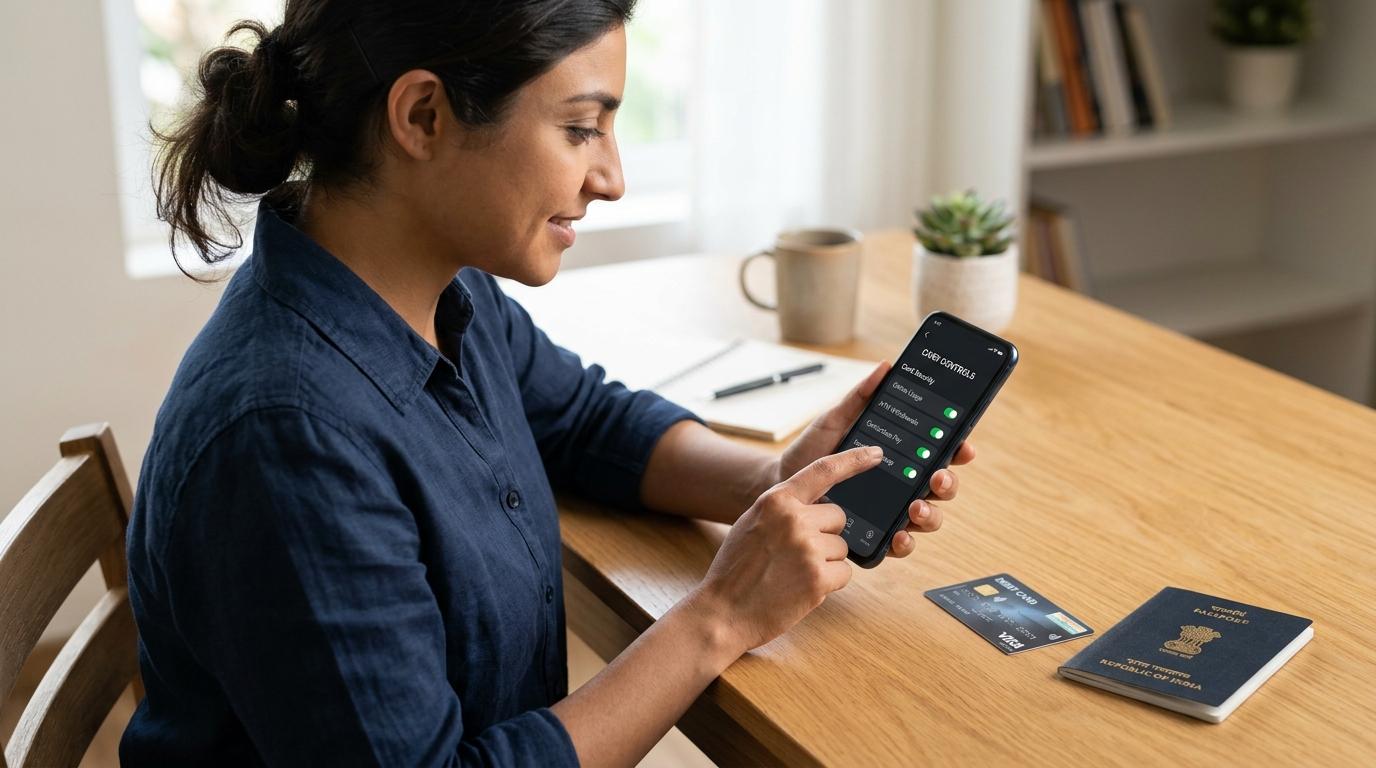
Planning to use your Indian debit or credit card abroad? Or trying to pay on a foreign website from India? In many cases, your card will not work until you enable international usage first. The safer habit is to enable only the channel you need, set a practical limit, check fees, and turn it off when you are done.
Managing international card transactions India can feel confusing because every bank uses slightly different words. One app may say “international usage”, another may say “card controls”, while another may split everything into ATM, POS, e-commerce, and contactless settings.
But the idea is simple: your card has switches. Some switches decide where your card can be used, and others decide how it can be used. Once you understand that, you can use your card abroad or on foreign websites without leaving it open everywhere.
This guide is for everyday Indian card users: travellers, online shoppers, subscription users, freelancers, students, and anyone who wants safer card settings without getting lost in banking jargon.
Why international card usage may be off by default
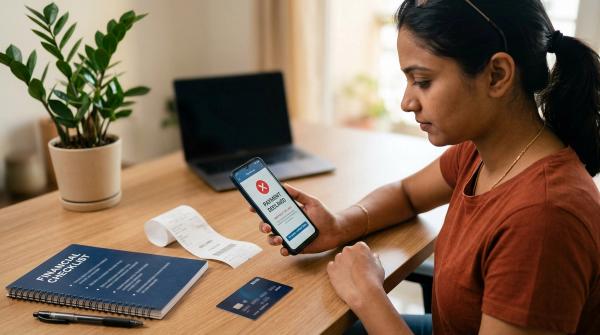
#If your card gets declined on a foreign website, don’t immediately assume something is wrong with the card. You may have enough balance or credit limit, but the international online transaction setting may simply be switched off.
Under RBI card control guidance, card issuers are expected to give customers the ability to switch card usage on or off and set or modify limits across domestic and international channels, including ATM, POS, online and contactless use. Bank-specific wording, defaults and app flows can vary, so use your bank’s official app, net banking or card terms for exact steps.
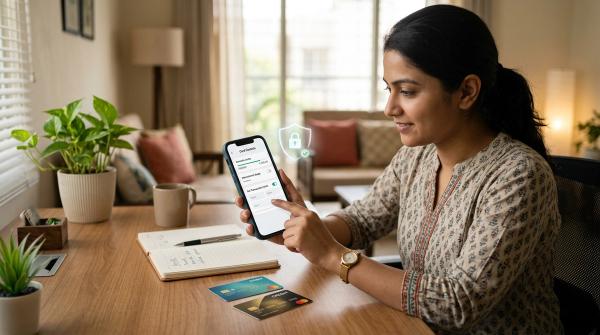
In simple terms, your bank gives you a control panel. You decide whether your card should work:
- In India or outside India
- At ATMs
- At shops, restaurants, hotels, and counters
- On websites and apps
- Through tap-to-pay terminals
This is not just a random inconvenience. It helps reduce the risk of misuse if your card details are stolen or exposed somewhere.
Different banks use different names for these settings. In your app or net banking, look for options like:
- Card Controls
- Manage Card
- Usage Controls
- Set Limits
- Debit Card Services
- Credit Card Controls
- International Usage
- Transaction Controls
The four controls to check before enabling international transactions
#When you enable international transactions debit card or credit card usage, avoid turning on every option at once. First, check what kind of transaction you actually need to make.
1. International ATM usage
#International ATM usage controls cash withdrawals from ATMs outside India.
Enable this only if you are travelling abroad and may need to withdraw local currency. If you are sitting in India and buying something from a foreign website, you do not need international ATM usage.
Overseas ATM withdrawals can come with extra charges. Your bank may charge a withdrawal fee, and currency conversion charges may also apply. The exchange rate and fees can vary depending on your card and bank.
If you do enable international ATM usage, set a sensible withdrawal limit. For emergency cash, you usually do not need a very high limit.
2. International POS usage
#POS means point of sale. This is the card machine you use at a hotel, restaurant, store, airport counter, ticket desk, or rental agency.
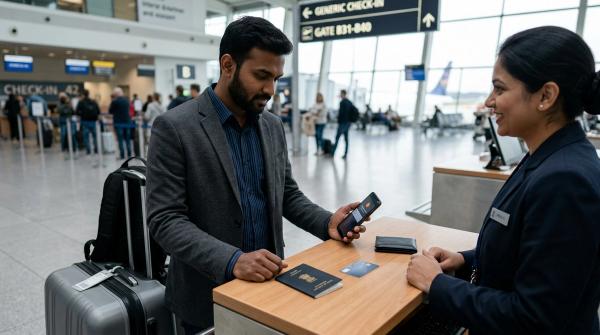
Enable international POS if you are travelling abroad and plan to physically use your card at counters or payment terminals. For most travellers, this is one of the most useful international card settings.
For example, you may need international POS usage for hotel payments, restaurant bills, shopping, airport purchases, local transport counters, car rentals and tourist attractions.
Set the limit based on your expected spending. If your daily spending is likely to be moderate, do not keep the limit close to your full card limit or account balance. You can usually increase it later from the bank app if required.
3. International online or e-commerce usage
#International online usage controls payments made on foreign websites and apps.
You may need this for booking an overseas hotel, paying for an international flight or travel service, buying software billed in foreign currency, shopping from a foreign e-commerce website, paying for a global subscription, registering for an international exam or course, or using cloud tools and business services.
If you are in India and making just one online purchase, this is usually the only international setting you need. You can keep international ATM, POS and contactless usage switched off.
Once the payment is successful, turn international online usage off again unless the card is needed for recurring billing.
4. International contactless usage
#Contactless usage controls tap-to-pay transactions.
It can be very convenient abroad, especially for quick purchases at metro gates, cafes, convenience stores, vending machines and supermarkets. But because tap payments are fast, it is better to use this setting carefully.
Enable international contactless only if you actually plan to use tap-to-pay. If you are not comfortable with contactless payments, leave it off and use regular chip-and-PIN or POS payments where available.
If your bank allows a separate contactless limit, keep it low.
Travel example: setting up your card before going abroad
#Let’s say you are travelling from India to Singapore for one week.
A practical card setup may look like this:
- International POS: on
- International ATM: on only if you may withdraw cash
- International online: on if you still need to book tickets, hotels, taxis or activities
- International contactless: on only if you want to use tap-to-pay
- Limits: set close to your expected usage, not your full card limit or bank balance
Before leaving India, also check a few basic things:
- Can you log in to your bank app?
- Is your registered mobile number active?
- Is your email updated with the bank?
- Are transaction alerts working?
- Will you receive OTPs while abroad?
- Does your bank require app approval for some transactions?
- Do you know where to find the official bank helpline?
This may sound basic, but it matters. You do not want to discover at a hotel counter that your OTP is not arriving or your app login is blocked.
Once you return to India, switch off international ATM, POS, online and contactless usage if you no longer need them. This simple habit makes debit card abroad India usage and credit card travel usage much safer.
Online shopping example: buying from a foreign website
#Now take a different situation.
You are in India and want to buy a design tool subscription from a foreign company. The bill is in USD.
In this case, you do not need your card to work at foreign ATMs or physical stores. You only need international online usage.
A safer setup would be:
- International online: on
- International ATM: off
- International POS: off
- International contactless: off
- International transaction limit: slightly above the expected bill amount
If the subscription is monthly, you can keep international online usage active with a tight limit. If it is a one-time purchase, turn it off after the payment goes through.
That is the main idea: match the card setting to the actual use case. Everything does not need to be on.
How to set a safer international transaction limit
#A high limit may feel convenient, but it also increases the possible damage if your card details are misused. A safer approach is to set the lowest practical limit for the transaction you need.
For one-time purchases, set the limit a little above the expected amount. For example, if a foreign currency payment is roughly equal to ₹4,000, you might set the limit slightly higher to allow for exchange rate movement or small taxes.
For travel, think in terms of realistic spending. How much might you spend in a day on meals, transport, shopping and activities? Keep your POS limit around that amount, not around your total card limit.
If you need to make a larger payment, such as a hotel deposit or tour booking, increase the limit only when required. After the payment is done, reduce it again.
For ATM withdrawals, be stricter. Overseas ATM cash withdrawals can attract extra charges, and cash is difficult to recover if lost. Keep the ATM withdrawal limit linked to emergency cash needs.
For contactless payments, use a low limit if your bank gives you a separate setting. If you are not using contactless at all, leave it switched off.
The best international transaction limit is not the highest amount your bank allows. It is the amount that lets your real payment go through while keeping unnecessary risk low.
Debit card vs credit card international usage
#Both debit and credit cards can support international transactions, but the experience is slightly different.
With a debit card, the money is directly linked to your bank account. If a transaction goes through, the amount may be debited from your account immediately. That is why tight limits and careful channel controls are especially important.
With a credit card, the transaction uses your credit limit, and you repay the amount later. Many travellers prefer credit cards for hotels, deposits, car rentals and larger purchases. Credit cards may also offer dispute handling or travel benefits depending on the card, but this varies.
Still, credit card international usage needs the same basic safety steps:
- Enable only the channels you need
- Set limits where available
- Monitor alerts
- Check forex markup and fees
- Disable international usage after use
Do not assume your card is ready for international use just because it has a Visa, Mastercard, RuPay or another network logo. Some cards may be domestic-only, and some may require separate activation.
Always check in your bank app, net banking or official card terms.
Fees, forex markup and currency conversion cautions
#International card usage is not only about whether the payment goes through. The charges matter too.
Before using your card abroad or on a foreign website, check your bank’s official schedule of charges for:
- Foreign exchange markup
- GST or applicable taxes on fees
- Overseas ATM withdrawal charges
- Balance enquiry charges at foreign ATMs, if any
- Currency conversion terms
- Network-specific or bank-specific charges
A forex markup is a fee your card issuer may charge when a foreign currency transaction is converted into rupees. The exact markup can vary by bank, card type and product category.
Do not guess the charges. A basic debit card, a premium credit card, a travel card and a co-branded card may all have different fee structures.
Also be careful when a foreign merchant or ATM offers to charge you in INR instead of the local currency. This is known as dynamic currency conversion. It may look convenient because you can see the rupee amount instantly, but the exchange rate may not be favourable.
In many cases, paying in the local currency and letting your card issuer handle the conversion may be better, but you should check your bank’s guidance and compare carefully.
For overseas ATMs, avoid making too many small withdrawals if your bank charges a fee per withdrawal. At the same time, do not withdraw more cash than you can safely carry. Balance cost with safety.
Fraud and lost-card checklist
#If your card is lost, stolen or used suspiciously, act quickly. Don’t panic, but don’t wait.
- Freeze or block the card from the app. Look for options such as block card, freeze card, hotlist card, switch off card or disable usage.
- Turn off all channels. If your app allows channel controls, switch off domestic and international ATM, POS, online and contactless usage.
- Call the bank through official numbers. Use only contact details from your bank’s website, mobile app, card statement or card documents.
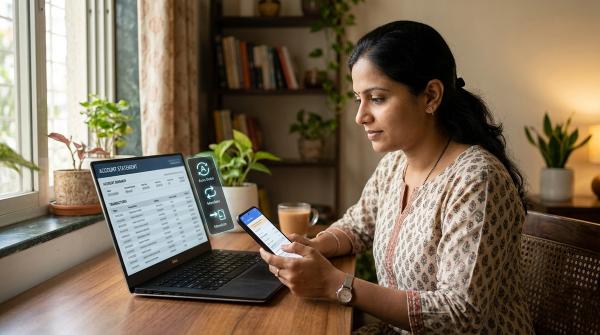
- Review recent transactions. If you see a transaction you did not make, report it to the bank through official channels and save complaint numbers, screenshots, alerts and transaction IDs.
- Change related passwords if needed. If the suspicious activity followed a phishing link or fake call, change banking, email and linked shopping-account passwords.
- Use a backup card carefully. Keep backup international channels off until you actually need them.
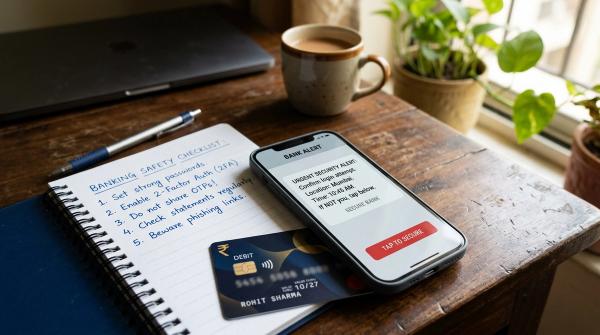
Never share your OTP, PIN, CVV, card expiry date, app approval request or net banking password with anyone.
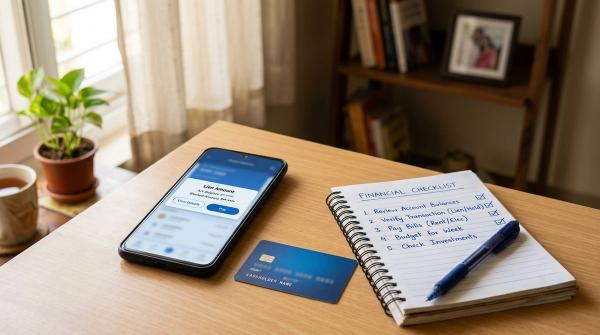
Quick enable-disable checklist
#Before an international online purchase
#- Enable international online usage
- Set a limit close to the purchase amount
- Keep ATM, POS and contactless off if not needed
- Check forex markup and applicable taxes
- Complete the payment
- Turn online usage off again unless needed for recurring billing
Before foreign travel
#- Enable international POS
- Enable ATM only if you need cash withdrawals
- Enable online only if you will make bookings or app payments
- Enable contactless only if you plan to use tap-to-pay
- Set separate limits where available
- Check overseas fees and forex markup
- Save official bank support details
- Make sure OTPs and alerts will work
- Disable international usage after returning
For everyday safety
#- Keep unused channels off
- Keep limits lower than the maximum available limits
- Review SMS, email and app alerts
- Check card statements regularly
- Keep your mobile number and email updated with the bank
- Use only your bank’s official app, website or helpline for changes
- Verify fees in the official schedule of charges
Final thought
#International card controls are not just for frequent flyers. They are useful for anyone in India who shops on foreign websites, pays for global subscriptions, travels occasionally, or simply wants better card safety.
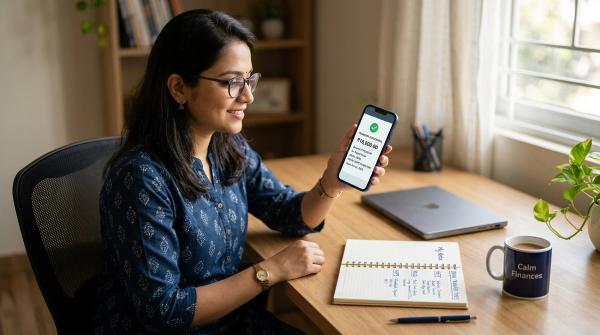
The habit is simple: enable only what you need, set a sensible limit, check the fees, watch your alerts, and switch access off when you are done.