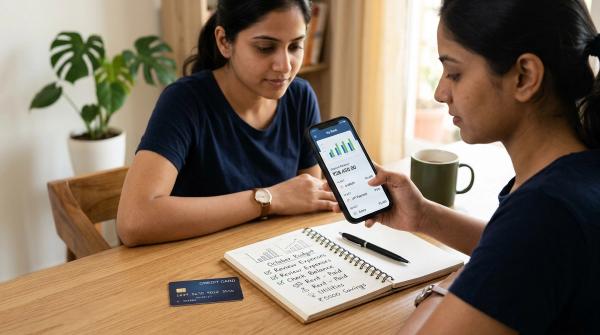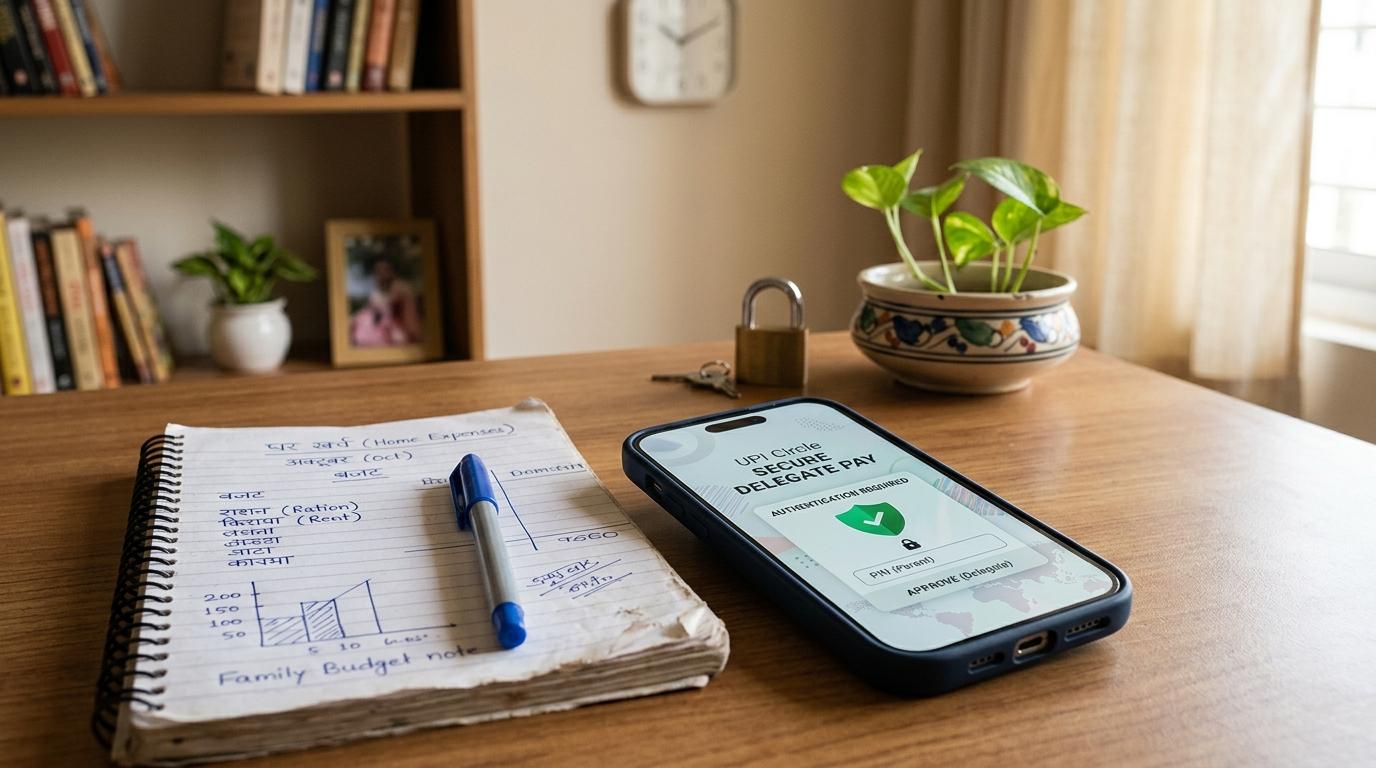
UPI Circle lets you allow a trusted person to make limited UPI payments from your account without sharing your UPI PIN. Use it only with people you trust, set the lowest practical limit, watch transaction alerts, and revoke access as soon as the need ends.
If you manage money for your family, or even for a small shop or business, you have probably faced this situation.
Your child needs to pay at a store. Your parent has to buy medicines. A staff member needs to pay a vendor. Someone you trust needs to make a UPI payment, but you do not want to hand over your phone or tell them your UPI PIN.
And honestly, you should not have to.
That is exactly where UPI Circle can help.
UPI Circle allows a bank account holder to give limited UPI payment access to trusted people. They can make payments within the limits you set, without knowing your UPI PIN. It is being rolled out through supported UPI apps such as BHIM, PhonePe, and Google Pay, depending on app availability.
This guide explains how UPI Circle works, when it is useful, what limits you should check, and how to avoid common mistakes around UPI PINs, OTPs, QR codes, payment requests, and fraud.
What is UPI Circle?
#UPI Circle is a delegated payments feature under the NPCI framework. It lets a Primary user, usually the bank account holder, authorise a Secondary user, such as a family member, dependent, or trusted staff member.
The idea is simple.
The Secondary user can make approved UPI payments from the Primary user’s account without knowing the Primary user’s UPI PIN.
BHIM has announced UPI Circle Full Delegation, which allows authorised payments within set limits.
In everyday language, UPI Circle lets you say:
“Yes, you can pay from my account, but only within this limit, and I can keep track of what is happening.”
How UPI Circle delegation works
#UPI Circle generally works in two ways.
Full Delegation
#In Full Delegation, you set a monthly limit for the Secondary user. Once the setup is complete, they can make UPI payments on their own within that approved limit.
NPCI BHIM Services has stated that BHIM UPI Circle Full Delegation allows trusted contacts to make UPI payments up to ₹15,000 per month, while the Primary user keeps control and real-time visibility.
This can be useful for:
- Monthly pocket money for a child or young adult
- Medicine or grocery payments for senior citizens
- Small recurring business payments
- Payments for dependents who may not have their own bank account
Partial Delegation
#In Partial Delegation, the Secondary user can start a payment, but the Primary user has to approve it before it goes through.
So if your child or staff member tries to make a payment, you still get the final say.
If you are trying delegated payments for the first time, Partial Delegation may feel more comfortable because every payment comes back to you for approval.
When should you use UPI Circle?
#UPI Circle is useful when someone needs payment access, but you do not want to share your UPI PIN, bank login, or unlocked phone.
It can help in situations like these:
- A parent wants to give controlled UPI access to a child
- A senior citizen needs help paying for medicines, groceries, or services
- A family member does not have their own bank account but needs to make digital payments
- A small-business owner wants staff to make limited vendor payments
- A dependent needs regular spending access without asking for cash every time
But it is not meant for casual sharing.
Do not add acquaintances, distant contacts, temporary helpers, or anyone whose spending you cannot monitor properly. UPI Circle is safer than sharing your PIN, but it still gives someone access to your money.
UPI Circle Safety Checklist
#Before you set up delegated UPI payments, take a few minutes to go through this checklist. A little caution at the start can prevent a lot of stress later.
1. Choose the Secondary user carefully
#Only add someone you genuinely trust.
UPI Circle removes the need to share your PIN, which is a big safety improvement. But the Secondary user can still make payments within the limits you allow. So choose the person carefully.
Before adding someone, check:
- Is this person saved correctly in your contacts?
- Is the phone number actually theirs?
- Are they using a supported UPI app such as BHIM, PhonePe, or Google Pay?
- Do they understand basic UPI safety?
- Can you reach them quickly if something looks wrong?
Reports on NPCI’s UPI Circle rollout note that a Primary user can add multiple trusted people, but do not add extra users just because the option exists.
Fewer, well-chosen users are always safer.
2. Set the UPI Circle limit based on real need
#The UPI Circle limit is one of the most important safety settings.
For Full Delegation, NPCI BHIM Services has stated a limit of up to ₹15,000 per month. But remember, that is the upper limit. It is not the amount you have to set.
Set the limit based on actual need.
For example:
- If your child needs ₹2,000 a month for snacks and transport, do not set ₹15,000.
- If a senior citizen needs around ₹4,000 for medicines and household purchases, keep the limit close to that.
- If a staff member only makes small vendor payments, set a practical business limit.
A lower limit reduces the damage if the Secondary user makes a mistake or gets tricked by a scammer.
3. Set a sensible validity period
#UPI Circle Full Delegation allows validity to be set for a defined period. NPCI BHIM Services has described a maximum term of up to 5 years for BHIM Full Delegation, but that does not mean you should always choose the longest period.
Think about why you are giving access.
A shorter validity period may be better for:
- Temporary staff
- College semester expenses
- Short-term family arrangements
- Trial use for a new Secondary user
- A specific project or business need
Longer validity may be fine for close family members, but only if you are going to check the activity regularly.
Do not set it once and forget it.
4. Never share your UPI PIN
#This is the biggest safety advantage of UPI Circle.
The Secondary user does not need your UPI PIN. If anyone asks for it, something is wrong.
Follow these UPI PIN safety rules:
- Do not share your UPI PIN with the Secondary user.
- Do not type your UPI PIN on someone else’s phone.
- Do not reveal your PIN over call, chat, or video call.
- Do not save your PIN in notes, WhatsApp, SMS, or screenshots.
- Do not let anyone “help” by watching while you enter your PIN.
Also explain this clearly to the Secondary user:
A UPI PIN is used when sending money, not when receiving money.
If someone says, “Enter your PIN to receive a refund,” it is a scam.
5. Do not share OTPs during setup or troubleshooting
#UPI safety is not only about the PIN. OTP mistakes can also lead to trouble.
Be extra careful with OTPs during UPI Circle setup, app login, device change, or any so-called support call.
Do not share OTPs with:
- Unknown callers
- Fake customer care numbers
- People claiming to be from a bank
- People claiming to be from NPCI, BHIM, Google Pay, or PhonePe
- Anyone asking you to “verify” or “reactivate” UPI Circle
If an OTP arrives unexpectedly, pause for a moment. Do not read it out to anyone. Do not forward it. Do not type it into a link sent by someone else.
6. Watch every transaction alert
#Delegation does not mean you stop checking.
UPI Circle is designed so the Primary user keeps control and visibility. Transaction alerts are not just routine notifications. They are safety signals.
As the Primary user:
- Read SMS and app notifications for delegated payments.
- Check whether the amount and merchant look familiar.
- Ask the Secondary user if something looks unusual.
- Review transaction history regularly.
- Act quickly if you see a payment you do not recognise.
This is especially important for UPI payments for family, because the person spending may be a child, senior citizen, or dependent who may not know how to react under pressure.
7. Teach QR code safety
#QR code scams are common because many people still confuse “scan to pay” with “scan to receive.”
Make this rule very clear to every Secondary user:
Scanning a QR code is usually for making a payment. It is not required to receive money.
Warn them about lines like:
- “Scan this QR to receive your refund.”
- “Scan this code to collect prize money.”
- “Scan this QR and enter your PIN to get cashback.”
- “I sent money by mistake, scan this to reverse it.”
If scanning a QR code leads to a payment confirmation screen or asks for a UPI PIN, treat it as a payment action.
Stop and check before going ahead.
8. Be careful with payment requests
#Fraudsters often send collect requests or payment links and then create urgency. They may say the offer will expire, the delivery will be cancelled, or the refund will fail if payment is not made immediately.
Before approving or making any payment, the Secondary user should check:
- Who is asking for the money?
- Is the UPI ID or merchant name familiar?
- Does the amount match what was agreed?
- Is there pressure to pay immediately?
- Did the request come from a verified source?
A simple pause can prevent a loss.
If there is any doubt, the Secondary user should call the Primary user before paying.
9. Avoid screen-sharing and remote-access apps
#Scammers may ask users to download screen-sharing or remote-access apps. They may pretend to help with a refund, complaint, delivery issue, KYC update, or failed payment.
Tell Secondary users not to download such apps if an unknown person asks them to.
If a scammer can see the screen, they may see UPI details, messages, notifications, OTPs, or the steps being taken inside the payment app.
No genuine support person should need remote control of your phone to fix a UPI issue.
10. Revoke access quickly when needed
#One of the strongest safety features of UPI Circle is that the Primary user can revoke access.
You should revoke or change access if:
- The Secondary user loses their phone
- Their number changes
- A staff member leaves your business
- A family arrangement changes
- You notice suspicious transactions
- The person no longer needs payment access
- You accidentally set the limit too high
Do not wait too long.
If something feels wrong, revoke access first and check later.
Common UPI Circle mistakes to avoid
#Even a good setup can become unsafe if people are careless. Watch out for these common mistakes.
Mistake 1: Setting the maximum limit by default
#Just because the UPI Circle limit can go up to ₹15,000 per month does not mean every user needs that much.
Start low. Increase the limit only if there is a real reason.
Mistake 2: Treating UPI Circle like shared account access
#UPI Circle is not the same as giving someone your phone, UPI PIN, or full bank access.
Keep your own UPI credentials private. The Secondary user should only use the delegated access inside the approved setup.
Mistake 3: Ignoring small suspicious payments
#Small payments can also be warning signs.
If you see repeated low-value transactions that you do not recognise, check them immediately. Scammers sometimes test with small amounts before trying bigger payments.
Mistake 4: Not explaining scams to senior citizens or young users
#Do not assume everyone understands UPI fraud.
Take a few minutes and explain the basics:
- Do not enter a PIN to receive money.
- Do not share OTPs.
- Do not scan QR codes for refunds.
- Do not act under pressure.
- Call the Primary user before making an unfamiliar payment.
These rules may sound obvious to you, but they may not be obvious to a child, senior citizen, or first-time UPI user.
Mistake 5: Forgetting to review old access
#If you set UPI Circle validity for a long time, review it once in a while.
People’s needs change. Staff leave. Children grow up. Phone numbers change. A payment arrangement that made sense last year may not make sense now.
Delegated access should not stay active just because nobody remembered to remove it.
UPI Circle for families: A practical setup approach
#For families, keep the setup simple.
If you are setting up UPI payments for a child, start with a small monthly limit. Explain where they can use it and when they should call you before paying.
If you are setting it up for a senior citizen, explain common scams slowly and patiently. You can even write down simple rules like:
- Never enter a PIN to receive money.
- Never share an OTP.
- Call before paying unknown people.
- Do not scan QR codes for refunds.
If you are setting it up for a dependent, match the limit to monthly needs such as medicines, groceries, transport, or small household expenses.
The goal is not just convenience. It is controlled convenience.
UPI Circle for small-business owners
#Small-business owners often need someone else to make routine payments. UPI Circle can help, but only if the limits are tight and the monitoring is regular.
You may use it carefully for:
- Small vendor payments
- Delivery-related payments
- Routine local purchases
- Limited staff spending
Avoid using a high limit unless there is a clear business need.
If an employee no longer handles payments, revoke access immediately. Do not leave old access active.
Also, keep business monitoring separate from casual family use. Review transactions regularly so you can catch errors, duplicate payments, or suspicious activity quickly.
Quick UPI Circle Safety Checklist
#Use this before and after setup:
- Add only trusted Secondary users
- Confirm the phone number and UPI app
- Set the UPI Circle limit based on actual need
- Do not default to the maximum ₹15,000 monthly limit
- Choose a sensible validity period
- Never share your UPI PIN
- Never share OTPs
- Teach QR code safety
- Warn against fake refund and prize scams
- Be careful with payment requests and links
- Avoid screen-sharing or remote-access apps
- Watch transaction alerts
- Review transaction history regularly
- Revoke access when the need ends
- Act quickly if a phone is lost or a number changes
Source-aware notes
#This guide is based on public UPI Circle rollout information from NPCI/NPCI BHIM Services and India’s broader RBI direction toward stronger digital payment authentication. App screens, feature names, and availability may vary by bank and payment app, so readers should check their own app and bank notices before enabling delegation.
Final word
#UPI Circle solves a real problem for many Indian families and small businesses.
Sometimes, someone else needs to make a payment from your account. But sharing your UPI PIN is never a safe solution.
With UPI Circle, you can delegate payments while keeping limits, visibility, and control in place.
Before you add anyone, use this UPI Circle safety checklist. Keep the limit sensible, protect your UPI PIN and OTPs, teach QR code safety, watch alerts, and revoke access when it is no longer needed.
UPI Circle can make shared payments easier. Just make sure convenience always has clear boundaries.