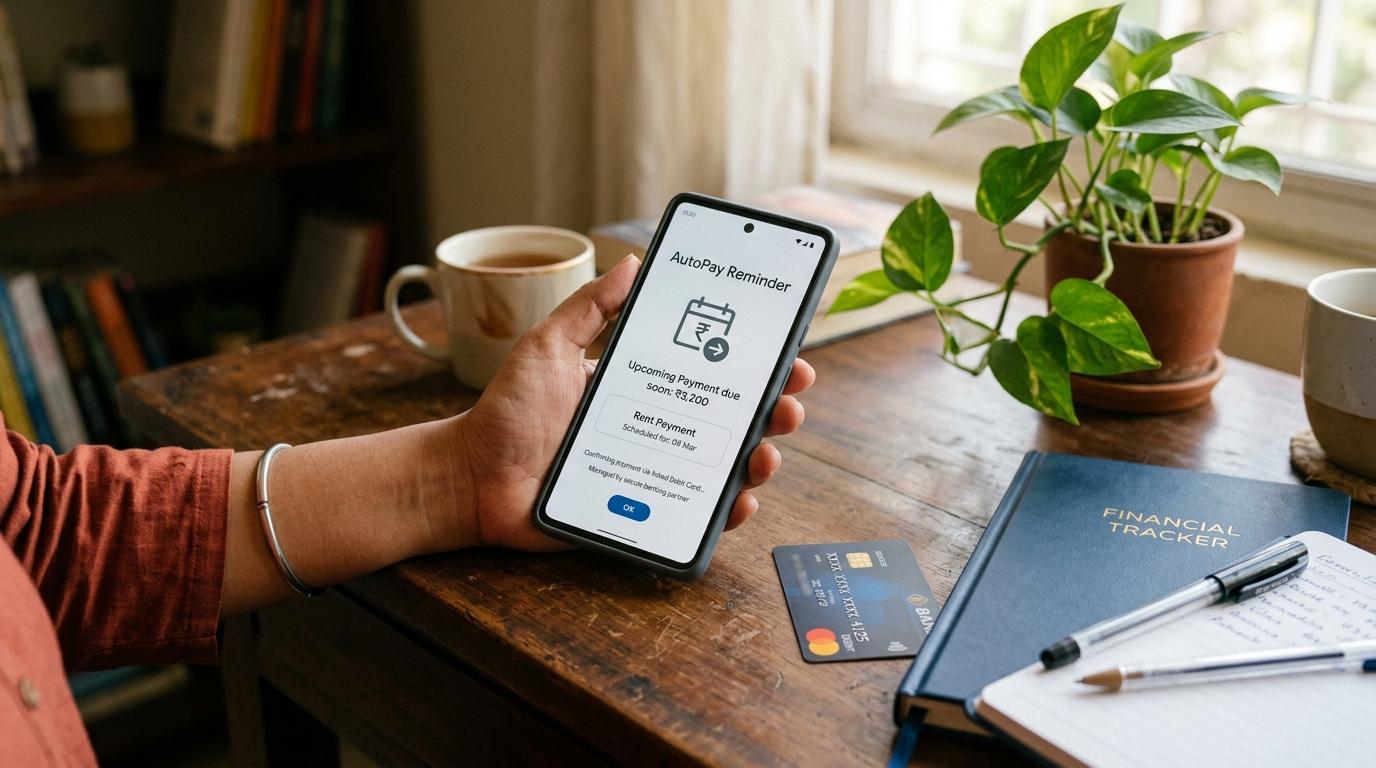
A UPI AutoPay request expired message usually means the recurring payment approval request was not approved in time. The old request is no longer valid, and if you still want the subscription, bill payment, app renewal, or service, you may need to start the AutoPay setup again from the merchant’s official app or website.
Before approving again, check the merchant app, your bank account, and the AutoPay or Mandates section in your UPI app. This helps you avoid duplicate mandates, surprise debits, and unsafe UPI PIN mistakes.
This guide is general education for everyday UPI users. It is not legal, tax, investment, credit, or personalised financial advice.
What does UPI AutoPay request expired mean?
#UPI AutoPay is used for recurring payments such as OTT subscriptions, app renewals, utility bills, memberships, insurance payments, and other scheduled payments.
AutoPay works through a UPI mandate. A mandate is your approval that lets a merchant collect money later according to the amount limit, frequency, and validity shown on the approval screen.
Usually, the flow looks like this:
- You start AutoPay setup in a merchant app or website.
- The merchant sends a mandate request to your UPI app.
- You open your UPI app.
- You check the mandate details.
- You approve it using your UPI PIN.
If you do not approve the request within its allowed window, it can expire. Once it expires, that old request is generally closed and cannot be approved later.
The exact expiry window may vary by merchant, bank, and app flow, so do not assume a fixed timeline unless your app clearly shows one.
Should you approve again?
#Yes, you can approve a fresh request if you still want the service — but not blindly.
Approve again only after confirming that:
- The merchant has not already activated the service.
- Your bank account has not already been debited.
- Your UPI app does not already show an active mandate for the same merchant.
This matters because merchant apps, banks, and UPI apps may not update at the same speed. One place may show expired while another still shows pending, active, or paid.
Checks before approving again
#If the merchant app says failed, your bank shows no debit, and your UPI app shows no active mandate, it is usually safe to restart the AutoPay setup from the official merchant app or website.
Why does a UPI AutoPay request expire?
#A UPI AutoPay request is not meant to stay open forever. Expiry is a safety feature because old payment requests should not remain approvable long after the user has forgotten the context.
Common reasons include:
- You did not open the UPI app in time.
- You saw the notification but forgot to approve it.
- Your internet connection dropped during checkout.
- The merchant app did not redirect correctly.
- You left the request pending.
- Your bank, merchant, or UPI app took too long to complete the flow.
- You opened the approval screen after the request had already timed out.
An expired request does not always mean your bank account has a problem. Most of the time, it simply means the approval window closed.
Check the merchant app first
#Start with the merchant’s official app or website. Do not use random SMS links, WhatsApp links, Telegram links, or links sent by unknown people.
Inside the merchant app, check:
- Is your subscription active or inactive?
- Does the bill show paid or unpaid?
- Is there a payment failed message?
- Is the app asking you to set up AutoPay again?
- Is the merchant name the same as the name shown in your UPI app?
- Is the plan, billing cycle, amount, or maximum limit correct?
If the merchant says your service is already active, pause before approving anything else.
Then check your bank account
#Open your bank app, review SMS alerts, or check your mini-statement.
Look for:
- Any recent debit to the merchant
- Any small verification debit, if applicable
- Any refund or reversal entry
- Any duplicate debit
- Any failed transaction message
If money was deducted but the merchant app still says failed, do not approve another request immediately. Sometimes the merchant status updates late. If the status remains unclear, contact support only through official app or website channels.
Then check your UPI app
#Open your UPI app and find the place where mandates are managed. Depending on the app, it may be called:
- AutoPay
- Mandates
- Recurring payments
- UPI mandates
- Payment settings
- Bank account settings
Check whether the merchant appears under active, pending, expired, declined, paused, deleted, or cancelled mandates.
If the same merchant is already listed under active mandates, do not create another mandate for the same subscription unless the merchant or bank confirms that it is required.
How to retry safely after a UPI AutoPay request expires
#If you have checked everything and found no debit and no active mandate, restart carefully:
- Go to the merchant’s official app or website.
- Start the subscription, bill payment, or AutoPay setup again.
- Choose UPI AutoPay only if you want recurring payments.
- Confirm that your UPI ID is correct.
- Open your UPI app directly.
- Go to pending requests or AutoPay requests.
- Read the mandate details carefully.
- Approve only if everything matches.
Before entering your UPI PIN, check the merchant name, maximum amount, payment frequency, start date or validity if shown, bank account, and purpose of the mandate.
Your UPI PIN is not a formality. When you enter it, you are approving the mandate.
When you should not approve again
#Do not approve a new UPI AutoPay request if:
- The merchant app already shows your subscription as active.
- Your bank account shows a successful debit for the same service.
- Your UPI app already shows an active mandate for that merchant.
- The new request shows a merchant name you do not recognise.
- The amount limit is higher than expected.
- The request came after a random phone call or message.
- Someone is rushing you to approve quickly.
- You are asked to enter your UPI PIN to receive money.
- You are asked to share an OTP, PIN, password, or screen recording.
If something feels wrong, stop and open the official apps yourself.
Safety warnings you should not ignore
#Never share your UPI PIN with anyone. A genuine support person should not ask for it.
You also should not need your UPI PIN to decline an unwanted request. If someone says, “Enter your PIN to cancel,” be careful.
You do not need your UPI PIN to receive money. If someone says they are sending a refund and asks you to enter your UPI PIN, do not do it.
Avoid suspicious links. Use only your bank app, UPI app, and the merchant’s official app or website. Do not search randomly for customer care numbers and call the first result you see.
Quick decision guide
#Related AllBlogs reads
#- UPI AutoPay Safety Checklist: What to Check Before You Approve a Mandate
- UPI AutoPay Not Cancelling? Stop Recurring Payments
- UPI AutoPay Revoked Meaning: Will Money Still Be Deducted?
- UPI AutoPay Approval in Progress Meaning: Check Before Paying Again
- UPI PIN Change vs Reset: Forgot It or Suspect Risk?
Final takeaway
#A UPI AutoPay request expired message is usually not a reason to panic. It means the old approval request timed out.
If you still want the subscription, bill payment, or service, restart the setup from the official merchant app or website. But before approving again, check the merchant status, bank account, and UPI mandate section so you do not approve a duplicate or unsafe request.