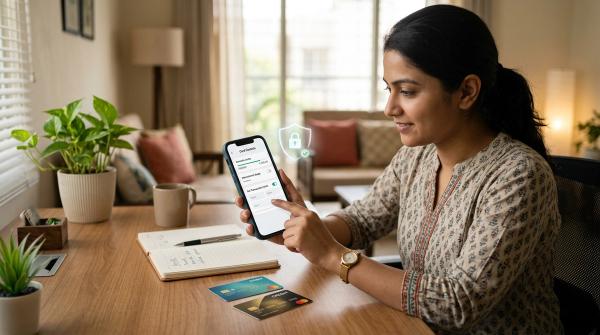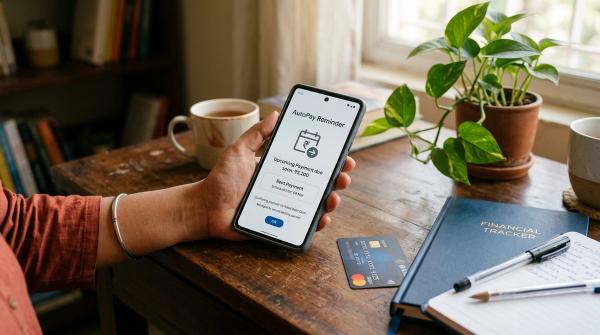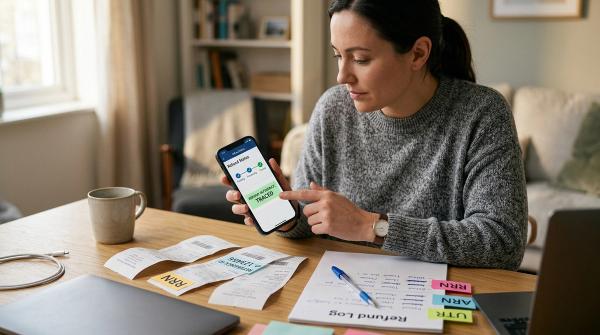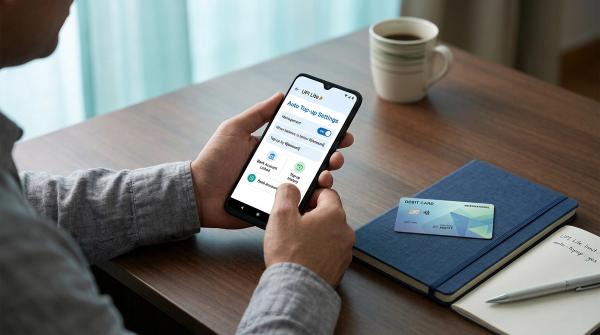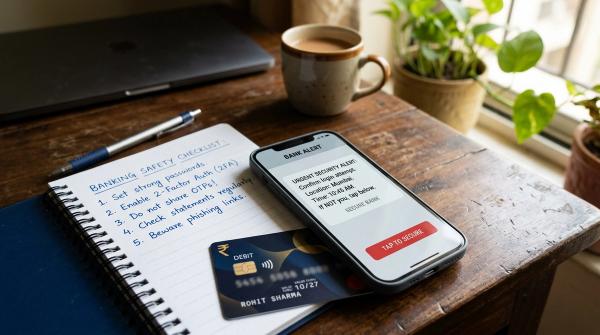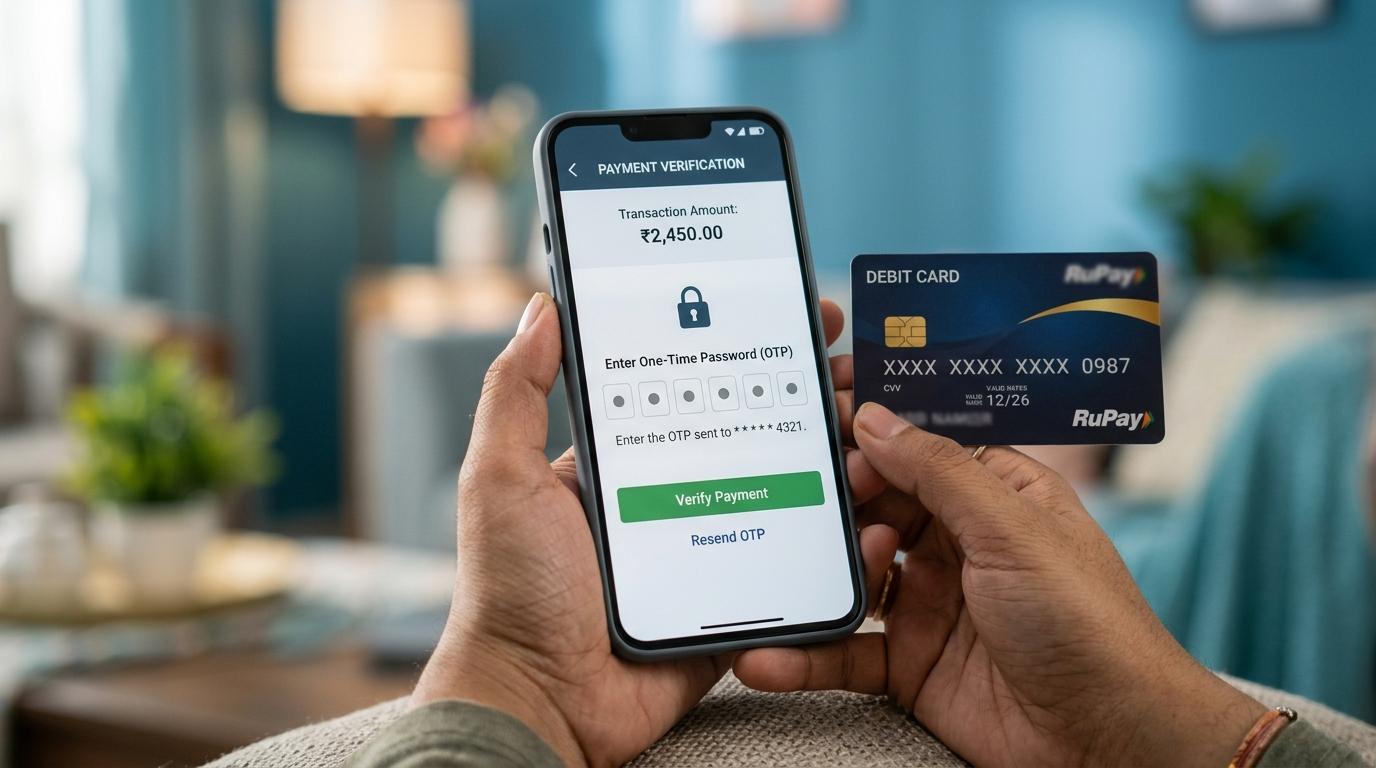
Never share your OTP, CVV, ATM PIN, card PIN, or UPI PIN with anyone. These are not ordinary details; they are approval keys. An OTP can approve a payment, login, password reset, or account change. A CVV helps verify online card payments. An ATM PIN or UPI PIN can authorize money movement. If someone asks for any of these by phone, SMS, WhatsApp, email, social media, or a link, stop and use only official bank, payment app, RBI, NPCI, or cybercrime channels.
Digital payments are now part of everyday life in India. We use UPI, debit cards, credit cards, wallets, banking apps, net banking and QR payments almost without thinking. That convenience is useful, but it has also changed how fraud happens.
Many scammers do not need to “hack” your account. They try to make you share the final code or approve the final step yourself.
This guide explains OTP vs CVV vs PIN in plain language, what each one does, what you should never share, how common UPI “receive money” scams work, and what to do if you already shared something by mistake.
OTP vs CVV vs PIN: Quick Comparison
#A simple safety rule: if someone asks you to say, type, forward, screenshot, or share any of these details outside your own trusted banking or payment app flow, treat it as unsafe.
What Is an OTP?
#An OTP, or One-Time Password, is a temporary code used to confirm a specific action.
You may receive an OTP when you:
- Make an online card payment
- Log in to net banking
- Log in to a banking app
- Reset a password
- Add a beneficiary
- Register a new device
- Change account settings
- Complete a sensitive payment or banking step
Many people think an OTP is just a “verification code”. In banking, it is often much more serious than that. An OTP may approve something that has already been started by someone else.
For example, if a scammer already has your phone number, card number, name, or some basic account-related information, the OTP may be the last thing they need to complete the fraud.
That is why banking OTP safety matters so much.
What you should never do with an OTP
#Never:
- Read an OTP out loud on a call
- Send an OTP by SMS, WhatsApp, email, or chat
- Enter an OTP on a link sent by an unknown person
- Share an OTP with someone claiming to be from your bank, RBI, NPCI, police, courier company, payment app, or customer support
- Forward OTP-related SMS messages to unknown numbers
- Share screenshots that show OTPs or banking alerts
A real bank or payment app does not need your OTP to “verify” you over a call.
If someone says, “Sir, just tell me the OTP. It is only for cancellation,” don’t believe it. An OTP is not a casual confirmation. It can approve real account activity.
CVV Meaning: What Does CVV Do?
#CVV means Card Verification Value. In most cases, it is the 3-digit number printed on the back of your debit or credit card.
The CVV meaning is simple: it helps confirm that the person making an online card payment has access to the physical card.
It is commonly used for card-not-present transactions, such as shopping on a website or app.
Your CVV is sensitive because it can be misused along with other card details. If someone has your card number, expiry date, name on the card, and CVV, they may try to make an unauthorized payment.
What you should never do with your CVV
#Never:
- Share your CVV on a phone call
- Send a photo of your card
- Type your CVV into an unknown or unverified website
- Save your CVV in notes, screenshots, chats, or email drafts
- Give your CVV to someone claiming it is needed for a refund
- Share card details with “customer care” numbers found randomly online
A refund does not require you to share your CVV with a stranger. This is one of the most common tricks. Someone says they want to send you money back, but they ask for card details, CVV, OTP, or PIN. That is a red flag.
ATM PIN vs UPI PIN: What Is the Difference?
#Both are PINs. Both are secret. But they are used in different places.
ATM/Card PIN
#Your ATM PIN or card PIN is linked to your debit or credit card.
You usually use it for:
- ATM cash withdrawals
- Card payments at shops where PIN entry is required
- Certain card-related authentication steps
This PIN belongs only to you.
Do not write it on your card. Do not save it as a contact number. Do not tell it to a stranger “helping” you near an ATM.
Also, be careful while using ATMs. Cover the keypad when entering your PIN. If someone is standing too close, distracting you, or trying to “help”, cancel the transaction and move away.
UPI PIN
#Your UPI PIN is linked to your bank account for UPI payments.
You enter it inside your UPI app when you are authorizing a payment or another sensitive UPI action.
Here is the most important point for UPI PIN safety:
You do not need to enter your UPI PIN to receive money.
If someone says, “Enter your UPI PIN to accept payment,” pause immediately.
In normal UPI use, entering your UPI PIN means you are approving something. Very often, that means money may go out of your account, not come in.
The UPI “Receive Money” Scam
#This scam is common because it often begins with a normal-looking situation.
Maybe you are selling your phone, bike, furniture, or old appliance online. Maybe you are expecting a refund. Maybe someone contacts you about a job, delivery, cashback, electricity bill issue, gas subsidy, insurance claim, or failed payment.
They sound polite. They may speak confidently. They may even seem helpful.
Then they say something like:
- “I have sent the payment request. Enter your UPI PIN to receive money.”
- “You need to approve it, otherwise the amount will not come.”
- “Open your UPI app and type your PIN.”
- “Do it fast, the request will expire.”
- “Don’t worry, this is only for receiving.”
- “I am from the accounts team, this is the normal process.”
- “If you do not approve, your refund will be cancelled.”
The words may change. The trick is the same. They want you to approve a payment or collect request without understanding what is on the screen.
The rule to remember
#Never enter your UPI PIN just to receive money.
If your UPI app asks for your PIN, stop and read the screen yourself. Do not blindly follow what the caller is saying.
Ask yourself:
- Am I sending money?
- Am I approving a collect request?
- Am I allowing a mandate or auto-pay?
- Am I changing a setting?
- Am I doing something I do not fully understand?
If you feel rushed, close the app. A genuine payment can wait for a minute. A scammer usually cannot.
What Banks and Payment Apps Will Not Ask For
#For card fraud safety and banking app safety, keep this list in mind.
A genuine bank, payment app, or support person should not ask you to share:
- OTP
- CVV
- ATM PIN
- UPI PIN
- Net banking password
- Full card details over call or chat
- Screen-sharing access to your phone
- SMS forwarding for “verification”
- Any code received on your phone
- Remote access to your banking or payment app
- Debit card grid numbers, if your bank uses them
- Password reset links or login approvals
Scammers can sound professional. Some may know your name, bank name, delivery details, address, or last few digits of your card. That still does not prove they are genuine.
Sometimes they will say, “I am not asking for full details, only last 4 digits and OTP.” That is still unsafe.
Suspicious Call, SMS, or Link Checklist
#Use this checklist whenever something feels off. Even if you are not completely sure, pause first.
Stop if the caller or message creates panic
#Be careful if they say:
- Your bank account will be blocked immediately
- Your KYC will expire today
- Your card will be disabled unless you verify now
- Your parcel, refund, cashback, subsidy, or reward is stuck
- Police, RBI, NPCI, or a bank officer is “monitoring” the issue
- You must act within minutes
- Your SIM will stop working
- A loan or credit card has been issued in your name
- Your account is under investigation
- Your money will be frozen if you disconnect the call
Scammers use urgency because calm people ask questions. If someone is forcing you to act fast, that itself is a warning sign.
Stop if they ask for secret codes
#Do not continue if they ask for:
- OTP
- CVV
- ATM PIN
- UPI PIN
- Password
- Card photo
- Screen recording
- Remote access
- SMS forwarding
- Device registration approval
No explanation makes this safe. Not “refund”. Not “KYC”. Not “cancellation”. Not “complaint closing”. Not “account verification”. Not “RBI instruction”.
Secret codes are meant for you only.
Stop if the link looks unusual
#Avoid links that:
- Come from unknown numbers
- Use misspelled bank or app names
- Ask you to update KYC through a random page
- Ask for card details, CVV, PIN, OTP, or password
- Promise prizes, refunds, rewards, cashback, or account unlocking
- Open a page that looks like your bank but is not the official site or app
- Ask you to download an APK file
- Use strange shortened links
When in doubt, do not click. Open your bank app or payment app directly from your phone instead.
Stop if they ask you to install an app
#Be extra careful if someone asks you to install:
- A screen-sharing app
- A remote support app
- An APK file from outside the official app store
- A “bank verification” app sent through a link
- A customer support app that you did not search for yourself
If a scammer can see your screen, they may see OTPs, notifications, banking app screens, and what you are typing. That can quickly become dangerous.
Stop if they ask you to forward an SMS
#Some scams ask you to forward an SMS from your phone to another number.
Do not do it.
These SMS messages can be linked to device registration, app activation, or verification flows. It may look harmless, but it can help a scammer connect your account or app to another device.
What to Do First If You Shared OTP, PIN, or CVV
#If you shared something sensitive, do not waste time arguing with the caller. Disconnect the call and act quickly through official channels.
1. Contact your bank or card issuer through official channels
#Use the number shown inside your official banking app, on your card, on your bank statement, or on your bank’s official website.
Do not randomly search online and call the first customer-care number you see. Fake customer-care numbers can appear in search results, social media posts, maps listings, and comments.
Tell the bank clearly:
- What you shared, such as OTP, CVV, ATM PIN, UPI PIN, password, or card details
- Which account, card, app, or transaction may be involved
- Whether money has already been debited
- Whether you clicked any link
- Whether you installed any app
- Whether you gave screen-sharing or remote access permission
Ask what can be blocked, disabled, changed, or secured immediately.
2. Block or secure the affected card or account access
#Depending on what you shared, use official options to:
- Block or temporarily disable the card
- Change your card PIN
- Change your net banking password
- Change your banking app password, if applicable
- Reset your UPI PIN through the official app flow
- Remove unknown devices or sessions, if your app allows it
- Disable online, international, or contactless card usage if needed
- Lower transaction limits, if your bank provides this option
Do not follow the scammer’s instructions to “reverse” the transaction. That is often another trick.
3. Report through official cybercrime channels
#Use the official cybercrime reporting channels available in India, such as the official cybercrime portal or helpline.
Keep your report factual and clear.
Include details like:
- Phone number used by the scammer
- WhatsApp number or SMS sender ID
- Link received
- UPI ID or bank account details shown
- Transaction reference number
- Amount debited
- Screenshots
- Time and date of the incident
- Name of app or website involved
Do not trust random “recovery agents” on social media who claim they can get your money back for a fee. Many of them are scammers too.
4. Inform the payment app, if UPI or wallet was involved
#If the incident happened through a UPI app or wallet, report it inside the app’s official help or support section.
Use only the official app or official website.
Do not call numbers shared in YouTube comments, Telegram groups, WhatsApp forwards, Instagram pages, or random websites. Many people get trapped a second time while trying to recover from the first scam.
5. Preserve evidence
#Do not delete:
- SMS messages
- WhatsApp chats
- Call logs
- Screenshots
- Transaction alerts
- UPI request details
- Email messages
- Links received
- App installation messages
These may help your bank, payment app, or official reporting channel understand what happened.
6. Check your phone if you installed anything
#If you installed a suspicious app, remove it. Also check app permissions.
Look for permissions like:
- Screen sharing
- Remote access
- SMS access
- Notification access
- Accessibility access
- Contacts access
- File access
If you are not confident, ask someone you trust to help. You can also follow your bank or payment app’s official security guidance.
RBI and NPCI Source-Aware Safety Caveats
#RBI, NPCI, banks, and payment apps regularly warn users not to share confidential banking credentials such as OTPs, PINs, passwords, and card security details.
A few practical points are worth remembering:
- Use official sources only. For current safety steps, use your bank’s official website, official banking app, official payment app help section, RBI’s official communication channels, NPCI’s official communication channels, or official cybercrime reporting channels.
- Do not assume a refund is guaranteed. Reporting quickly is important, but the final outcome depends on the facts, timing, and the process followed by the bank, payment app, or authority.
- Rules and procedures can change. Do not rely on old WhatsApp forwards, screenshots, or “my friend told me” advice.
- No genuine authority needs your OTP, CVV, ATM PIN, or UPI PIN. If someone claims they are from RBI, NPCI, a bank, payment app, police, courier company, or customer support and asks for these details, treat it as suspicious.
- Read the payment screen yourself. Especially with UPI, this one habit can save you from many scams.
This article is for general education only. It is not personalized financial, legal, tax, loan, investment, or recovery advice.
Simple Rules to Remember
#If you remember nothing else, remember these:
- OTP means approval. Do not share it.
- CVV protects card transactions. Do not reveal it.
- ATM PIN is for your card. Keep it private.
- UPI PIN is for approving UPI actions. Never enter it to “receive money.”
- Banks, RBI, NPCI, and payment apps do not need your secret codes on a call.
- If you feel rushed, stop. Scams depend on panic.
- Use official apps, websites, and reporting channels only.
A good rule for everyday life: if money is involved and someone is rushing you, pause. Read the screen. Use official channels.