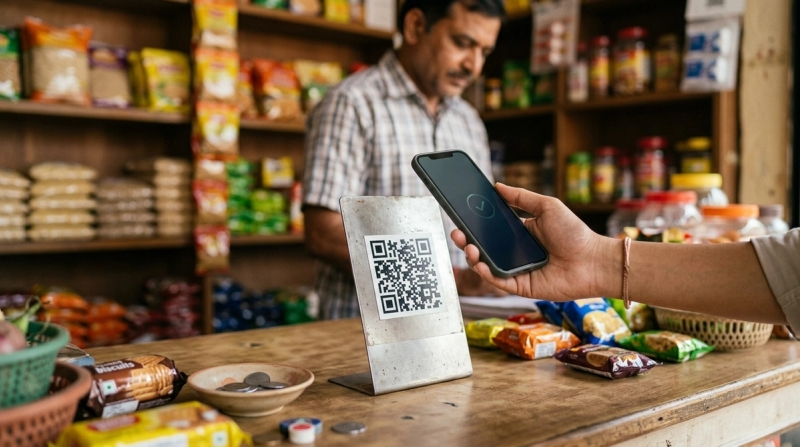
Use UPI Lite for small daily payments where speed matters and the amount is low. Use normal UPI for bills, rent, shopping, transfers, EMIs and anything important where you want UPI PIN approval and a clearer bank transaction record. UPI Lite is convenient, but treat it like digital pocket cash and keep only a small balance.
UPI is now used for everything in India: tea, snacks, vegetables, autos, kirana shops, parking, online shopping, utility bills and rent. That is convenient, but it also means people often use the same payment method for a ₹20 chai and a ₹20,000 transfer.
That is where the difference between UPI Lite and normal UPI matters.
UPI Lite is designed mainly for quick, low-value payments. Normal UPI is still better for larger or more important payments where you want PIN approval, direct bank movement and a clearer transaction trail.
Short answer
#- Choose UPI Lite for low-value everyday spends like tea, snacks, parking, vegetables, milk, bread, autos and small local purchases.
- Choose normal UPI for rent, bills, online shopping, money transfers, EMIs, school fees, insurance and anything you may need to track carefully later.
- Keep UPI Lite balance low. Do not load more than you expect to use for small daily payments.
- Check current limits in your own UPI app or bank source. RBI, NPCI, bank and app rules can change.
Who this is for
#This guide is for you if:
- You make many small UPI payments every day.
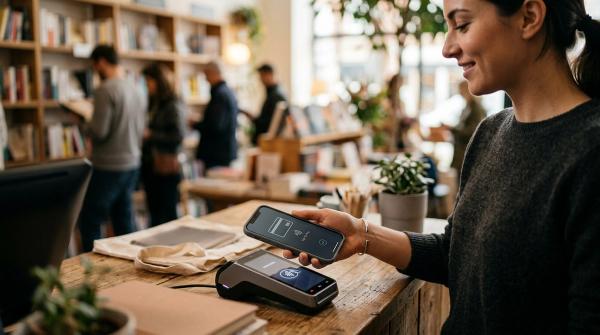
- You often pay tea stalls, autos, parking counters, kirana shops, vegetable vendors or railway-station stalls.
- You find it annoying to enter your UPI PIN for every tiny purchase.
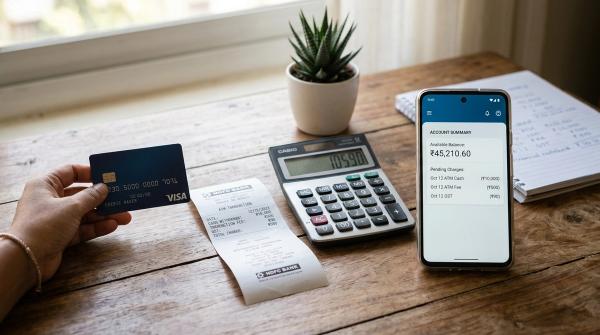
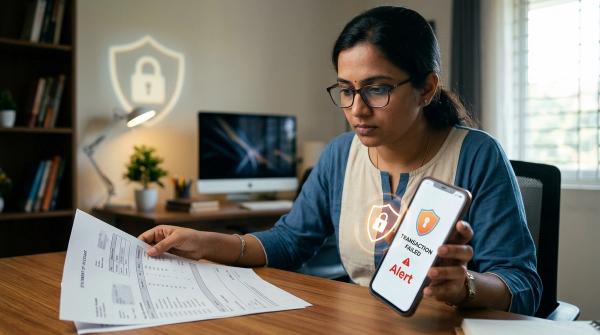
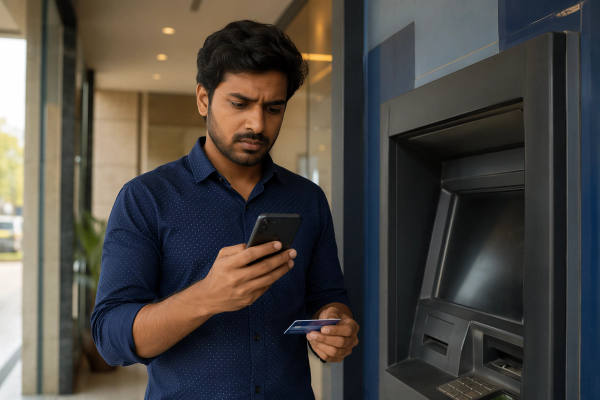
- You have faced a failed UPI payment where money was debited but the merchant did not receive confirmation.
- Your bank statement is filled with ₹10, ₹20, ₹50 and ₹100 UPI entries.
- You want a safer habit for deciding when to use UPI Lite and when to use normal UPI.
This is general information only. It is not personalised banking, legal, tax or financial advice.
What to check before enabling UPI Lite
#Before you turn on UPI Lite, check these points inside your own UPI app.
1. Does your app and bank support UPI Lite?
#UPI Lite support can depend on your bank, UPI app, app version, phone and account type.
Look for options such as:
- UPI Lite
- Lite
- Small payments
- Enable UPI Lite
You may find it on the app home screen, UPI settings page, profile section or payment settings.
2. What limits does your app show?
#UPI Lite limits can change. Recent public updates have mentioned higher per-transaction and Lite balance limits, but you should not depend on any blog post as the final source.
Always check:
- Maximum UPI Lite balance
- Per-transaction limit
- Supported bank account
- Disable or close option
- Refund or failed-payment handling
Use your own UPI app, bank page or official source for the latest limits.
3. Are you comfortable with PIN-less small payments?
#For eligible small payments, UPI Lite usually does not ask for your UPI PIN every time. That makes it faster.
But it also means your Lite balance should be treated like cash in a small wallet. If someone gets access to your unlocked phone and payment app, that balance may be easier to spend than money protected by normal UPI PIN approval.
UPI Lite vs normal UPI: the practical difference
#Normal UPI and UPI Lite are both part of India’s UPI payment ecosystem, but they solve different problems.
Normal UPI
#Normal UPI is the regular bank-linked payment method most people already use.
With normal UPI:
- Money moves directly from your linked bank account.
- You usually enter your UPI PIN.
- It works for small, medium and larger payments, subject to applicable limits.
- Individual transactions usually appear in your bank statement.
- It is better when the payment is important and needs a clear trail.
UPI Lite
#UPI Lite is meant for small-value payments.
You first add money from your bank account to your UPI Lite balance. After that, eligible small payments can be made from that balance without entering your UPI PIN each time.
With UPI Lite:
- Money is spent from a pre-funded Lite balance.
- Eligible small payments are quicker because PIN entry is not repeated every time.
- Your bank statement usually shows the Lite top-up rather than every tiny payment.
- Small spend history is usually visible inside the UPI app.
- It is better for low-risk daily purchases.
A simple way to remember it:
Normal UPI is like paying directly from your bank account. UPI Lite is like carrying a small amount of digital pocket cash.
Comparison: UPI Lite vs normal UPI
#UPI Lite is better when
#- The payment amount is small.
- You are paying a merchant, stall, counter or local shop.
- You want to avoid repeated UPI PIN entry.
- You make many tiny payments in a day.
- You want fewer small entries in your bank statement.
- You are okay keeping a limited pre-funded balance.
Normal UPI is better when
#- The payment is large or important.
- You are paying rent, bills, EMIs, school fees or insurance.
- You are shopping online or transferring money to someone.
- You want UPI PIN approval before money leaves your account.
- You want a clearer bank-level transaction trail.
- You are not sure whether UPI Lite is accepted for that payment.
Best use cases for UPI Lite
#Tea, coffee, snacks and street-side purchases
#For ₹10, ₹20, ₹50 or ₹100 payments, entering your UPI PIN every single time can feel unnecessary. UPI Lite is useful for this kind of quick everyday payment.
Local groceries and small household purchases
#Milk, bread, vegetables, fruits, small kirana top-ups and quick shop purchases are good UPI Lite use cases when the amount is low.
Autos, parking and local transport
#Small transport payments often happen in a hurry. If the amount is low and you just need to pay and move on, UPI Lite can reduce friction.
Crowded counters and railway-station purchases
#Busy counters are where slow UPI feels most annoying. UPI Lite can be useful for small payments at crowded shops, railway-station stalls, parking counters and local markets.
Cleaner bank statements
#If your bank statement is full of tiny UPI entries, UPI Lite can help because your statement generally shows the top-up, while detailed Lite spends are visible inside your payment app.
When to avoid UPI Lite
#Do not use UPI Lite as your default for everything.
Avoid UPI Lite for:
- Rent
- EMIs
- Electricity bills
- Water bills
- Broadband bills
- School fees
- Insurance payments
- Large shopping payments
- Important transfers
- Any payment where you need a clear bank transaction record
For these, normal UPI is the better default.
Setup checklist for UPI Lite
#Use this simple checklist if you decide to try UPI Lite.
- Open your UPI app.
- Find the UPI Lite section.
- Select the bank account you want to use.
- Read the app’s current Lite limits and terms.
- Add a small test amount first.
- Try it for a low-value purchase.
- Confirm the balance updates correctly.
- Keep normal UPI ready for bigger payments.
- Review your Lite payment history occasionally.
- Disable or reduce usage if you do not find it useful.
Safety checklist for daily use
#UPI Lite is convenient only when you use it carefully.
Follow these habits:
- Keep only a small balance.
- Use it mainly for low-value merchant payments.
- Check the merchant name before paying.
- Do not scan suspicious or pasted-over QR codes.
- Keep your phone locked with passcode, fingerprint or face unlock.
- Never share your UPI PIN, OTP, card details or screen-sharing access.
- Use normal UPI when you want PIN approval.
- If a payment fails, check status before paying again.
- Use only official app or bank support for complaints.
What to do if a UPI Lite payment fails
#If a small payment fails or looks stuck, do not panic and do not blindly pay again.
Do this instead:
- Check the transaction status inside your UPI app.
- Ask the merchant to check their payment history, not only the soundbox alert.
- Save the transaction ID or screenshot shown in your app.
- Wait if the app says the transaction is pending.
- Use the app’s official help or complaint option if the status remains unclear.
- Contact your bank through official channels if needed.
Avoid random customer-care numbers from search results, WhatsApp forwards, social comments or YouTube descriptions.
For related payment-problem reading, see AllBlogs guides on UPI payment failed but money debited, UPI failed at a travel counter, Rail Neer overcharging complaints and first credit card mistakes in India.
Mistakes to avoid
#Loading too much money
#Do not treat UPI Lite like a second bank account. Keep only what you expect to spend on small daily payments.
Using it for important payments
#UPI Lite is not the right choice for rent, EMIs, school fees, bills, insurance or important transfers.
Paying again too quickly
#If money appears debited but the merchant has not received confirmation, check status first. Paying again immediately can create duplicate-payment confusion.
Sharing your UPI PIN
#You may need your UPI PIN to add money to Lite, but nobody needs to know your PIN. Never share it.
Using UPI Lite on an unsecured phone
#If your phone does not have a screen lock, do not keep money in UPI Lite. Your phone security is part of your payment security.
Final takeaway
#UPI Lite vs normal UPI is not about choosing one forever. The smart habit is to use both for the right job.
Use UPI Lite for small daily payments like tea, snacks, parking, vegetables, autos, milk, bread and quick local purchases. Keep the balance low and treat it like digital pocket cash.
Use normal UPI for rent, bills, online shopping, transfers, EMIs, school fees, insurance and anything where you want UPI PIN approval plus a direct bank transaction record.
If repeated UPI PIN entries and small payment failures annoy you, UPI Lite is worth trying carefully. Just do not load more than you need, do not use it for important payments, and always verify current rules inside your own UPI app or official bank source.
Disclaimer: UPI and UPI Lite features, limits and rules are governed by RBI, NPCI, banks and UPI apps, and they can change. This article is for general information only and is not personalised financial, legal, tax or banking advice.