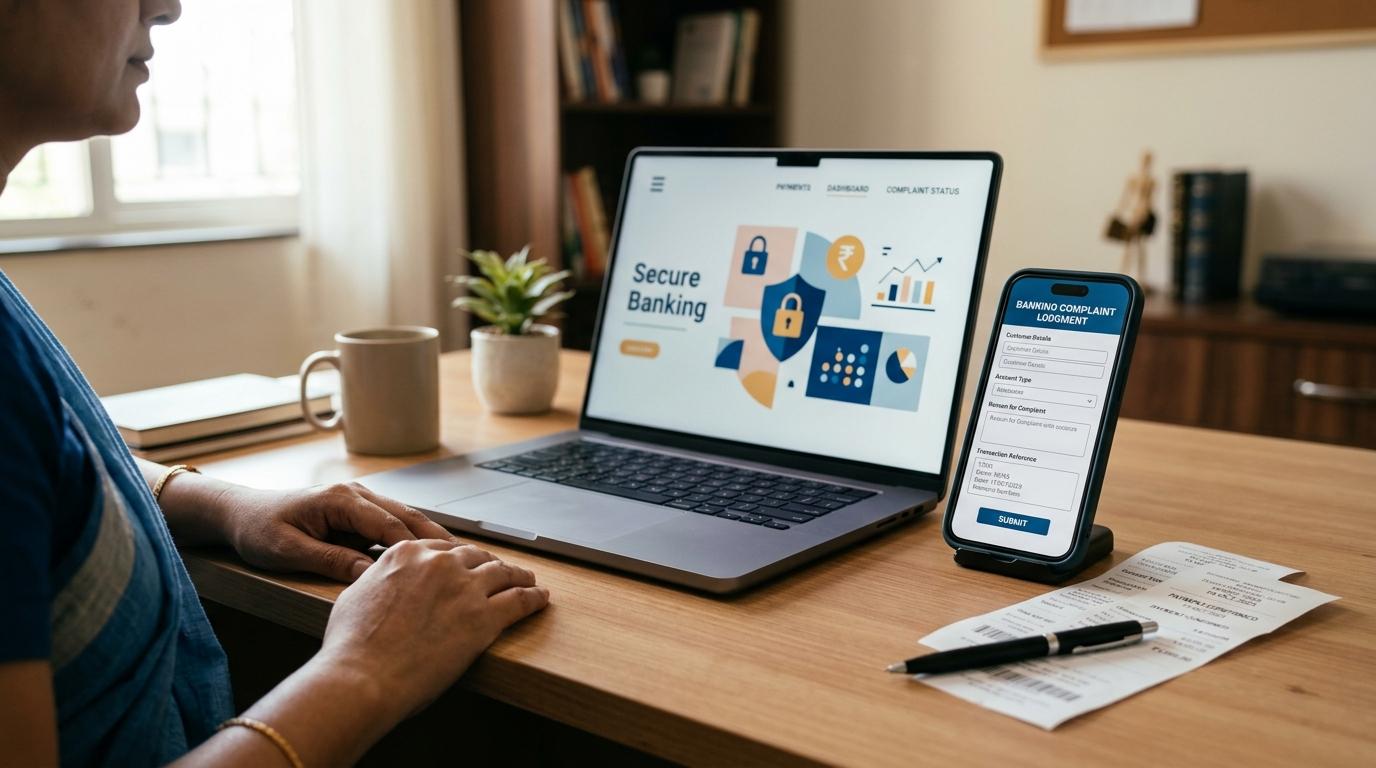
If you want to file an RBI Ombudsman complaint, the first step is not to complain to RBI directly.
Start with the bank, card issuer, wallet company, UPI app, or payment provider involved in the issue. Give them a proper chance to resolve it. If they reject your complaint, do not respond within 30 days, or give a reply that does not actually solve the problem, you can then escalate the matter for free through RBI’s official Complaint Management System, CMS portal under the Reserve Bank - Integrated Ombudsman Scheme, 2026, RB-IOS, 2026.
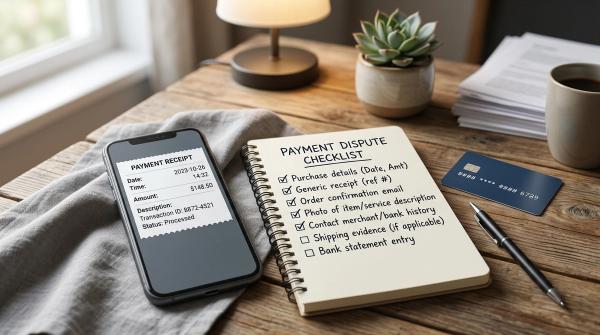
Before you file, keep your documents ready. You will usually need things like your complaint ID, transaction reference number, UTR or RRN, screenshots, bank statement, card statement, wallet history, and any replies from the company.
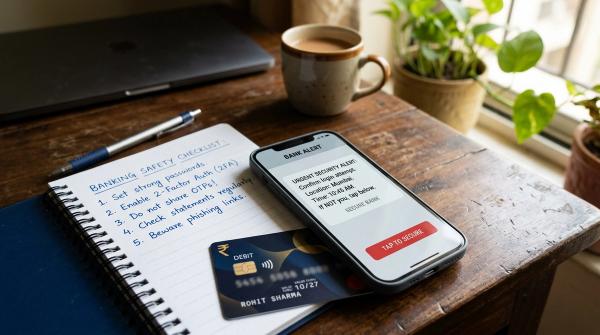
When a UPI payment fails, a card is charged twice, or money disappears from a wallet, panic is natural. Many people immediately search online for a helpline number. Unfortunately, that is exactly where many frauds begin. Fake customer care numbers, fake refund websites, and “quick recovery” agents can look very convincing.
The safer route is simple:
- Use official channels only.
- Complain to the bank or provider first.
- Save proof at every step.
- Escalate to RBI only when the rules allow it.
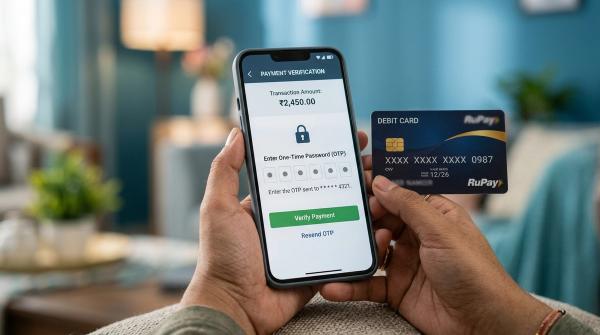
- Never share OTPs, PINs, passwords, or screen access.
This guide explains when to wait, when to escalate, what documents to save, and how to use the RBI CMS portal safely.
Disclaimer: This article is for general educational information only. It is not legal, tax, loan, investment, or financial advice. For your specific case, always use official RBI, bank, card issuer, UPI app, wallet provider, or payment provider channels.
What is the RBI Ombudsman complaint process?
#The RBI Ombudsman complaint process is a grievance redress system for customers of RBI-regulated entities. Eligible complaints can be filed through RBI’s official Complaint Management System, CMS portal under the Reserve Bank - Integrated Ombudsman Scheme, 2026, RB-IOS, 2026.
In simple words, the Ombudsman is usually the second level of complaint, not the first.
You first give the bank or payment provider a chance to fix the issue. If they do not handle it properly, you can take the matter to RBI.
The usual order is:
- Raise a complaint with your bank, card issuer, wallet provider, UPI app, or payment service provider.
- Save the complaint number or acknowledgement.
- Wait for their response.
- Escalate to the RBI Ombudsman if there is no reply within 30 days, the complaint is rejected, or the response is unsatisfactory.
This order is important. If you go to RBI without first complaining to the provider, your complaint may get delayed or may not be processed properly.
The 30-day rule: when should you escalate?
#A common mistake is going straight to the RBI CMS portal without first raising a formal complaint with the bank or provider.
In most cases, you should escalate to the RBI Ombudsman only if one of these things has happened:
- The bank or provider has not replied within 30 days.
- The bank or provider has rejected your complaint.
- You received a reply, but you are not satisfied with the solution.
- The issue appears to involve a service failure by an RBI-regulated entity.
Your first complaint is important because the RBI CMS portal may ask for details such as:
- The date you complained.
- The complaint reference number.
- The name of the bank or provider.
- The reply received, if any.
Without these details, your complaint becomes harder to support. It may also take longer to move forward.
Common situations where customers may need to escalate
#Not every failed transaction needs an RBI Ombudsman complaint immediately. Many issues are reversed automatically or resolved by the bank, app, card issuer, or wallet provider.
But if the issue remains unresolved, escalation may be needed.
Here are some common examples.
1. UPI failed payment: money debited but not credited
#You make a UPI payment. Your account is debited. But the receiver says they did not get the money.
Before panicking, check the transaction status carefully and raise a complaint through the official app or bank channel.
What to do first
#- Open the same UPI app used for the transaction.
- Use the app’s help, dispute, complaint, or “raise issue” option.
- Save the UPI transaction ID, UTR, RRN, or reference number.
- Take screenshots of the payment status.
- Check your bank statement to confirm the debit.
- If the app does not resolve it, raise a formal complaint with your bank.
When to escalate to RBI
#Escalate through the RBI CMS portal if your bank, UPI app, or payment provider:
- Rejects the complaint.
- Does not reply within 30 days.
- Gives a response that does not properly address the issue.
2. Card dispute: wrong charge, double debit, or failed refund
#Card complaints can include duplicate charges, failed refunds, charges for cancelled orders, or transactions you do not recognise.
What to do first
#- If the transaction looks unauthorised, block the card immediately through official bank channels.
- Report the issue to your bank or card issuer.
- Ask for a complaint ID or service request number.
- Keep your card statement, SMS alert, email alert, merchant reply, invoice, order details, and refund proof.
- If it is a refund issue, save the merchant’s refund confirmation.
When to escalate to RBI
#Go to RBI CMS if the bank or card issuer:
- Rejects your dispute.
- Does not respond within 30 days.
- Sends a reply that ignores the evidence you submitted.
3. Wallet deduction or payment app balance issue
#Wallet issues can include missing refunds, failed wallet-to-bank transfers, unexplained deductions, or money deducted for a payment that did not complete.
What to do first
#- Raise a complaint inside the wallet app or through the official website.
- Save screenshots of the wallet balance and transaction status.
- Download your wallet transaction history.
- Ask the provider for a written explanation.
- Save email, chat, or support replies.
When to escalate to RBI
#If the wallet or payment provider is covered under the RBI-regulated or authorised payment system framework, and your issue remains unresolved after you first complain to the provider, you may escalate it through the RBI CMS portal.
4. Bank charges, fees, and unexplained deductions
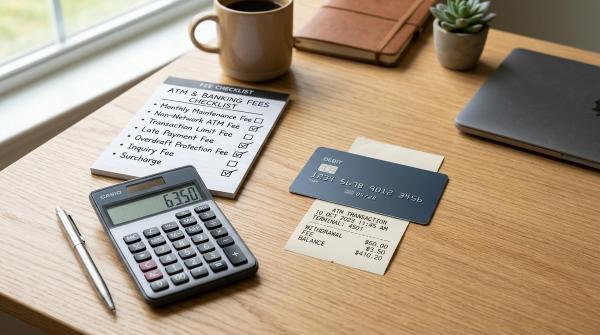
#Sometimes the problem is not a failed payment. It may be a charge you do not understand.
Examples include:
- SMS alert charges.
- Debit card annual fees.
- Minimum balance charges.
- Failed transaction charges.
- Other unexplained deductions.
What to do first
#- Ask the bank for a written breakup of the charge.
- Check your bank statement and account messages.
- Raise a formal complaint with the bank.
- Do not rely only on a casual branch visit. Get a complaint ID.
- Save the complaint number and date.
When to escalate to RBI
#Escalate if the bank:
- Does not reply within 30 days.
- Rejects your complaint without a proper reason.
- Gives a reply that you are not satisfied with.
Proof checklist: save these before filing on RBI CMS
#The RBI Ombudsman process works better when your complaint is clear and backed by evidence.
A short complaint with dates, numbers, and documents is usually much stronger than a long emotional explanation.
Keep these ready before filing:
- Bank or provider complaint ID: The reference number from your first complaint.
- Date of first complaint: The date you complained to the bank, UPI app, wallet, card issuer, or payment provider.
- UTR, RRN, or transaction ID: Useful for UPI, card, wallet, and payment transactions.
- Screenshots: Failed transaction screen, payment status, refund status, SMS alerts, emails, app complaint pages, or wallet history.
- Bank statements: Statement showing the debit, missing credit, wrong charge, or failed reversal.
- Card statement: Important for credit card and debit card disputes.
- Wallet statement or transaction history: Useful for wallet deductions, failed transfers, or missing refunds.
- Merchant communication: Refund confirmation, invoice, cancellation proof, order details, emails, or chat transcripts.
- Bank or provider replies: Customer care replies, nodal officer replies, branch emails, or app support responses.
- RBI CMS acknowledgement: After filing, save the RBI complaint number for tracking.
Do not upload or share sensitive details such as:
- OTPs.
- UPI PIN.
- Card PIN.
- CVV.
- Net banking password.
- Full card security details.
- Remote screen access.
What not to do during a banking or payment complaint
#When money is stuck, it is easy to become impatient. Scammers know this and use urgency to trick people.
Be careful, even if the caller sounds professional or confident.
Do not call unofficial helplines
#Avoid phone numbers found on:
- Random Google search results.
- Social media posts.
- YouTube comments.
- Online forums.
- Unverified local listings.
- WhatsApp forwards.
Use only:
- The official bank website.
- The official banking app.
- The number printed on the back of your card.
- The official RBI CMS portal.
- Official complaint options inside your UPI app, wallet, or payment provider app.
Do not pay recovery agents
#The RBI CMS complaint process is free.
Nobody can guarantee a faster RBI Ombudsman result for a fee. Be suspicious of anyone who asks for:
- Processing charges.
- Registration fees.
- Refund release fees.
- Service charges.
- Fast-track complaint fees.
Many people lose more money this way after already facing a transaction problem.
Do not share OTP, PIN, password, or screen access
#A real bank, RBI, Ombudsman office, UPI app, or wallet provider will not ask for your OTP, UPI PIN, card PIN, net banking password, or remote screen access to release a refund.
Also remember this simple rule:
You do not enter your UPI PIN to receive money.
If someone says you must enter a PIN to get a refund, stop immediately.
Do not file vague complaints
#Avoid writing only:
“Money deducted, please refund.”
That does not give enough information.
Instead, include:
- Date of transaction.
- Amount.
- Transaction ID, UTR, or RRN.
- Complaint ID.
- Name of the bank or provider.
- What exactly went wrong.
- What response you received, if any.
- What resolution you are asking for.
Clear details help. Guesswork does not.
Step-by-step checklist to file an RBI CMS complaint
#Use this checklist only after you have already complained to the bank or provider and the issue is still unresolved.
Step 1: Confirm that you complained to the provider first
#Before going to RBI CMS, make sure you have:
- Filed a complaint with the bank, wallet, UPI app, card issuer, or payment provider.
- Saved the complaint reference number.
- Waited up to 30 days, unless the complaint was already rejected or the reply was unsatisfactory.
Step 2: Visit the official RBI CMS portal
#Go to the official RBI Complaint Management System portal by typing the official RBI CMS address yourself or reaching it through the official RBI website. Avoid links sent by strangers, especially through SMS, WhatsApp, email, or social media.
Step 3: Choose the complaint filing option
#Select the option to file a complaint and follow the instructions shown on the portal.
If OTP verification is used, enter the OTP only on the official CMS website. Do not share it with anyone over phone, WhatsApp, SMS, email, or chat.
Step 4: Select the regulated entity
#Choose the bank, NBFC, payment provider, wallet issuer, or other regulated entity involved in your complaint.
Take your time here. If you select the wrong entity, your complaint may get delayed.
Step 5: Enter your earlier complaint details
#Add details such as:
- Date of complaint to the bank or provider.
- Complaint reference number.
- Response received, if any.
- Date of response, if any.
- Why you are not satisfied with the reply.
Step 6: Explain the issue in plain language
#You do not need legal language. You just need to be clear.
For a UPI issue, you can write:
“On [date], ₹[amount] was debited from my account through UPI transaction ID [number]. The receiver did not receive the amount. I raised complaint [complaint ID] with [bank/provider] on [date]. I have not received a resolution within 30 days.”
For a card issue, you can write:
“My credit card statement shows a charge of ₹[amount] on [date] for [merchant/transaction]. I disputed it with the card issuer under complaint ID [number]. The reply dated [date] did not address the proof attached.”
Keep it factual. Dates, amounts, IDs, and documents matter.
Step 7: Upload proof
#Attach only relevant documents, such as:
- Bank statements.
- Card statements.
- Screenshots.
- Complaint acknowledgement.
- Bank or provider replies.
- Transaction IDs.
- Refund proof.
- Merchant communication, if relevant.
Do not upload OTPs, passwords, PINs, CVV, or full card security details.
Step 8: Submit and save the RBI complaint number
#After submission, save the CMS acknowledgement number.
You can use it later to track your complaint status on the RBI CMS portal.
A simple timeline to follow
#Here is a practical timeline you can follow when a transaction, charge, or refund issue happens.
Short examples of clear complaint wording
#You do not need to sound like a lawyer. You just need to explain what happened in a clean, simple way.
UPI failed payment example
#“On 12 August 2026, I made a UPI payment of ₹2,500 from [bank/app] to [receiver]. My account was debited, but the receiver did not receive the amount. The UPI transaction ID/RRN is [number]. I complained to [bank/provider] on 13 August 2026 under complaint ID [number]. The issue remains unresolved after 30 days.”
Card dispute example
#“My credit card statement shows a charge of ₹4,999 on 5 September 2026 for [merchant]. I did not receive the service/refund, and I raised a dispute with the card issuer on [date] under complaint ID [number]. The response received on [date] is unsatisfactory because [brief reason]. Supporting documents are attached.”
Wallet deduction example
#“₹800 was deducted from my wallet on [date] for transaction ID [number], but the transfer/payment did not complete. I raised a complaint with [wallet provider] on [date] under complaint ID [number]. The amount has not been reversed, and the provider has not given a proper explanation.”
Final safety reminder
#The RBI Ombudsman route can be useful, but it works best when you follow the right order:
- Complain to the provider first.
- Save proof.
- Wait for the response window.
- Escalate through the official RBI CMS portal if needed.
If you are angry, worried, or in a hurry, pause before calling any number you find online. Use official channels only. Write down dates. Keep evidence. Never share OTPs, PINs, passwords, CVV, or screen access.