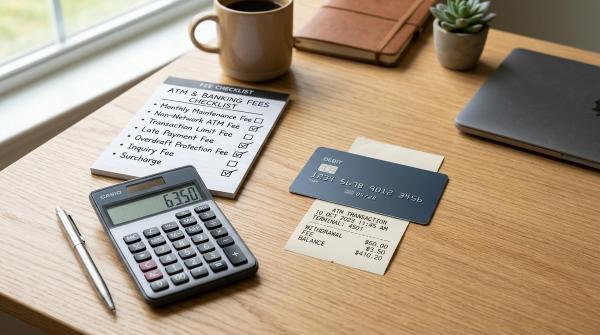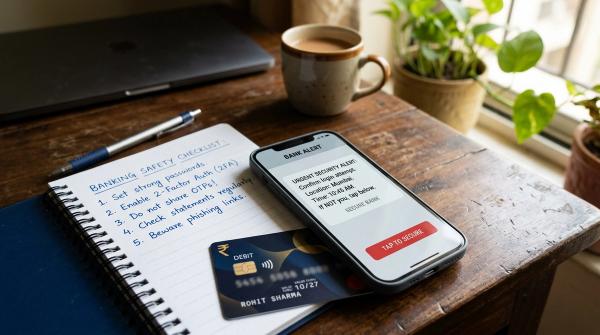
When a payment goes wrong, the first thing to do is simple: save proof before you do anything else.
Whether your UPI payment is stuck, your refund has not arrived, your card was charged after a failed checkout, or you notice a transaction you never approved, collect the details while they are still easy to find.
Save the payment screenshot, UPI ID, UTR number, RRN number, transaction ID, bank SMS, merchant confirmation, refund proof, chats, emails, and every complaint reference ID you receive.
Also remember:
- Do not delete chats, SMS alerts, or emails.
- Do not keep retrying the same payment without checking what happened.
- Do not pay anyone a “refund fee,” “recovery charge,” or “processing fee” to get your money back.
That last one is important. Many people lose more money after the first problem because someone pretends to help them recover it.
A failed payment is already stressful. Your app may show “pending,” your bank SMS may say the money was debited, and the merchant may say they never received it. In fraud cases, it can feel even worse because you may see money leave your account without your approval.
The good news is that payment disputes become much easier to explain when you have the right proof. Banks, UPI apps, card issuers, merchants, NPCI complaint forms, and RBI complaint routes all depend on transaction details.
This checklist is written for everyday users in India dealing with UPI, debit card, credit card, ATM, wallet, merchant refund, failed payment, or suspected fraud issues.
First, identify what kind of issue it is
#Before you complain, take a minute to name the problem correctly. It helps you choose the right route and explain the issue clearly.
1. Failed payment
#A failed payment usually means the money was debited from your account, card, wallet, or UPI-linked bank account, but the receiver or merchant did not get it.
Common examples:
- UPI shows “failed” or “pending,” but your bank account is debited.
- Card payment fails at checkout, but you receive a debit SMS.
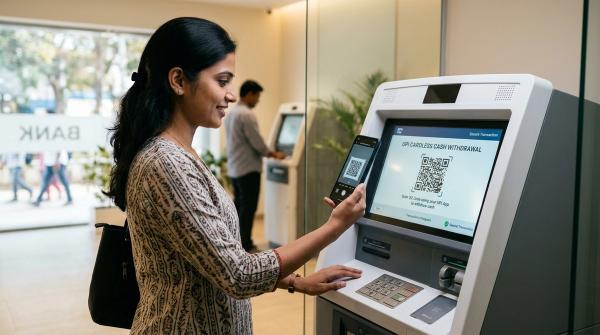
- ATM does not dispense cash, but your account is debited.
- Wallet payment fails, but the balance goes down.
2. Refund issue
#A refund issue is different. Here, the original payment may have been successful, but the refund has not come back.
Common examples:
- Merchant cancelled the order, but the refund is not visible.
- You returned an item, but the money has not been credited.
- A travel, food, shopping, or service app says “refund initiated,” but your bank statement does not show it.
- Merchant says the refund is processed, but the bank says it has not received anything.
3. Suspected fraud
#Suspected fraud means either you did not authorize the transaction, or someone tricked you into making it.
Common examples:
- You see a UPI debit you never approved.
- Someone pretended to be from a bank, courier company, police department, merchant, app support team, or even a family member.
- You scanned a QR code thinking you would receive money, but money went out.
- Your card, bank account, wallet, or UPI app was misused.
- Someone asks you to pay a “refund charge,” “verification fee,” or “recovery fee.”
For unauthorized transactions, quick reporting matters. RBI customer-protection guidance gives importance to prompt reporting, so do not wait too long if you suspect fraud.
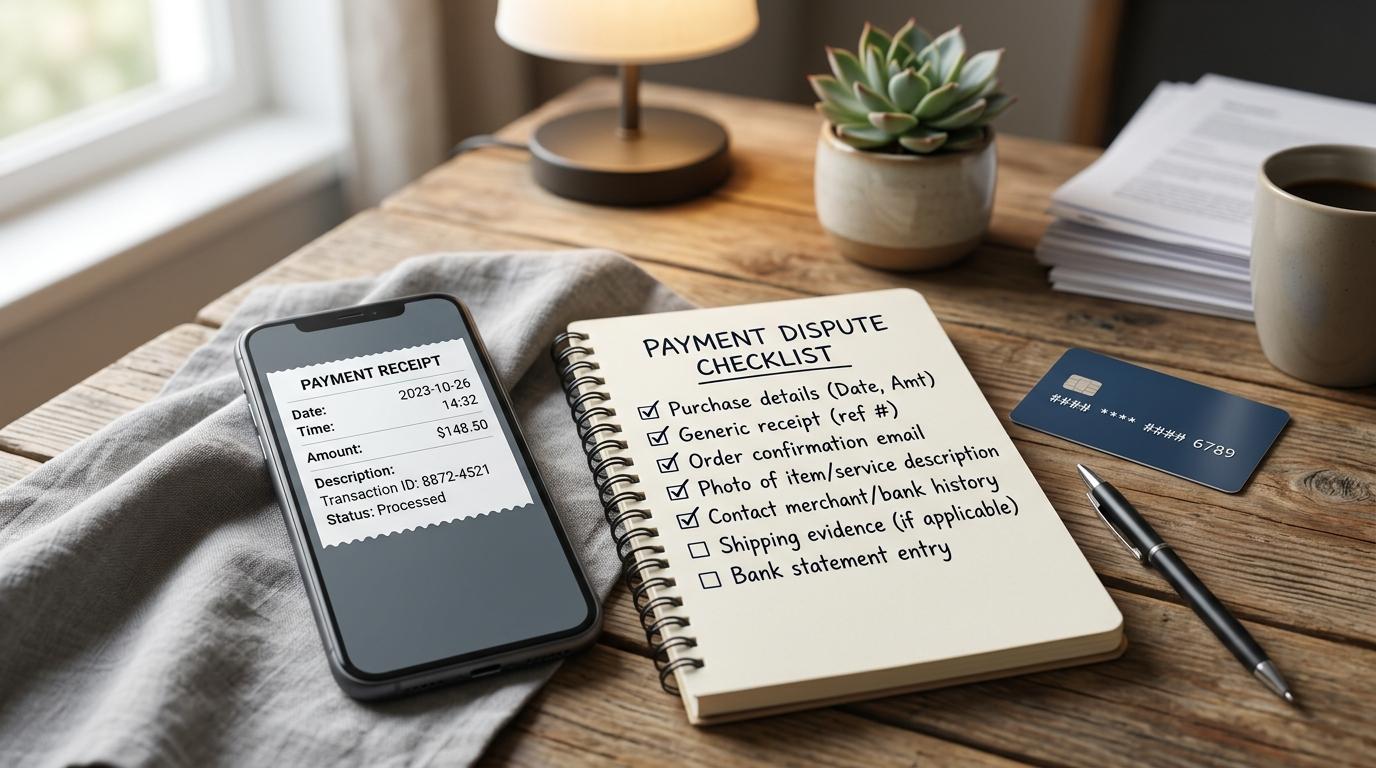
Payment dispute proof checklist
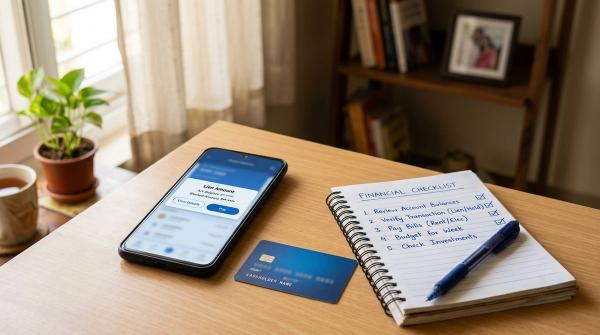
#Keep this checklist handy. If a payment goes wrong, collect these details before deleting anything, clearing app data, or raising multiple random complaints.
A simple habit helps a lot: after you raise any complaint, take a screenshot of the complaint page and save the complaint reference ID somewhere safe.
What not to do after a failed payment or fraud alert
#Some mistakes can make the situation harder to fix.
Do not immediately retry the same payment
#If money was debited but the receiver did not get it, do not rush into making the same payment again.
First check:
- Payment app status
- Bank SMS
- Bank statement
- Merchant order status
- Receiver confirmation
If the payment is urgent and you must pay again, keep both transaction records separate.
Do not delete SMS, chats, emails, or call logs
#Even a small message can help later. An OTP message, bank alert, refund email, support chat, or call log may help create a clear timeline.
Deleting messages can weaken your case.
Do not pay “refund processing” or “recovery” charges
#This is a common fraud trick.
Someone may contact you saying they can recover your money if you pay a small fee first. Do not do it.
Use only official channels: your bank, payment app, merchant, NPCI, RBI CMS, cybercrime portal, or police route where applicable.
Do not share OTPs, PINs, passwords, CVV, or screen access
#No genuine bank, payment app, or support executive needs your:
- OTP
- UPI PIN
- Card PIN
- CVV
- Internet banking password
- Full screen-sharing access
- Remote-control app access
If someone asks for these, treat it as unsafe.
Do not rely only on screenshots
#Screenshots are useful, but they are not enough by themselves.
Also save:
- Bank statement entry
- SMS alerts
- Email receipts
- Merchant proof
- Complaint reference IDs
These are harder to dispute later.
Workflow A: Failed payment, money debited but not received
#Use this when money left your account, card, wallet, or UPI app, but the receiver or merchant says they did not get it.
Step 1: Save the payment screen
#Take a screenshot showing:
- Payment status
- Amount
- Date and time
- UPI ID, merchant name, or receiver details
- UTR number, transaction ID, or RRN number, if shown
If the app says “pending,” screenshot it before refreshing again and again.
Step 2: Check your bank account or card statement
#Look for the debit entry and save:
- Bank SMS
- Email alert
- Mobile banking entry
- Card statement or bank statement entry
This becomes your main failed payment proof.
Step 3: Ask the receiver or merchant for confirmation
#If it was a person-to-person UPI payment, ask the receiver whether they got the money.
If it was a merchant payment, ask for the order status and payment status.
Save their reply, even if it is just a short chat message.
Step 4: Raise a complaint inside the payment app
#Most UPI apps, wallets, and bank apps have an option like:
- Help
- Raise dispute
- Report issue
- Get support
Try to raise the complaint from the exact transaction details page. This is better than sending a general support message.
Save the complaint reference ID.
Step 5: Contact your bank if it is still unresolved
#If the app or merchant cannot fix it, contact your bank or card issuer.
Share:
- UTR number or RRN number
- Transaction ID
- Amount
- Date and time
- Receiver UPI ID or merchant name
- Screenshots
- App or merchant complaint reference ID
Ask the bank for its own complaint number and save it.
Step 6: Escalate if needed
#For UPI issues, NPCI complaint forms may ask for transaction details such as UTR number, transaction ID, amount, date, bank name, and payment app name.
For unresolved complaints involving banks or regulated payment entities, RBI’s Complaint Management System may be used where applicable. Usually, you should first complain to the bank or payment provider and keep that complaint reference ID ready.
Workflow B: Refund issue, merchant says refund is pending
#A refund issue usually starts after a successful payment. The question is not whether the original payment happened. The question is: where is the refund now?
Step 1: Save the original payment proof
#Keep:
- Original payment screenshot
- UTR number, transaction ID, or RRN number
- Order ID or invoice
- Bank debit proof
Step 2: Save refund proof from the merchant
#Ask the merchant or app for written proof that the refund was initiated.
Save:
- Refund ID, if provided
- Refund initiation date
- Merchant email or chat
- Cancellation confirmation
- Return pickup proof, if applicable
- Service cancellation proof, if applicable
Step 3: Check your official bank or card statement
#Do not rely only on app notifications.
Check your bank or card statement carefully. Sometimes refunds appear under a different description from the original merchant name.
Save the statement section showing whether the refund is present or missing.
Step 4: Follow up with the merchant first
#For merchant refunds, start with the merchant or platform because they control the order and refund initiation record.
Ask for:
- Refund status
- Refund reference number
- Payment gateway reference, if available
- Written confirmation if they say the refund is complete
Step 5: Raise a bank or card dispute if needed
#If the merchant says the refund is complete but your bank or card statement does not show it, contact your bank or card issuer.
Share:
- Original payment proof
- Merchant refund proof
- Order ID
- Transaction ID, UTR number, or RRN number
- Merchant communication
- Complaint reference ID
For card payments, your card issuer can guide you through the dispute process. For UPI or wallet payments, your bank or payment app can guide you to the correct route.
Where to find UTR number, RRN number, and transaction ID
#These numbers are often the most useful details in a payment dispute.
UTR number
#A UTR number, or Unique Transaction Reference number, is commonly used to trace UPI and bank transfers.
You may find it in:
- UPI app transaction details
- Bank account statement
- Bank SMS or email
- Mobile banking transaction history
- Payment receipt page
Look for labels like:
- UTR
- UPI Ref No.
- Bank reference number
- Transaction reference
- Reference ID
RRN number
#An RRN number, or Retrieval Reference Number, is commonly used for card, ATM, and some payment gateway tracking.
You may find it in:
- Card transaction receipt
- ATM slip
- Bank SMS
- Card statement
- Payment gateway receipt
- Bank support response
Look for labels like:
- RRN
- Retrieval Reference Number
- Reference number
- Acquirer reference
Transaction ID
#A transaction ID is usually generated by the app, merchant, wallet, gateway, or bank.
You may find it in:
- UPI app receipt
- Merchant order page
- Wallet history
- Email invoice
- Payment gateway confirmation
- Bank app transaction details
In simple terms: a transaction ID often helps with apps and merchants, while a UTR or RRN is often more useful for banks and formal dispute teams.
How to organize your payment dispute proof
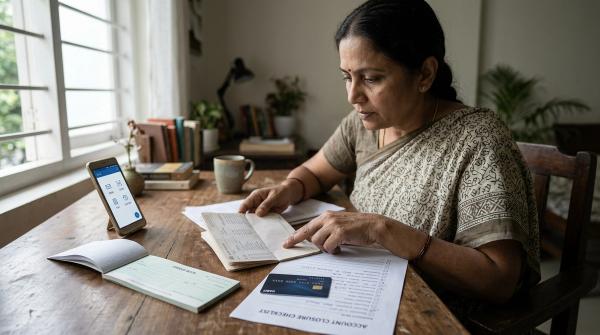
#Do not leave proof scattered across your phone.
Create one folder on your phone or cloud storage. Name it like this:
Payment Dispute - Amount - Date - Merchant or UPI ID
Inside the folder, save:
- Payment screenshot
- Bank debit SMS screenshot
- Bank or card statement screenshot/PDF
- Merchant order proof
- Refund proof, if any
- Chat or email proof
- Complaint reference ID screenshot
- Cyber or police acknowledgement, if fraud-related
Also write a short timeline in plain language.
Example:
- 10:14 AM: Paid through UPI to merchant.
- 10:15 AM: Bank SMS received showing debit.
- 10:16 AM: Merchant page showed payment failed.
- 10:25 AM: Raised complaint in payment app. Complaint ID received.
- 11:00 AM: Contacted merchant support. Chat saved.
This timeline helps support teams, bank officers, and escalation teams understand your case quickly.
Safe escalation path for Indian payment disputes
#Here is a practical order to follow.
1. Start with the transaction channel
#Raise the issue where the transaction happened:
- UPI app
- Bank app
- Wallet app
- Card issuer app
- Merchant app
- Payment gateway page, if available
Save the complaint ID.
2. Contact your bank or card issuer
#Your bank or card issuer matters because the money moved from your account or card.
Share:
- UTR number or RRN number
- Transaction ID
- Amount
- Date and time
- Merchant or UPI ID
- App or gateway name
- Complaint reference ID from the app or merchant
Ask for a bank complaint reference ID.
3. Contact the merchant, if it was a purchase or refund
#For refunds and failed checkout payments, the merchant’s order system is important.
Ask for written confirmation of:
- Payment status
- Order status
- Refund status
- Refund reference, if available
4. Use the NPCI grievance route for UPI issues, where relevant
#NPCI complaint forms usually need transaction and reference details.
Keep these ready:
- UPI ID
- UTR number
- Transaction ID
- Amount
- Date and time
- Bank name
- Payment app name
5. Use RBI CMS for unresolved complaints, where applicable
#RBI’s Complaint Management System is an escalation route for complaints involving regulated entities such as banks and payment system participants.
Usually, RBI CMS should not be your first step. First complain to the bank or payment entity and keep the complaint reference ID. That ID helps show that you followed the proper route.
Quick checklist by situation
#If UPI money is debited but not received
#Save:
- UPI transaction screenshot
- Receiver UPI ID
- UTR number
- Bank debit SMS
- Bank statement entry
- Receiver confirmation, if available
- App complaint reference ID
- Bank complaint reference ID
If card payment failed but money was debited
#Save:
- Card transaction SMS
- Merchant failed payment screen
- RRN number, if available
- Order ID
- Statement entry
- Merchant communication
- Bank complaint reference ID
If ATM cash was not dispensed
#Save:
- ATM slip, if printed
- ATM location
- Date and time
- Amount
- Bank SMS
- Account statement entry
- Complaint reference ID from your bank
If a merchant refund is missing
#Save:
- Original payment proof
- Order ID
- Cancellation or return proof
- Refund initiation proof
- Refund reference, if given
- Merchant emails or chats
- Bank or card statement
- Complaint reference ID
If you suspect fraud
#Save:
- Transaction proof
- UTR number, RRN number, or transaction ID
- UPI ID, phone number, QR code, link, or merchant name involved
- SMS alerts
- Chats, emails, and call logs
- Bank complaint reference ID
- Cyber complaint acknowledgement, where relevant
Final reminder
#When money gets stuck or something looks suspicious, do not panic and do not rush.
First save the proof. Then complain through the right channel. Keep every reference ID. And never pay anyone extra money to “recover” your own money.
Disclaimer: This guide is for general information only. It is not legal, financial, tax, investment, crypto, loan, or regulatory advice. Always use official bank, payment app, merchant, NPCI, RBI, and government channels for complaints and verify details before sharing information.