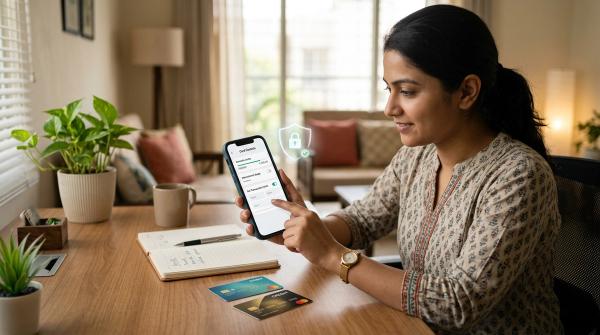
If your UPI app says UPI collect request disabled, don’t worry. Your UPI has not stopped working.
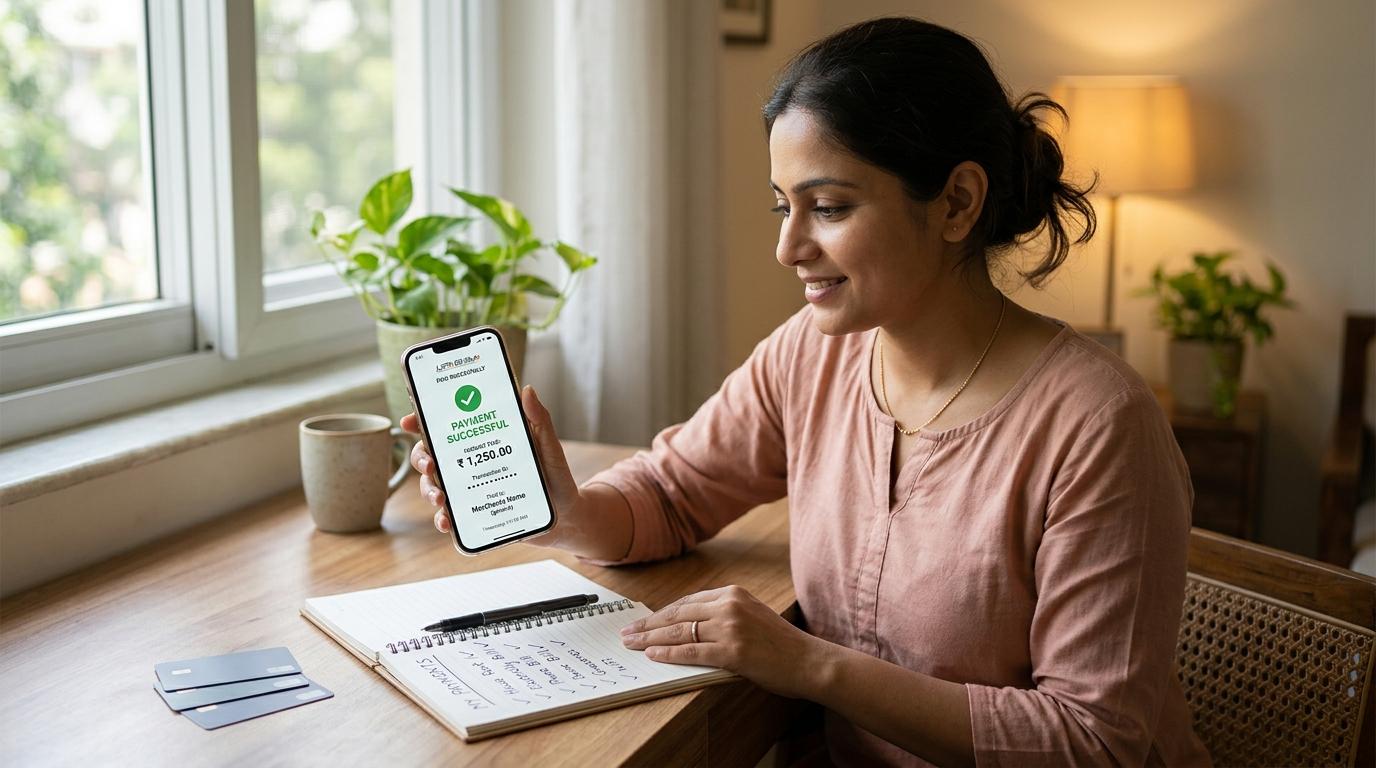
You can still send money, receive money, scan QR codes, pay shops, pay bills, and use UPI for most daily payments. The change is specific: NPCI discontinued person-to-person UPI collect requests from October 1, 2025.
The most important UPI safety rule is simple: you enter your UPI PIN only when money is going out of your account. You do not need to enter your UPI PIN to receive money.
What exactly changed in UPI collect requests?
#Earlier, many UPI apps had a feature called Request Money, Collect, or something similar.
It worked like this: you entered someone’s mobile number or UPI ID, typed the amount, and sent a payment request. The other person got a notification in their UPI app. If they approved it and entered their UPI PIN, money moved from their bank account to yours.
That person-to-person collect feature is now disabled.
So if you are trying to request ₹500 from a friend and the option is missing, blocked, or showing an error, it is not just your phone or your app. It is part of a wider UPI change.
What has stopped is this specific flow: “I ask another individual to approve a UPI payment request.” Normal UPI payments have not stopped.
Why was UPI collect request disabled for individuals?
#The feature was useful for splitting dinner bills, collecting rent shares, returning small amounts, and settling travel expenses.
But it also became a common tool for fraud. Scammers used UPI collect requests to confuse people into thinking they were receiving money, when they were actually approving a debit from their own account.
A typical scam looked like this:
- A scammer called and said, “I am sending you a refund” or “I am paying for your item.”
- They sent a UPI collect request.
- The victim saw a prompt in the UPI app.
- The scammer said, “Just approve it and enter your PIN to receive the money.”
- The victim entered the UPI PIN.
- Money left the victim’s account.
The scam worked because many people thought approval was needed to receive money. But that is not how UPI works.
If you are entering your UPI PIN, you are authorising money to go out.
Removing person-to-person collect requests may feel inconvenient, but it removes one route that fraudsters repeatedly misused.
UPI collect request vs normal UPI payment
#The easiest way to understand it is this: with a normal UPI payment, you decide to send money. With a collect request, someone else asks you to approve a payment. For person-to-person UPI, that second option has now been removed.
What still works on UPI?
#Almost everything you use UPI for in daily life still works.
You can still:
- Send money to friends and family
- Pay a shopkeeper or service provider
- Pay rent directly to your landlord
- Scan a QR code and pay
- Pay using a mobile number linked to UPI
- Pay using a UPI ID
- Pay through saved contacts in your UPI app
- Pay merchants through apps and websites
- Pay electricity, mobile, broadband, gas, FASTag, and other bills
- Receive money when someone sends it directly to you
What you cannot do now is send a person-to-person “request money” prompt and wait for the other person to approve it.
So if you paid for dinner and your friends need to return their share, message them normally: “Please send ₹420 to my UPI.” Then they can open their own UPI app and send the money directly.
What about merchants and bill payments?
#The change is about person-to-person collect requests. It does not mean every UPI collect-style payment has disappeared.
Merchant and bill payment flows can still work where they are supported by the merchant, biller, bank, and UPI app.
These can still work:
- Paying at a shop by scanning a QR code
- Paying for food, groceries, cabs, travel, or shopping through merchant apps
- Paying electricity, gas, mobile, broadband, FASTag, and other bills
- Merchant-initiated payment flows where the business name is clearly shown
- UPI AutoPay or mandate-style payments, where supported
- Approved biller or merchant payment requests shown properly inside the app
Still, don’t approve anything blindly.
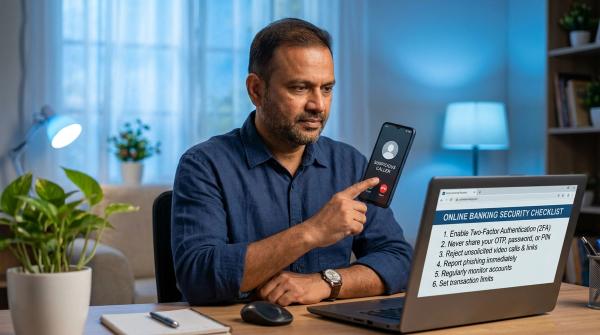
Before entering your UPI PIN, check the name shown on screen, the amount, the reason for payment, whether you started the transaction yourself, and whether someone is pressuring you on a call.
If a caller is guiding you step by step and rushing you to enter your PIN, stop.
Do you need UPI PIN for refunds?
#No. You do not need to enter your UPI PIN just to receive money.
If someone says, “Your refund is ready. Please enter your UPI PIN,” stop immediately. That is a major warning sign.
A genuine refund from a shopping app, airline, bank, wallet, merchant, or service provider will not require your UPI PIN to receive money. Always check refund status only through the official app or official website.
Do not trust random callers, WhatsApp links, Telegram messages, “customer care” numbers posted in comments, unknown websites, search result numbers without verification, or people asking you to install screen-sharing apps.
For receiving money through UPI, no PIN is needed.
The UPI PIN safety rule you should never forget
#Keep this in your head: UPI PIN means money leaves your account. You never need your UPI PIN to receive money.
Before entering your UPI PIN, pause and ask yourself:
- Am I actually paying someone?
- Is the amount correct?
- Do I recognise the person, merchant, or biller?
- Did I start this payment myself?
- Is someone pushing me to act quickly?
- Is the caller using words like refund, KYC, verification, prize, parcel, job fee, electricity bill, or buyer payment?
- Is someone asking me to share my screen?
- Is anyone asking for OTP, UPI PIN, card number, CVV, or bank login details?
If anything feels rushed, confusing, or scary, cancel the transaction.
A real sender does not need your UPI PIN to send you money. A real bank employee does not need your UPI PIN. A genuine customer care person does not need your OTP, screen access, or banking password.
Common UPI scams to watch out for
#Even after person-to-person collect requests are disabled, scammers may change their script.
“I want to buy your item online”
#You list a phone, bike, furniture, appliance, or another item online. A buyer calls quickly and says they are ready to pay immediately. Then they start guiding you on the phone and ask you to approve something in your UPI app.
If you are receiving money, you should not need to enter your UPI PIN. Ask them to send money directly to your UPI ID or QR code.
“Your refund is pending”
#Someone claims to be from a shopping app, courier company, bank, wallet, or government department. They say your refund is ready, but you need to “verify” it through UPI.
Do not follow payment instructions from callers. Open the official app or website yourself and check the refund status there.
“Your electricity will be disconnected”
#The caller says your electricity bill is unpaid and your connection will be cut soon. Then they ask you to install an app, share your screen, or make a small “verification” payment.
Do not panic. Check your bill only through the official electricity board website, official app, or a trusted bill payment section inside your bank or UPI app.
“Please accept this payment request”
#Earlier, scammers used this line often with UPI collect requests. The wording may change, but the idea is the same.
If you are asked to approve something and enter your UPI PIN, understand what is happening: you are allowing money to leave your account.
“Complete KYC or your account will be blocked”
#A caller says your bank account, wallet, SIM card, or UPI service will be blocked unless you complete KYC immediately. Then they ask for OTP, UPI PIN, card details, net banking password, screen sharing, or remote access app installation.
Do not do it. Banks and genuine apps do not ask for your secret PIN like this.
Safer ways to ask someone for money now
#Since person-to-person UPI request money is removed, use simple alternatives:
- Send a normal message with the amount and your UPI ID
- Share your QR code with someone you know
- Ask the person to open their UPI app and send money directly
- Post the split clearly in a group chat
- Agree on rent or recurring payments in writing
- Use calendar or chat reminders if someone forgets often
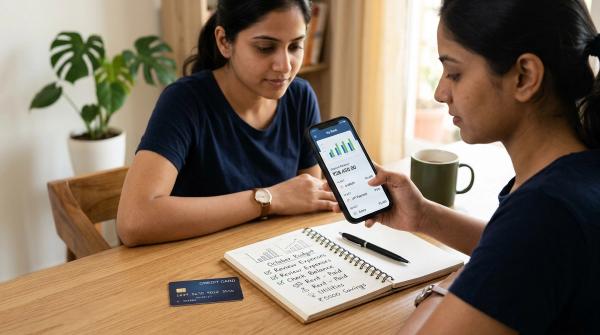
For example: “Dinner share is ₹380 each. Please send it to my UPI when free.”
Your UPI ID or QR code is enough for someone to pay you. Never share your UPI PIN, OTP, debit card PIN, net banking password, or full card details.
What to do if UPI fraud has happened
#If money has already gone out because of fraud, act quickly.
Recovery is not guaranteed, but fast reporting can help. Do not waste time arguing with the scammer. Do not pay anyone who says they can “recover” the money for a fee. That can become another scam.
1. Contact your bank immediately
#Use only official bank contact details from your banking app, debit card, passbook, bank statement, or official bank website.
Ask your bank to block or restrict UPI access if needed, register a fraud complaint, give you a complaint or reference number, and tell you the next steps.
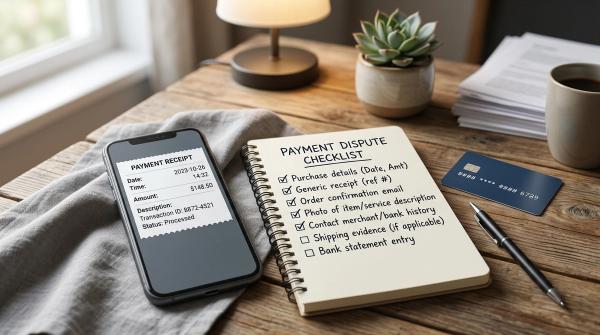
Keep all fraud-related details safely: transaction ID, UPI ID involved, caller’s phone number, SMS alerts, screenshots, WhatsApp chats, call details, and bank complaint number.
2. Call 1930 for online financial fraud
#Call 1930, the official cyber fraud helpline for online financial fraud, as soon as possible after the fraud.
Keep the amount lost, time of transaction, bank name, transaction ID, UPI ID or phone number involved, and caller details ready.
Fast reporting can help authorities act sooner, but there is no guaranteed recovery.
3. File a complaint on the cybercrime portal
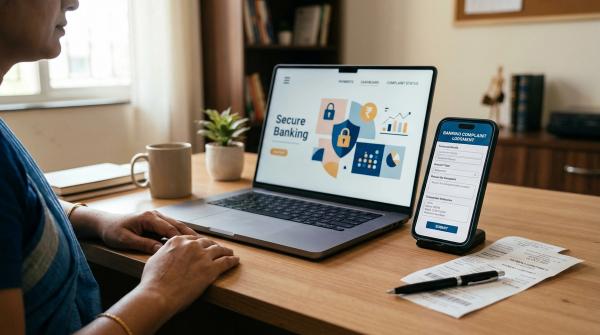
#File a complaint on the official National Cyber Crime Reporting Portal and keep the acknowledgement number safely. Share it with your bank if needed.
Stay alert after filing the complaint. Fraudsters sometimes target victims again by pretending to be police officers, bank staff, cyber cell officials, or recovery agents.
If someone asks you to pay money to get your lost money back, be suspicious.
Quick UPI safety rules for daily use
#- UPI PIN is for sending money, not receiving money
- Do not enter your PIN for refunds, prizes, or incoming payments
- Do not approve payment prompts under pressure
- Do not share OTP, UPI PIN, card PIN, or bank passwords
- Do not share your screen with unknown callers
- Always check the recipient name and amount before paying
- Use only official bank and app support channels
- If fraud happens, contact your bank, call 1930, and report through the official cybercrime portal
UPI is still fast, useful, and convenient. This change simply removes one person-to-person feature that was being misused too often.
Disclaimer
#This article is for general information and digital safety awareness only. It is not legal, tax, investment, financial, loan, or recovery advice. It does not guarantee recovery of money lost in fraud. For any fraud or dispute, contact your bank and official government reporting channels directly.