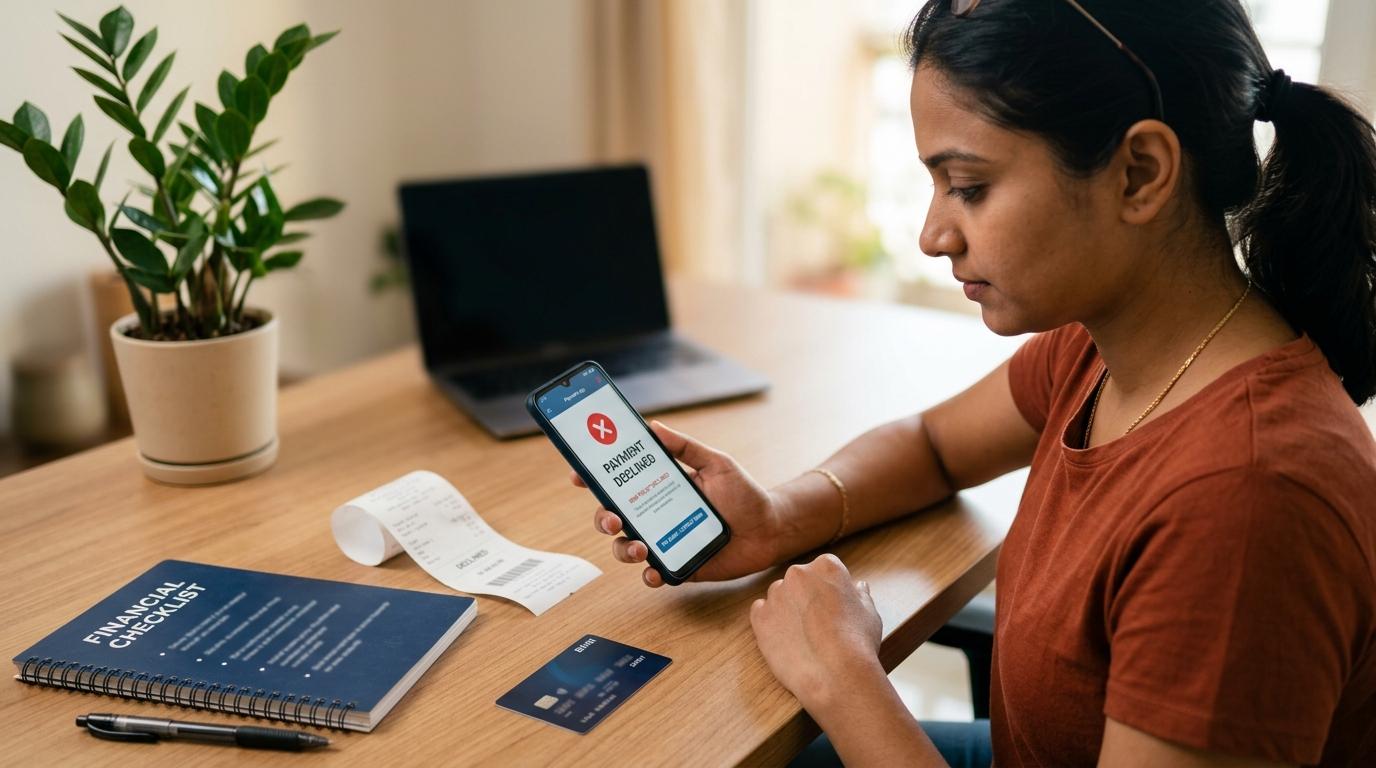
You are about to pay someone. Maybe it is a shopkeeper, a landlord, a friend, or an online seller. You enter the amount, approve the payment, and suddenly the app says something like:
“Payment failed due to UPI risk policy.”
It sounds serious. It can also be embarrassing if someone is waiting in front of you. But in most cases, this message simply means the payment was stopped by automatic safety checks because something about it looked unusual.
It does not always mean your bank account is blocked. It does not always mean fraud has happened. And it does not mean you should keep trying again and again until it works.
The safer response is:
- Stop retrying for a while.
- Check if money was debited.
- Confirm the receiver is genuine.
- Save screenshots of the error.
- Use only your UPI app or bank’s official support if you need help.
Let’s break this down in plain language.
What does “UPI risk policy” mean?
#A UPI risk policy decline means the transaction was stopped by safety checks running in the background.
These checks may be used by your bank, the receiver’s bank, your UPI app, the merchant’s payment system, or other risk systems in the UPI network. Their job is to reduce fraud, suspicious transfers, and unauthorised payments.
You usually won’t be shown the exact reason. Instead, you may see a general message such as:
- Payment failed due to UPI risk policy
- UPI transaction declined
- Transaction blocked for security reasons
- Bank declined the payment
- Payment not allowed for security reasons
In simple terms, the system may have noticed something like:
- The amount is larger than usual for you.
- You are paying a new receiver.
- You tried too many times in a short period.
- The receiver’s UPI ID or merchant account looks risky.
- Your phone, SIM, location, or app setup recently changed.
- A wrong UPI PIN was entered multiple times.
RBI’s digital payment safety approach includes authentication and risk-based checks. NPCI also shares UPI safety and complaint guidance for users, including using official dispute channels and never sharing sensitive details like your UPI PIN.
The important thing to understand is this: you may not know exactly who blocked the payment. It could be your bank, the receiver’s bank, your UPI app, the merchant system, or another layer in the payment flow.
So instead of guessing, take a calm and safe approach.
Is a UPI risk policy decline the same as a normal UPI failure?
#Not exactly.
A normal UPI payment failed message can happen for everyday reasons. Maybe your internet was weak. Maybe the bank server was down. Maybe you entered the wrong UPI PIN. Maybe your balance was low.
A risk policy decline is usually different. It suggests the transaction was stopped because it looked unusual or potentially unsafe.
Here’s a simple comparison.
Why your UPI payment may be declined due to risk checks
#There may be many reasons behind a UPI risk policy decline. The app may not tell you the exact one, but these are some common possibilities.
1. You are sending a large amount to a new receiver
#If you usually make small payments and suddenly try to send a large amount to someone new, the transaction may look unusual.
This does not automatically mean the receiver is a fraud. It only means the payment does not match your usual pattern closely enough, so the system may stop it for safety.
For example, paying ₹80 for tea is one thing. Sending ₹45,000 to a new UPI ID late at night is another. The second payment may attract more checks.
2. You tried too many times quickly
#This is very common.
One payment fails, and the natural reaction is to try again immediately. Then again. Then from another app. Then with another bank account.
But repeated attempts can make the system more cautious. What started as one failed payment may begin to look like suspicious activity.
If you see a risk-policy message, pause. Do not keep pressing “Pay” again and again.
3. The timing or pattern looks unusual
#A payment can be blocked if it does not look like your normal behaviour.
For example:
- You usually pay small amounts but suddenly send a high-value transfer.
- You rarely use UPI at night but are now making a late-night payment.
- You are sending money to multiple new people quickly.
- You have made several failed attempts one after another.
The system may treat this as risky, even if the payment is genuine.
4. There may be an issue on the receiver’s side
#Sometimes the problem is not with you at all.
The receiver’s UPI ID, VPA, merchant account, or bank account may be new, under review, temporarily restricted, or showing unusual activity.
But your app may still show only a general message like “payment failed due to UPI risk policy.”
That is why it is important to verify the receiver before trying again.
5. You recently changed your phone, SIM, or app
#If you recently changed your phone, reinstalled your UPI app, changed your SIM, reactivated UPI, switched devices, or changed app permissions, some transactions may be checked more carefully for a while.
This can be annoying when everything is genuine. But from a security point of view, device and SIM changes are important signals because many fraud attempts involve account access changes.
6. Wrong UPI PIN attempts
#If the wrong UPI PIN was entered multiple times, payments may be declined or restricted for safety.
Do not keep guessing your UPI PIN. If you have forgotten it, use the official reset option inside your bank or UPI app.
What to do after a UPI risk policy decline
#If your UPI transaction is declined due to risk checks, follow these steps in order.
Step 1: Stop retrying immediately
#This is the first and most important step.
Do not keep trying the same payment again and again. A UPI risk policy decline is not the same as a simple network error. Repeated retries may make the transaction look even more suspicious.
If you are at a shop or with a merchant, explain that your app has blocked the transaction for security reasons. If possible, use another payment method such as cash, card, or another bank account.
Do not let pressure push you into unsafe steps.
Step 2: Read the exact error message
#Look carefully at what the app is saying.
Does it say payment failed due to UPI risk policy, transaction declined for security reasons, bank declined the transaction, receiver bank unavailable, incorrect UPI PIN, or insufficient balance?
The wording matters. A risk-policy decline needs a different response from a wrong PIN, low balance, or server issue.
If possible, take a screenshot before closing the screen.
Step 3: Check whether money was debited
#Open your bank app or bank statement and check your account balance. Do not rely only on the UPI app’s first screen.
There are usually three possibilities:
- No money was debited: The payment failed before money left your account.
- Money was debited and the transaction is pending: Wait and track the transaction status.
- Money was debited but the payment is marked failed: Save proof and raise a complaint through your UPI app or bank if the reversal does not happen automatically.
There is no single guaranteed refund timeline for every case. It depends on the transaction status and bank handling. But if money has been deducted, keep all proof ready.
Step 4: Save screenshots and transaction details
#Before closing the app, save whatever information is visible.
Take screenshots of:
- The error message
- Date and time
- Amount
- Receiver name or UPI ID, if visible
- Transaction ID or UPI reference number, if shown
- Complaint ID, if generated
- Bank debit SMS or bank statement entry, if money was deducted
Do not edit or crop important details. Clean proof makes it easier to explain the issue to your bank or UPI app support.
Step 5: Verify the receiver
#This step matters a lot, especially if the receiver is new.
Be extra careful if the payment is going to a seller you found on social media, a person claiming to be from customer care, a new number claiming to be a relative or friend, a stranger asking for urgent money, a merchant asking you to pay a different UPI ID, or someone offering refunds, prizes, cashback, or investment returns.
Confirm the receiver separately using a trusted contact method.
A blocked payment may feel irritating in the moment, but sometimes it can save you from sending money to the wrong person.
Step 6: Do not share your UPI PIN, OTP, or screen
#No genuine bank, NPCI representative, RBI official, or UPI app support agent should ask for your UPI PIN.
Never share:
- UPI PIN
- OTP
- Debit card PIN
- Full card details
- Net banking password
- Screen-sharing access
- Remote-control app access
- SMS forwarding access
Your UPI PIN is used to approve money going out of your account. It is not required to receive money, get a refund, unlock a blocked payment, or verify your account.
If someone says you must enter your UPI PIN to receive money, treat it as a fraud warning.
Step 7: Wait before trying again
#If you are fully sure the receiver is genuine, wait for some time before trying again.
In some cases, the payment may go through later. You may also try a smaller test payment, but only if you completely trust the receiver.
Do not split a suspicious payment into smaller amounts just to bypass risk checks. If the receiver is unsafe, even a smaller payment is still a loss.
Step 8: Raise a complaint through official channels
#If money was debited, the issue keeps happening, or you cannot understand why payments are failing, use official support only.
You can:
- Open the Help, Support, or Raise a complaint section in your UPI app.
- Select the failed transaction from your transaction history.
- Add screenshots and the exact error message.
- Contact your bank through its official app, website, branch, or verified customer support number.
- Follow NPCI UPI complaint and safety guidance through official complaint routes.
Avoid phone numbers found in random Google results, social media comments, WhatsApp forwards, or unofficial websites. Fraudsters often create fake “UPI customer care” pages to trap people who are already worried.
What not to do after a UPI transaction is declined
#When a payment fails, it is natural to feel impatient. But avoid these mistakes.
Do not search for random customer care numbers
#Searching for “UPI helpline number” or “UPI risk policy unblock number” can lead you to fake numbers.
Use only the support section inside your verified UPI app or your bank’s official contact options.
Do not install screen-sharing or remote-access apps
#If someone says they need to “check your phone” or “see your screen” to remove a UPI block, be careful.
Screen-sharing apps can expose OTPs, banking messages, UPI approvals, and personal details.
Do not enter your UPI PIN to receive money
#You never need to enter your UPI PIN to receive a refund, cashback, prize, or incoming payment.
If a caller, QR code, link, or app asks for your UPI PIN to receive money, it is unsafe.
Do not keep switching between apps blindly
#Trying the same payment from multiple UPI apps may not solve the issue.
The risk check may be linked to your bank account, receiver, device, amount, or transaction pattern. It may not be only one app’s problem.
Do not ignore the warning if the receiver is unknown
#If the payment was going to a stranger and your app blocked it, take that seriously.
Slow down. Verify. Do not pay just because someone is rushing you.
When should you contact your bank or UPI app?
#Contact official support if:
- Money was debited but the UPI payment failed.
- The transaction is pending for longer than expected.
- All UPI payments are getting declined, even small payments to known people.
- You see transactions you did not make.
- Your UPI app says your account, device, or UPI ID is blocked.
- You think you may have shared your UPI PIN, OTP, or banking details by mistake.
- You suspect fraud.
If you suspect fraud, act quickly. Contact your bank through official channels and use the official cybercrime reporting route. Do not depend on random social media replies or unofficial agents.
Final takeaway
#A UPI risk policy decline can be frustrating, especially when you are in a hurry. But it is usually a safety stop, not a reason to panic.
The best thing to do is simple:
Stop retrying. Check if money was debited. Verify the receiver. Save proof. Use only official support.
And most importantly, never share your UPI PIN, OTP, banking password, screen access, or card details with anyone.
A blocked payment may delay you for a few minutes, but ignoring the warning can cost much more.