For most families, a proper baby monitor is the safer and easier choice for a nursery, especially a non-Wi-Fi model with its own parent unit. In the baby monitor vs security camera debate, the best option is not simply the one with the clearest video. It is the one that helps you hear or see your baby quickly, keeps the room private, works reliably, and can be placed safely away from the crib.
A security camera can work too. Many parents use one. But it needs a little more care, especially with Wi-Fi privacy, app settings, power cuts, and cord placement.
At first glance, baby monitors and home security cameras look very similar. Both may offer video, night vision, two-way audio, motion alerts, and app access. But they are made for different jobs.
A baby monitor is designed for watching and listening to a sleeping baby. A security camera is designed for general room surveillance, such as checking a doorway, pet, helper, living room, or office.
Both can be useful. Both can also become unsafe if placed badly.
So the real question is not only, “Which one has better video?” It is: which one helps you notice your baby quickly without adding cord risks, privacy worries, or reliability problems?
Quick Comparison: Baby Monitor vs Security Camera
#The Short Answer
#If you want the simplest and safest nursery setup, choose a dedicated baby monitor, preferably one that does not rely on Wi-Fi.
It is usually better for overnight use because it is built around constant baby awareness, not just motion alerts or app notifications.
If you already have a security camera, or if budget is the main concern, you can still use one in a nursery. But you should treat it like baby equipment, not just another smart home gadget.
That means you need to:
- Mount it safely
- Keep cords far away from the crib
- Use strong passwords
- Check privacy settings
- Make sure your Wi-Fi is reliable
- Think about what happens during power cuts
No camera or monitor replaces a safe sleep space or an adult checking on the baby when needed.
Why a Baby Monitor Is Usually Safer for a Nursery
#A dedicated baby monitor is made for one main job: helping you know when your baby needs you.
At 2 a.m., that simplicity matters.
Many baby monitors come with a separate parent unit. You can keep it near your bed and hear your baby without unlocking your phone, opening an app, waiting for the video to load, or realizing your phone battery is nearly empty.
A non-Wi-Fi baby monitor can also reduce privacy worries because many models keep the video feed local. The nursery video is not being sent through the internet or stored in a cloud account. That does not mean every non-Wi-Fi monitor is perfect, but it removes many of the common risks that come with connected cameras.
Common baby monitor advantages include:
- Continuous or near-continuous audio
- A separate parent unit
- Simple night-time use
- Less dependence on the internet
- Fewer app and cloud settings to manage
- Better fit for sleep monitoring
- Easier use for grandparents, nannies, or other caregivers
The downside is cost. Baby monitors can be more expensive than basic security cameras. Some also have smaller screens, average video quality, or limited range if your home has thick walls.
Still, for most families using a device mainly during naps and night sleep, a dedicated baby monitor is usually the more nursery-friendly choice.
Why Some Parents Use a Security Camera Instead
#A security camera is not automatically a bad choice for a nursery.
Many IP cameras offer clear video, wide-angle viewing, night vision, app access, recording, and remote checking. In India and many other countries, basic home security cameras are often much cheaper than dedicated baby monitors. That price difference is one big reason parents consider using a security camera as a baby monitor.
A nursery security camera may work well if:
- You want to check the room from work
- More than one caregiver needs access
- Your baby is older and moves around the room
- You want a wider view of a play area
- You are on a tight budget
- You already have strong Wi-Fi and power backup
But the risks are different.
A security camera usually depends on your home router, internet connection, app login, device password, and sometimes cloud storage. If any of those are weak, privacy risk goes up.
Also, many security cameras are not designed for continuous baby audio. You may need to keep the app open, or the sound may stop when your phone locks. Alerts may also arrive late.
So yes, a security camera can be used safely in a nursery. It just needs more setup and more thought than a dedicated baby monitor.
Nursery Safety Checklist: Cords, Mounting, and Sleep Space
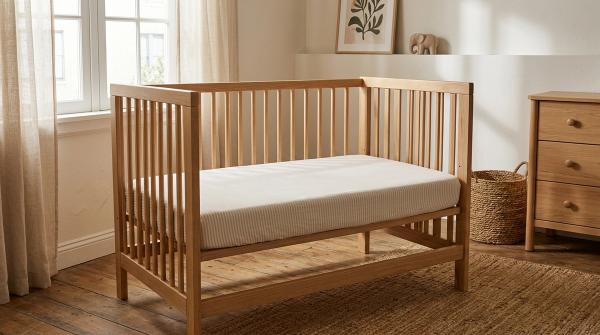
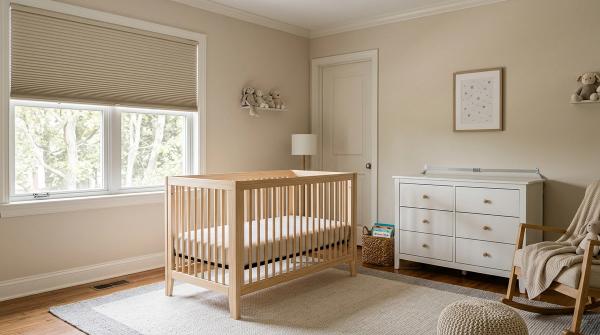
#A badly placed camera or monitor can be a bigger immediate risk than hacking or app privacy. Before plugging anything in, check the physical setup carefully.
1. Keep cords at least 3 feet away from the crib
#The U.S. Consumer Product Safety Commission, or CPSC, advises that baby monitor cords should be kept at least 3 feet away from any part of the crib, bassinet, or play yard.
That means:
- No cords hanging near the crib
- No camera clipped to crib rails with a dangling wire
- No extension cord within reach
- No loose wire behind the mattress
- No cable running along the cot where a baby may grab it
Think ahead. A newborn who cannot roll today may be reaching, crawling, pulling, or standing sooner than you expect.
2. Never place the camera inside the sleep space
#Do not put a monitor, camera, phone, cable, battery pack, or stand inside the crib or bassinet.
Also avoid resting a camera on the crib railing unless the product is specifically designed for that use and every part, including the cord, stays completely out of reach.
A falling device is also a risk. If you mount it, mount it properly.
3. Use a secure wall mount or stable shelf
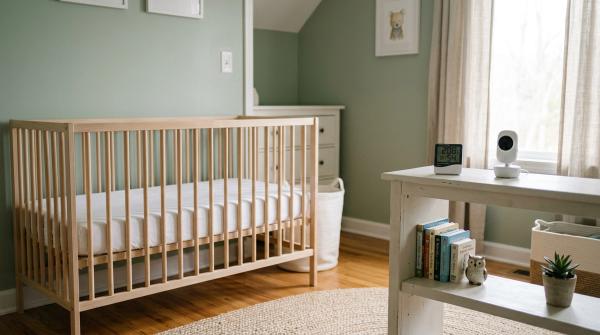
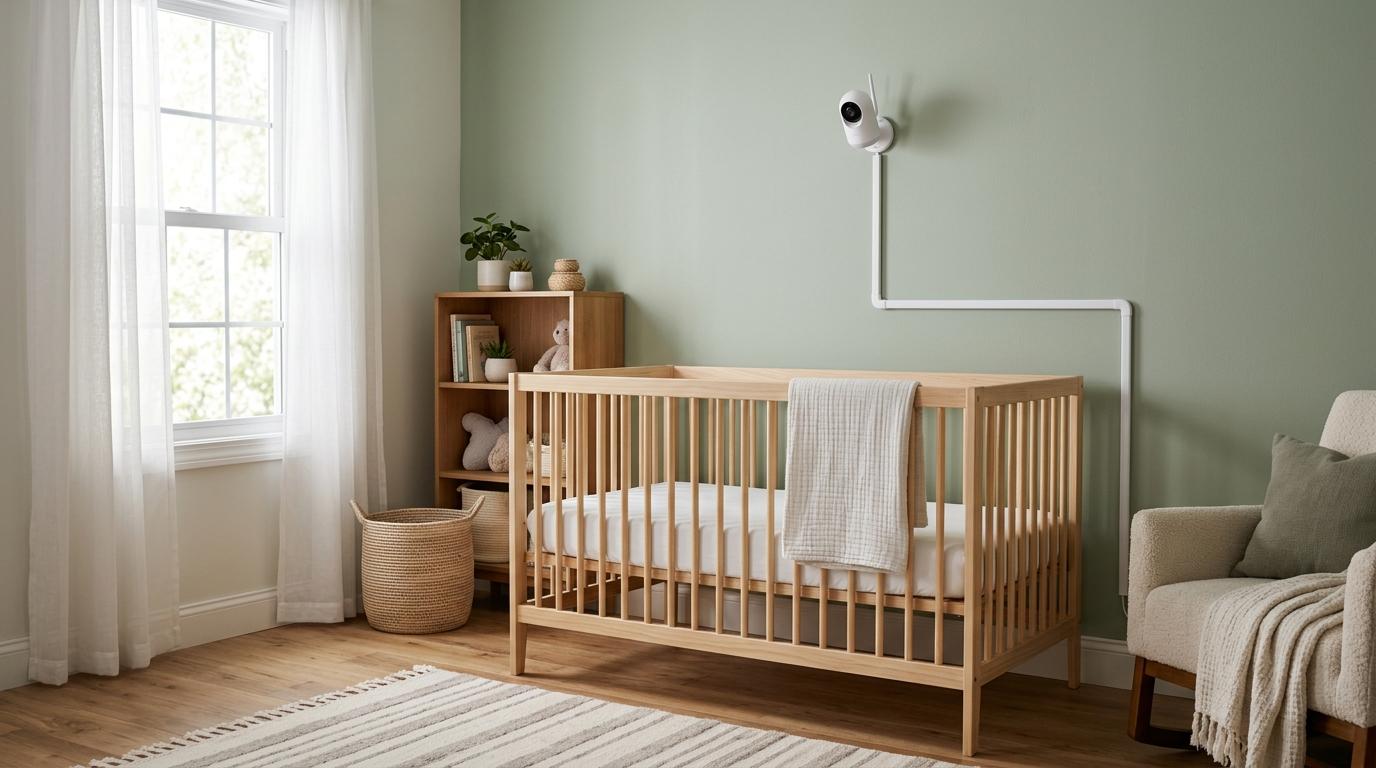
#The safest camera view usually comes from a wall mount or a high, stable shelf away from the crib.
If you use a wall mount, make sure it is properly fixed. Do not rely on loose tape or temporary shortcuts. Tape eventually gives up, usually at the worst possible time.
If there is a wire, run it flat against the wall using a cord cover or cable channel. Do not leave loops of wire hanging.
4. Keep the sleep area simple
#The American Academy of Pediatrics, or AAP, recommends a firm, flat sleep surface and keeping loose bedding, pillows, and soft objects out of the baby’s sleep area.
A monitor can help you see and hear your baby. It does not make an unsafe sleep space safe.
Avoid putting toys, cushions, extra blankets, gadgets, or pillows in the crib just to improve the camera angle. The camera angle is never more important than safe sleep.
5. Watch for lights and heat
#Place the camera so status lights or infrared lights are not shining directly into your baby’s face.
Also make sure the device and adapter do not get hot near fabric, curtains, cushions, or bedding. This matters even more in hot weather, warm rooms, and spaces with poor ventilation.
Privacy and Wi-Fi Safety Checklist
#If you choose a Wi-Fi baby monitor or security camera, do not skip the privacy setup.
Most problems happen because of default passwords, weak Wi-Fi, outdated firmware, or shared access that nobody reviews.
Use this checklist:
- Change the factory password immediately.
- Use a strong, unique password for the camera account.
- Turn on two-factor authentication if the app offers it.
- Use strong router security, such as WPA2 or WPA3 where available.
- Review who has access, especially in shared caregiving homes.
- Remove old logins when a caregiver no longer needs access.
- Keep the camera app and firmware updated.
- Turn off cloud recording, public sharing links, voice assistant access, or remote viewing if you do not need them.
- Consider local storage if you do not want nursery footage stored in the cloud.
Nursery video deserves stronger privacy habits than a casual living-room camera.
India-Aware Notes: Apartments, Joint Families, Heat, and Power Cuts
#For Indian homes, the best monitor for a baby room depends a lot on the layout and daily routine.
In a compact 1 BHK or 2 BHK apartment, you may not need a camera at all. If you can clearly hear your baby from the kitchen or living room, a monitor may become just another thing to charge, check, and worry about.
In a larger flat, duplex, independent house, or multi-storey home, a monitor becomes more useful. It can help if your baby naps in a separate room while you cook, work, shower, or look after another child.
Joint families and shared caregiving also change the decision. If someone is always physically near the baby, a camera may be less necessary. If care is shared between parents, grandparents, or a nanny, a camera can help everyone coordinate.
But privacy expectations should be clear. Quietly recording caregivers can create trust issues. In many homes, it is better to talk about the camera openly rather than making it awkward later.
Power cuts are another practical issue.
During monsoon disruptions, summer load, or local outages, a Wi-Fi camera can stop working if the router loses power. Even if the camera itself is connected to an inverter, the internet may still drop if the router is not backed up.
A dedicated baby monitor may be more reliable during internet outages because many models do not need the internet. Still, the camera unit usually needs electricity, so check your exact model and setup.
Heat matters too. Do not place a camera adapter under cloth, behind cushions, near curtains, or anywhere it cannot ventilate properly.
Who Should Choose a Dedicated Baby Monitor?
#Choose a dedicated baby monitor if:
- Your baby sleeps in a separate room
- You want continuous audio at night
- You do not want to depend on a phone app
- Your Wi-Fi is unreliable
- Your home has frequent internet drops
- Privacy is a top concern
- Other caregivers need something simple to use
- You want fewer settings to manage
A dedicated monitor is often the safer default for newborn and infant sleep monitoring because it is made for that job.
You may not need one if:
- You live in a small home and can hear the baby easily
- Your baby sleeps in the same room as you
- The cost does not make sense for your home layout
- You only need occasional room viewing
- A caregiver is always close by
Who Should Choose a Security Camera?
#Choose a security camera if:
- Budget is a major factor
- You already have reliable Wi-Fi
- You want remote access from outside the home
- Multiple caregivers need to check the room
- Your child is older and you want a wider room view
- You plan to reuse the camera later in a playroom or common area
A security camera can be a practical nursery camera, especially for families who understand its limits and secure it properly.
Skip a security camera for nursery use if:
- You do not want to manage passwords and updates
- Your Wi-Fi often drops
- Your home has frequent power cuts without backup
- You need dependable overnight audio
- You are uncomfortable with cloud-connected nursery video
- The app is unreliable or confusing for daily use
If any of these apply, a non-Wi-Fi baby monitor is usually a better fit.
Who Might Need Neither?
#Not every family needs nursery tech.
You may not need a baby monitor or security camera if:
- Your baby sleeps in your room
- You live in a small apartment
- A caregiver is always nearby
- You can hear the baby easily without a device
- The device would make you more anxious, not more confident
The safest nursery is not always the most gadget-filled nursery. Sometimes the best choice is a simple, safe sleep space and attentive nearby care.
Baby Monitor Buying Checklist
#If you decide a baby monitor is right for your home, look for:
- Non-Wi-Fi option, if privacy and internet independence matter most
- Clear audio, not just sharp video
- Reliable night vision for crib viewing
- Good battery life on the parent unit
- Range suitable for your home, especially through walls or between floors
- Sound-activated mode, if you want the screen to wake when your baby makes noise
- Secure mounting options
- Easy controls, so grandparents or helpers can use it
- No unnecessary medical-style claims, unless your doctor has advised a specific type of monitoring
Be careful with temperature readings, sleep analytics, and breathing-style features. Some parents find them useful, but they should not replace safe sleep habits or caregiver judgement.
Security Camera Buying Checklist for a Nursery
#If you choose a nursery security camera, check for:
- Strong app password options
- Two-factor authentication
- Firmware updates
- Clear privacy settings
- Option to turn off cloud recording
- Local storage support, if preferred
- Good night vision
- Stable wall mounting
- Cable length that allows safe placement away from the crib
- Reliable performance on your home Wi-Fi
- Background audio support, if you need it overnight
Before buying, check app reviews too. Some cameras look great on paper but are frustrating as baby monitors because the audio stops, alerts are delayed, or the app logs out too often.
Final Verdict: Baby Monitor vs Security Camera
#In the baby monitor vs security camera choice, a dedicated baby monitor is usually safer for infant sleep.
It is designed for simple, continuous, close-range monitoring. A non-Wi-Fi baby monitor also reduces privacy worries and does not depend as much on your internet connection.
A security camera can still be a sensible budget option, especially in apartments, toddler rooms, or shared caregiving setups. But only if you secure the account, protect the Wi-Fi, plan for power cuts, and mount it safely.
Whichever you choose, the basics matter most:
- Keep cords at least 3 feet from the crib
- Mount the device securely
- Keep the sleep space clear
- Avoid loose bedding and soft objects
- Do not let a camera replace safe sleep habits or direct care
The best nursery setup is the one that is safe, reliable, and simple enough to use when everyone is tired.