Your contacts list is easy to forget about. It sits quietly on your phone, and most of us treat it like a basic utility.
But think about what is actually inside it.
Names. Phone numbers. Email addresses. Family labels. Work contacts. Maybe your doctor, your child’s teacher, your landlord, your boss, your clients, your parents, your neighbours. In some cases, addresses, birthdays, notes, and relationship details too.
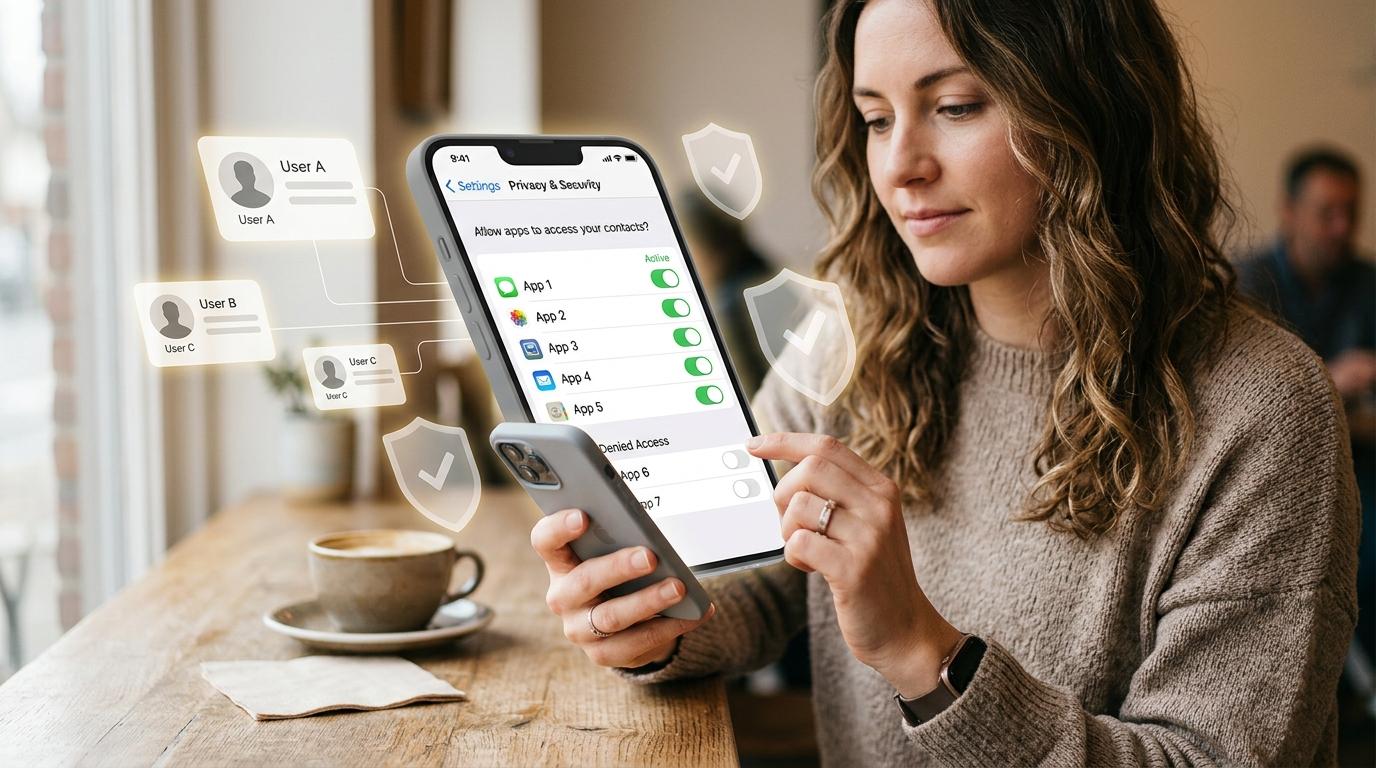
So when an app asks, “Allow access to contacts?”, it is not only asking for your information. It may also be asking for information about people who never chose to use that app.
That does not mean every contacts permission request is suspicious. Many apps ask for contacts for perfectly normal reasons. But it is still worth pausing for a few seconds before tapping Allow.
A good rule is simple:
If the app clearly needs your contacts to do its main job, allow it.If it only needs one person, limit it if you can.If contacts have nothing to do with the app, deny it.
No panic. No complicated tech talk. Just a practical way to avoid handing over your address book when you do not need to.
Why Apps Ask for Contacts
#Some apps ask for contacts because the feature makes sense.
A messaging app may use your address book to show which friends are already on the app. A calling app needs contacts so you can quickly call people. An email app may use saved addresses to help you compose messages faster. A payment app may use contacts so you can find the right person before sending money. A ride or delivery app may ask for contact access if you want to share your trip or order status with someone.
In these cases, the permission is connected to what the app is built for.
But not every request is that clean.
A game, wallpaper app, calculator, shopping app, random reward app, or basic photo editor usually does not need your full contact list to work. It may ask anyway for things like friend suggestions, referral invites, social features, account matching, or marketing.
So the real question is not, “Can this app use my contacts?”
The better question is:
Does this app need my contacts to help me, or does it want my contacts to help itself?
What Contact Access Can Reveal
#When you allow contacts access, an app may be able to read the information stored in your phone’s address book. Depending on how detailed your saved contacts are, that could include:
- Names
- Phone numbers
- Email addresses
- Home or office addresses
- Workplaces and job titles
- Notes inside contact cards
- Family labels or relationship clues
- Birthdays and other personal details
This does not mean your phone has been hacked. In most cases, the app simply asked for permission, and you or someone using the phone tapped Allow.
The issue is whether that app really needed the permission in the first place.
There is also a social privacy angle. If you upload your contacts, you may be sharing details about people who did not agree to be part of that app’s database. That could include relatives, friends, teachers, clients, colleagues, doctors, neighbours, and many others.
For users in India, this is especially important with apps related to loans, money, jobs, delivery, communication, or identity-style services. Some badly managed apps have misused broad permissions, including contacts, to pressure or embarrass users. That does not mean every app is dangerous. It simply means you should be selective.
Quick Decision Table: Allow, Limit, or Deny Contacts Access
#Use this table the next time an app asks you to allow contacts access.
Here is a quick gut-check:
If it would feel strange to hand the app developer a printed copy of your address book, do not give the app full contact access unless there is a very clear reason.
The Contacts Permission Privacy Checklist
#Before allowing any app contacts permission, ask yourself these questions.
1. Is contacts access needed for the main feature?
#If the app is mainly for communication, contact access may be reasonable.
For example, messaging, calling, video meetings, email, payments, or work communication apps may have a real reason to ask.
But if the app is for editing photos, checking weather, shopping, playing games, scanning documents, changing wallpapers, or doing something unrelated to people in your address book, full contact access is usually not necessary.
If the permission does not match the purpose of the app, be cautious.
2. Can I type the number manually?
#Sometimes an app asks for contacts just to save you a few seconds.
Maybe it wants to help you send an invite, referral code, gift card, document, or delivery update. If it is only a one-time action, you can often type the phone number or email address manually.
Yes, it takes a little longer.
But it also avoids giving the app access to everyone in your contacts list.
3. Is there a limited option?
#If the app only needs one or two people, do not share your whole address book if you have a smaller option.
On iPhone, depending on your iOS version, you may be able to give an app access only to selected contacts instead of all contacts.
On Android, you can usually allow or deny contacts permission by app. Some apps may also use a contact picker, where you choose one specific contact without giving the app ongoing access to your full address book. The exact options depend on your Android version, phone brand, and the app itself.
If a limited option is available, use it.
It is usually the best middle path.
4. Do I trust the app and developer?
#Take a moment and ask:
- Did I intentionally install this app?
- Is it from a known company or developer?
- Does the contacts request make sense?
- Does the app explain why it needs the permission?
- Does the app ask for too many permissions at once?
Be extra careful with apps that promise instant loans, easy money, secret tracking, adult content, pirated movies, free rewards, or anything that feels too good to be true.
Also slow down if an app asks for contacts, SMS, camera, storage, microphone, and location all at once without a clear reason.
That does not automatically mean the app is bad. But it does mean you should think before agreeing.
5. What happens if I deny?
#In many cases, nothing serious happens.
The app may still work normally. You might only lose convenience features like friend suggestions, quick invites, or choosing someone directly from your address book.
And if the app truly needs contacts later, it can ask again.
So denying contacts access is not a big permanent mistake. It is often the safer default.
Step-by-Step: Review iPhone Contacts Permission
#Use this if you want to check or revoke iPhone contacts permission.
The exact labels may vary slightly depending on your iOS version, but the general path is:
- Open Settings on your iPhone.
- Tap Privacy & Security.
- Tap Contacts.
- Review the list of apps that have requested contacts access.
- Tap an app, or use the control shown next to it.
- Change access to the option that fits, such as full access, limited access, or no access.
- Remove access for apps that do not clearly need your contacts.
On supported iPhone versions, you may not have to choose between “everything” and “nothing.” If limited contact access is available, use it for apps that only need a few people.
A simple habit:
Every few months, open the Contacts privacy screen and ask, “Would I still give this app my address book today?”
If the answer is no, turn it off.
Step-by-Step: Review Android Contacts Access
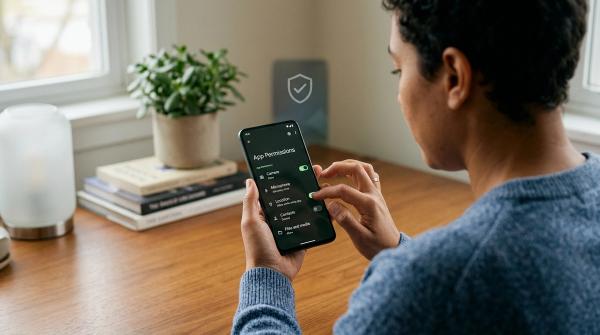
#Use this to check Android contacts access.
Android menus can look different depending on your phone brand and Android version, so the wording may not be exactly the same. But the general method is usually like this:
- Open Settings on your Android phone.
- Go to Privacy, Security & privacy, or a similar section.
- Tap Permission manager or Permissions.
- Select Contacts.
- Review which apps are allowed to access contacts.
- Tap any app you want to change.
- Choose Don’t allow, Deny, or the closest available option.
- Repeat for other apps in the allowed list.
You can also check permissions app by app:
- Open Settings.
- Go to Apps.
- Choose the app you want to check.
- Tap Permissions.
- Tap Contacts.
- Change the setting if needed.
If you deny contacts and later need the feature, the app may ask again. That is fine. You can decide at that time.
Some apps use a contact picker, which lets you select a single contact without giving full ongoing access to your address book. You do not need to understand the technical side. Just choose the least intrusive option that still gets the job done.
When You Should Allow Contacts Access
#Allow contacts access when the benefit is clear and directly connected to what the app is supposed to do.
Reasonable cases include:
- A messaging app showing which friends are already using it
- A calling or video app helping you reach people you know
- An email app using your saved addresses
- A payment app helping you find the correct recipient
- A ride or delivery app letting you share trip or delivery updates
- A work app that genuinely needs contact lookup for your job
Even in these cases, full access is not always required.
If limited access works, use that instead.
“Useful” does not always mean “give it my full address book forever.”
When You Should Limit Contacts Access
#Limit contacts access when the app only needs one person, a few people, or a temporary selection.
This is often the most sensible choice.
For example:
- You want to invite one classmate to a study group.
- You want to share a document with one colleague.
- You want to send a referral code to one friend.
- You want to share ride status with one family member.
- You want to choose one recipient for a payment or message.
If your phone or the app offers a limited contact option, use it.
If not, consider typing the number or email manually.
It is a small extra step, but it keeps the rest of your address book private.
When You Should Deny Contacts Access
#Deny contacts access when the app’s main function does not depend on your address book.
Common deny cases include:
- Single-player games
- Basic calculators
- Flashlight-style apps
- Wallpaper apps
- Many photo editing apps
- Shopping apps that do not need contacts for delivery or gifting
- Random quiz, reward, or entertainment apps
- Apps you installed once and no longer use
- Apps from unknown developers that ask for too much too soon
Also deny access if the app pressures you too much.
A trustworthy app should explain why it needs a permission. If it refuses to work without contacts even though contacts seem unrelated, that is a good reason to pause and rethink whether you want to use it at all.
Safety Notes: Keep It Practical
#No fear
#Contact permissions are not automatically dangerous.
Many apps ask because they offer contact-based features. The goal is not to be scared of every permission request. The goal is to reduce unnecessary sharing.
No hacking assumption
#If an app has contact permission, it does not mean your phone was hacked.
Most of the time, the app asked and someone tapped Allow.
The fix is simple: review permissions and change what no longer makes sense.
No guarantees
#Revoking access helps from now on, but it may not delete contact data the app already collected earlier.
If you want old data removed, check the app’s privacy settings, account settings, data deletion options, or support pages.
Your phone setting controls future access on the device. It is not always a delete button for information already shared.
A Simple Monthly Habit
#You do not need to check every permission every day. That gets tiring, and honestly, most people will not keep it up.
Try this once a month, or after installing several new apps:
- Open your phone’s contacts permission settings.
- Look at every app with access.
- Keep access for apps that clearly need it.
- Limit access where possible.
- Deny access for the rest.
- Uninstall apps you no longer use or trust.
This small habit protects you, but it also protects the people saved in your address book.
Final Takeaway
#Contacts access deserves a little extra care because your address book is not only about you. It contains other people’s information too.
Allow contacts access when it clearly supports the app’s main purpose.
Limit it when the app only needs one or two people.
Deny it when the request feels unrelated.
That is not paranoia. It is just good digital hygiene: give apps the smallest amount of access they actually need.