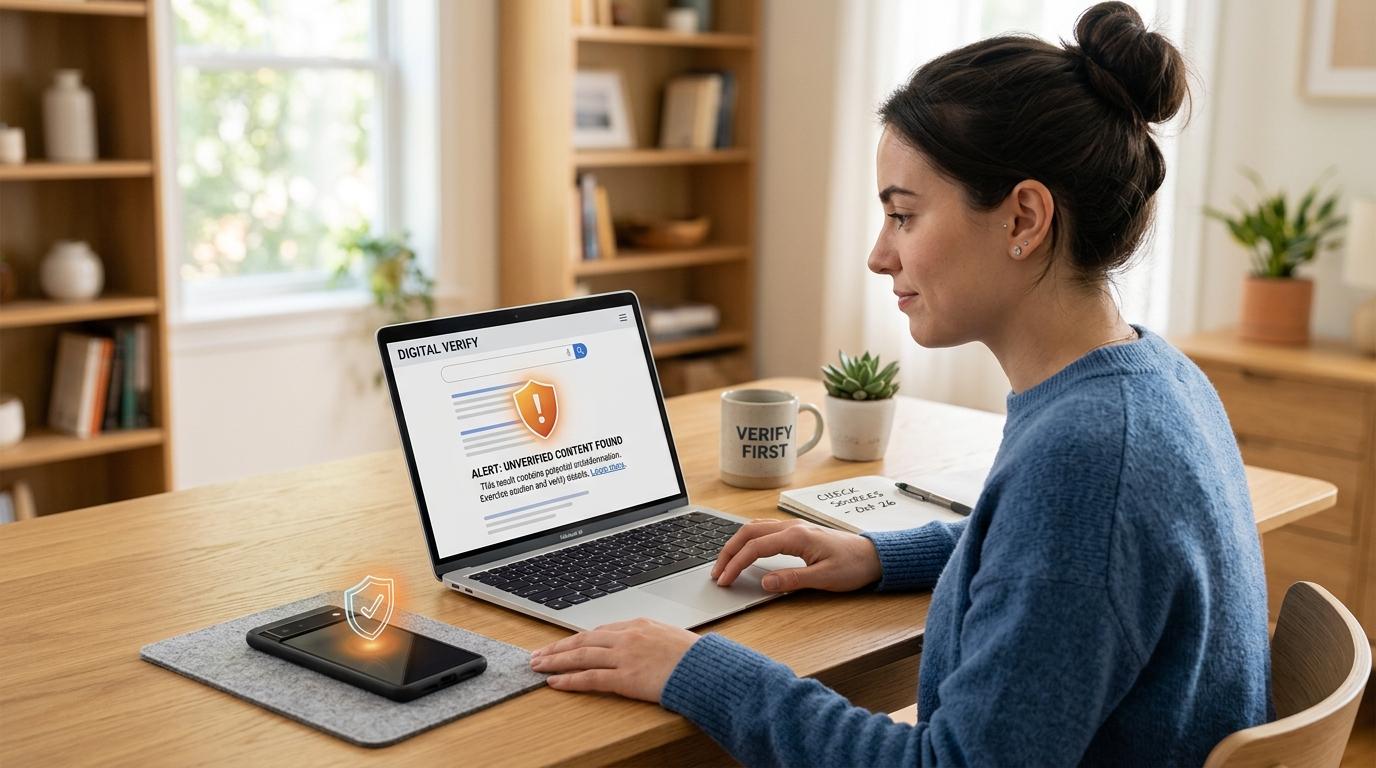
AI search is useful, but it should not be treated as final proof. If an AI answer tells you to call a number, click a link, download an app, send money, log in, or share personal details, verify it through an official website, trusted app, saved phone number, or account you already know is real before acting.
AI tools now help people find airline support numbers, account recovery steps, product suggestions, delivery contacts, travel rules, and refund instructions. The answer may look clean and confident, but confidence is not the same as verification.
Current scam guidance from consumer-protection and platform-safety sources keeps pointing to the same practical pattern: scammers borrow trust from familiar brands, urgent situations, fake support channels, and increasingly realistic AI-generated content. You do not need to stop using AI search. You just need one safer habit:
Use AI for direction. Use official sources before action.
The AI Scam Checklist
#If an AI answer gives you a phone number, link, payment instruction, shopping suggestion, download, login page, or urgent advice, slow down and verify it first.
Why AI Search Scams Work
#AI search tools often summarize information from across the web. That is helpful when the sources are trustworthy.
But if scammers create fake pages and those pages get picked up, an AI tool may repeat information that looks official but is not.
Scammers may publish fake pages that look like customer support directories, brand help pages, refund instructions, travel assistance pages, troubleshooting guides, product listings, or “official” support blogs.
If an AI system summarizes one of those pages, a fake phone number or unsafe link can suddenly feel more trustworthy than it really is.
This does not mean every AI answer is wrong. Many are useful. The problem is that an AI answer can sound confident even when it is simply repeating bad information from somewhere online.
Here is a useful rule:
If the AI answer only informs you, read it carefully. If it asks you to act, verify first.
Calling, paying, downloading, logging in, sharing codes, or sending personal details all count as actions.
Fake Customer Support Number Checklist
#Fake customer support numbers are one of the biggest risks with AI search.
People usually search for support numbers when they are already stressed. Maybe a flight was canceled. Maybe a bank card was declined. Maybe an account is locked. Maybe a package is missing.
That stress makes scams easier.
Common searches include:
- Airline customer service number
- Bank fraud department phone number
- Payment app support number
- Google account recovery phone number
- Printer support number
- Hotel booking support line
- Delivery company customer care
- Credit card dispute phone number
An AI answer may show a number. The number may look normal. The person who answers may sound calm, polite, and professional.
Still, that does not prove the number is real.
Before You Call a Number From an AI Answer
#Use this quick check:
- Do not rely on the AI summary alone.
- Go to the company’s official website or app.
- Find the number on the official Contact, Help, or Support page.
- Compare it with your card, bill, booking confirmation, or account dashboard.
- Be careful with sponsored results, forums, and copied phone numbers.
- Stop immediately if anyone asks for passwords, one-time codes, gift cards, crypto, or screen sharing.
A real support agent may need to confirm your identity. But they should not ask for your full password, your one-time login code, or remote control of your device for a normal support issue.
Red Flags During a Support Call
#Hang up and verify through another channel if the person:
- Says your account will be closed unless you pay immediately
- Asks you to buy gift cards
- Requests crypto, wire transfer, or payment through a strange method
- Tells you not to contact your bank, family, or the company directly
- Asks for your full password or two-step verification code
- Wants you to install a screen-sharing or remote-access app
- Claims they need to “secure” your money by moving it somewhere else
- Gets angry, pushy, or impatient when you ask to verify
If you are unsure, end the call. A real company will let you call back through its official number.
Suspicious Links Checklist
#AI answers may include links, source cards, shopping results, or suggested websites. Some are fine. Some are not.
Before you click, look at the link slowly. Scam links often rely on people moving too fast.
Watch for:
- Misspelled brand names: extra letters, missing letters, swapped characters, or strange abbreviations.
- Odd domain endings: a familiar brand using an unexpected domain can be suspicious.
- Extra words around a brand name: fake sites may add words like “support,” “helpdesk,” “secure,” “login,” or “official.”
- Long messy links: not always unsafe, but worth checking before you log in or pay.
- Pressure language: “act now,” “limited time,” “account locked,” or “final warning.”
- Unexpected downloads: a normal help page should not suddenly force you to download a file.
- Login pages reached from random links: go to the official site yourself instead.
A simple habit helps:
If a link leads to a login, payment, download, or support chat, close it and open the official site manually.
Yes, it takes a few extra seconds. That is the point.
Fake Stores and AI Shopping Suggestions
#AI shopping suggestions can be convenient, especially when you are comparing prices or looking for something hard to find. But fake stores can look surprisingly convincing.
They may have product photos, reviews, discount banners, checkout pages, fake trust badges, contact pages, and return policies copied from real websites.
Before buying from a store you do not know, check the basics.
Fake Store Warning Signs
#Be careful if:
- The price is much lower than every other retailer.
- The store has little or no real contact information.
- The return policy is missing, vague, or copied.
- The website has spelling errors or awkward text.
- Reviews look repetitive, generic, or too perfect.
- The domain name is close to a famous brand but not exact.
- The checkout pushes unusual payment methods.
- There is no clear business address or support channel.
- The store appeared only through an AI answer and cannot be confirmed anywhere else.
Safer Shopping Steps
#Use the AI result as a lead, not proof.
Search the store name separately. Look for independent reviews. Check the exact URL. If the store claims to be an official seller, confirm that through the brand’s own website.
When possible, use payment methods with stronger purchase protection. Avoid sellers that push you toward gift cards, crypto, wire transfers, direct bank transfers, or payment to a personal account.
If the deal feels too good and the site feels a little off, trust that feeling.
Payment Requests: Slow Down Before You Send Money
#Scams usually become easier to spot once money gets involved.
The story may change, but the pressure often feels the same.
You may be told:
- Your account is in danger.
- Your booking will be canceled.
- Your package is stuck.
- Your device is infected.
- Your relative is in trouble.
- Your refund requires a “verification payment.”
- You must pay a fee before receiving money, a prize, or a job offer.
Pause before paying.
A legitimate company usually gives you time to verify, provides official payment channels, and does not punish you for asking questions.
Scammers push speed because they do not want you to think, check, or ask someone else.
Be extra careful with gift cards, cryptocurrency, wire transfers, payment apps sent to an individual, bank transfers to a personal account, refunds that require you to send money first, QR codes from unknown sources, and any payment request tied to secrecy, fear, or shame.
This is not financial advice. It is a practical safety check:
If a payment feels rushed, unusual, or secret, verify it through an official channel before sending anything.
AI Voice Cloning Scam Checks
#AI voice cloning scams are different from fake links or AI search scams, but the trick is similar: the scammer borrows trust from something familiar.
A caller may sound like your child, grandchild, parent, partner, friend, coworker, or boss. They may say they are in an accident, in trouble with police, stranded while traveling, in the hospital, locked out, in urgent need of money, or too embarrassed to tell anyone else.
The voice can sound real. The story can feel emotional. You still need to verify.
What to Do During an Emergency Call
#- Stay calm and slow the conversation down.
- Do not share information first. Avoid giving names, locations, or family details before the caller proves who they are.
- Hang up and call back using a saved number.
- Contact another family member or trusted person.
- Use a family safe word if you have one.
- Do not send money while someone is pressuring you to stay on the line.
A safe word can be simple, but it should not be something easy to guess from social media.
If the emergency is real, your loved one will understand why you checked.
AI Privacy Safety: What Not to Share With AI Tools
#AI tools are helpful for drafting, explaining, planning, and summarizing. But they are not always the right place for sensitive personal information, especially if you do not fully understand how the tool stores or processes data.
Avoid pasting:
- Passwords
- One-time codes
- Bank card numbers
- Passport or identity numbers
- Private medical documents
- Confidential work files
- Full addresses with personal context
- Children’s personal information
- Account recovery codes
- Legal or financial documents you do not want stored or processed
For everyday use, remove personal details before asking for help.
Instead of pasting a full bank message with your name, account number, phone number, and link, you could ask:
“What are common warning signs in a message that says my account will be closed unless I click a link?”
You still get useful guidance without exposing so much private information.
What to Do If You Already Clicked, Called, Shared, or Paid
#First, take a breath.
Scams are designed to make normal, smart people act quickly. Feeling embarrassed is common, but it does not help. What matters now is what you do next.
This is practical guidance, not legal or financial advice.
1. Stop Communicating
#Hang up. Close the chat. Do not reply to more messages.
Do not argue with the scammer. Do not follow extra instructions.
If they call again, let it go unanswered while you secure your accounts.
2. Contact Your Bank or Payment Provider
#If you shared card details, banking information, or sent money, contact your bank, card issuer, or payment provider using a trusted number.
Use the number on the back of your card, your official banking app, the provider’s official website, or a contact number already saved from a trusted source.
Ask what protective steps are available. That may include blocking a card, reviewing recent transactions, disputing unauthorized charges, or monitoring future activity.
3. Change Exposed Passwords
#If you shared a password, change it from the official website or app. If possible, use a device you trust.
Start with important accounts: email, banking and payment apps, shopping accounts, social media, cloud storage, and work or school accounts.
Use strong, unique passwords. Avoid reusing the same password across accounts.
4. Turn On Two-Step Verification
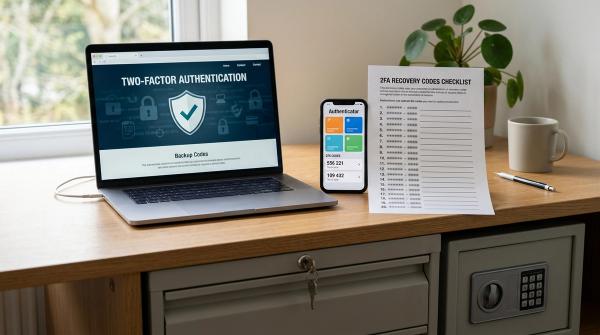
#Two-step verification, also called 2SV or 2FA, adds another layer of protection.
For important accounts, review your recovery email, recovery phone number, backup codes, and trusted devices.
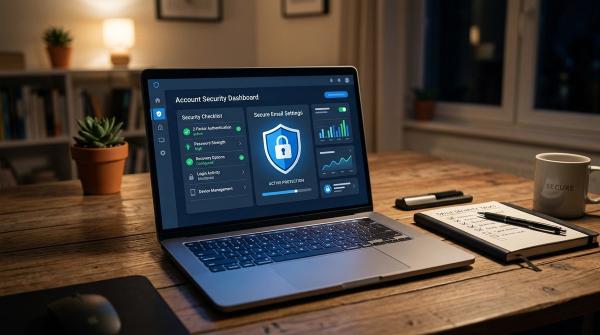
For Google accounts, use Google’s official two-step verification and account recovery pages. Do not use a link from a random message, chat, or AI answer.
5. Sign Out of Unfamiliar Sessions
#Many accounts let you see logged-in devices or active sessions.
Review them. Sign out of anything you do not recognize.
Use the official account security page or app settings. Again, do not follow links from suspicious messages.
6. Remove Suspicious Downloads
#If you installed an app, browser extension, remote-access tool, or unknown file, disconnect from the scammer and remove it.
Run a scan with reputable security software if you have it available.
If it was a work, school, or shared family device, tell the person or team responsible for that device. It may feel awkward, but it is better than letting the problem spread.
7. Warn Close Contacts If Needed
#If a scammer accessed your email, social media, or messaging account, they may contact people you know.
Send a short warning from a secure account if needed:
“Please ignore unusual messages or payment requests from my account. I’m securing it now.”
Keep it simple.
8. Save Evidence
#Keep screenshots, receipts, phone numbers, email addresses, links, transaction IDs, and messages.
These may help when reporting the issue to your bank, payment provider, platform, local consumer protection agency, or relevant service provider.
A Simple “Before You Trust It” Routine
#When an AI answer gives you something important, use this four-step routine:
- Pause: Is this asking me to call, click, pay, download, log in, or share private information?
- Check the source: Did this come from an official source, or is it just a summary?
- Verify separately: Open the official app or type the official website yourself.
- Act only after confirming: If you cannot verify it, do not proceed yet.
This often takes less than a minute. That minute can save you from a much bigger mess later.
Final Reminder
#AI search is helpful, but it is not a replacement for verification.
Before you trust an answer, especially one involving money, accounts, travel, support numbers, downloads, login pages, or emergencies, check it through an official source.
Remember the simple rule:
Read the AI answer. Pause before action. Verify through the official source. Then decide.