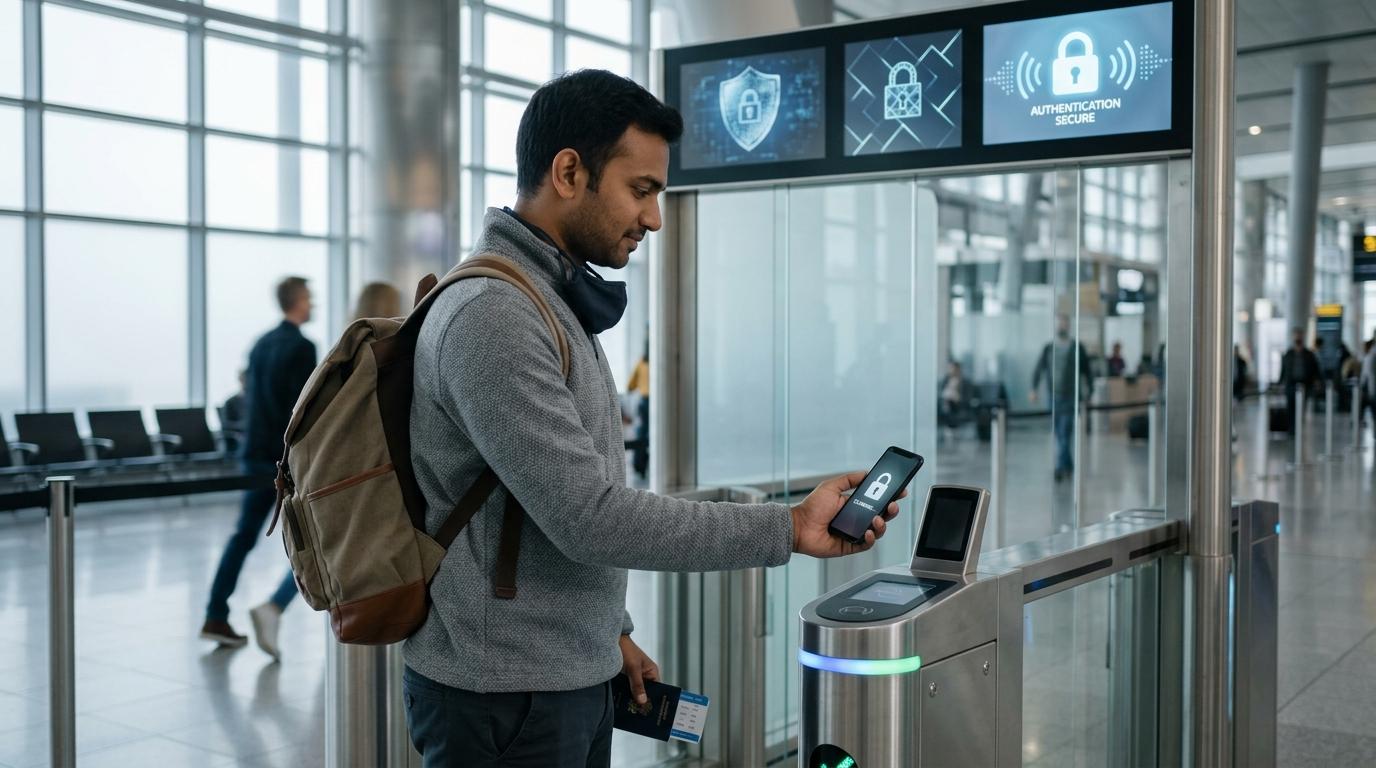
DigiYatra can save you time at the airport. Instead of showing your boarding pass and ID again and again, you can move through certain checkpoints using a face scan.
That sounds convenient, especially when the airport is crowded or you are running late. But it also means using facial recognition. And before you use any system that scans your face, it is sensible to pause and ask: what am I sharing, where is it going, and am I comfortable with it?
The most important thing to know is simple: DigiYatra is optional.
If you do not want to use it, you can still enter the airport and board your flight through the regular process with your boarding pass and a valid government ID.
PIB has said that passenger information stays in the passenger’s mobile wallet, is shared in encrypted form with the departure airport, and is purged from airport systems within 24 hours after flight departure.
Quick summary
#DigiYatra is designed to make airport movement faster. Your face is used to verify that you are the passenger linked to the travel details.
For some people, that convenience is worth it. For others, using face recognition at an airport may feel uncomfortable. Both reactions are completely valid.
If you are okay with the privacy trade-off, use DigiYatra carefully. If you are not okay with it, use the normal airport process. You do not need to justify that choice to anyone.
DigiYatra privacy checklist before you use face scan
#Use this quick checklist before you decide whether to use DigiYatra:
- Is DigiYatra optional for your trip? AAI and MoCA describe DigiYatra as an opt-in biometric boarding system. If you do not want to use it, choose regular ID checks.
- Are you using the official app or airport process? Use only the official DigiYatra app or airport-linked process. Avoid random links, WhatsApp forwards, or unofficial help desks.
- What identity method are you using? Aadhaar, DigiLocker, driving licence and other ID details are personal information. Share only what is required.
- Where is your information stored? PIB has said passenger information is stored in the passenger’s mobile wallet, not in a central database.
- What gets shared with the airport? PIB has said encrypted information is shared with the departure airport for the journey.
- When is airport data deleted? PIB has said the data shared with the departure airport is purged within 24 hours after flight departure.
- Are you comfortable with face recognition? Your face is more sensitive than a boarding pass barcode. Use DigiYatra only if you are comfortable with that trade-off.
- Do you have a backup plan? Keep your boarding pass and physical government ID ready, even if you plan to use DigiYatra.
The privacy trade-off, in plain English
#DigiYatra is part of a larger shift in airport travel. Many countries are testing or using biometric systems to reduce queues and make passenger movement faster.
In simple terms, DigiYatra uses your face to confirm that you are the same person linked to your travel credential.
The benefit is obvious. You may not have to keep pulling out your ID and boarding pass at every checkpoint. The camera scans your face, the system verifies your journey, and you move ahead.
But the privacy concern is also obvious.
Your face is not like a password. If a password is leaked, you can change it. If biometric data is misused, the situation is much more complicated. That is why people are often more cautious about facial recognition than they are about ordinary app logins or ticket barcodes.
For DigiYatra, the main official points to know are:
- AAI and MoCA describe DigiYatra as opt-in biometric boarding using Facial Recognition Technology.
- PIB has said passenger information is stored in the passenger’s mobile wallet.
- PIB has said encrypted information is shared with the departure airport.
- PIB has said the airport data is purged within 24 hours after flight departure.
- Privacy concerns around biometric systems still exist, especially around consent, clarity and trust.
So the question is not really, “Is DigiYatra good or bad?”
A better question is: “Am I comfortable using facial recognition for this airport journey?”
Some travellers will happily use it because it saves time. Some will prefer the regular ID check because it feels safer or simpler. That may be especially true for seniors, students, families with children, or anyone who does not want to share biometric details unless absolutely necessary.
And that is fine. Choosing the regular lane does not make you difficult. It just means you prefer a different level of privacy comfort.
How to use DigiYatra more carefully
#If you decide to use DigiYatra, do it with a little attention. Do not treat it like just another app permission pop-up.
- Read the consent screen properlyDo not tap “allow” just because the queue is moving or you are in a hurry. Take a few seconds to see what the app or airport flow says it will use.
- Use your own phoneSince PIB has said passenger information is stored in the passenger’s mobile wallet, avoid setting it up on someone else’s device. It may seem convenient, but it is not a good habit for identity-related services.
- Check your journey detailsBefore you proceed, make sure your name, flight number, airport and travel details are correct.
- Keep your documents ready anywayCarry your boarding pass and valid government ID. DigiYatra may speed things up, but it should not be your only plan.
- Avoid unofficial links and document requestsBe careful if someone sends a link asking you to upload Aadhaar, boarding pass or ID proof for DigiYatra assistance. Use the official app or airport process only.
- Step away if you feel unsureIf the process feels rushed, unclear or uncomfortable, use manual verification instead. You are allowed to change your mind.
What if you prefer regular ID checks?
#You can simply skip DigiYatra.
At airports where DigiYatra is available, look for the regular entry and verification lanes. Keep your boarding pass and physical government-issued ID ready.
If airport staff direct you toward a biometric gate or enrolment point, you can politely say:
“No thank you, I prefer regular ID verification.”
That is enough.
You do not need to explain your privacy concerns. You do not need to argue. You do not need to feel awkward.
This is not about being anti-technology. It is about deciding how much digital identity sharing you are comfortable with. Sometimes convenience matters more. Sometimes peace of mind matters more.
For airport biometric boarding in India, the choice should remain clear, informed and genuinely optional.