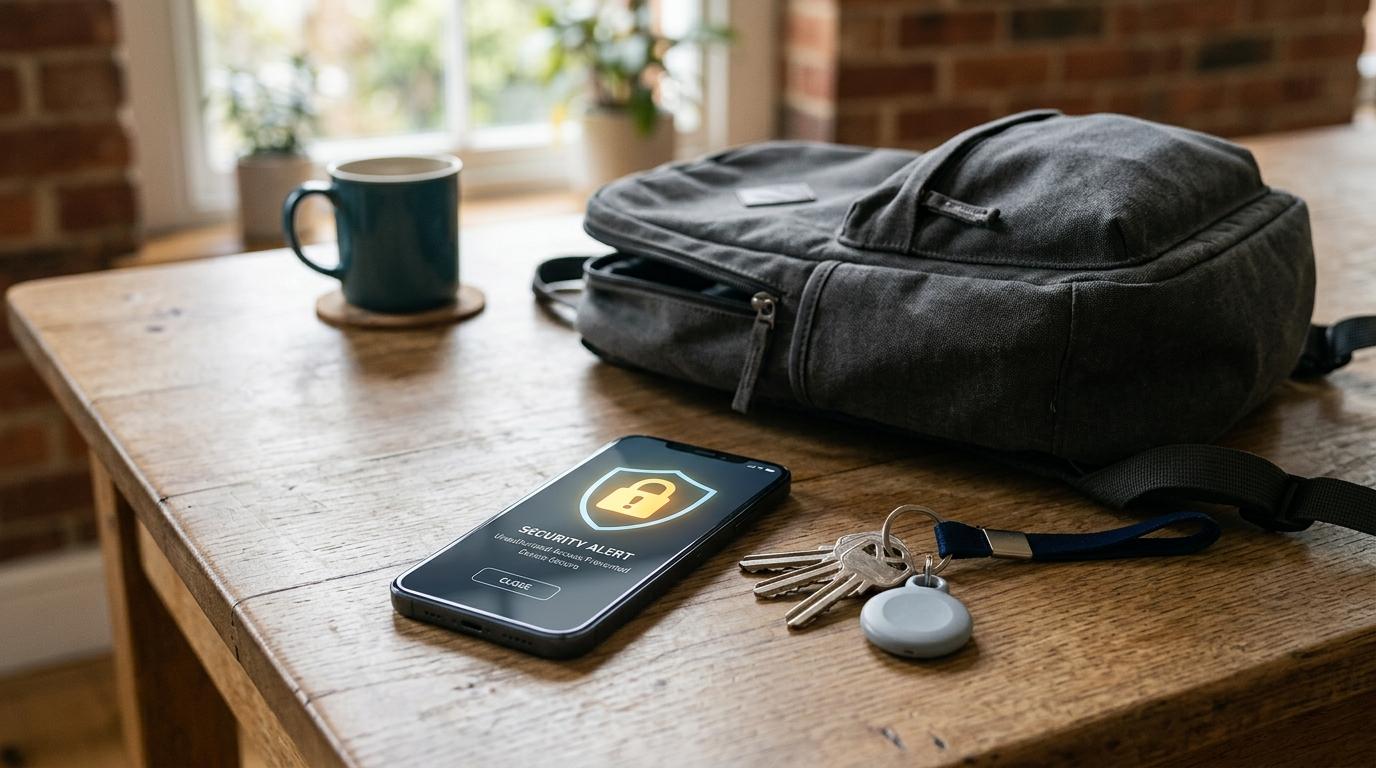
Getting an unknown tracker alert on your phone can feel scary, especially if you were not expecting it.
First, take a breath.
The alert does not automatically mean someone is stalking you. It means your phone detected a Bluetooth tracking device that may be moving with you, and your phone does not recognize it as yours.
That tracker could be in something harmless, like:
- A friend’s suitcase
- Borrowed keys
- A shared car
- Someone’s AirPods
- A backpack, jacket, or bag you picked up
- Luggage near you while traveling
But if you cannot explain why the tracker is near you, take the alert seriously.
Your next steps are simple: tap the alert, check the map, play a sound if available, look for the item safely, and save any details your phone shows. If you find a tracker and you do not know where it came from, do not destroy it. Write down the serial number if it appears, keep the device intact, and contact local law enforcement if you feel unsafe.
Bluetooth trackers like AirTags, Find My accessories, and other location trackers are useful. People use them for keys, wallets, luggage, bikes, backpacks, and electronics.
But the same technology can become a privacy and safety problem if someone uses it to track another person without consent.
That is why iPhones and Android phones now warn you about unwanted trackers. If your phone says “AirTag found moving with you” or shows another unknown tracker alert, slow down and check what is going on.
This guide explains what the alert means, what to do on iPhone, what to do on Android 6+, what to avoid, and when to ask for help.
What an Unknown Tracker Alert Means
#An unknown tracker alert is a safety notification from your phone.
It appears when your phone detects that a compatible Bluetooth tracker seems to be traveling with you over time, but it is not connected to your account or recognized as your device.
Apple says iPhone and iPad users may receive unwanted tracking alerts for devices such as:
- AirTag
- AirPods
- Find My network accessories
- Other compatible Bluetooth location-tracking devices
Google says unknown tracker alerts on Android can help you identify, find, and remove trackers that may have been placed near you or in your belongings without your knowledge or consent. Google says this feature is available on Android 6+.
In plain English, your phone is saying:
“A tracker that does not seem to belong to you may be traveling with you.”
Sometimes there is an innocent reason.
Sometimes there is not.
The goal is not to panic. The goal is to check carefully and stay safe.
Common Harmless Reasons You Might Get This Alert
#Before jumping to the worst-case scenario, think about your day.
Many unknown tracker alerts happen because a tracker is attached to something borrowed, shared, or nearby.
You may get an alert if:
- You borrowed someone’s keys, bag, suitcase, jacket, or car.
- You are traveling with a friend or family member who has a tracker in their luggage.
- You are in a rideshare or shared vehicle with someone else’s tracked item.
- You borrowed AirPods or another compatible Bluetooth device.
- The tracker owner’s phone is temporarily away from the tracker.
- Someone nearby has a tracker, and you have been moving in the same direction for a while.
For example, if you are at an airport with a friend and they have an AirTag in their suitcase, your phone may warn you because that AirTag is moving near you.
If the explanation is obvious and the owner confirms it, you may not need to worry.
But if nothing makes sense, keep going through the steps below.
What to Do First
#Before you start searching your bag, car, or clothing, think about your immediate safety.
If you are alone, in a parking lot, walking at night, or sitting somewhere isolated, move to a public, well-lit place if you can.
If you feel threatened, do not confront anyone. Call local law enforcement or contact someone you trust.
Then do this:
- Keep the alert open if possible.
- Take screenshots of the alert and map.
- Write down the time and place where the alert appeared.
- Follow the official prompts on your phone.
- Search only when it feels safe to do so.
If you find a tracker, do not smash it, throw it away, or damage it right away. If this becomes a safety report, the tracker and its serial number may be important.
iPhone Steps: What to Do If You See “AirTag Found Moving With You”
#On iPhone or iPad, Apple’s unwanted tracking alerts may say that an item was found moving with you. One common message is “AirTag found moving with you.”
Here is what to do.
1. Tap the Alert
#Tap the notification on your iPhone or iPad.
This should open more details, usually through Find My or a related safety screen.
Do not just swipe it away. Even if you are busy, it is worth checking.
2. Look at the Map
#Your iPhone may show a map of where the unknown item was detected moving with you.
Use the map to think through the timeline:
- Did the alert start after you got into a car?
- Did it happen after you picked up a bag?
- Did it appear after leaving work, school, a hotel, or an airport?
- Were you traveling with someone who had tracked luggage, keys, or headphones?
The map can help you figure out when the tracker may have started moving near you.
It does not prove who placed it, so avoid making assumptions too quickly.
3. Play a Sound
#If your iPhone shows the option, tap Play Sound.
The tracker may make a noise, which can help you find it.
Search calmly and check places like:
- Backpack pockets
- Handbags or purses
- Jacket or coat pockets
- Luggage compartments
- Car seats and storage areas
- Keyrings
- Items you recently borrowed
Try not to rip apart belongings or damage anything. Just search carefully.
If you are in a place where searching feels unsafe, stop and move somewhere safer first.
4. Identify the Tracker
#If you find the tracker, follow the instructions on your screen.
Apple says you may be able to see information such as the serial number for an AirTag, AirPods, Find My network accessory, or another compatible Bluetooth tracker.
Save whatever information appears.
You can:
- Take screenshots
- Write down the serial number
- Photograph the tracker
- Note where you found it
Even if you are not sure whether anything is wrong, it is better to keep a record.
5. Look for a Normal Explanation
#Before assuming the tracker was placed intentionally, ask yourself:
- Is it attached to something I borrowed?
- Does it belong to someone I am traveling with?
- Is it inside a shared family item?
- Did I recently use someone else’s AirPods, bag, keys, or car?
If the answer is yes, calmly confirm it with the owner.
If the answer is no, treat the situation seriously.
6. Contact Law Enforcement If You Feel Unsafe
#Apple’s safety guidance says that if you feel your safety is at risk, you should contact local law enforcement.
If the tracker is an Apple product, Apple says law enforcement can work with Apple through official processes using information such as the serial number.
If you may need to report the tracker, keep it intact.
Android Steps: What to Do on Android 6+
#Google says unknown tracker alerts are available on Android 6+ and can help you identify trackers that may have been placed near you or in your belongings without your knowledge or consent.
If your Android phone shows an unknown tracker alert, here is what to do.
1. Tap the Notification
#Open the alert.
It should show information about the detected tracker and where it may have moved with you.
Do not ignore it just because you are busy or because you assume it is probably nothing. It might be nothing, but it is still worth checking.
2. Check the Map
#Android may show a map of locations where the tracker was detected traveling with you.
Use that map to think about what changed around the time the alert started.
For example:
- Did you enter a rideshare?
- Did you borrow luggage?
- Did you leave a public place?
- Did you pick up a bag, jacket, or personal item?
- Were you traveling with someone who uses a tracker?
The map is useful, but remember: it is a clue, not proof of who placed the tracker.
3. Play a Sound
#If the Play sound option is available, use it.
Google’s help guidance says this can help you locate the tracker.
Listen carefully. If you are somewhere noisy, crowded, or unsafe, move to a safer and quieter place first if possible.
4. Search Your Belongings
#Start with the items closest to you.
Check:
- Purse, backpack, laptop bag, or gym bag
- Suitcase or travel pouch
- Coat and jacket pockets
- Car interior
- Bike bag or scooter storage
- Items you recently borrowed
Stay calm while you search.
If something feels wrong, stop searching and get help.
5. Save Tracker Information
#If you find the tracker, follow the instructions on your Android phone.
Your phone may show identifying information, depending on the tracker.
Save anything useful:
- Screenshots
- Serial number, if available
- Photos of the tracker
- Notes about where and when you found it
This information may matter if you decide to report it.
6. Use Manual Scan If Needed
#Android also offers ways to manually scan for unknown trackers on supported devices.
This can be helpful if you are worried about a tracker but have not received an alert.
Use the official Android settings and Google Help instructions for your phone. Be careful with random third-party apps that promise to find every tracker. Some are unreliable, and some may create more confusion than help.
What to Do and What to Avoid
#If you are unsure what to do next, use this quick checklist.
Official Notes From Apple and Google
#Here are the main official points to remember.
Apple Support
#Apple says iPhone and iPad users can receive unwanted tracking alerts when an AirTag, AirPods, Find My network accessory, or another compatible Bluetooth location-tracking device may be moving with them.
Apple explains how to use the alert, play a sound, find more information about the item, and respond if you believe the item is being used to track you without consent.
Apple’s personal safety guidance also says to contact local law enforcement if you feel your safety is at risk.
Google Android Help
#Google says unknown tracker alerts can help Android users identify, find, and remove trackers that may have been placed near them or inside their belongings without their knowledge or consent.
Google says the feature is available on Android 6+.
Android users can receive alerts, review tracker information, and use supported tools to help locate the device.
If You Find a Tracker in Your Bag, Car, or Clothing
#Actually finding the tracker can feel unsettling.
Try to pause for a moment before reacting.
Do this:
- Take a photo of where you found it.
- Do not damage it.
- Save screenshots from your phone.
- Write down the serial number if your phone shows one.
- Put the tracker somewhere safe.
- Contact local law enforcement if you think it was placed without your consent or if you feel at risk.
If the tracker is attached to something borrowed, contact the person who owns the item. For example, if you borrowed a friend’s suitcase and it has an AirTag inside, that may explain the alert.
But if the tracker is hidden in your personal belongings and you do not recognize it, treat that as serious.
What Not to Do
#A few reactions can make the situation less safe or harder to handle later.
Do not confront the person you suspect. You might be wrong, and even if you are right, confrontation could put you at risk.
Do not post the serial number online. Keep identifying details private and share them only with law enforcement or official support if needed.
Do not destroy the tracker immediately. If you decide to report it, the physical device may be important.
Do not assume turning off your phone fixes the issue. The alert is about a separate tracking device, not just an app on your phone.
And do not ignore your instincts. If something feels unsafe, get help.
Final Takeaway
#An unknown tracker alert is not something to ignore.
It is also not an automatic reason to panic.
Tap the alert. Check the map. Play the sound if the option is available. Think through normal explanations, like borrowed luggage, shared keys, a friend’s AirPods, or a tracker in a shared car.
If the tracker is truly unknown, document it, keep it intact, and get help if you feel unsafe.
Your phone is giving you a warning so you can slow down, stay safe, and keep a record of what happened.