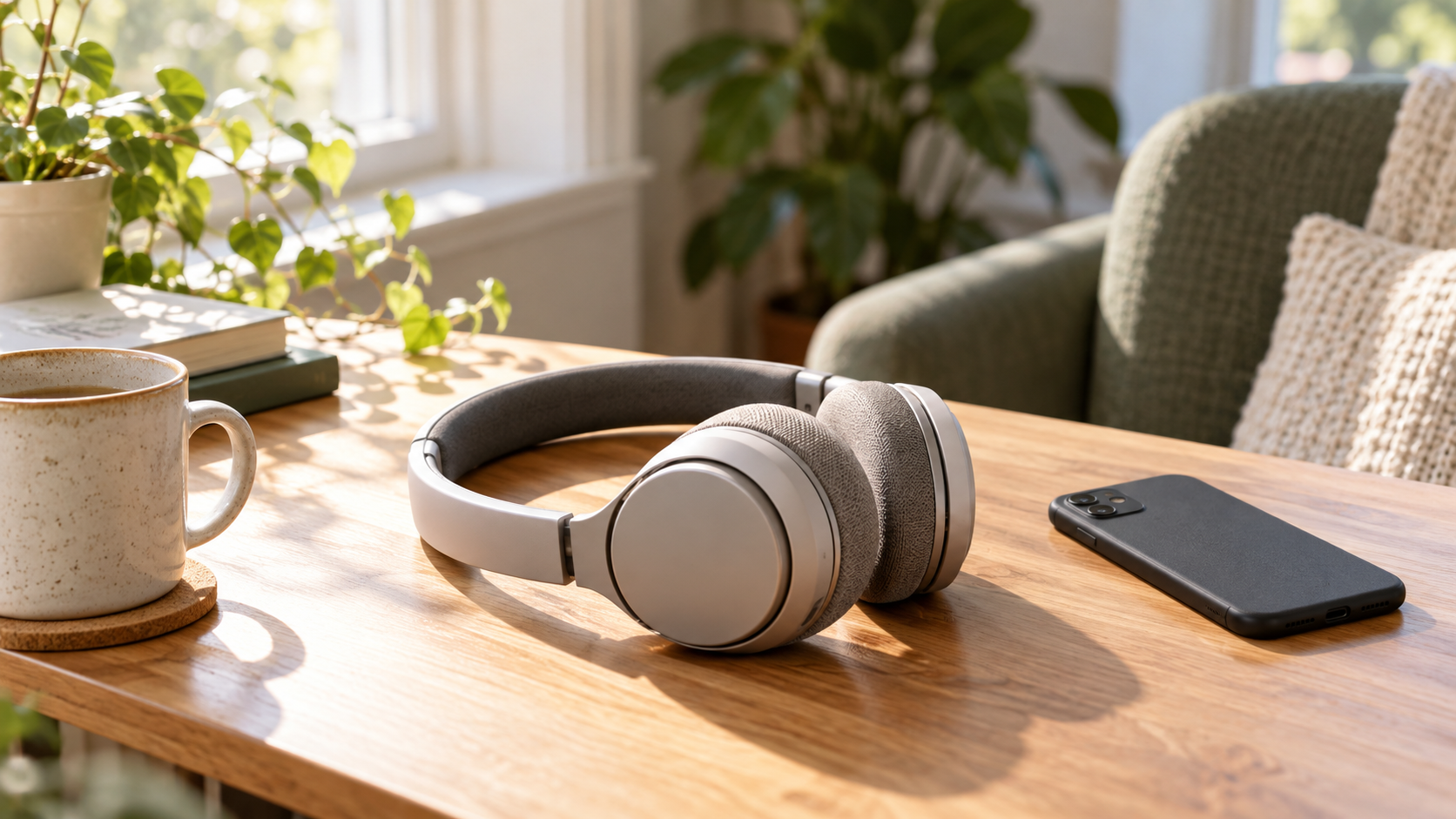
Safe headphone volume depends on both how loud the audio is and how long you listen. Start low, use your device’s listening warnings and volume limits, and take breaks somewhere quiet. A comfortable fit or an expensive pair of headphones does not remove the need to manage sound exposure.
This guide is for everyday adult listening: music, podcasts, work calls and gaming. It explains prevention habits, not a way to diagnose hearing loss or set a personal medical limit.
Why the volume slider is only part of the answer
#Noise can harm the sensitive structures inside the ear. Damage may build gradually, without an obvious moment when something feels wrong. Some noise-related hearing changes are permanent, and feeling better after a loud session does not prove that no damage occurred.
That makes “it doesn’t hurt” a poor reason to keep increasing the volume. The more useful question is: how much sound am I listening to, for how long, across the day?
Think about the whole routine. A playlist during the commute, meetings through a headset, videos over lunch and gaming at night are separate activities on your calendar. For your listening habits, they belong in the same review.
You do not need to abandon audio. You need a routine in which quieter listening is easy, loud sessions are shorter, and silence has a place.
How loud is too loud? Read volume and time together
#The World Health Organization’s safe-listening guidance recommends staying below 80 dB average when using an app to monitor listening. Its weekly examples show how quickly the available time falls as sound gets louder:
| Sound level | WHO listening-time example per seven days |
|---|---|
| 80 dB | 40 hours |
| 85 dB | 12 hours 30 minutes |
| 90 dB | 4 hours |
| 95 dB | 1 hour 15 minutes |
The letters dB mean decibels, a measure of sound level. These are weekly examples, not a fresh allowance for each day or each pair of headphones. Treat them as reference guidance rather than targets to use up or a guarantee for every person.
For an illustrative comparison, one hour at 90 dB on each of five weekdays totals five hours. That already exceeds the four-hour weekly example, before any weekend listening. Lower volume changes the decision much more than simply switching headphones.
If your listening level is uncertain, keep it lower rather than planning long sessions close to a reference limit.
Is 60 percent volume safe?
#Public-health advice often uses 60 percent of maximum volume as a simple reminder to turn audio down. It is a useful prompt, but it is not a calibrated reading of what reaches your ear.
A percentage describes a control setting. Do not assume that the same setting on a different phone, headset or connection produces the same sound level. Where your device supports it, review headphone audio levels and exposure history as well as the slider.
The practical approach is to start with a low setting in a quiet place and use only enough volume to follow the audio. If you keep raising it because of traffic, a café or a noisy room, change the listening situation first. Move somewhere quieter, pause playback or use a better-fitting noise-cancelling pair where appropriate.
There is no need to find the loudest setting you can tolerate. Make clear, quieter audio the normal setting.
Use phone safety features, then check what they cover
#Phone tools can help you notice habits that are easy to miss. Look for three separate features: a maximum-volume limit, loud-audio warnings and a history of listening levels. One feature does not necessarily provide all three.
On iPhone
#Apple’s current headphone-notification instructions describe this route:
- Open Settings, then Sounds & Haptics, then Headphone Safety.
- Keep Headphone Notifications enabled where available.
- Enable Reduce Loud Audio and review the decibel limit it offers.
- In Health, look under Hearing for headphone notifications and audio-level history.
The Hearing control in Control Center can also display headphone levels. Apple says measurements are most accurate with Apple or Beats headphones; readings from other headphones can be estimated.
A particularly useful limitation: Apple’s seven-day headphone exposure notification counts media audio, not phone calls. A quiet-looking media report therefore does not tell you that hours of loud calls were harmless. It also is not a complete record of concerts, machinery or other noise around you.
Use the report to change a habit, not as permission to turn the volume back up after a warning.
On other phones, computers and gaming devices
#Check the device’s own help or manual for volume limits, warnings and exposure tracking. Names and availability vary, so do not assume an iPhone setting exists on your device.
If there is no useful exposure history, keep a simple listening log. Note the activity, approximate duration, whether the surroundings were noisy and whether you repeatedly increased the volume. That log cannot measure decibels, but it can reveal which part of the day needs changing.
Noise cancellation helps with listening; protection is a separate question
#Well-fitted noise-cancelling headphones can make it easier to hear audio without turning it up over background noise. The benefit depends on actually keeping playback lower. Turning on ANC while leaving the music loud does not solve the loud-music problem.
For hazardous noise, ordinary consumer headphones should not be assumed to replace hearing protectors. NIOSH distinguishes noise cancellation from rated hearing protection: cancelling headphones or earbuds should not be considered hearing protection unless labelled with a noise reduction rating, or NRR.
Around power tools or in a workplace with hearing-protection requirements, follow the appropriate protection instructions. Choose and fit protection for the noise and task rather than relying on how quiet a consumer headset feels.
If you are deciding what to buy for normal listening, our guide to open-ear versus noise-cancelling earbuds explains the awareness and isolation tradeoffs. Those buying choices still need sensible volume habits.
A realistic listening-day audit
#Here is a hypothetical routine, not a tested safety prescription:
| Part of the day | Listening pattern | A useful change to try |
|---|---|---|
| Morning commute | 45 minutes, with frequent volume increases | Pause on the noisiest stretch or use a suitable fitted pair at lower playback volume |
| Work | Three hours of headset calls | Lower call volume and take breaks in a quiet place between meetings |
| Lunch | 30 minutes of videos | Make part of lunch a break from audio |
| Evening | 90 minutes of gaming | Check master, game and sound-effect volume before starting |
That is five hours and 45 minutes of headphone use. The total alone cannot establish risk because the sound levels are unknown. Its value is showing where listening happens and where you can reduce it. A media dashboard may miss the calls entirely.
Choose the easiest change first. If commuting causes most of the volume increases, fix that situation. If headphones stay on automatically between meetings, take them off during the gap. A routine you can repeat is more useful than a complicated rule you forget by Tuesday.
RNID recommends breaks of at least five minutes every hour when using headphones. Make the break quiet: removing headphones while standing beside a loud speaker is not the same thing. Breaks reduce further exposure during that time; they do not erase sound already accumulated.
For gaming, check both the system’s master volume and the game’s own audio and effects settings. Where practical, alternate with speakers at a low level. Speakers are an alternative listening setup, not automatic protection from loud sound.
When hearing changes need attention
#Persistent ringing or buzzing, muffled hearing, or new difficulty following conversations should prompt a hearing assessment. Avoid repeatedly raising the volume to compensate. A professional can investigate the problem; the symptoms alone cannot tell you whether headphones caused it.
A sudden loss or marked drop in hearing needs immediate medical attention. NIDCD describes sudden deafness as a medical emergency. Do not assume it is earwax or wait for a headphone break to fix it.
For ordinary prevention, start with the controls you already have: lower playback, enabled warnings, quiet breaks and fewer situations where you turn audio up to compete with noise. Review your own routine and make one concrete change today.