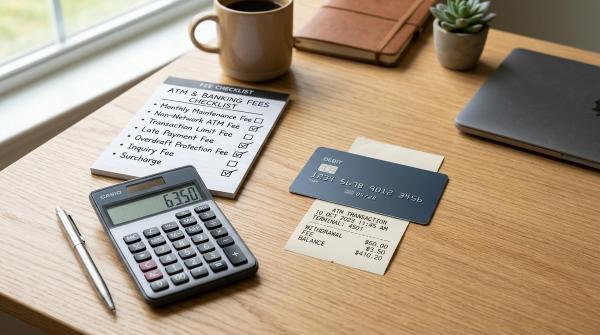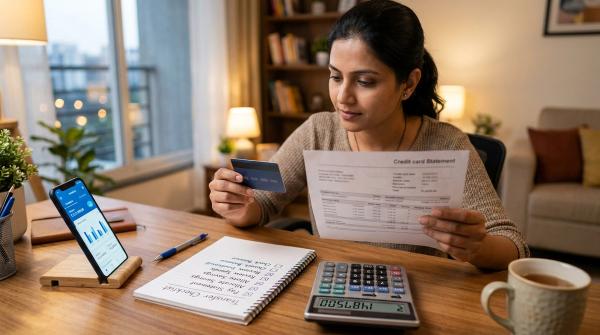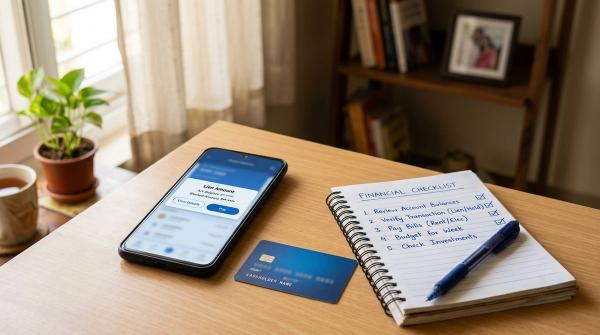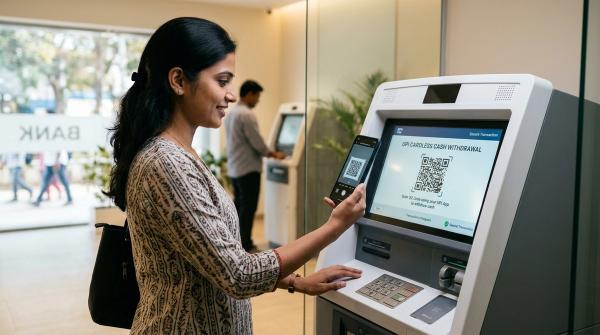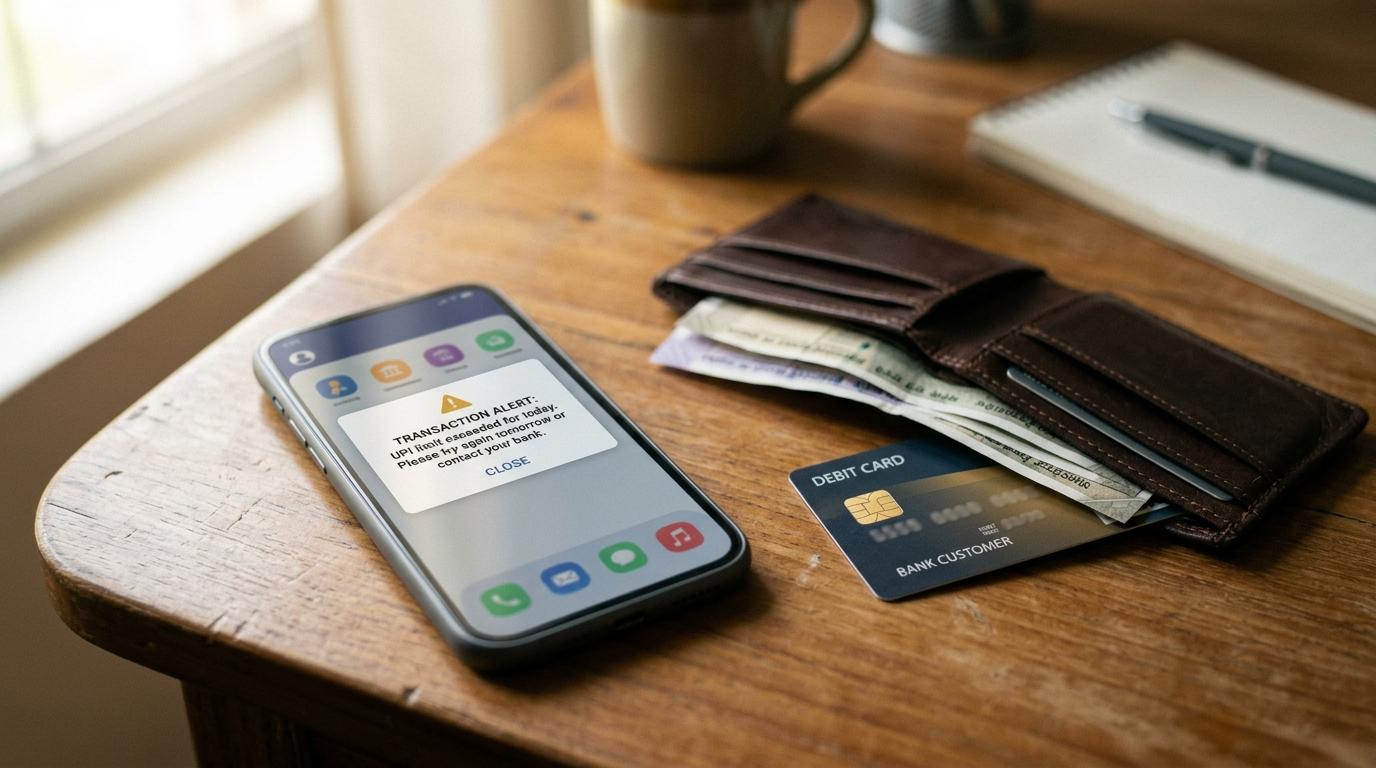
UPI limit exceeded usually means your payment has crossed a bank, app, daily, transaction-count, or merchant-category limit. First check whether money was debited. Then check your total UPI use today, the exact error message, and your bank’s official UPI limit before retrying.
This guide is general education for Indian UPI users. It is not financial, legal, tax, loan, or investment advice. For urgent or account-specific issues, use your bank’s official support or the Help section inside your UPI app.
Why UPI Limit Exceeded Happens
#A UPI payment can fail even when your bank balance is enough. That is because UPI payments pass through several limit checks before they are approved.
Common reasons include:
- You crossed your daily UPI amount limit.
- You crossed a per-transaction limit.
- You made too many UPI transactions in one day.
- Your bank has a lower limit for your account type.
- Your UPI app applied a safety or usage control.
- The merchant is not set up for a higher UPI category limit.
- You recently changed your phone, SIM, app, or UPI PIN.
The safest rule: do not keep retrying blindly, especially for large payments.
Bank Limit vs App Limit vs NPCI/Category Limit
#Your real UPI limit is usually the lowest limit that applies to that payment.
A common misunderstanding is that changing apps will always solve the problem. If your bank account has already reached a bank-level limit, another UPI app linked to the same account may also fail.
What to Check Before Retrying
#1. Check Whether Money Was Debited
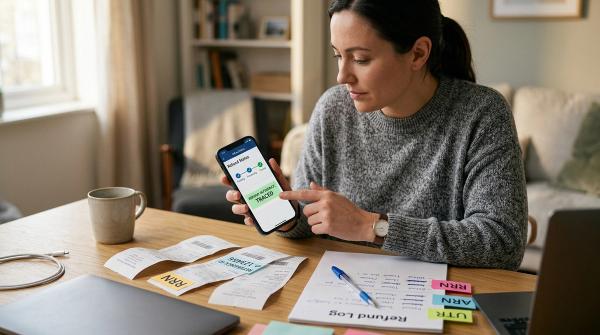
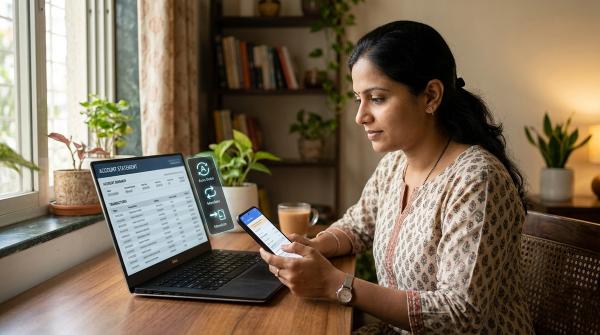
#Open your UPI app and bank statement. Look for the transaction status: successful, failed, pending, debited, reversed, or refund initiated.
If the money was debited, do not pay again immediately. Save the transaction ID, date, time, amount, merchant name, and screenshot.
2. Add Up Today’s UPI Payments
#Check all UPI payments made today from the same bank account, including QR payments, merchant payments, transfers, and approved collect requests. Small payments can add up.
3. Count Your Transactions
#Some limits are based on the number of UPI transactions, not only the total amount. Many small payments in one day can trigger a limit message.
4. Read the Exact Error Message
#“UPI limit exceeded,” “bank limit exceeded,” “daily transaction limit reached,” “risk decline,” and “server unavailable” do not all mean the same thing. The wording tells you whether to wait, contact your bank, or check app support.
5. Confirm the Bank Limit
#Check your bank’s official app or website, or ask official support:
- What is my daily UPI limit?
- What is my per-transaction UPI limit?
- Is my account under any temporary restriction?
- Are person-to-person and merchant payments treated differently?
6. Confirm Merchant Category for Large Payments
#Hospitals, education, insurance, IPOs, and similar categories may have different limits where applicable, but the merchant must be correctly set up. Do not assume every high-value payment gets a higher limit.
UPI PIN and Fraud-Safety Warnings
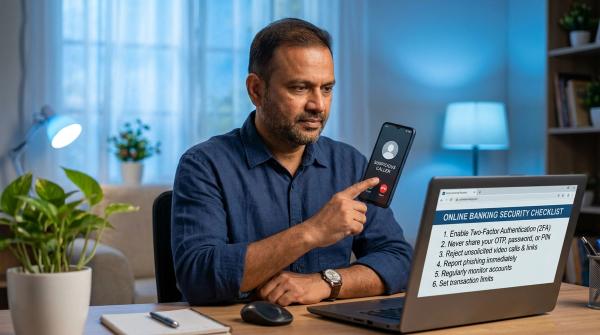
#A limit error can make people anxious, and scammers often exploit that.
Never share:
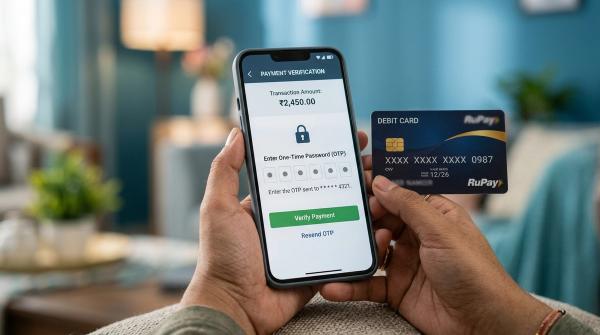
- UPI PIN
- OTP
- Debit card number or CVV
- ATM PIN
- Net banking password
- Screen-sharing or remote-control access
You do not need to enter your UPI PIN to receive a refund, cashback, reversal, or incoming payment. Your UPI PIN approves money going out of your account.
Avoid customer-care numbers found through random search results. Use the Help section inside your UPI app, your bank’s official website/app, or your bank branch.
What to Do If Your UPI Limit Is Actually Maxed Out
#If the limit is genuine, forcing the payment through repeated retries is not useful.
Safer options include:
- Wait for the limit to refresh if the payment is not urgent.
- Use another official bank transfer method such as NEFT, RTGS, or IMPS, based on your bank’s rules and what the receiver accepts.
- Use UPI Lite only for small payments, not large transfers.
- Ask the merchant for an official alternative payment method and verify details directly.
For high-value payments, verify beneficiary details carefully before using any alternate method.
When to Contact Your Bank
#Contact your bank if:
- Small UPI payments are also failing.
- The app says “bank limit exceeded” or “bank declined.”
- Money was debited but the receiver did not get it.
- A transaction is pending for too long.
- You suspect fraud.
- You recently changed phone, SIM, app, or UPI PIN and cannot transact.
Keep your transaction ID, amount, date, time, app name, linked bank account, receiver details, and screenshots ready.
Helpful AllBlogs Reads
#If your issue is not actually a limit error, these related AllBlogs guides may help:
- UPI Payment Failed but Money Debited? Refund Steps & Timeline
- UPI Lite vs Normal UPI: Which One Should You Use for Small Daily Payments?
- Wrong UPI Payment? First 24-Hour Recovery Checklist
- UPI AutoPay Not Cancelling? Stop Recurring Payments
Official-Source Note
#UPI limits and safety rules can vary by NPCI framework, RBI payment-system and customer-protection guidance, your bank’s policy, your app, account type, and payment category. Always verify urgent, high-value, or account-specific payments through official bank or app channels.