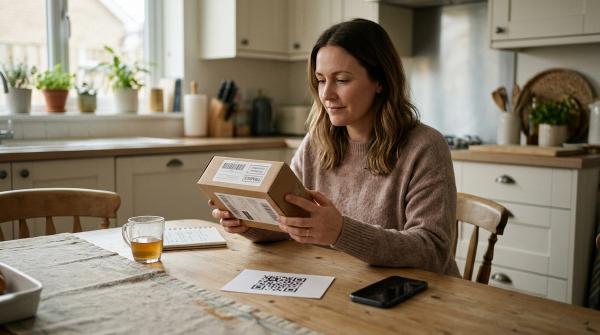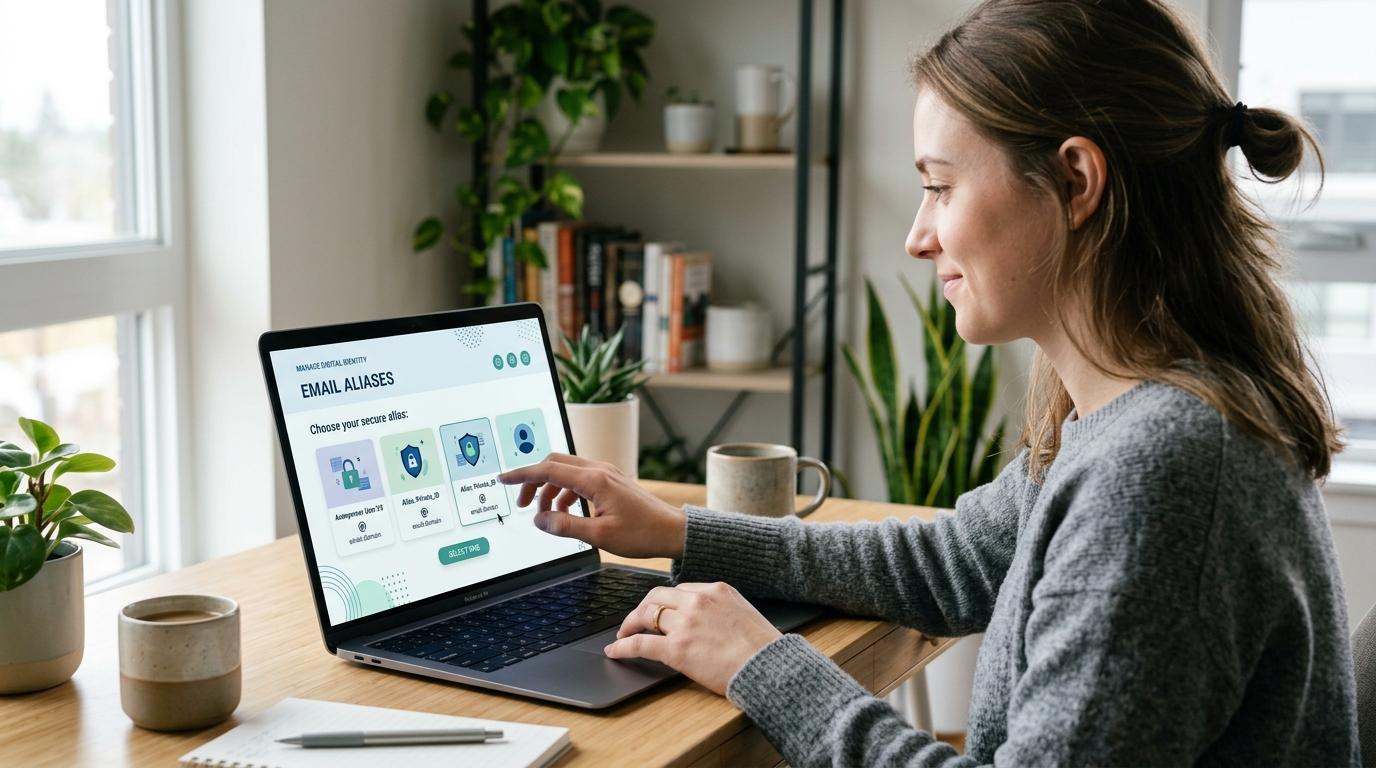
Email alias privacy is a practical way to stop giving your real email address to every website that asks for it.
Instead of using your main inbox for every signup, you use another address: an alias, a masked email, or sometimes a temporary burner email. Messages can still reach you when needed, but your real address stays more private.
For most everyday accounts, a unique masked email is the best choice. It gives you privacy without cutting you off from receipts, verification codes, or password resets. Save that masked email in your password manager right next to the password, and you’ll avoid a lot of future confusion.
Burner emails have their place, but be careful with them. They’re fine for throwaway forms. They are not fine for anything you may need to recover later.
This one habit can help reduce spam, phishing, email tracking, and the damage caused by data breaches — without forcing you to miss important messages.
Email Alias vs Masked Email vs Burner Email
#For most people, masked email is the best everyday option. It keeps your real address private while still letting you receive verification codes, receipts, support replies and password reset links.
When Should You Use an Email Alias?
#Use an email alias when you trust the service but want better inbox organization.
Good examples include newsletters you actually want, school or club updates, trusted shopping accounts, and filters that send messages into folders.
If your email provider supports plus-addressing, you might use something like [email protected]. That can help you sort mail, but it is not strong privacy protection because the main address is still visible.
Aliases are useful for organization. If your goal is privacy from unknown websites, masked email is usually stronger.
When Should You Use Masked Email?
#Use masked email when you want to give a website a private address while still receiving messages in your regular inbox.
This is usually the right choice for new online stores, newsletters, apps you are testing, forums, free trials, event registrations, download forms, loyalty programs and accounts where you may need password resets later.
Masked email works best when every service gets its own address. If one masked address starts receiving spam or phishing messages, you can turn off that one address without changing your real email.
It also helps during data breaches. A masked email will not stop a company from being breached, but if the leaked address was unique to one company, it is less useful across your other accounts.
When Should You Use a Burner Email?
#Use burner email only when future access truly does not matter.
It may be okay for a one-time download, a temporary form, or a test account you do not care about. Do not use burner email for shopping, banking, school, work, travel bookings, medical portals, government services, social media, or anything tied to money, identity, family or long-term access.
The problem is account recovery. If the burner inbox disappears, you may not be able to reset your password, verify your identity, track an order, get a refund, or prove the account belongs to you.
Common Masked Email Tools
#These examples were checked against official product information during this run.
- Apple Hide My Email creates random forwarding addresses so websites do not see your personal email address.
- Firefox Relay provides email masks that forward messages to your real inbox.
- DuckDuckGo Email Protection uses Duck Addresses to conceal your real email and can remove some trackers before forwarding messages.
These tools can help, but none of them make you fully anonymous or fully safe. They are privacy layers, not guarantees.
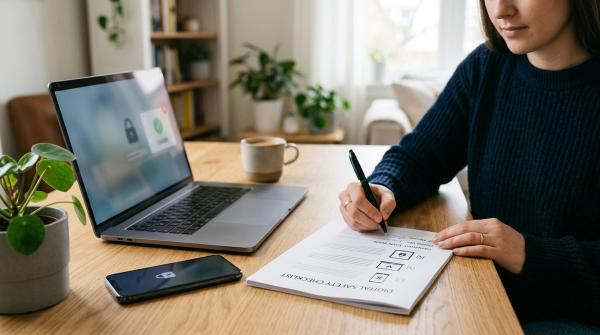
Signup Safety Checklist
#1. Ask, “Will I need this account later?”
#If the answer is yes, do not use a burner email. Use a masked email or stable alias instead. You may need the address later for password resets, receipts, returns, verification links, customer support and account recovery.
2. Use your main email only for high-trust accounts
#Reserve your real email for essential accounts: banking, government services, work or school, core family accounts, your password manager and your primary email provider.
3. Create a unique address for each service
#Avoid reusing the same masked email everywhere. One address per service makes spam easier to trace and easier to shut down.
4. Save the alias in your password manager
#For every account, save the website name, username or masked email, password, recovery method and any notes about the alias. Many sites treat email as the username.
5. Do not use burner email for purchases
#Purchases need receipts, shipping updates, return labels, refund support, warranty messages and password reset links. Use a masked email that forwards to you.
6. Be careful before disabling an alias
#Before turning off an alias, check whether the account is still active, whether you may need receipts or reset links, and whether you should change the account email first.
7. Protect your main inbox first
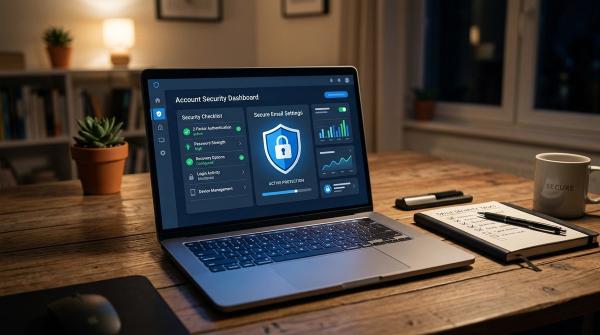
#Your aliases help reduce exposure, but your main inbox is still the center of recovery. Use strong passwords, two-factor authentication, passkeys or authenticator apps where available.
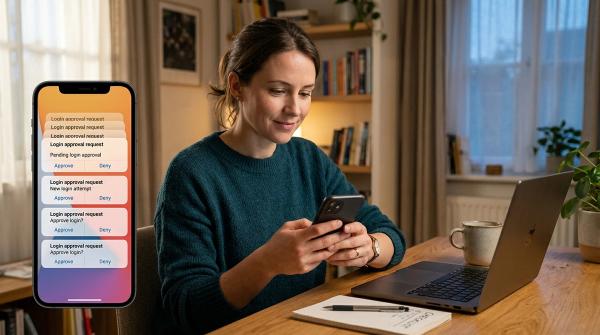
8. Watch for phishing, even with aliases
#Be suspicious of unexpected password reset emails, urgent payment requests, delivery notices you do not recognize, random login links and attachments from unknown senders.
9. Use email tracking protection when available
#Some marketing emails use hidden trackers. Tools like DuckDuckGo Email Protection can reduce some email tracking, but they do not block every form of tracking across the web.
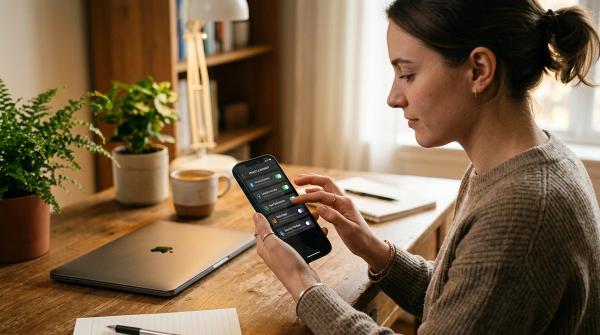
10. Review aliases once in a while
#Every few months, open your alias or masked email dashboard. Disable addresses that only receive spam, update important accounts and confirm that all aliases are saved in your password manager.
Account Recovery Cautions
#Email alias privacy works best when you keep track of what you used. The biggest risk is not the alias itself. The risk is forgetting how everything is connected.
Do not lose track of the signup address. Do not disable aliases too quickly. Do not use burner email for accounts you may need later. Remember that masked email depends on forwarding, so important accounts deserve extra care.
Spam, Phishing, Breaches and Trackers: The Trade-Offs
#Aliases and masked email are useful, but they are not magic.
A unique masked email can help contain spam. It can make phishing easier to notice when a message arrives at the wrong alias. It can reduce breach damage by keeping your real email private. It can also reduce some email tracking when your provider supports that feature.
But you still need safe habits: check links, avoid unexpected attachments, keep recovery methods current and protect your main inbox.
A Simple Rule for Everyday Use
#- Main email: essential accounts only
- Masked email: most signups
- Alias: trusted services and inbox organization
- Burner email: one-time use only, never for accounts you may need later
That small separation can make your inbox quieter, your privacy stronger and your account recovery much less painful.
Related AllBlogs Guides
#- Browser Password Manager vs Dedicated Password Manager
- Password Manager vs Passkeys: Which Is Safer in 2026?
- Third-Party App Access Cleanup Checklist
- AI Email Assistant Permissions Checklist
- Browser Extension Permissions Checklist