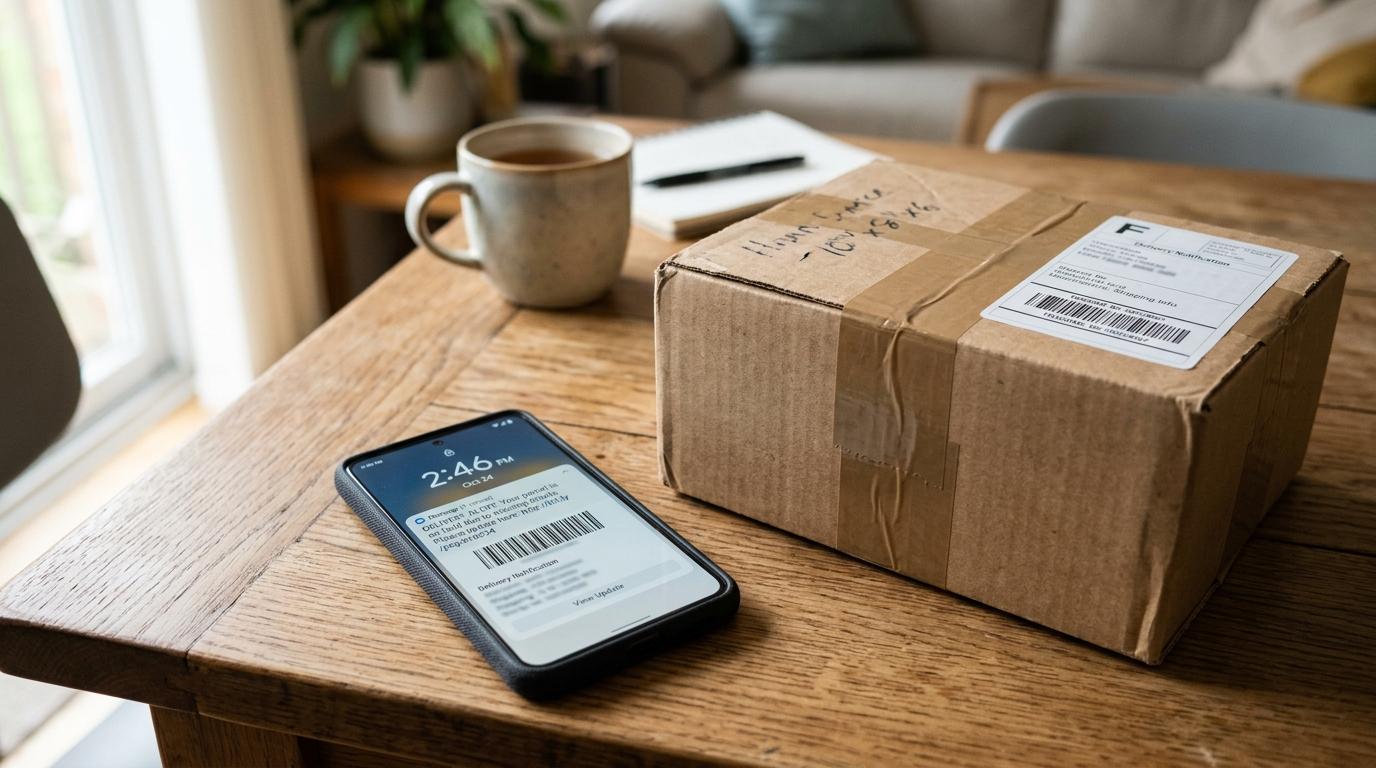
A fake delivery text message is a scam that pretends there’s a problem with your package. It might say your parcel is delayed, your address is incomplete, customs needs a fee, or you must pay a small redelivery charge.
The safest move is simple: don’t tap the link. Open the shopping app, retailer website, or courier app yourself and check the order there. If the message looks suspicious, report it as spam and delete it.
These scams work because delivery texts feel normal now. Most of us order things online, forget about them, and then believe a message when it says, “Your package needs attention.” Scammers count on that tiny moment of doubt.
They usually don’t know whether you actually ordered something. They send the same message to thousands of people and hope it lands at the right time for a few of them.
The good news is that most package delivery text scams follow the same patterns. Once you know the signs, they become much easier to spot.
Quick Red-Flag Checklist for a Fake Delivery Text Message
#Before you tap any tracking link, slow down and check for these warning signs.
1. The Message Was Unexpected
#If you are not waiting for a delivery, treat the text as suspicious right away.
Even if you are expecting a package, don’t assume the message is real. Scammers often keep things vague with lines like:
- “Your package is waiting.”
- “Delivery failed.”
- “Confirm your address.”
- “Your parcel is on hold.”
- “Pay now to release your shipment.”
A real delivery alert usually connects to an order you recognize. A fake delivery text message often gives just enough information to make you curious, but not enough to prove anything.
2. The Link Looks Strange
#A suspicious tracking link is one of the biggest signs of a delivery scam text.
Be careful if the link:
- Uses a shortened URL
- Has spelling mistakes
- Adds extra words around a known brand name
- Ends in an unfamiliar domain
- Does not match the courier’s official website
- Looks like a random mix of letters and numbers
For example, usps-redelivery-update.info is not the same as usps.com.
Scammers often make links look close to the real thing, hoping you won’t look carefully. The safest habit is this: don’t click links in unexpected delivery texts. Go to the official app or website yourself.
3. It Asks for a Small Fee
#Many delivery scam texts ask for a tiny payment. That’s intentional. A small amount feels harmless, so people are more likely to pay without thinking.
You might see messages like:
- “Pay a small redelivery fee.”
- “Customs fee required.”
- “Address update charge pending.”
- “Your parcel cannot be released until payment is made.”
In India, scammers may pretend to be from India Post, a courier company, or customs. They may ask for a small clearance fee or delivery charge. But the real goal may be to steal your card details, login information, UPI details, or banking information.
If a fee is genuine, you should be able to verify it through the retailer app, courier app, or the courier’s official website. Don’t pay through a random SMS link.
4. It Says Your Address Is Incomplete
#A classic missed delivery scam says your package cannot be delivered because your address is missing or incomplete.
It may say something like:
“Delivery failed due to incomplete address. Update now.”
This sounds believable, especially if you recently ordered something. But scammers use this trick to make you enter your full name, phone number, home address, and sometimes card details on a fake page.
Don’t update delivery details through an unexpected text link. Open the shopping app or courier website yourself.
5. The Sender Looks Odd
#Scam messages may come from:
- A normal mobile number
- A foreign number
- A random email address
- A sender name that looks slightly wrong
- A number you do not recognize
Some real delivery companies use short codes, verified sender IDs, app notifications, or official emails. But sender names and numbers can also be faked.
So don’t trust the sender alone. Even if the name looks familiar, verify the message through the official app or website.
6. It Tries to Rush You
#A delivery scam text often tries to make you panic.
Watch for phrases like:
- “Act within 12 hours.”
- “Final notice.”
- “Package will be returned.”
- “Immediate action required.”
- “Your parcel will be cancelled.”
Real delivery problems can sometimes be time-sensitive, but you still have time to check safely. If a message is pushing you to act immediately, that’s a reason to slow down, not speed up.
7. It Asks for Too Much Personal Information
#A fake delivery page may ask for details that have nothing to do with tracking a parcel, such as:
- Date of birth
- Full card number
- CVV
- Banking details
- Account password
- One-time password or OTP
- Government ID information
A normal tracking check should not need sensitive financial information just to show where your package is.
Real Alert vs Scam Text: Quick Comparison
#How to Check a Delivery Without Clicking the Link
#If the delivery text might be real, don’t ignore it completely. Just check it safely.
Step 1: Don’t Tap the Link
#Even if the text looks professional, leave the link alone.
Consumer safety agencies often give the same basic advice: avoid clicking unexpected links and verify through official channels.
Step 2: Open the Retailer App Yourself
#Go directly to the app or website where you placed the order.
For example:
- Amazon
- Flipkart
- Myntra
- Target
- Walmart
- The brand’s own online store
- Any other retailer you actually used
Check your order history. If there is a real delivery issue, it should usually show up there.
Step 3: Use the Official Courier App or Website
#If the retailer shows a courier name and tracking number, go directly to that courier.
Type the official website into your browser yourself, or open the courier’s official app if you already have it.
Examples include:
- USPS
- UPS
- FedEx
- DHL
- India Post
- Blue Dart
- Other local courier services
Don’t copy the link from the text. Use the tracking number from your order confirmation, retailer app, or official email.
Step 4: Compare the Details
#Ask yourself:
- Does the tracking number exist on the official site?
- Does the delivery status match the text?
- Is there really an address problem?
- Is there actually a payment request?
- Does the retailer app show the same issue?
If the official app or website does not show the problem, treat the text as a scam.
Step 5: Contact Support Through Official Channels
#If you’re still unsure, contact the retailer or courier using contact details from their official website or app.
Do not call phone numbers listed only inside the suspicious text. Those numbers can be part of the scam too.
What to Do If You Clicked a Fake Delivery Link
#First, don’t panic. What you should do next depends on what happened after you clicked.
If You Clicked but Didn’t Enter Anything
#Close the page.
Then:
- Do not download any file or app the page suggests
- Do not allow anything to install
- Clear your browser history, cache, and cookies if you want an extra cleanup step
- Report the message, then delete it
Just opening a text message is not the same as giving away information. The bigger risk usually starts when you enter details, download something, or make a payment.
If You Entered Your Name, Address, or Phone Number
#Be extra careful with future calls, texts, and emails. Scammers may use those details later to make their messages sound more believable.
You can:
- Watch for follow-up delivery, refund, bank, or account messages
- Avoid sharing OTPs or passwords with anyone
- Update passwords if you reused information connected to an account
- Turn on two-factor authentication where available
This is frustrating, but it does not always mean disaster. Just stay alert for the next few weeks.
If You Entered a Password
#Go to the real website or app directly. Do not use the scam link again.
Then:
- Change your password immediately.
- Change the password on any other account where you reused it.
- Turn on two-factor authentication if available.
- Check recent account activity.
- Sign out of other sessions if the service gives that option.
If You Entered Card or Payment Details
#Contact your bank, card issuer, or payment provider as soon as possible. Use the official app, the phone number printed on your card, or the number listed on the official website.
Tell them you entered your payment details on a suspected phishing text message site. Ask what they recommend. They may help you block the card, review recent transactions, or guide you through dispute options.
Acting quickly gives you a better chance to prevent more damage.
If You Paid Through UPI, Wallet, or Bank Transfer
#Use your official payment app or bank support channel to report the transaction.
In India, be especially careful with fake refund tricks. A scammer may say they will return your money if you scan a QR code or enter your UPI PIN.
Don’t do that.
Entering your UPI PIN sends money from you. It does not receive a refund.
If You Downloaded an App or File
#Do not open it.
You can:
- Delete the downloaded file or app
- Review app permissions
- Run a trusted mobile security scan if you use one
- Update your phone’s operating system and apps
- Avoid entering passwords until you’re comfortable the device is clean
If your device starts acting strangely, or you’re not sure what to do, contact a trusted technical support person or the device manufacturer’s official support.
How to Report a Spam Text
#Reporting helps carriers and platforms spot scam patterns. It also gets the message off your phone so you don’t accidentally tap it later.
1. Forward It to 7726 Where Supported
#In many places, mobile providers let you forward spam texts to 7726, which spells “SPAM” on a phone keypad.
If 7726 works with your carrier, forward the message there and follow any reply instructions from your provider.
2. Use Your Phone’s “Report Junk” or “Report Spam” Option
#Many messaging apps have a built-in reporting option.
Look for:
- Report Junk
- Report Spam
- Block and report
- Mark as spam
The wording depends on your phone and messaging app.
3. Report Through Official Channels
#Depending on where you live, there may also be official reporting options.
For example:
- In the US, suspicious texts can be reported to the FTC at ReportFraud.ftc.gov.
- If a message impersonates USPS or involves postal delivery, the United States Postal Inspection Service provides guidance on package tracking smishing scams.
- In India, cyber fraud can be reported through the National Cyber Crime Reporting Portal.
Use the official government or agency website. Do not use reporting links that appear inside the suspicious message itself.
4. Block and Delete the Message
#After reporting, block the sender if your phone allows it. Then delete the text.
Do not reply “STOP” to a suspicious delivery text unless you are sure it came from a real service you signed up for. Replying to a scam text can confirm your number is active.
A Simple Family Rule for Delivery Texts
#If you want one rule to share with parents, grandparents, teenagers, or anyone who shops online, use this:
Never fix a delivery problem through a text link. Open the shopping app or courier app yourself.
That rule works because you don’t have to judge whether the link “looks real enough.” You simply check from the source.
Sources Checked
#This guide was fact-checked against current consumer-safety guidance from the FTC, FCC, United States Postal Inspection Service, USPS scam-alert guidance, Apple spam-reporting guidance, and Google Messages spam-reporting guidance.