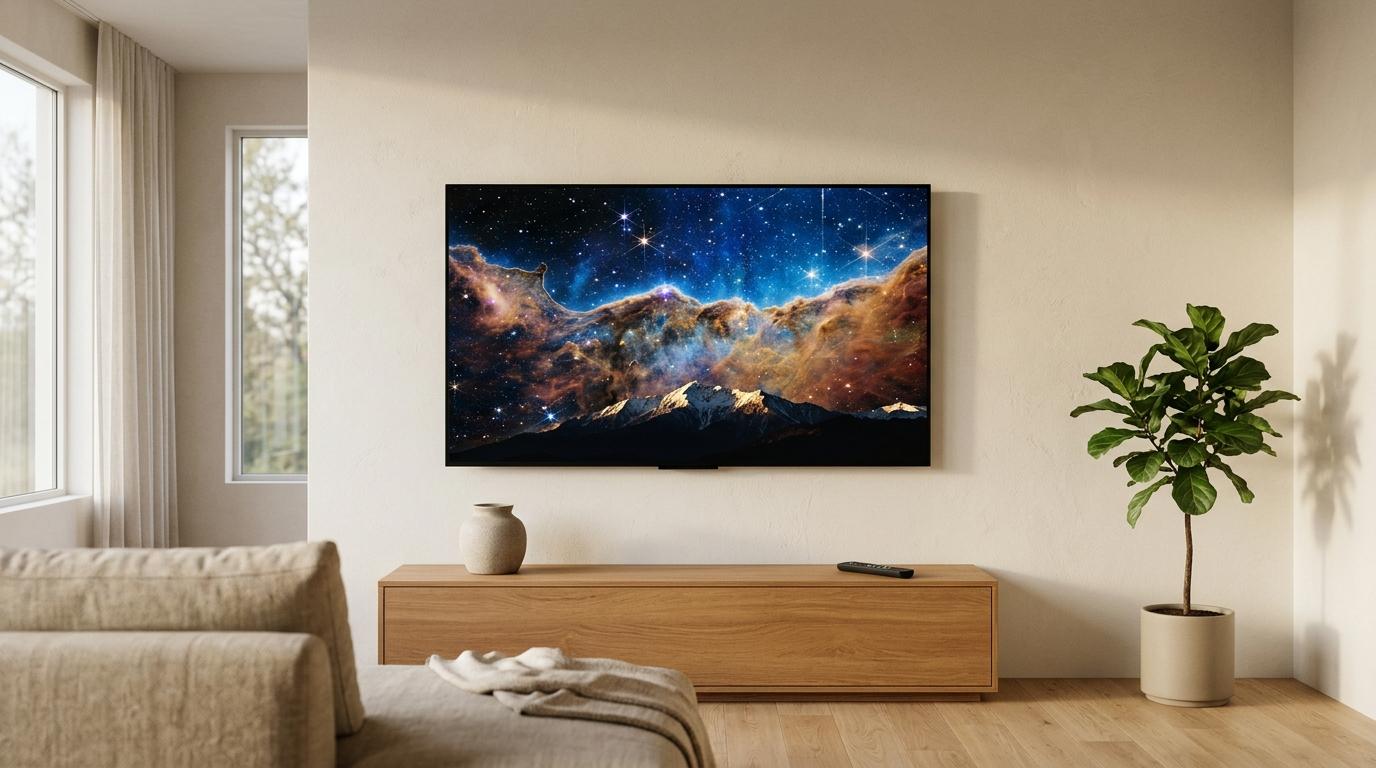
Walk into any electronics aisle or browse ten TV product pages side by side, and you will see the same three labels shouted in huge bold print: OLED, QLED, and Mini-LED. On top of those, brands pile on extra names like Neo QLED, QNED, QD-OLED, and WOLED until a straightforward living-room upgrade starts feeling like a display-engineering exam.
When someone asks me which one to buy, I never start with specs on a box. I start with one simple truth most retail displays skip: OLED, QLED, and Mini-LED are not three completely separate display families competing on equal ground. Standard QLED and Mini-LED are both backlit LCD screens using different ways of pushing light through liquid crystal pixels, while OLED removes the backlight altogether so every single pixel generates its own light.
Once you separate the light source from the color layer, choosing becomes surprisingly calm. Pick OLED if you watch movies or play console games in dimmer or controlled room lighting and want deep pure blacks, wide seating angles, and zero glow around white subtitles. Pick Mini-LED if your screen sits across from bright daytime windows, or if news tickers and sports scoreboards stay paused for hours at a time. Choose standard QLED mostly when you want a larger 55-inch or 65-inch screen on a tighter budget without paying flagship prices.
OLED, QLED, and Mini-LED are not three separate families
#Most confusion starts because TV marketing mixes what makes color with what makes light. Every television image needs light, color, and contrast control. How a TV handles those three jobs splits everything on the market into two broad buckets: self-lit OLED panels and backlit LCD panels.
How a backlit LCD becomes QLED or Mini-LED
#Every LED, QLED, Neo QLED, and LG QNED television starts from the same foundation: a liquid-crystal display (LCD) grid sitting in front of a lamp. Those liquid crystals act like tiny fast-moving window blinds. They block or pass light through red, green, and blue color filters, but they cannot glow by themselves.
A basic LED TV places a modest row of white or blue LEDs along the frame edge (edge-lit) or scattered behind the panel (direct-lit). Standard QLED adds a microscopic quantum dot film in front of the backlight. Quantum dots convert blue LED light into cleaner, brighter reds and greens so daytime scenes stay punchy instead of looking washed out.
Mini-LED keeps that exact LCD-plus-quantum-dot recipe and upgrades the lamp behind it. Instead of dozens of chunky LEDs, makers pack hundreds or thousands of tiny LEDs tightly across the back of the panel and group them into independently dimmable dimming zones. Samsung sells its Mini-LED line mostly under the Neo QLED name, while LG mixes quantum dots and NanoCell layers into its QNED Mini-LED sets. Under the hood, they are still backlit LCD televisions.
Why OLED skips the backlight completely
#OLED stands for Organic Light-Emitting Diode. Rather than shining a lamp from behind a shutter layer, every individual subpixel on an OLED sheet emits its own light when given voltage—and turns off completely to zero brightness when a scene calls for true black.
Because there is no backlight panel fighting to shine through closed shutters, a starfield against dark space has zero cloudy glow around tiny pinpoint lights. Pixel-by-pixel control also gives OLED near-instant response times during fast panning shots and dark horror corridors.
| Display Trait | Self-Lit OLED | Backlit Mini-LED | Standard QLED |
|---|---|---|---|
| How pixels light up | Each pixel lights independently | LCD layer lit by dense local dimming zones | LCD layer with edge or coarse direct LEDs |
| Dark-room black depth | Pure zero light bleed | Very deep with high zone count | Noticeably grey in pitch-dark rooms |
| Bright window rooms | Good, though glossy reflections show | Strongest peak punch in heavy sunlight | Bright and punchy for casual daylight |
| Blooming around subtitles | None | Present around small bright objects on black | Visible full-screen grey lift |
| Off-angle seating color | Consistent from wide side seats | Shifts faster on VA panels unless filtered | Washes out quickly from side chairs |
| Burn-in risk over years | Low but real with static HUDs | None | None |
OLED up close: WOLED vs QD-OLED and what burn-in actually looks like
#If you lean toward OLED, there is a second split that spec sheets rarely spell out clearly in large print: WOLED versus QD-OLED. Most entry-to-flagship LG OLEDs and several Sony OLEDs historically use WOLED panels, whereas Samsung's flagship S-series OLEDs and select upper Sony sets use QD-OLED (with newer multi-layer tandem OLED designs also pushing brightness higher).
WOLED vs QD-OLED in plain English
#A traditional WOLED panel adds a white subpixel next to red, green, and blue filters to boost overall screen brightness cleanly while keeping power and heat in check. At normal living-room brightness, WOLED looks balanced and handles ambient room light reliably because its polarizer keeps dark areas looking inky even with a lamp on. The minor trade-off happens at extreme HDR brightness peaks, where mixing in extra white light can thin out super-saturated neon reds or yellows slightly compared with pure RGB emitters.
QD-OLED skips white subpixels and color-absorbing filters, instead shining blue OLED light through red and green quantum dot layers. That design gives brighter, purer HDR colors that stay vivid even at high luminance. One lighting quirk still catches sunny-room shoppers off guard, though: many glossy QD-OLED panels omit a traditional front polarizer layer. In a bright daytime room, ambient light bouncing into that quantum dot layer can make dark black letterbox bars take on a faint purplish cast compared with how deep they look after sunset.
Separating modern burn-in risk from 2017 myths
#People still avoid OLED completely because they remember early store display panels ruined by permanent channel logos. Organic pixels do age unevenly as they accumulate heat and cumulative brightness, so if a single bright scoreboard, stock ticker, or game health bar freezes in the exact same pixels for thousands of hours, faint ghosting can eventually stick.
That said, treating burn-in as an overnight certainty ignores how much panel maintenance has changed. Modern sets run automatic pixel shifting (quietly nudging images a few pixels at a time), dim static network bugs subtly, and trigger short pixel-cleaning compensation cycles once you switch the TV off with the remote while leaving wall power connected. Do not flip off the wall-outlet switch immediately after powering down an OLED—leave standby power connected for fifteen minutes so those short maintenance cycles finish properly.
For normal mixed households watching movies, streaming shows, weekend cricket, and an hour or two of PlayStation in the evenings, burn-in is uncommon over years of ordinary use. Skip OLED mostly if the television spends six hours a day tuned to a single rolling news channel with a bright yellow banner or doubles all day as a static desktop spreadsheet monitor.
How Sunlight and Glare Change What Looks Best in Your Room
#Whenever I help a friend pick between an OLED and a Mini-LED, I stop talking about nits and ask them to send me a daytime photo of the wall opposite their TV. Room light routinely overrides lab contrast scores by a bigger margin than most spec sheets admit.
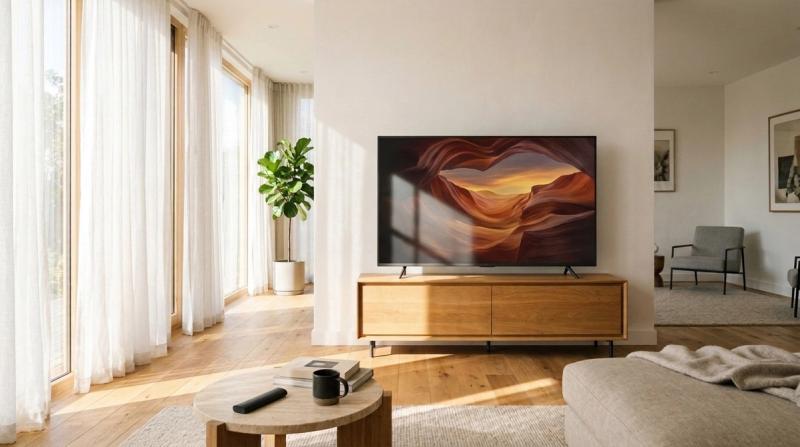
Take a bright family drawing room with wide glass balcony doors or sunlit sheer curtains facing the sofa. High-output Mini-LED sets sustain noticeably higher full-screen brightness than consumer OLEDs, which automatically dial back full-field white brightness to protect pixels from overheating. If you watch weekend afternoon cricket, daytime travel vlogs, or comedy shows in natural sunlight without drawing heavy blackout drapes every time, a bright Mini-LED punches straight through ambient glare and keeps snow, clouds, and jersey colors crisp.
Mirror-like screen finishes matter almost as much as raw nit output. A glossy OLED sitting directly opposite an unshaded west window acts like dark sunglasses reflecting your sofa and bright backyard trees back in your face. Some newer high-end OLED and Mini-LED models add matte or specialized low-glare coatings that scatter mirror reflections cleanly across the glass instead of showing a sharp window outline, though matte finishes slightly soften perceived black contrast if light hits the face directly.
Notice what happens to dark cinema after 8 PM, too. Dim all your lamps to watch a moody thriller on a standard QLED without local dimming, and the whole rectangular screen glows dark charcoal grey. Even a solid Mini-LED with hundreds of dimming zones can produce faint haloing—called blooming—around bright white subtitles sitting inside black letterbox bars. You notice blooming far less during bright scenes, yet anyone who watches subtitled series in pitch darkness spots that subtle grey aura around credits and subtitles right away.
What QLED, Neo QLED, and QNED labels really hide
#Brand naming deserves a quick sanity check because letters alone are designed to blur product tiers.
Why two QLED TVs can look completely different
#Two televisions parked side by side can both say QLED on the box and behave nothing alike in your living room. One budget 55-inch QLED uses an edge-lit strip at the bottom bezel with zero true local dimming; dark scenes look hazy grey across the whole screen even though daytime cartoons pop nicely. Step up to a mid-to-upper Neo QLED or QNED Mini-LED, and hundreds of independently controlled zones pull shadows much closer to theater-grade contrast while preserving huge daytime HDR punch.
Never buy purely off the four-letter acronym on the front sticker. Check whether the specific model actually includes full-array local dimming with genuine Mini-LED backlights—and remember that entry-level Mini-LED sets with very few zones behave closer to basic direct-lit LCDs than flagship sets with over a thousand zones.
Viewing angles: VA vs IPS LCD traps
#Another silent trap hides inside backlit QLED and Mini-LED sets: the underlying LCD panel structure. High-contrast Mini-LEDs mostly rely on VA (Vertical Alignment) LCD layers because VA blocks backlight light well straight-on. The catch is narrower viewing angles—step two seats over on a wide L-shaped sectional sofa, and colors start looking milky while blacks drift grey unless the manufacturer added a wide-angle optical layer.
Budget or mid-tier IPS-style LCDs (often labeled ADS on certain models) flip that tradeoff cleanly: wide off-center seats keep their color well, yet baseline dark-room contrast drops steeply and shadows turn silvery grey even dead center. OLED skips both weaknesses altogether. Whether you sprawl dead center or sit near the dining table off to the side, self-lit pixels preserve full color and contrast across steep seating angles.
Matching panels to movies, sports, gaming, and price
#Here is a practical way to sort real-world habits instead of chasing showroom demo reels that run cherry-picked slow-motion waterfalls.
A quick hypothetical room test
#Imagine two households shopping on the same budget. Household A watches two-hour movies most nights in a curtained bedroom, turns lights off, reads white subtitles, and occasionally sits off-center on a wide bed. Even a mid-tier B- or C-series OLED transforms that setup immediately: letterbox bars vanish completely into the wall bezel, subtitles show sharp crisp edges with zero fuzzy grey haloing, and nobody on the left corner sees washed-out skin tones.
Household B mounts a 65-inch set opposite tall afternoon living-room windows, keeps daytime news and Saturday sports running while kids wander in and out, and hosts bright sunlit living-room gatherings. Putting an entry OLED there wastes money on dark-room finesse that sunlight washes out while exposing static sports graphics needlessly. A genuine multi-zone Mini-LED handles daytime brightness cleanly with zero static-logo anxiety and still delivers punchy HDR highlights after evening lamps go on.
Console gaming, upscaling, and ports
#If PS5, Xbox Series X, or high-refresh PC gaming sits in your setup, look closely past panel labels to HDMI 2.1 hardware details. Genuine HDMI 2.1 ports carry 4K video up to 120Hz or 144Hz along with Variable Refresh Rate (VRR) to prevent tearing and Auto Low Latency Mode (ALLM) so input feels snappy. Watch budget 60Hz QLEDs carefully: many use marketing phrases like motion accelerator without delivering real 120Hz panel hardware or true multi-port HDMI 2.1 bandwidth.
OLED excels in dark-room fast-action gaming because pixel transitions happen almost instantaneously, keeping dark horror textures or fast camera whips clean without smeared dark trails. Meanwhile, pay close attention to upscaling if your household still watches cable news, regional cricket streams, or 720p/1080p broadcasts. A mid-grade Sony or flagship processor cleans compressed broadcast grain far better than a cheap bargain TV with high peak brightness and sloppy motion smoothing.
And keep software out of your panel decision if it clouds your choice. Built-in TV interfaces fill up with sponsored banners or feel sluggish after three years regardless of brand. You can compare interface trade-offs cleanly in our Google TV vs Fire TV vs Roku operating system guide, and right after unboxing any connected screen, check our step-by-step instructions to turn off ACR tracking on your smart TV so pixel fingerprinting stays disabled from day one.
Upgrading cleanly without losing money on your older TV
#Buying a new panel usually leaves one practical question sitting on the floor: what happens to the working 43-inch or 50-inch set you are replacing? Too many perfectly usable LCD or older LED sets end up gathering dust in a spare bedroom simply because hauling a boxed screen feels inconvenient.
Before bundling an older working screen into a rock-bottom retailer exchange credit, check what clean working sets actually fetch locally first. Exchange bonuses frequently inflate a discount while crediting almost nothing for a well-kept panel with intact HDMI ports and an original remote.
If you live in Gujarat and want to see what local buyers pay for working sets—or inspect second-hand TVs nearby while upgrading on a budget—you can check local used electronics listings on Zutilo across cities like Vadodara, Surat, Rajkot, and Bhavnagar. Before posting an older TV yourself, follow a thorough prep walkthrough like Zutilo's guide on selling an old LED TV online with clear screen photos, account sign-outs, and safe pickup steps, covering model details, honest fault photos, included remotes or stands, and removing signed-in apps before handover. Keep realistic guardrails when browsing any peer-to-peer classifieds anywhere: listings show asking prices from individual sellers rather than lab-tested guarantees, so always test the screen thoroughly in person before handing over money.
Whether selling your older unit cleanly or testing a pre-owned television, spend five deliberate minutes inspecting the panel properly:
- Display a solid dark grey test frame, a flat white slide, and primary red, green, and blue screens to catch dark vertical banding, bruised pressure clouds, dead pixel clusters, or stubborn channel-logo burn-in ghosts.
- Plug a real laptop or streaming stick into every physical HDMI port rather than relying solely on built-in Wi-Fi apps, confirming audio and 4K signal handshake work cleanly.
- Move slowly off to a 45-degree side angle to check how severely contrast fades if it is a VA LCD panel.
- Keep original box foam or move any flat-screen TV strictly upright during transport; laying thin modern OLED or large LCD glass flat across back seats invites flexing cracks over speed bumps.
Five showroom checks that expose hype before you pay
#Showrooms crank brightness to maximum Vivid mode on specially mastered 4K demos with soft bright beaches and zero shadow noise, making even weak edge-lit panels look astonishing for thirty seconds. Whenever I inspect models in person before deciding, I run five quick checks on the remote:
- Ask the associate to switch away from Vivid/Shop mode to Cinema, Movie, or Filmmaker mode so boosted contrast and neon oversaturation stop hiding sloppy backlight haloes.
- Stand slightly off to the left and right edges where side sofa guests actually sit and watch whether skin tones turn pale or black bars shift bluish-grey.
- Pull up real dark-scene footage with bright captions or small credits to judge whether a Mini-LED blooms noticeably around white letters.
- Stand back across the aisle to spot how sharply overhead store spotlights mirror back on the glass—pay particular attention if your own home has bright windows opposite the wall mount.
- Look at the rear port label directly instead of relying on brochure summaries: count how many full-bandwidth HDMI 2.1 sockets sit behind the panel, especially if eARC eats one port for your soundbar while two consoles share the rest.
Once you strip away acronym hype, the right answer stays straightforward. Match the screen first to daytime glare and night viewing habits, second to how wide your family sits, and third to true local-dimming or pixel performance at your size—never just to whichever four-letter badge sits largest on the box.