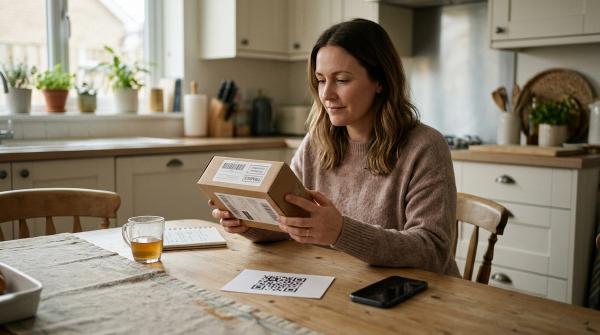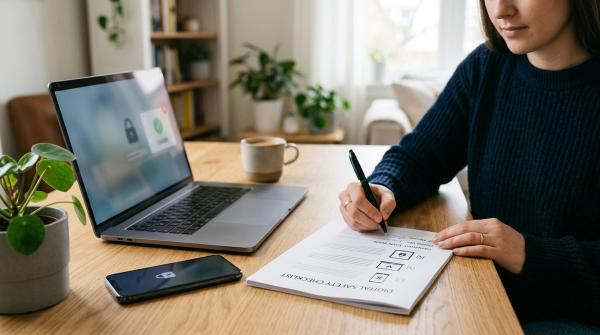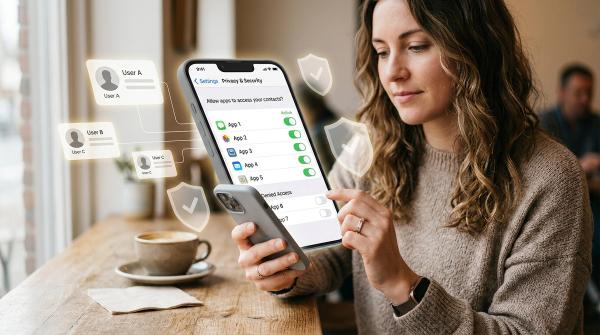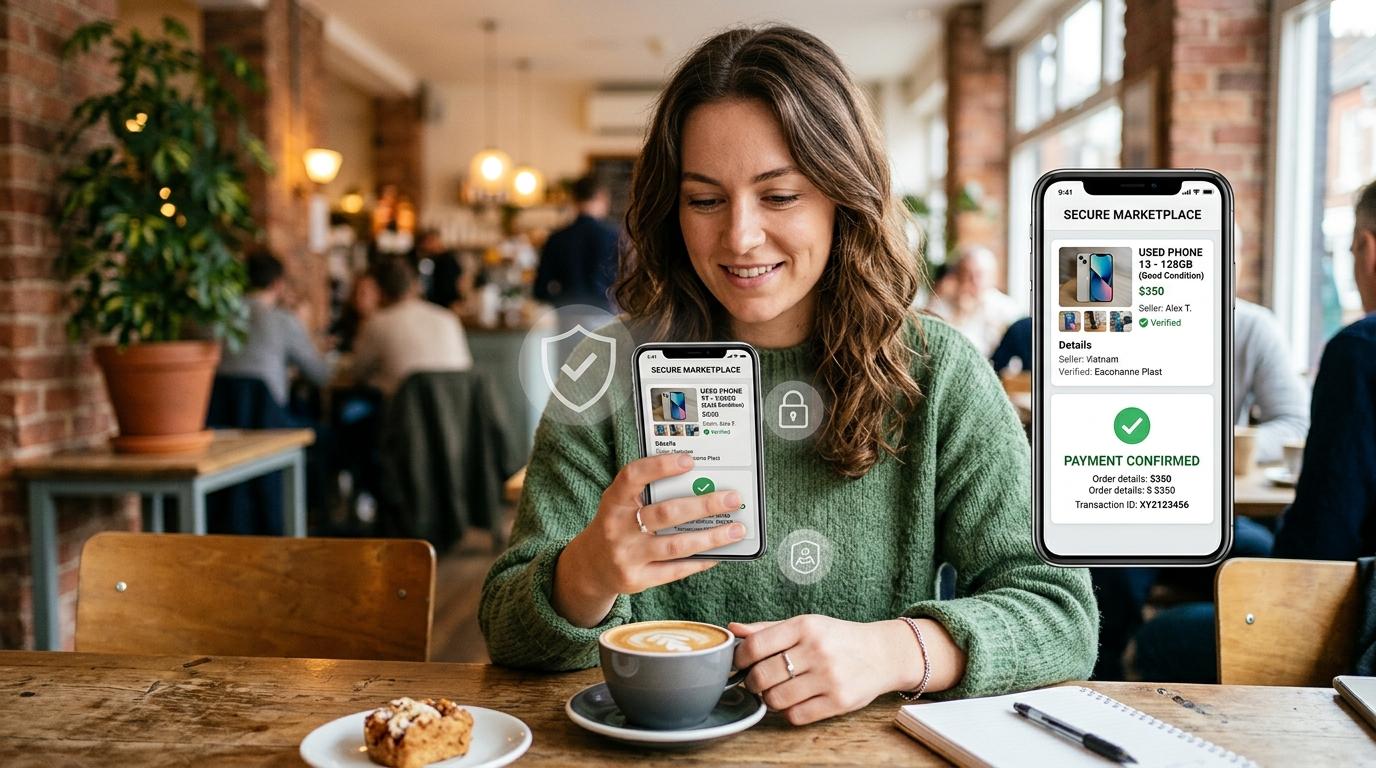
Before you message a stranger, send money, scan a QR code, share ID, or hand over an item, take a minute. This online marketplace scam checklist helps you slow down before a deal becomes risky: check the listing, verify payment in your own app, avoid suspicious links, and never scan a QR code or enter a UPI PIN to receive money.
Online marketplaces are useful. A student can buy a second-hand desk, a family can sell an old phone, and someone moving homes can find affordable furniture nearby. But the same convenience attracts scammers who create urgency, fake payment proof, or confusing payment steps.
Consumer safety advice from the U.S. Federal Trade Commission, OLX safety guidance, and Indian cyber-safety messaging all point to the same habit: slow down, verify through official apps, and report suspicious activity through official channels.
Why Online Marketplace Scams Work
#Marketplace scams usually work because people are busy or excited about a good deal. A buyer says, “I’ll take it now.” A seller says, “Pay a small booking amount.” Someone sends a screenshot and says, “Payment done.”
Scammers want you to skip normal checks. Watch for urgency, fake trust, confusing payment steps, and embarrassment tactics that make you feel awkward for asking basic questions.
The safest response is simple: inspect the item, verify payment yourself, and refuse strange payment instructions.
Buyer vs Seller Scam Red Flags
#One red flag means slow down. Two or more usually mean it is safer to end the deal.
Buyer Scam Checklist: Before You Pay
#Check the item and listing
#Ask for real photos, not only polished catalogue-style images. For electronics, vehicles, appliances and expensive items, try to inspect the item in person before paying.
A very low price does not always mean fraud, but a nearly new phone, laptop, bike, camera or gaming console at an unusually low price should make you pause.
Avoid advance-payment pressure
#Be careful if a seller says:
- “Send a small booking amount.”
- “Many people are waiting, pay now.”
- “Pay courier charges first.”
- “I will reserve it after advance payment.”
If you have not inspected the item or verified the seller, do not send money.
Watch for copied photos and vague answers
#Search the listing images if they look too perfect. Stolen product photos may appear in listings across different cities or platforms. Also be careful if the seller refuses to send a fresh photo, serial number, or quick video of the actual item.
Use payment methods you understand
#Be cautious with gift cards, crypto, wire transfers, unknown payment links, or instant transfers to personal accounts. Use a payment method you understand and avoid paying outside platform protection when safer options exist.
Simple buyer rule: see it, inspect it, confirm the seller, then pay.
Seller Scam Checklist: Before You Hand Over the Item
#Verify payment in your own app
#Do not rely on the buyer’s screenshot, email, SMS, or “money sent” message. Open your own banking app, UPI app, wallet, or account and check whether the money is visible.
If the money is not in your account, the payment is not confirmed.
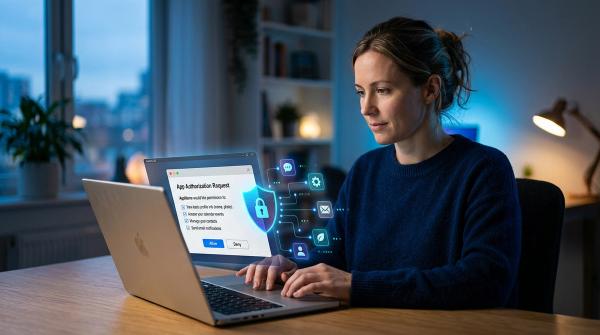
Do not scan a QR code to receive money
#A fake buyer may say:
- “Scan this QR code to accept payment.”
- “Enter your UPI PIN to receive money.”
- “This is a business payment confirmation.”
- “You need to confirm from your side.”
Stop there. In UPI and many QR payment flows, scanning a QR code and entering a PIN can send money out of your account.
Never share secret codes
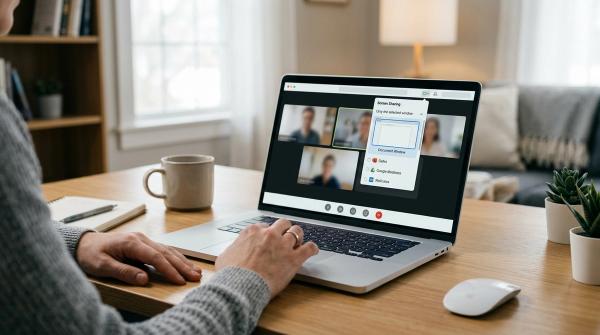
#A real buyer does not need your UPI PIN, OTP, card PIN, banking password, wallet password, screen-sharing access, or remote-access app permission.
If someone asks for any of these, end the deal.
Treat overpayment carefully
#In an overpayment scam, a buyer claims they accidentally paid extra and asks you to refund the difference. Do not rush. Contact your bank, card issuer, UPI app, or wallet support through official channels first. The original payment may fail, be reversed, or turn out to be fake.
Simple seller rule: no confirmed payment in your own account, no item handover.
UPI, QR Code, and Payment Link Safety
#This section is India-aware, but the same logic applies to payment apps globally: know whether money is coming in or going out.
If you are not sure, stop.
- You should not need to scan a stranger’s QR code to receive money.
- You should not need to enter a UPI PIN, OTP, card PIN, or password to receive money.
- Payment screenshots are not final proof.
- Unknown payment links can be fake login or payment approval pages.
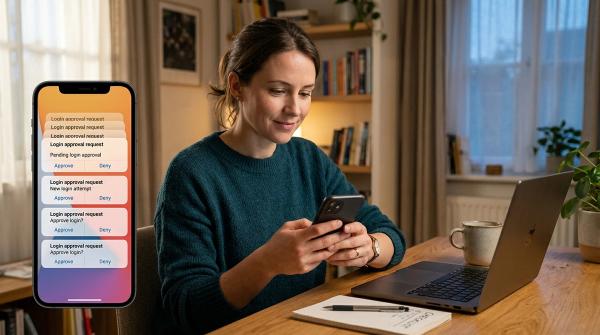
- A “collect request” or approval prompt may send money out of your account.
Open your official bank, wallet, or UPI app yourself. Do not follow a stranger’s live instructions during a marketplace deal.
Safe Pickup and Meeting Habits
#Local marketplace safety is not only about payment. Meeting strangers also needs planning.
Choose a public place when possible, such as a busy café, mall, grocery store lobby, public building area, or official safe exchange zone if your city provides one. Avoid isolated streets, empty parking lots, quiet lanes, or private locations for first meetings.
Share the meeting time, place, and buyer or seller profile with someone you trust. For expensive items, take someone with you. Daytime meetings are easier for inspection and usually safer for both sides.
For buyers, test electronics before paying. Check charging, screen, buttons, speaker, camera, ports, battery, serial number or IMEI where relevant, and basic functions.
For sellers, confirm digital payment inside your own app or count cash calmly before handing over the item.
Step-by-Step Marketplace Safety Checklist
#Step 1: Check the listing
#- Is the price realistic?
- Are the photos clear and consistent?
- Does the description match the item?
- Is the profile new, empty, or suspicious?
- Are there repeated listings with the same photos?
Step 2: Keep communication clear
#Prefer platform chat where possible. If you move to WhatsApp or phone, keep written records. Do not click unknown links or share OTPs, PINs, passwords, or unnecessary documents.
Step 3: Confirm the terms
#Agree clearly on final price, meeting location, payment method, who is collecting the item, and whether it can be inspected or tested. If the terms keep changing, pause.
Step 4: Watch for payment tricks
#Stop if the other person sends a QR code to receive money, asks for secret codes, sends only a screenshot, overpays and asks for a refund, or claims your account must be upgraded to receive funds.
Step 5: Verify before handover
#Buyers should inspect the item before paying. Sellers should confirm money in their own account before handing over the item.
Step 6: Save records
#Keep chat history, listing screenshots, profile details, phone numbers, payment references, pickup details, and courier information if any.
What To Do If You Already Clicked, Paid, Scanned, or Shared Details
#First, do not panic. Marketplace scams are designed to confuse people.
Stop responding, but save evidence. Keep screenshots of the listing, chat history, profile link, phone numbers, payment details, QR code or link, emails, courier information, and transaction references.
Contact your bank, card issuer, UPI app, or wallet support through official channels. Tell them exactly what happened and ask what can be blocked, reversed, frozen, reported, or monitored.
If you entered a password, change it from the official app or website. If you used the same password elsewhere, change it there too.
Report the profile inside Facebook Marketplace, OLX, or the local app you used. In India, use the National Cyber Crime Reporting Portal or call 1930 for cyber financial fraud reporting. In the U.S., use FTC reporting resources. In other countries, contact your local cybercrime authority, consumer protection agency, or police non-emergency channel.
Avoid “recovery expert” messages. Many unofficial recovery offers are scams too.
Related AllBlogs Reads
#If you want to build safer habits around payments and links, also read AllBlogs guides on UPI QR code scam checks, fake delivery text messages, checking if a link is safe before clicking, WhatsApp screen-sharing scams, and virtual cards vs digital wallets for online shopping.
Source-Aware Safety Notes
#This guide follows widely shared consumer safety advice from the U.S. Federal Trade Commission, OLX platform safety guidance, Delhi Police cyber safety messaging, and Indian cybercrime reporting guidance around UPI, QR codes, OTPs, PINs, and official reporting channels.
Always check the latest safety instructions from your marketplace app, bank, payment provider, and local authorities.
Disclaimer: This guide is for general digital-safety education. It is not legal, banking, forensic, or financial advice. If you believe you have been defrauded, contact your bank, payment provider, marketplace support, and local authorities through official channels.