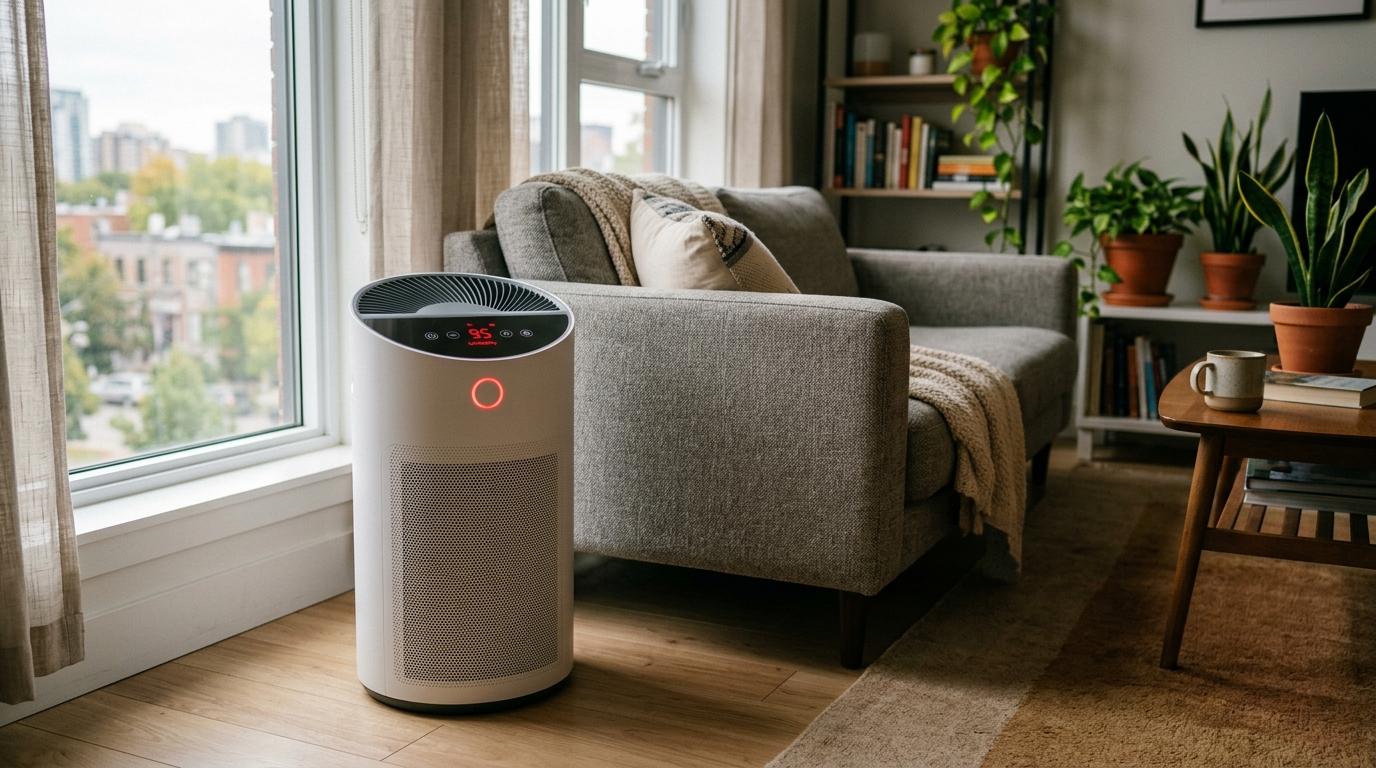
If your air purifier red light stays on, don’t rush to buy a new filter just yet. A red light usually means either the purifier thinks the air quality is poor, or the filter reminder needs attention. First check whether it is the air-quality light or the filter icon, then look for simple causes like cooking smoke, dust, incense, humidifier mist, blocked airflow or a filter reset that was missed.
What Does an Air Purifier Red Light Mean?
#An air purifier light red warning usually points to one of two things.
Red Air Quality Light
#This is the light that changes color depending on what the purifier’s sensor is detecting in the room.
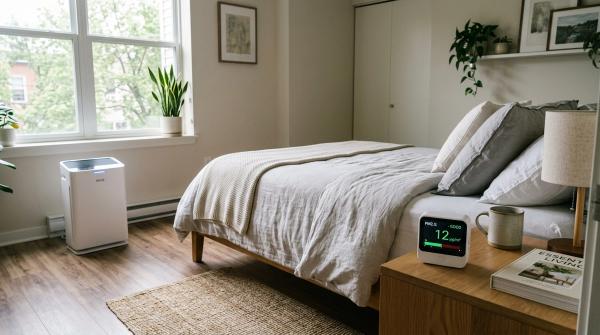
Many air purifiers use a color ring, front display or small screen to show air quality. In many models, blue or green means good, yellow or orange means moderate, and red means poor air quality or high particle levels. The exact colors depend on the brand, so your manual is still the best place to confirm what each light means.
If the large air quality light turns red and the fan suddenly speeds up, your purifier is probably reacting to particles in the air. This can happen after cooking, sweeping, burning incense, lighting candles, spraying room freshener or running a humidifier nearby.
Red Filter Indicator Light
#The filter light is different. It is usually smaller and may appear near a filter icon, reset button or maintenance symbol.
A red filter light does not always mean the air in your room is bad right now. It usually means the purifier thinks the filter has reached its expected usage limit.
Some purifiers track this by run time. Others use airflow or a built-in reminder system. So a red filter indicator could mean the filter needs replacing, or that the filter was already replaced but the reset was not done.
This is why replacing the filter and resetting the filter light are not the same thing. You can put in a new filter, but if you do not reset the indicator, the red light may stay on.
First, Check Which Red Light Is On
#Before opening the purifier or ordering a replacement filter, take a close look at the display.
Ask yourself:
- Is the big air quality ring red?
- Is the fan running faster than usual?
- Is there a high pollution number on the screen?
- Is only the small filter icon red?
- Did the red light appear right after changing the filter?
- Did it happen after cooking, incense, dusting, candles or humidifier use?
If the air quality light is red, focus on the room air, sensor and purifier placement. If the filter icon is red, focus on the filter condition, replacement schedule and reset process.
Why the Air Quality Light Turns Red
#If your purifier is showing an air purifier bad air quality warning, the PM2.5 sensor is likely detecting fine particles or mist in the air.
PM2.5 means very tiny particles. Many automatic air purifiers use an optical sensor to estimate these particle levels. In simple terms, the sensor watches for tiny particles passing through a small chamber.
That is useful, but it also means the sensor can react to everyday household activities.
A purifier may turn red because of:
- Cooking smoke
- Incense or dhoop
- Candle smoke
- Dust from sweeping
- Pet hair and dander
- Room fresheners or sprays
- Humidifier mist
- Poor airflow around the purifier
- Dust on the sensor itself
A practical indoor-air order is: reduce or remove the source, ventilate when outdoor air is suitable, then use filtration as a supplement. The purifier can help, but it works better when you reduce the source of the problem too.
Common Reasons Your Air Purifier Red Light Stays On
#Cooking Smoke
#Cooking is one of the most common reasons an air purifier red light turns on. Frying, roasting, searing, tempering spices, burning toast or cooking with oil can release smoke and fine particles. In smaller homes and apartments, those particles can spread quickly.
If your purifier is near the kitchen, it may turn red soon after cooking starts.
What to do:
- Use the kitchen exhaust fan.
- Open a window if the outdoor air is clean enough.
- Keep the purifier running in a nearby room.
- Avoid placing the purifier too close to oily smoke or steam.
The red light may not clear immediately. Give the purifier some time to pull those particles out of the air.
Incense, Dhoop, Candles and Smoke
#Incense, dhoop, camphor, candles and similar products can create fine particles.
If your purifier turns red soon after you light something, it is probably doing what it is supposed to do: detecting particles in the air.
What to do:
- Ventilate the room after use.
- Keep the purifier in an open spot.
- Do not hide it behind furniture.
- Expect the red light to stay on for a while in a closed room.
If you use incense daily, the purifier may need more time to clean the room, and the filter may also get dirty faster.
Dust From Sweeping, Bedding or Pets
#Dust can rise quickly when you sweep, shake blankets, move curtains, clean shelves or groom pets.
If the purifier intake is nearby, it may pull in that dust cloud and show red.
What to do:
- Let the dust settle.
- Ventilate if possible.
- Keep the purifier running.
- Use a vacuum or wet mop when practical.
- Check the pre-filter if your purifier has one.
A clogged pre-filter can make the purifier work harder than it needs to.
Humidifier Mist
#A humidifier can confuse an air purifier, especially an ultrasonic humidifier. Fine mist can be read by an optical PM2.5 sensor as particles. So the room may look clean, but the purifier still turns red and speeds up.
What to do:
- Move the humidifier away from the purifier.
- Do not point mist toward the purifier intake.
- Reduce the mist level if the room feels damp.
- Turn off the humidifier for a while and see if the red light improves.
This is a common reason an air purifier red light stays on even when the room does not seem dirty.
Poor Purifier Placement
#An air purifier needs open airflow to work properly.
If it is pushed into a corner, blocked by curtains, hidden behind a sofa or placed too close to a wall, it may not circulate air well. Blocked airflow can also make readings seem worse than they are.
What to do:
- Keep intake and outlet vents clear.
- Do not cover the top or side vents.
- Avoid placing it behind furniture.
- Keep it away from steam, smoke and humidifier mist.
- Place it where air can move freely around the unit.
Step-by-Step Troubleshooting Checklist
#Step 1: Identify the Red Light
#Look closely at the symbol or display.
- A big red air quality ring usually means poor air quality.
- A red filter icon usually means filter maintenance.
- A red light with high fan speed usually means the sensor is reacting to air quality.
- A red filter light after installing a new filter usually means the reset was not done.
If you are not sure, check your manual. Different brands use different lights.
Step 2: Look for Obvious Pollution Sources
#Think about what just happened in the room. Did someone cook, burn incense, light candles, spray perfume, sweep, dust or run a humidifier?
If yes, deal with that first. You can put out incense or candles, use the kitchen exhaust fan, open a window if outdoor air is okay, move the purifier away from steam or mist and let the purifier run for a while.
If the red light slowly improves, the purifier was probably working normally.
Step 3: Improve Ventilation if It Makes Sense
#Ventilation can help clear particles after cooking, incense, smoke or cleaning. You can open a window briefly, use an exhaust fan or open an internal door.
But do not bring in dirty outdoor air. If it is smoky, dusty or polluted outside, it may be better to keep windows closed and let the purifier do the work.
Step 4: Check Placement and Airflow
#Make sure the purifier has enough space around it.
Check that:
- Intake vents are not blocked.
- Outlet vents are not covered.
- Curtains are not touching the unit.
- The purifier is not squeezed between furniture.
- It is not sitting right beside a humidifier.
- It is not too close to cooking steam or smoke.
Poor placement can make the purifier less effective and may keep the red light on longer.
Step 5: Check the Pre-Filter
#Some purifiers have a washable or cleanable pre-filter. This catches larger dust, lint, pet hair and other big particles before air reaches the main filter.
Before cleaning:
- Turn off and unplug the purifier.
- Follow the manual for removing the pre-filter.
- Clean only the parts the manual says are safe to clean.
- Let washable parts dry completely before putting them back.
Do not wash a HEPA filter unless the manual clearly says it is washable. Many HEPA filters are not designed to be washed.
Step 6: Inspect the Main Filter
#Open the purifier the way the manual shows and look at the main filter.
The filter may need replacing if it is heavily covered in dust, dark grey across most of the surface, clogged with hair or lint, causing weak airflow or past the recommended replacement period.
If the filter looks fairly clean and airflow feels normal, the red light may be caused by room conditions, sensor dust or a reset issue.
Step 7: Clean the PM2.5 Sensor
#If the room seems clean but the purifier still shows red, the PM2.5 sensor may be dusty.
Dust around the sensor lens or sensor intake can cause incorrect readings. A gentle dry cleaning may help. Do not use water or sprays inside the sensor area unless your manual specifically says it is safe.
Step 8: Reset the Filter Indicator
#If you changed the filter but the red filter light stayed on, the purifier probably needs a manual reset.
This is normal. Many purifiers do not automatically know that a new filter has been installed.
Look for a filter reset button, filter icon button or reset instructions in the manual. Usually, you need to press and hold a button for a few seconds, but the exact method depends on the model.
Step 9: Restart and Watch It for a While
#After checking the filter, placement, sensor, ventilation and reset status, plug the purifier back in and run it.
Give it time to read the air again.
If the air quality light improves, the issue was probably environmental or sensor-related. If the filter icon clears, the reset worked. If nothing changes, it may be time to contact support.
Air Purifier Sensor Cleaning: How to Do It Safely
#A dirty sensor is a common reason for strange readings. If the purifier keeps showing red in a clean room, or the fan keeps speeding up for no clear reason, air purifier sensor cleaning may help.
Most automatic purifiers use a small optical sensor, often called a PM2.5 sensor or dust sensor. Over time, dust can collect around the sensor opening or on the tiny lens inside.
Safety First
#Before cleaning:
- Turn off the purifier.
- Unplug it from the socket.
- Let it sit for a minute.
- Read the cleaning section of your user manual.
Do not spray water inside the purifier, use a wet cloth inside the sensor area, pour liquid into vents, push hard on the sensor lens or clean internal electronics with moisture.
Moisture inside the purifier can damage electronics and create a safety risk.
How to Find the PM2.5 Sensor
#The sensor is usually behind a small door, side panel or vented cover. It may be on the side or back of the purifier.
Look for a small sensor cover, perforated grille, dust sensor label or small lens behind a flap. If you cannot find it, check the manual. Do not remove panels that are not meant to be opened.
How to Clean the Sensor
#Use gentle, dry cleaning unless your manual says otherwise.
- Turn off and unplug the purifier.
- Open the sensor cover if your model has one.
- Use a clean, dry cotton swab to gently wipe the sensor lens.
- Use a soft, dry brush to clear dust around the sensor opening.
- Close the sensor cover properly.
- Plug the purifier back in and turn it on.
After cleaning, give the purifier a little time to update the reading.
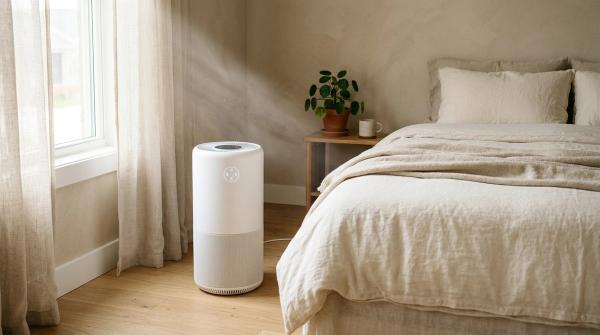
Where to Place Your Air Purifier
#Placement affects how quickly the red light clears. It also affects how well the purifier cleans the room.
For bedrooms, living rooms, rented flats and apartments:
- Place the purifier in an open area.
- Keep intake and outlet vents clear.
- Avoid tight corners.
- Do not place it behind curtains or furniture.
- Keep it away from direct cooking steam.
- Keep it away from humidifier mist.
- Do not place it where bedding, clothes or papers can block airflow.
The purifier needs open air. That is the main rule.
Filter Replacement vs Filter Reset
#A filter replacement and an air purifier filter reset are related, but they are not the same thing.
Filter Replacement
#Filter replacement means physically removing the old filter and installing a new one.
You may need to replace the filter when the filter indicator says it is time, the filter is visibly dirty or clogged, airflow has become weak, the purifier has been used heavily in smoke or dust or the manual’s replacement period has passed.
Always use the correct filter for your purifier model.
Filter Reset
#Filter reset means telling the purifier that the filter has been changed.
Many purifiers track filter life through a timer or usage counter. They may not detect a new filter automatically. So even after installing a fresh filter, the red filter light may stay on until you reset it.
Common reset methods include pressing and holding a filter, reset or mode button. The exact steps depend on the brand and model, so check the manual.
Quick Troubleshooting Table
#When to Call Customer Support
#Call the manufacturer’s support team if the air purifier red light stays on after you have done the basic checks safely.
Contact support if:
- The red air quality light stays on in a clean, ventilated room.
- The sensor has been cleaned gently but the reading still seems wrong.
- The filter has been replaced and reset, but the filter icon stays red.
- The purifier shows an error light or strange flashing pattern.
- The fan does not run properly.
- You smell burning, hear odd sounds or see electrical damage.
If there are signs of electrical trouble, stop using the purifier and unplug it. Do not open internal electrical parts yourself.
Final Takeaway
#An air purifier red light does not always mean you need a new filter right away.
First, check whether it is an air quality warning or a filter reminder. If it is an air quality light, look for cooking smoke, incense, dust, blocked airflow, candles or humidifier mist. Improve ventilation if the outdoor air is okay, and let the purifier run.
If it is a filter light, inspect the filter and reset the indicator after replacement. And if the purifier seems stuck on red in a clean room, try safe, dry PM2.5 sensor cleaning before assuming the machine has failed.