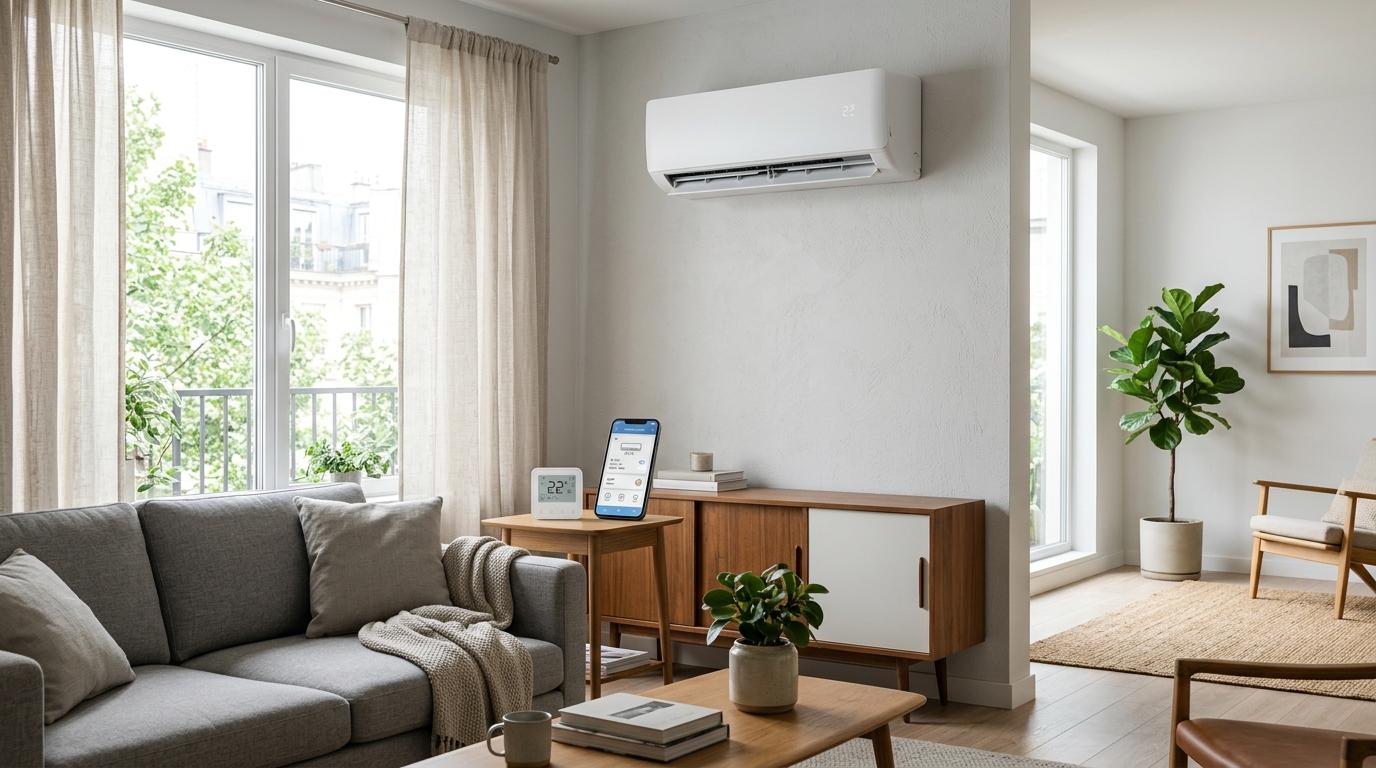
For most homes, the better choice is a smart AC controller, not a regular smart plug. A smart AC controller works like your AC remote: it can turn the AC on, change temperature, adjust mode and control fan speed. A smart plug only cuts or restores power at the socket, which is less useful and may be unsafe for many air conditioners.
If you want to make your air conditioner “smart,” it is tempting to buy a smart plug and call it done. Smart plugs are cheap, easy to use and work well with lamps, chargers and small appliances.
But an air conditioner is different. ACs are high-power appliances with compressors, motors, startup loads, specific plug requirements and safety rules you should not ignore.
So if your AC already uses a remote, especially if it is a split AC, window AC or portable AC, a smart AC controller is usually the safer, cleaner and more useful option.
The simple difference
#A smart AC controller controls your air conditioner the way your regular remote does. It sends infrared commands to the AC and tells it what to do.
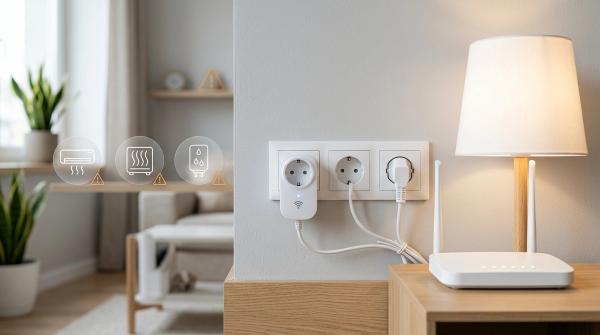
A smart plug controls electricity. It sits between the wall socket and the AC plug, then switches power on or off.
A smart thermostat is another category. It is usually meant for central HVAC systems with thermostat wiring. In many apartments, especially in India and other places where split ACs are common, a smart thermostat usually is not the right product.
Why a smart AC controller usually makes more sense
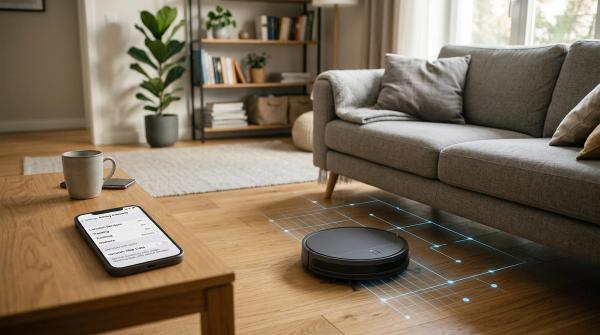
#A smart AC controller is basically a small Wi-Fi remote for your air conditioner.
You place it in the same room as the AC, preferably somewhere with a clear view of the indoor unit. Then you connect it to Wi-Fi, pair it with your AC brand or remote type, and control the AC from an app.
Once it is set up, you can usually do things like:
- Turn the AC on before you reach home
- Change the temperature from your phone
- Switch between cool, dry, fan or auto mode
- Adjust fan speed
- Create sleep schedules
- Turn the AC off if you forgot
- Use voice assistants, if supported
- Run simple routines, like cooling the room before bedtime
The best part is that the controller is not handling the AC’s electrical load.
Your air conditioner stays plugged into the proper wall socket. The controller simply sends commands, just like your handheld remote. That makes it much better for apartments and rented homes because there is no wiring, no socket change and no need to disturb the AC’s power supply.
Of course, it is not perfect. A smart AC controller usually needs line-of-sight to the AC. If a curtain, cupboard or wall blocks the infrared signal, the command may not go through. It also needs to be compatible with your AC remote. Most common IR-remoted ACs work, but you should still check before buying.
Why a smart plug is usually not the right shortcut
#Smart plugs are genuinely useful for lamps, fairy lights, small fans, chargers and some simple appliances that are meant to be switched on and off from the socket.
But an air conditioner is not a simple appliance.
ACs use motors and compressors. When the compressor starts, it can draw more current than it uses while running normally. That startup demand is one reason a smart plug may look fine on paper but still not be suitable for an AC in real life.
Some manufacturers are clear about this. TP-Link says its Tapo and Kasa smart plugs are not suitable for motor-driven, high-power loads such as air conditioners, refrigerators and washing machines. That warning matters.
Many people see a smart plug and think, “If it fits, it works.” With ACs, that is not a safe assumption.
There is also a comfort issue. A smart plug can only cut power or restore power. It cannot tell the AC to cool at 24°C. It cannot switch to dry mode. It cannot lower the fan speed. It cannot use all the normal features your AC remote already gives you.
And there is another catch: many ACs do not automatically start cooling after power comes back. Some return to standby mode. Some remember the last setting. Some do not. So your app may show that the smart plug is on, but your room may still be hot because the AC itself never actually started cooling.
When can you use a smart plug with an AC?
#There are a few limited cases where a smart plug may be acceptable. But everything needs to line up clearly.
You should only consider using a smart plug with an air conditioner if:
- The AC manual allows external plug-in control, or at least does not warn against it.
- The smart plug manual clearly says it can handle that type of load.
- The current and wattage ratings are suitable for the AC.
- The AC restarts properly after power is restored.
- The plug, socket and wiring are correct for the appliance.
- You are not using extension cords, adapters, converters or loose plug arrangements.
- The smart plug is from a reliable brand and has proper safety certification.
If you are unsure about any of this, do not guess. Use a smart AC controller instead.
This is one of those cases where “it worked for my friend” is not good enough. Electrical safety depends on the exact appliance, plug, socket, wiring, load and product design.
Smart thermostat vs smart AC controller
#Smart thermostats can be excellent, but only in the right kind of home.
They are usually made for central HVAC systems, where one wired thermostat controls heating and cooling for the whole house. ENERGY STAR notes that certified smart thermostats are independently certified based on actual field data to save energy, which is useful for homes that actually have compatible HVAC systems.
But many apartments do not work that way.
In India, much of Asia and many rented flats around the world, people usually have independent split ACs or window ACs. Each room has its own unit, and each unit has its own remote.
In that setup, a smart thermostat usually is not what you need.
If your AC is a normal wall-mounted split AC, a smart AC controller is the practical choice. It works with the way your AC is already designed to be controlled.
Do not try to hardwire a smart thermostat into a split AC as a DIY project. It can be unsafe, incompatible and unnecessary.
Notes for Indian apartments and homes
#For Indian homes and apartments, smart AC controllers often make even more sense.
Many ACs use 16A sockets
#Split ACs and many window ACs in India commonly use 16A sockets. These are different from the regular 6A sockets used for smaller devices.
A basic smart plug may not fit. And even if you find an adapter, that does not automatically make it safe.
Do not use adapters just to force a smart plug into an AC setup. If the plug, socket and appliance rating do not clearly match, stop there.
Split ACs are very common
#Most apartment residents are not dealing with central ducted HVAC. They usually have one AC per room, controlled by an IR remote.
That is exactly where smart AC controllers are useful.
You can keep one controller in the bedroom for the bedroom AC, and another in the living room if needed. No rewiring. No changing sockets. No disturbing the AC plug. No landlord drama.
Power cuts can make automation unpredictable
#Power cuts are another reason to think carefully.
When the power goes out, your AC, Wi-Fi router and smart devices may all go offline. When power returns, a smart AC controller may reconnect and continue schedules depending on the model and app.
A smart plug can be less predictable. Even if the plug powers back on, the AC itself may not start cooling unless it supports power-on memory or auto restart.
Check your AC manual to see what it does after power comes back.
Renters should avoid electrical changes
#If you rent your home, avoid changing sockets, altering wiring or creating makeshift plug setups just for automation.
A smart AC controller is renter-friendly because it usually just plugs into a normal socket and sends IR commands. You can also take it with you when you move.
And one more important thing: if your AC socket, stabilizer or plug point looks burnt, loose, discolored or gets hot, get it checked by a qualified electrician before adding any smart-home device.
Safety checklist before automating your AC
#Before buying anything, go through this quick checklist.
1. Read the AC manual
#Look for information about:
- Power supply requirements
- Plug and socket type
- Restart behavior after power cuts
- External switching devices
- Warnings about adapters, extension cords or shared outlets
If the manual says not to use external switching devices, follow it.
2. Read the smart plug manual
#Do not rely only on the product listing.
A listing may say “high power” or “heavy duty,” but the manual and safety notes matter more.
Check for:
- Maximum current rating
- Maximum wattage rating
- Motor-load support
- Air conditioner warnings
- Indoor use requirements
- Plug and socket compatibility
If the smart plug manual does not clearly support AC use, do not use it for an AC.
3. Respect load ratings
#An AC does not behave like a lamp. The startup load can be higher than the normal running load.
If you do not know how to check current, wattage and motor-load suitability, do not improvise. Choose a smart AC controller, or ask the AC manufacturer or a qualified electrician.
4. Avoid extension cords
#The U.S. Consumer Product Safety Commission warns that unsafe extension cords can create shock and fire risks. That warning is especially important for high-draw appliances like air conditioners.
As a practical rule, your AC should be plugged into the correct wall outlet meant for it. Do not connect an AC through an extension cord, power strip, loose adapter or random converter just to add smart control.
5. Watch for warning signs
#Stop using the plug, socket or device if you notice:
- Burning smell
- Heat at the plug or socket
- Flickering power
- Crackling sounds
- Loose fitting plug
- Melt marks
- Discoloration
Smart automation should never make an electrical connection feel stressed.
6. Do not do DIY wiring
#This article is general information, not a wiring guide.
Do not open the AC, bypass plugs, modify stabilizers, replace sockets yourself or wire a smart thermostat into an AC.
Use products the way they are meant to be used.
Energy savings: what to expect
#A smart AC controller can help reduce waste, but it will not magically cut your electricity bill in half.
The savings come from better control and better habits.
For example:
- You can turn on the AC 15 minutes before reaching home instead of leaving it running for hours.
- You can schedule a slightly warmer temperature later at night.
- You can turn the AC off remotely if you forgot.
- You can avoid overcooling the room.
- You can create routines that match your actual day.
That can make a real difference, but the final result depends on many things:
- Room size
- Outdoor temperature
- AC capacity
- AC condition
- Insulation
- Sunlight
- Temperature setting
- How long you run the AC
- Local electricity rates
- Whether doors and windows are closed
A smart controller gives you better control. It does not replace regular servicing, sensible temperature settings or basic habits like keeping doors and windows closed.
A smart plug may look cheaper at first, but for ACs it usually gives you only blunt on/off control. You lose the temperature, mode and fan settings that actually make the AC comfortable to use.
What should you buy?
#Choose a smart AC controller if:
- Your AC has an IR remote
- You want app control
- You want schedules and temperature changes
- You live in an apartment or rented home
- You use a split, window or portable AC
- You do not want to switch the AC’s electrical load
Avoid a smart plug for an AC unless:
- The AC manual clearly allows it
- The smart plug manual clearly allows it
- Ratings and load type are appropriate
- The AC restarts properly after power returns
- You are not using adapters or extension cords
Choose a smart thermostat only if:
- You have a compatible central HVAC system
- Your home has proper thermostat wiring
- The installation is done correctly
- You are not trying to force it onto a normal split AC
For most apartments, especially in India, the answer is simple: if your AC works with a remote, get a smart AC controller.
Related AllBlogs reads
#If you are setting up a smarter apartment, these existing AllBlogs guides pair well with this topic:
- Smart Plug Safety Checklist: What Not to Plug In at Home
- AC Temperature Setting Guide for Indian Apartments
- AC Dry Mode vs Dehumidifier for Monsoon Humidity
- Plug-In Watt Meter vs Smart Plug: What Should You Buy?
- Air Circulator vs Tower Fan vs Pedestal Fan
Bottom line
#For most homes, a smart AC controller is the best balance of safety, comfort and useful automation.
It lets you control the AC from your phone without interrupting the appliance’s power supply.
A smart plug is fine for many smaller devices, but it is usually the wrong tool for an air conditioner unless the manuals and ratings very clearly say otherwise.
A smart thermostat is great for compatible central HVAC systems, but it is usually not made for normal split ACs in apartments.
When in doubt, read the manuals, respect the load ratings, avoid DIY electrical work and choose the option that controls your AC without creating extra risk.