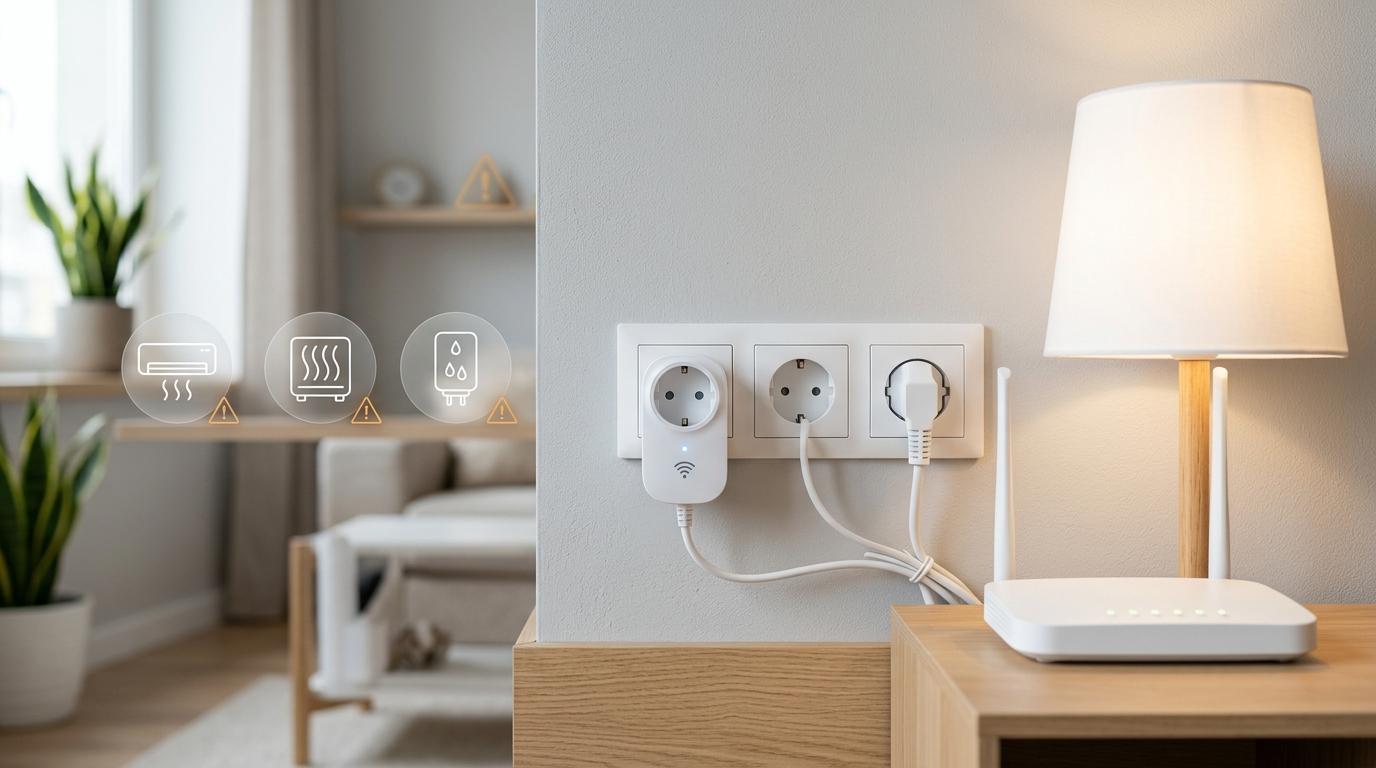
Quick answer: For better smart plug safety, avoid plugging in space heaters, stoves, hot plates, extension boards, power strips, or any appliance that should not run without supervision. Smart plugs are best for low-load devices like lamps, fans, routers, and a few everyday electronics. Before using one with anything heavy, check the smart plug load rating, appliance wattage, plug type, socket rating, earthing, and the product manual.
Smart plugs are a simple way to make your home feel smarter without changing your wiring or replacing your appliances. Plug one into the wall, connect it to Wi-Fi, and suddenly your regular lamp, fan, or router can run on a schedule, respond to voice commands, or switch off from your phone.
That part is genuinely useful.
But a smart plug is still an electrical device with limits. It is not a magic adapter that can safely control every appliance in your house. If you connect the wrong device, overload the plug, or use it with an extension board, it can overheat, melt, fail, or even become a fire risk.
This guide keeps things practical. We’ll go through what not to plug into a smart plug, how to understand 10A vs 16A smart plug ratings, what Indian homes should know about 6A, 10A, and 16A sockets, and when a smart plug for geyser or smart plug for AC needs extra caution.
The first rule of smart plug safety: check the load rating
#Every smart plug has a maximum load it can handle. You’ll usually find it written in amps, watts, or both.
That number matters more than the app, design, brand name, discount, or Alexa and Google Assistant support.
The smart plug load rating tells you how much current can safely pass through the plug. If the appliance draws more power than the smart plug is designed for, the plug can heat up. In a bad case, it can fail dangerously.
A basic formula is:
Watts = Volts × Amps
So, roughly:
This is only a rough calculation. It does not mean you should run a smart plug at its maximum limit for hours every day. Heat builds up. Startup surges matter. Socket quality matters. Loose wiring matters. The appliance manual matters too.
Smart home brands say the same thing in different ways. Amazon Smart Plug safety guidance warns users not to overload the device, not to use it with power strips or extension cords, and not to control dangerous equipment that should not run unattended, such as heaters or stoves. Ring safety information also warns that ignoring instructions can lead to fire, electric shock, or injury.
The mindset is simple: a smart plug is safe only when the plug, socket, wiring, and appliance are all being used within their limits.
10A vs 16A smart plug: what it means in Indian homes
#In India, most homes have different socket sizes for different types of appliances. Smaller everyday devices usually use 6A or 10A sockets. Heavier appliances usually need larger 16A sockets.
This is not just about plug size. It is a safety feature.
6A and 10A sockets
#These are commonly used for lighter devices, such as:
- Table lamps
- Phone chargers
- Wi-Fi routers
- Small fans
- TVs
- Set-top boxes
- Low-power decorative lights
Most compact smart plugs are made for this kind of use. They are convenient for simple automation and usually work well with low-load appliances.
16A sockets
#These are used for heavier appliances, often in bathrooms, kitchens, utility areas, or AC points. You may see them used for:
- Geysers
- Some air conditioners
- Microwaves
- High-power kitchen appliances
- Larger pumps or motors, depending on the setup
If an appliance has a large 16A plug, do not force it into a 6A or 10A smart plug using an adapter. That defeats the safety design. It can also overload the smaller smart plug or wall socket.
When comparing 10A vs 16A smart plug options, the safest answer is not always “buy the biggest one.” The safer answer is: match the smart plug to the appliance, socket, wattage, plug type, and manual instructions.
For a bedside lamp, a 16A smart plug is probably unnecessary. For a geyser, a 10A smart plug is usually the wrong choice.
Quick checklist: safer, caution, and avoid
#Use this table before plugging anything into a smart plug.
What not to plug into a smart plug
#Some devices sound convenient to automate, but they are poor matches for regular consumer smart plugs.
1. Space heaters
#Space heaters are one of the clearest “don’t do it” cases.
They draw a lot of power continuously, and they create heat by design. The U.S. Consumer Product Safety Commission advises that space heaters should be plugged directly into a wall outlet, not into an extension cord or power strip.
A smart plug adds another connection point. If it is underrated, loose, poor quality, or used close to its limit for long periods, heat can build up. That risk is not worth the convenience.
2. Stoves, hot plates, and open heating appliances
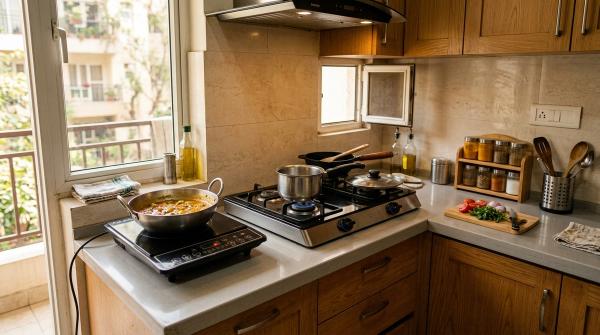
#Do not use a smart plug to remotely control stoves, hot plates, or similar heating appliances.
Amazon Smart Plug safety guidance warns against using smart plugs with dangerous equipment that should not run unsupervised, including heaters and stoves.
The reason is obvious once you think about it. If a heating appliance turns on when nobody is nearby, one small mistake can become serious quickly.
Avoid automations such as:
- “Turn on at 6 a.m.”
- “Turn on when I leave office.”
- “Turn on when the temperature drops.”
- “Turn on with a voice command.”
Those automations are fine for a lamp. They are not safe for a stove.
3. Extension boards and power strips
#This is one of the most common smart plug mistakes.
Someone plugs a smart plug into the wall. Then they plug an extension board into the smart plug. Then they connect a TV, speaker, charger, lamp, and router to that extension board.
It may work for a while, but the problem is the total load. The danger is not always one single device. It is the combined power draw of everything connected at the same time.
The safer rule is simple:
One smart plug, one suitable appliance, directly into a proper wall socket.
Do not use a smart plug as a master switch for a loaded extension board.
4. Heavy kitchen appliances without checking ratings
#Kitchen appliances can be tricky because many of them use heating elements, motors, or both. That can mean high current draw, startup surge, or long periods of heat generation.
Be careful with:
- Coffee makers
- Electric kettles
- Microwaves
- Toasters
- Ovens
- Mixers and grinders
- Induction cooktops
Some of these may technically fall within the rating of a particular smart plug. Others may not. The point is: don’t guess.
Check the appliance label. Check the smart plug manual. Also ask yourself whether the appliance is safe to switch on when nobody is standing nearby. If the answer is no, don’t automate it with a plug-in smart socket.
5. Air conditioners
#A smart plug for AC is tempting because ACs use a lot of electricity, and schedules can help. But an AC is not a simple load like a lamp.
Air conditioners have compressors. When a compressor starts, it can draw much higher current for a short time than it uses while running normally. This startup surge can stress the relay inside a plug-in smart socket.
Even if your AC plug looks compatible with a 16A smart plug, check:
- AC manual
- AC plug type
- Rated power
- Smart plug load rating
- Wall socket condition
- Earthing
- Whether the manufacturer allows this type of switching
For many AC users, a smart IR remote may be a safer choice. It controls the AC like a normal remote instead of cutting and restoring the main power supply.
For fixed, high-load, or unclear setups, speak to a qualified electrician.
6. Geysers and water heaters
#A smart plug for geyser is a popular idea in Indian homes. It makes sense: you want the geyser to turn on before a bath and switch off automatically later.
But geysers are high-load appliances. Also, water and electricity are not a place for shortcuts.
If you are thinking about using a smart plug for a geyser:
- Do not use a 6A or 10A smart plug for a geyser that needs a 16A connection.
- Do not use adapters to force plugs to fit.
- Check the geyser wattage on the label or manual.
- Use only a smart plug with a suitable load rating and matching plug type.
- Make sure the wall socket is properly earthed.
- Do not use loose, damaged, or burn-marked sockets.
- Ask an electrician if the geyser is fixed, hardwired, or on a dedicated circuit.
A smart plug does not fix bad wiring. It does not replace proper earthing, circuit protection, or correct installation.
Why smart plugs overheat or fail
#Most smart plug problems come from a few avoidable causes.
Overloading
#This happens when the appliance draws more power than the smart plug can safely handle. Sometimes the problem appears immediately. Sometimes heat builds slowly over time.
Running too close to the maximum limit
#A plug may advertise a maximum rating, but continuous heavy use near that limit can still generate heat. This matters especially for appliances that run for long periods.
Startup surge
#Motors and compressors can draw extra current when starting. The normal running wattage may look safe, but the starting current can be much harder on the smart plug.
Loose sockets
#A loose wall socket can cause poor contact, heating, sparking, or random power cuts. If the plug does not fit firmly, do not use that socket for automation.
Daisy-chaining
#Connecting a smart plug to an extension board or power strip makes the load harder to control. It also adds more connection points, which increases risk.
Smart plug safety checklist before buying
#Before buying a smart plug, check these basics.
- Check the amp rating: Look for 10A or 16A clearly mentioned, depending on your appliance and socket.
- Check the watt rating: Do not rely only on words like “heavy duty.”
- Match the plug type: A 16A appliance should use a proper 16A socket and compatible smart plug.
- Read the manual before buying if possible: Look for warnings about heaters, stoves, extension cords, and unattended appliances.
- Look for overload information: Some models mention overload protection, but you still need to stay within rated limits.
- Check connectivity needs: Wi-Fi, Zigbee, or other systems affect convenience, not electrical safety.
- Buy for the appliance, not the discount: A cheap smart plug is not a bargain if it is underrated for the job.
Smart plug safety checklist while using
#Once you have the smart plug, use it carefully.
- Plug it directly into the wall socket.
- Do not connect extension boards or power strips.
- Do not exceed the smart plug load rating.
- Check the appliance label for watts or amps.
- Avoid space heaters, stoves, and unsupervised heating devices.
- Inspect for heat during early use.
- Stop using it if the plug, socket, or appliance plug becomes hot.
- Watch for discoloration, buzzing, or a burning smell.
- Keep it away from water exposure.
- Use proper earthing, especially for geysers, ACs, pumps, and metal-body appliances.
- Call an electrician for fixed, hardwired, or high-load appliances.
Practical examples
#Good use: lamp automation
#A bedside lamp is a classic smart plug use case. It is low power, predictable, and genuinely useful with schedules or voice control.
Good use: fan scheduling
#A table fan or pedestal fan can work well if its wattage is within the smart plug’s rating. This is especially useful for renters who cannot install smart switches.
Caution use: geyser timer
#A geyser timer sounds convenient, but the electrical setup must be right. Use the correct rated plug, proper 16A socket if required, and proper earthing. If the socket condition is doubtful or the geyser is hardwired, don’t experiment. Ask an electrician.
Caution use: AC control
#Do not assume a 16A smart plug automatically makes AC control safe. Compressors and startup current matter. Check the manual and consider safer alternatives like a smart IR remote where suitable.
Bad use: heater on remote control
#Turning a heater on remotely while you are away from the room or outside the house is not a smart idea. Keep heaters directly plugged into the wall and supervised, following the manufacturer’s instructions.
Smart plugs are useful, just not universal
#A smart plug is a convenient switch. It is not a circuit breaker replacement, not a surge protector replacement, not an electrician, and not permission to automate every appliance in the house.
Used properly, smart plugs are excellent for:
- Lamps
- Fans
- Routers
- Decorative lights
- Some low-load electronics
Used carelessly, they can become risky with:
- Heaters
- Stoves
- Extension boards
- High-load kitchen appliances
- Geysers without proper rating checks
- ACs without surge and manual considerations
The safest smart home is not the one with the most automation. It is the one where each automation matches the actual electrical load of the appliance.
Disclaimer: This article is for general education. Electrical rules, wiring quality, socket ratings, and appliance requirements vary by home and region. For heavy-load, fixed, hardwired, or doubtful setups, consult a qualified electrician.