If you just want to know how much electricity one appliance is using, buy a plug-in watt meter. It is simple, works without Wi-Fi, does not need an app, and gives you the most important number: kWh.
If you want to track usage on your phone, see charts, set schedules, or turn devices on and off remotely, buy an energy-monitoring smart plug.
Both are useful in apartments, rented homes, and regular households. The better choice depends on what you actually want: a no-fuss measuring tool, or a smart device that also tracks energy.
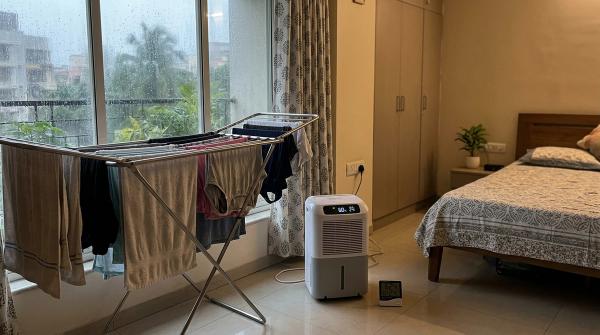
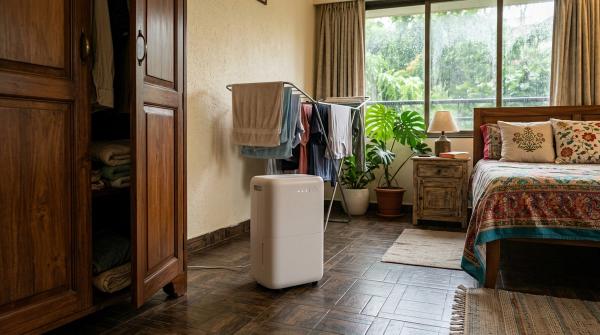
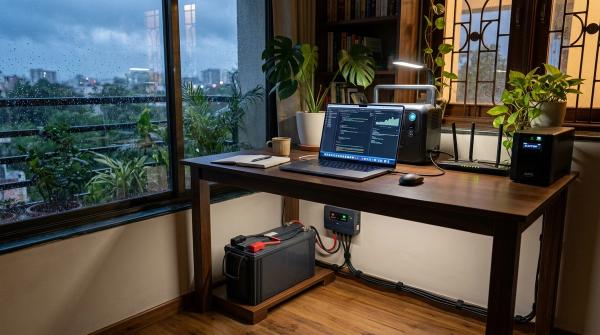
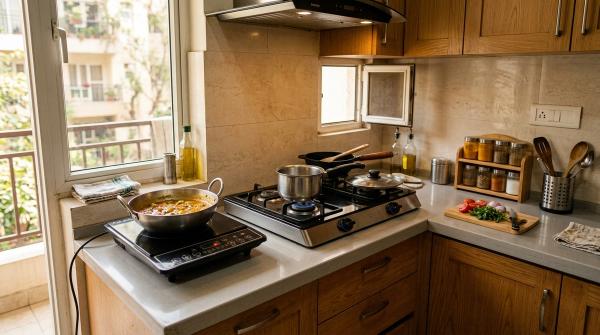
If your electricity bill suddenly feels too high, guessing rarely helps. It could be the fridge cycling too often, a fan running all night, a desktop setup used for long hours, or a dehumidifier working overtime during monsoon season. Even small always-on devices like a Wi-Fi router, TV box, or speaker system can add up over a month.
The useful question is not, “Which appliance looks expensive?”
It is:
“How many kWh is this appliance actually using?”
That is where a plug-in watt meter, an energy-monitoring smart plug, or in some cases a whole-home energy monitor can help.
Quick Verdict
#For most people, a plug-in watt meter is the best first buy. It is cheap, portable, private, and easy to use. Plug it in, connect the appliance, and read the numbers.
Choose an energy-monitoring smart plug if you want ongoing tracking through an app, daily or weekly usage history, schedules, timers, or remote control.
A whole-home energy monitor is worth considering if you own your home and want to understand total household electricity use from the electrical panel. For renters, it is usually not the easiest place to start.
What a Plug-In Watt Meter Does
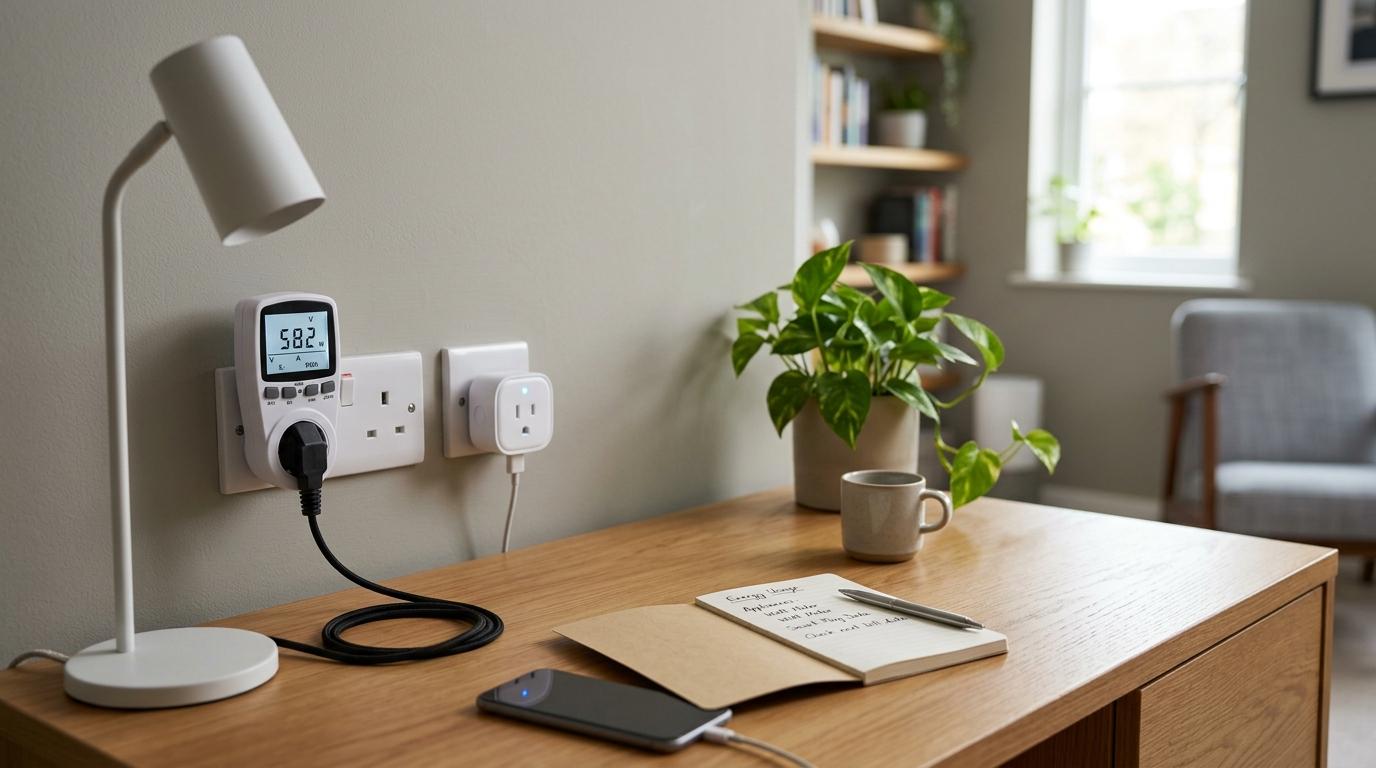
#A plug-in watt meter sits between your wall socket and your appliance.
You plug the meter into the wall, then plug the appliance into the meter. The meter then shows how much power the appliance is using.
Most basic plug-in watt meters can show:
- Watts: The live power draw right now.
- Kilowatt-hours, or kWh: The total energy used over time. This is the key number because electricity bills are based on kWh.
- Volts and amps: Useful for checking supply and load.
- Estimated cost: Some models let you enter your electricity rate and show an approximate cost.
If you are looking for a basic kWh meter for home use, this is usually the simplest option. It will not connect to your phone or make your home smarter, but it will answer the question you actually care about:
“How much electricity is this appliance using?”
What an Energy-Monitoring Smart Plug Does
#An energy-monitoring smart plug is a smart plug with electricity tracking built in.
Like a watt meter, it sits between the wall socket and the appliance. But instead of showing readings only on a small display, it sends the data to an app.
Depending on the model and app, it can help you:
- Check appliance electricity use from your phone.
- See daily, weekly, or monthly energy trends.
- Turn devices on or off remotely.
- Set schedules and timers.
- Cut standby power for devices that do not need to stay on all day.
ENERGY STAR notes that smart-home energy systems can include plug-load monitoring and control. In everyday terms, smart plugs can be part of a larger home energy-saving setup, especially for devices plugged into normal sockets.
The tradeoff is convenience versus simplicity. A smart plug usually needs Wi-Fi, an app, and sometimes an account. It also uses a small amount of electricity itself so it can stay connected.
Comparison Table: Watt Meter vs Smart Plug vs Whole-Home Energy Monitor
#Which One Should You Buy?
#Buy a plug-in watt meter if you want something simple
#A plug-in watt meter is the better choice if you want a practical tool, not another app to manage.
It is especially useful for renters, students, apartment residents, and families who want to check a few appliances without changing anything about the home.
It works well for testing:
- Fans
- Wi-Fi routers
- TVs
- Desktop computers
- Chargers
- Refrigerators, if the meter and socket rating are suitable
- Small kitchen appliances for short checks, only when safely within rating
It is also a good option if your Wi-Fi is unreliable or you do not want your usage data going into a cloud-connected app.
The downside is convenience. If the socket is behind a fridge, desk, or TV unit, reading the display can be annoying. And if you want a long-term record, you will need to note the readings yourself.
Buy an energy-monitoring smart plug if you want usage patterns
#A smart plug makes more sense when you want to see behaviour over time.
For example, you may want to know:
- How much your entertainment unit uses overnight.
- What your work-from-home desk setup costs in a week.
- Whether a fan is running longer than you realise.
- How much standby power your devices use.
It works well for:
- TV and set-top box areas
- Lamps
- Desk setups
- Some fans
- Chargers
- Routers, as long as you do not accidentally schedule them off
- Devices where timers and schedules are genuinely useful
The biggest advantage is control. If the app supports it, you can turn devices off remotely or set schedules. This can reduce standby use, especially for devices that do not need power all day.
But a smart plug is not for everyone. If you dislike app setup, have weak Wi-Fi, or do not want another connected device at home, a basic plug-in watt meter is less frustrating.
Consider a whole-home monitor if you want the bigger picture
#A whole-home energy monitor is different from both of these. It does not measure one socket at a time. It tracks electricity use at the home level, usually from the electrical panel.
This can be helpful if you own the home and want to understand total household energy use. Some systems can also estimate which appliances are running, though accuracy depends on the product and installation.
For most renters, it is not the easiest option. Panel-level devices may need homeowner permission, electrical access, and proper installation.
If your main concern is one fridge, one fan, one router, or one work desk, start with a plug-in device first.
How to Measure Appliance kWh and Estimate Monthly Cost
#You can use this process with either a plug-in watt meter or an energy-monitoring smart plug.
1. Check the rated load first
#Before plugging anything in, check the rating on the watt meter or smart plug.
Look for:
- Voltage
- Maximum amps
- Maximum wattage
Then check the appliance label. Do not use the meter or smart plug if the appliance can exceed the device’s rating.
This matters a lot in Indian homes because many houses have a mix of regular sockets and heavier 16A sockets for appliances like geysers and air conditioners. Do not plug an AC, geyser, or AC stabilizer into a standard smart plug unless the plug is clearly rated for that load.
When in doubt, do not test that appliance through a small plug-in device.
2. Plug it directly into the wall
#Plug the watt meter or smart plug into a suitable wall socket. Then plug the appliance into the meter or smart plug.
Avoid messy chains like:
Wall socket → extension board → adapter → smart plug → appliance
That kind of setup can become unsafe, especially with heavier loads.
3. Reset the kWh reading
#If your meter has old readings stored, clear them before starting.
For a smart plug, open the app and make sure energy monitoring is enabled.
You want a clean reading for the appliance you are testing.
4. Choose a sensible test period
#Some devices use steady power. Others cycle on and off. The test length should match the appliance.
Good test periods:
- Wi-Fi router: Test for 24 hours.
- Fan: Test during your normal usage pattern.
- Fridge: Test for at least 24 hours because the compressor switches on and off.
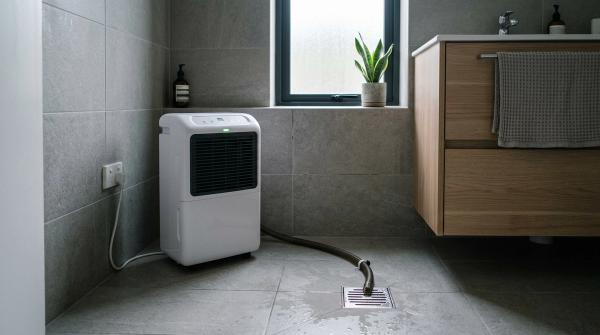
- Dehumidifier: Test during normal damp-weather or monsoon use.
- Entertainment unit: Test during a normal evening and overnight standby.
- Desktop setup: Test across a typical workday.
For appliances that cycle, longer tests are more accurate.
5. Note the kWh used
#After the test, write down the kWh reading.
Example:
- Appliance tested: Wi-Fi router
- Test time: 24 hours
- Energy used: 0.20 kWh
This means the router used 0.20 units of electricity in one day.
6. Multiply by your electricity rate
#Check your electricity bill for the per-kWh rate.
If your bill has slabs, fixed charges, taxes, or time-of-use pricing, this will only be an estimate. But it is still useful for comparison.
Formula:
Daily cost = kWh used in 24 hours × electricity rate per kWh
Example:
0.20 kWh × ₹8 per kWh = ₹1.60 per day
7. Estimate the monthly cost
#Formula:
Monthly cost = daily cost × 30
Example:
₹1.60 × 30 = ₹48 per month
If you tested for less than 24 hours, scale carefully.
For example, if a device used 0.10 kWh in 6 hours and you normally use it for 6 hours a day, then 0.10 kWh is already your daily usage estimate.
Safety Notes Before You Start
#Measuring electricity use is helpful, but safety matters more than saving a few rupees.
Do not overload plugs, cords, or extension boards
#The CPSC and ESFI warn against overloaded cords and power strips. Avoid stacking adapters, extension boards, smart plugs, and meters just to reach a socket.
If the setup looks temporary, loose, crowded, or improvised, stop and find a safer wall outlet.
Always check the rating
#A plug-in watt meter or smart plug is not automatically safe for every appliance.
Before every test, check:
- The meter or plug rating
- The appliance rating
- The socket type
- The condition of the plug and wire
If the appliance rating is higher than the device rating, do not use it.
Be careful with heat-producing appliances
#Be extra careful with appliances like:
- Room heaters
- Toasters
- Microwaves
- Irons
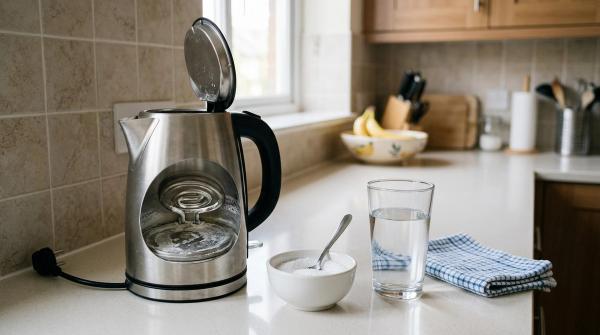
- Kettles
- Ovens
- Hair dryers
CPSC and ESFI guidance says major or heat-producing appliances should use suitable wall outlets. Do not leave high-heat appliances running through weak plugs, cheap adapters, or under-rated smart plugs.
If you are unsure, skip the test.
Be very cautious with AC stabilizers in Indian homes
#Many Indian homes use voltage stabilizers with air conditioners. Do not casually place a standard smart plug or basic watt meter between an AC, stabilizer, and wall socket.
Air conditioners and stabilizers can draw heavier loads than normal plug-in devices. Use only equipment clearly rated for that purpose, or consider a properly installed whole-home monitoring option.
Do not cover loaded plugs
#Meters and smart plugs need ventilation.
Do not hide them under:
- Curtains
- Bedding
- Clothes
- Bags
- Carpets
- Packed furniture spaces
If a plug feels hot, smells strange, changes colour, sparks, or makes crackling sounds, switch off power safely and stop using it.
What Should You Test First?
#Do not start by testing every phone charger in the house. Start with appliances that run for long hours or have unpredictable usage.
Good first tests include:
- Fridge: Runs day and night, so even small inefficiencies matter.
- Fans: Common in Indian homes and often used for many hours.
- Wi-Fi router: Low power, but always on.
- TV and entertainment unit: Useful for checking standby power.
- Desktop computer setup: Especially for work-from-home households.
- Dehumidifiers or monsoon appliances: Seasonal use can quietly raise bills.
- Older appliances: Worth checking if they run often or seem inefficient.
This also makes family conversations easier. Instead of saying, “Everyone needs to use less electricity,” you can say, “This device costs about ₹X per month.”
That is a much more practical conversation.
Related AllBlogs Guides
#- Smart Plug vs Smart Power Strip vs Timer Plug
- Air Purifier Electricity Cost in India
- BLDC Fan vs Normal Fan India
- Mini UPS vs Power Bank for Wi-Fi Router
Final Recommendation
#If you want the simplest and safest first step, buy a plug-in watt meter. Use it to test your main plug-in appliances one by one. It works offline, is easy to move around, and gives clear kWh readings without app setup.
If you already use smart-home devices and want charts, schedules, timers, and remote switching, choose an energy-monitoring smart plug. Just check the rated load carefully and avoid using weak plugs with heavy or heat-producing appliances.
Either way, the goal is the same:
Measure first, guess less, and make changes based on real appliance electricity usage.