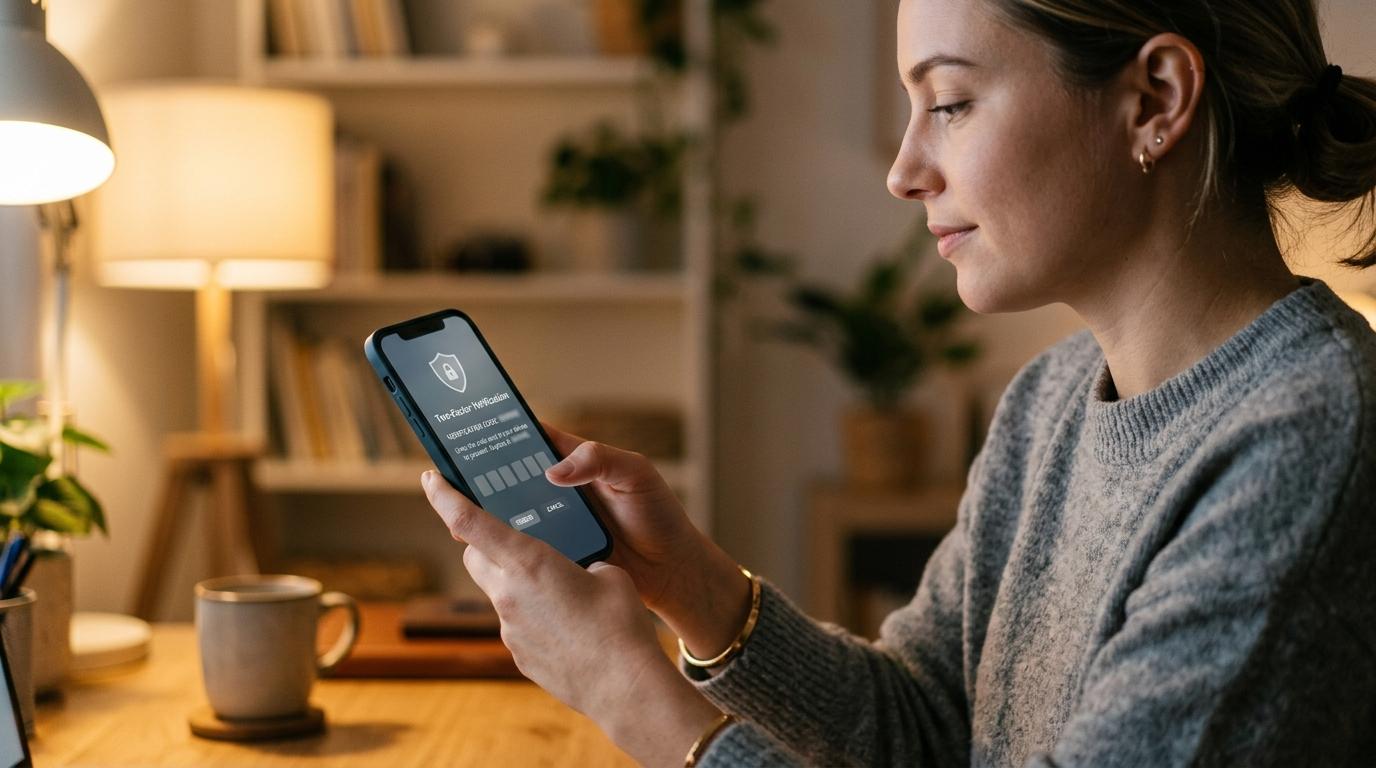
If you receive a verification code you didn’t request, don’t panic — and don’t share it with anyone. It may be a simple mistake, like someone typing the wrong phone number or email. But it could also mean someone is trying to log in, reset your password, or trick you into giving them access. Ignore the code, don’t click links, and check the account only through the official app or website if you’re concerned.
Why did I get an OTP or verification code I didn’t request?
#Verification codes, OTPs, and two-factor authentication codes are used to confirm that the person signing in is really you.
A service might send a code by SMS, email, app notification, authenticator app, or messaging service, depending on the platform.
If you didn’t ask for the code, one of three things is usually happening:
- Someone entered your phone number or email by mistake.
- Someone is trying to sign in to your account.
- Someone is trying to scam you into sharing the code.
Official consumer-safety guidance warns that scammers often ask people for verification codes to access accounts. Platform guidance also says unexpected codes may be ignored if you did not request them, but you should not share them.
Is it a mistake, a login attempt, or a scam?
#What to do right now if you get an unexpected verification code
#1. Ignore the code if you didn’t request it
#If you didn’t ask for the code, don’t use it. Don’t reply, tap links, or call a number inside the message unless you can confirm it from an official source.
2. Never share the code with anyone
#Never share an OTP, login code, password reset code, or two-factor authentication code with another person — not by phone, text, WhatsApp, email, form, or screenshot.
Be especially careful if someone claims to be from your bank, a payment app, customer support, a government office, a delivery company, a telecom company, your workplace IT team, or a fraud department.
3. Don’t click links in the message
#Some scam messages look like normal OTP alerts and may say “Your account is at risk,” “If this wasn’t you, verify now,” or “Block this login attempt.”
If you’re worried, open the official app yourself or type the official website address into your browser.
4. Check the account safely
#If the code came from an account you actually use:
- Open the official app or website.
- Sign in normally.
- Go to security, privacy, settings, or account activity.
- Look for recent logins, devices, locations, password changes, or recovery changes.
- Sign out of unfamiliar devices if the option is available.
5. Change your password if something feels off
#Change your password if the code came from an important account, you received several codes, you see unfamiliar logins, you received password reset emails, you recently clicked a suspicious link, you reused that password, or you already shared the code.
Use a strong, unique password. A password manager can help create and store strong passwords without needing to remember all of them.
6. Strengthen your two-factor authentication
#SMS codes are common and better than no extra security. For important accounts, consider stronger options where available:
- Authenticator apps
- Passkeys
- Security keys
- Backup codes
Start with email, banking, payment apps, cloud storage, work accounts, social media, shopping accounts with saved cards, and any account linked to identity or private files.
What not to do after receiving an OTP you didn’t request
#- Don’t reply to the message.
- Don’t approve login prompts you didn’t start.
- Don’t install remote access apps for unexpected callers.
- Don’t send screenshots that include codes or account alerts.
- Don’t pay random “account recovery” people.
If banking, cards, wallets, UPI, or payments are involved, contact your bank or payment provider through official support channels.
When is an unexpected code probably just a mistake?
#It’s more likely to be harmless if you received only one code, it came from a service you don’t use, nobody contacted you asking for it, you didn’t receive password reset emails, your account activity looks normal, or someone may have entered the wrong phone number.
When should you take it more seriously?
#Pay closer attention if codes keep arriving from the same account, codes arrive in bursts, you receive password reset emails, someone asks you for the code, you see unfamiliar devices, recovery details changed, you are suddenly logged out, or the account is connected to money, work, private files, or identity.
What if you already shared the code?
#Act quickly:
- Go directly to the official app or website.
- Change your password if you can still access the account.
- Sign out of other devices or sessions.
- Check recovery email and phone number.
- Review passkeys, authenticator apps, and 2FA settings.
- Remove anything you don’t recognize.
- Check recent account activity.
- If money is involved, contact official fraud support immediately.
- If locked out, use the platform’s official account recovery page.
Do not keep chatting with the person who asked for the code. Do not send another OTP.
How to protect your accounts without overthinking it
#Start with your email
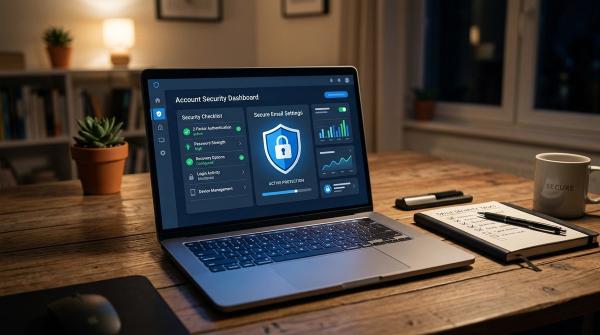
#Your email account is usually the key to everything else. Use a strong password, turn on two-factor authentication, review recent activity, and check recovery details.
Use different passwords for important accounts
#Use unique passwords for email, banking, payment apps, work accounts, cloud storage, social media, and government services.
Use stronger 2FA where possible
#Authenticator apps, passkeys, and security keys can be stronger than SMS codes for important accounts.
Keep recovery details updated
#Remove old phone numbers, old work emails, email addresses you no longer use, and recovery methods you don’t recognize.
Update your devices and apps
#Keep your phone, computer, browser, and apps updated so known security issues are patched.
Separate public and private contact details
#Creators, freelancers, job seekers, and students may benefit from separating public contact details from private recovery phone numbers and emails.
A simple OTP rule for families
#If you didn’t request the code, don’t share it. If someone asks for it, be suspicious. If money or account access is involved, contact the official company directly.